
Does UI/UX Design Require Coding?
24 Jan 2026UI/UX design doesn't require coding to start, but understanding basic tech constraints helps you create better, more realistic designs. Learn what tools you actually need and when coding becomes useful.
Welcome to the UI UX Design hub at Arachnid Web Solutions. Whether you’re just starting out or looking to level up, this page gives you straight‑forward answers you can use today. We’ll break down the most common questions – from the best degrees to the right tools – and show how you can fit design into a real‑world job.
Most beginners wonder if they must know HTML and CSS to succeed in UI UX. The short answer: not always, but a basic grasp helps you talk to developers and prototype faster. You can create wireframes and mockups with visual tools alone, but when you understand the code behind a design you’ll spot problems early and suggest fixes that work.
Think of it like learning the rules of a game before you play. You don’t have to become a full‑stack developer, but knowing how a button turns into <button> HTML or why a layout breaks at 768px can make your designs more solid.
If you’re asking “Which degree is best for UI UX?” the answer depends on your goals. A traditional graphic design degree gives you a strong visual foundation, while a computer‑science or interaction‑design program adds technical depth. Many designers skip a formal degree altogether and go through bootcamps or self‑study, focusing on portfolios and real projects.
Tool‑wise, Canva often pops up in discussions. Canva is great for quick social graphics and simple prototypes, but it lacks the depth of dedicated UI UX software like Figma or Adobe XD. Use Canva for fast mockups, then switch to a more powerful tool when you need interaction, component libraries, or team collaboration.
Can you learn UX design in just three months? It’s possible to grasp the basics – user research methods, wireframing, and usability testing – in that time if you follow a focused plan. Prioritize core skills, practice on real cases, and seek feedback. Speed works when you combine theory with hands‑on work, not when you just read articles.
Is UI UX a good career path? Absolutely, if you enjoy mixing creativity with problem‑solving. Companies across every industry need designers who can make products easy to use. The field offers freelance options, full‑time roles, and even remote work, giving you flexibility to shape your own path.
Finding a UX job can feel tough, but the market is growing. Stand out by building a solid portfolio, staying current with design trends, and learning a bit of front‑end code. Networking on platforms like LinkedIn or local meetups also opens doors to hidden opportunities.
Ready to dive deeper? Browse our article collection below. Each post tackles a specific question – from “Is Canva a UI UX Designer?” to “Navigating the UX Job Market.” Pick the one that matches your current challenge and start applying the advice right away.
UI/UX design doesn't require coding to start, but understanding basic tech constraints helps you create better, more realistic designs. Learn what tools you actually need and when coding becomes useful.

UX designers in 2026 earn solid salaries, with entry-level roles starting at $75K and seniors hitting $190K+. Location, specialization, and industry drive pay differences. Here’s what you really need to know.
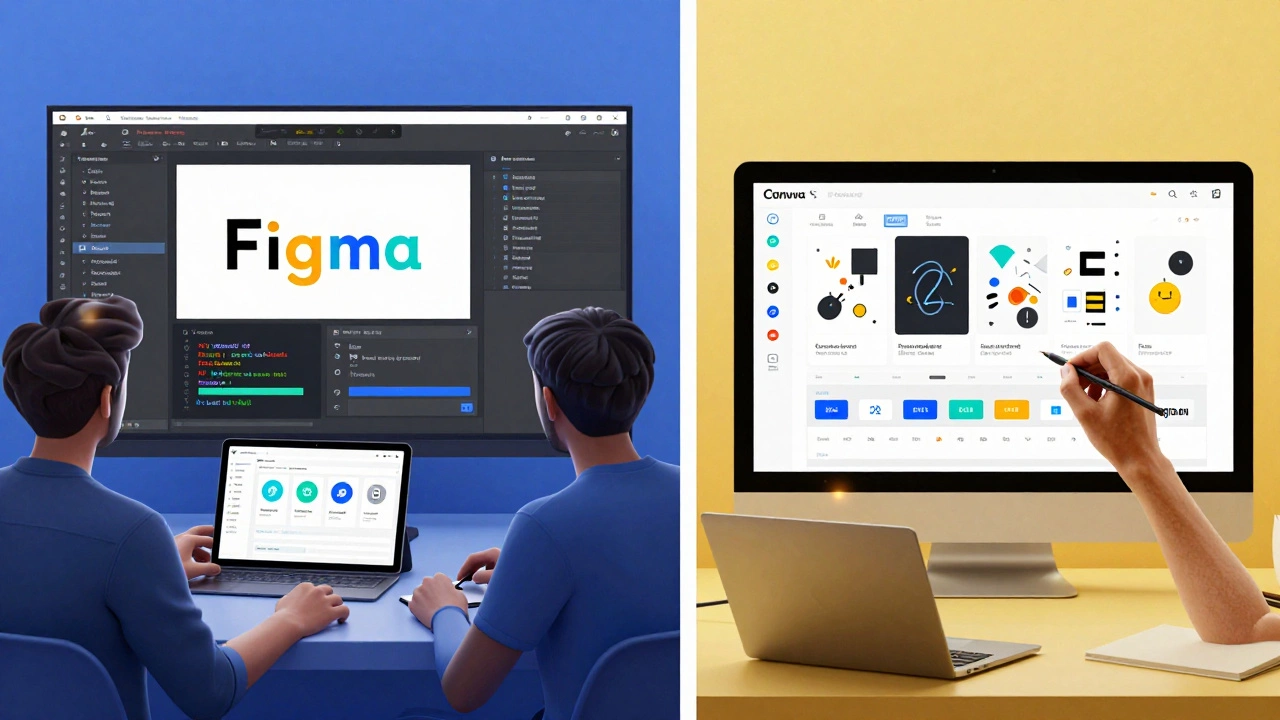
Figma and Canva both look similar at first glance, but they serve completely different purposes. Figma is for professional UI/UX teams building digital products. Canva is for quick, simple graphics. Know which one to use.
UX design doesn't require advanced math, but understanding basic numbers-like conversion rates, contrast ratios, and user behavior patterns-is essential. Learn how math shapes real-world user experiences.

Figma is the leading tool for UI/UX design teams, letting designers, developers, and product managers collaborate in real time on app and website interfaces. It replaces old workflows with live editing, prototyping, and automatic handoff.

Learn UI/UX design the right way-by solving real problems, not just using tools. This guide walks you through research, prototyping, testing, and building a portfolio that matters.

Learn how to build real UX skills in 3 months - no degree needed. Get a step-by-step plan, what to focus on, and how to land your first job with just a portfolio.

UI/UX designers don't need to be coders, but knowing HTML, CSS, and basic JavaScript helps them design better, communicate faster, and avoid costly mistakes. Learn what actually matters.

Discover the top UI/UX design software of 2025, compare features, pricing, and best use cases, and learn how to pick the perfect tool for your workflow.

Curious if Canva can replace traditional UI/UX design tools? This article looks at Canva's real abilities, where it shines, and where it falls short for designers. You'll get straight talk on whether Canva is cut out for full-scale UX or UI work. Plus, learn when Canva makes sense to use—and when to reach for a different tool. If you're wondering where Canva fits into today's design world, this is for you.

Curious if you need to know HTML and CSS to work in UI/UX? This article digs into what skills matter most for modern designers. You’ll get real-world insight on how coding knowledge can boost your projects—and when it really matters. Pick up practical tips on learning just enough code to get by (or stand out) in the field. Find out how different teams work and whether designers and developers really need to speak the same language.

Confused about which degree to pursue for a career in UI/UX design? This guide breaks down the smartest academic options, unexpected paths into design, and what really matters for landing that first job. Discover whether you need a traditional degree, the pros and cons of bootcamps, and key skills employers actually look for. Packed with real tips for those just starting out or planning a career switch.