
Accessibility Contrast Ratio Checker
Check Your Design Colors
Contrast Ratio Results
Accessibility compliance:
Why this matters: According to the article, "Accessibility isn't optional—it's ethical." Good contrast ensures users with visual impairments can read your designs.
Learning UI/UX design isn’t about memorizing tools or copying trendy buttons. It’s about solving real problems for real people. If you’ve ever used an app that made you frustrated, confused, or annoyed-you’ve felt bad UX. And if you’ve used one that felt effortless, almost intuitive-you’ve experienced good UI/UX. That’s what you’re learning to create.
Start with empathy, not tools
Before you open Figma or Adobe XD, ask yourself: who are you designing for? UI/UX design begins with understanding people, not pixels. Take time to observe how users interact with products. Watch someone try to book a ride, order food, or navigate a hospital website. Notice where they pause, click twice, or give up. These moments are gold.Don’t assume you know what users want. Talk to them. Ask open questions: "What was the hardest part?" "What did you expect to happen next?" You don’t need a research degree-just curiosity and a notebook. Even five interviews will reveal patterns no dashboard ever could.
Learn the core processes, not just software
UI/UX design follows a cycle: research, define, ideate, prototype, test. Skip any step, and you’re guessing instead of designing.- Research: Gather data from surveys, interviews, analytics. What are users trying to achieve?
- Define: Turn findings into clear problem statements. "New parents need to track feeding times without scrolling through five menus."
- Ideate: Brainstorm solutions. Sketch on paper. No idea is too wild yet.
- Prototype: Build a clickable version. Not a polished app-just enough to test.
- Test: Watch real people use it. Watch. Don’t explain. Let them struggle.
This cycle repeats. Every design is a draft. Even Apple retests features before launch. Your first prototype will be bad. That’s normal. Your tenth will be better. Keep going.
Master the essentials before diving into tools
Figma, Sketch, and Adobe XD are important-but they’re just pencils. You need to know how to draw before you pick up a pen.Focus on these fundamentals first:
- Layout and hierarchy: What should users see first? Use size, color, and spacing to guide attention.
- Consistency: Buttons that look the same should behave the same. Don’t change styles randomly.
- Accessibility: Can someone with low vision or motor issues use this? Test contrast ratios and keyboard navigation.
- Feedback: When someone clicks, does the system respond? A loading spinner, a color change, a sound-anything to say, "I see you."
Learn these by reverse-engineering apps you love. Open Instagram or Spotify. Ask: Why is the tab bar at the bottom? Why does the "like" button pulse? What happens when you scroll too fast? Write down your observations.
Build real projects, not just tutorials
Following a YouTube tutorial on making a login screen won’t make you a designer. It’ll make you a copycat.Find a problem you care about. Maybe your local library’s website is impossible to navigate. Maybe your grandma struggles with video calls. Redesign it. Even if it’s just for practice.
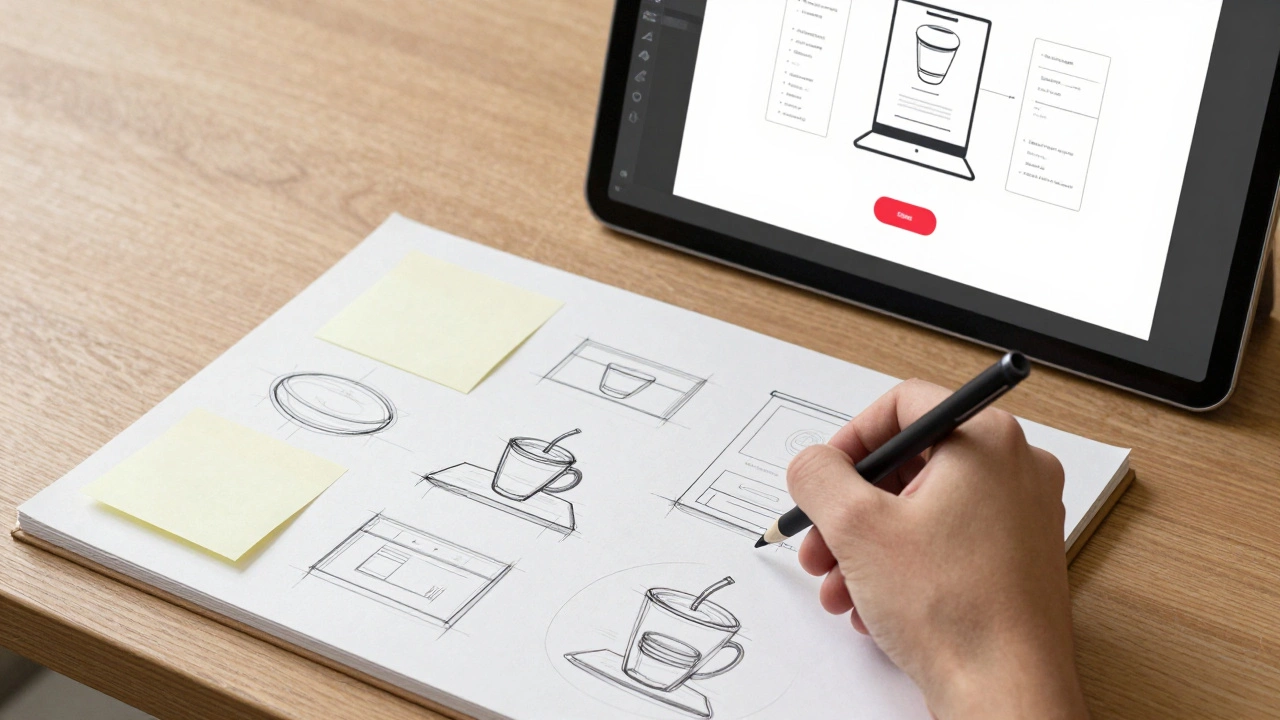
Here’s a starter project: redesign the checkout flow for a local coffee shop’s website. What’s confusing? Too many steps? Hidden costs? Unclear delivery options? Document your process: research, sketches, wireframes, final mockup. Then test it with three people. Record their reactions.
These projects become your portfolio. Not a collection of pretty screens-but proof you can solve problems. That’s what employers and clients care about.
Learn from feedback, not praise
When you show your work, people will say, "It looks nice!" That’s not helpful. Push for specifics: "Where did you get stuck?" "What did you think this button did?"Bad feedback is vague: "I don’t like it." Good feedback is actionable: "I clicked the top-right icon thinking it was settings, but it opened a menu I didn’t need."
Learn to separate emotion from insight. If someone says your design is "ugly," they’re probably reacting to something broken underneath. Dig deeper. Ask: "What made you feel that way?"
Join communities like UX Design subreddit, Designer Hangout, or local meetups. Share your work early. Get used to criticism. It’s the fastest way to improve.
Study real cases, not just theory
Read case studies from companies like Airbnb, Notion, or Duolingo. Don’t just admire the final product-look for the struggle. What did they change after user testing? What did they remove? Why?For example, Duolingo used to have a complex progress bar. Users felt overwhelmed. They simplified it to a daily streak. Engagement jumped 30%. That’s UX design in action: removing friction, not adding features.
Follow designers on LinkedIn or Twitter who share their process. Look for posts like: "Here’s how I redesigned our onboarding flow-and why it failed the first time." Real stories, not polished portfolios.
Build a habit, not a resume
You won’t learn UI/UX in a weekend. Or a month. It takes consistent practice. Aim for 30 minutes a day. One sketch. One usability test. One article read. One redesign.Set small goals:
- Week 1: Interview one person about a product they use daily.
- Week 2: Redesign one screen of an app you hate.
- Week 3: Test it with a friend and write down what went wrong.
- Week 4: Share it online and ask for feedback.
Track your progress. You’ll be surprised how much you improve in 90 days. The key isn’t talent-it’s repetition.

What to avoid
- Learning tools first: You can’t design in Figma if you don’t know what problem you’re solving.
- Chasing trends: Glassmorphism, neumorphism, micro-animations-they come and go. Focus on clarity and function.
- Ignoring accessibility: 1 in 4 adults has a disability. Designing for them isn’t optional-it’s ethical.
- Waiting for perfection: Your first design will be messy. That’s fine. Ship it. Learn. Improve.
Where to go next
Once you’ve done a few projects and gotten feedback, consider diving into:- Information architecture: How content is organized. Think sitemaps and navigation menus.
- Interaction design: How things move and respond. Animations, transitions, hover states.
- Usability testing: Running formal tests with participants, recording sessions, analyzing patterns.
- Design systems: Building reusable components so teams stay consistent.
There’s no single path. Some designers start in web design, others in mobile apps, some in SaaS products. Follow what excites you. But always anchor your work in user needs-not your preferences.
Final thought
UI/UX design isn’t about making things look pretty. It’s about making things work better. For someone who’s tired. For someone who’s confused. For someone who just wants to get through their day without fighting a website.That’s why it matters. And that’s why you should keep learning.
Do I need a degree to become a UI/UX designer?
No. Many successful designers are self-taught. What matters is your portfolio-real projects that show you understand user problems and how to solve them. Employers care more about your process and results than your diploma.
How long does it take to learn UI/UX design?
You can start landing freelance gigs or junior roles in 6-12 months with consistent effort. That’s if you’re doing one project a month, testing with real users, and getting feedback. Rushing leads to shallow skills. Slow, steady practice builds real expertise.
Which design tool should I learn first?
Start with Figma. It’s free, collaborative, and used by most companies today. You don’t need to master every feature-just learn how to create frames, use components, and share prototypes. Tools change. The design thinking behind them doesn’t.
Can I learn UI/UX if I’m not artistic?
Absolutely. UI/UX isn’t about drawing or painting. It’s about structure, logic, and empathy. Many top designers aren’t illustrators-they’re problem solvers. You don’t need to be good at Photoshop. You need to be good at asking, "Why does this confuse people?"
How do I get my first job without experience?
Build projects for local businesses, nonprofits, or friends. Redesign their website or app. Document your process: what you found, what you changed, what improved. Share it on LinkedIn or Behance. Many entry-level roles go to people who show initiative, not just degrees.
Is UI/UX design a good career in 2025?
Yes. As digital products become more complex, companies need designers who can simplify them. Demand is high in SaaS, fintech, healthcare tech, and e-commerce. Companies that ignore UX lose customers. Those that invest in it grow.
Start small. Stay curious. Test everything. The best designers aren’t the ones with the fanciest tools-they’re the ones who never stop listening.