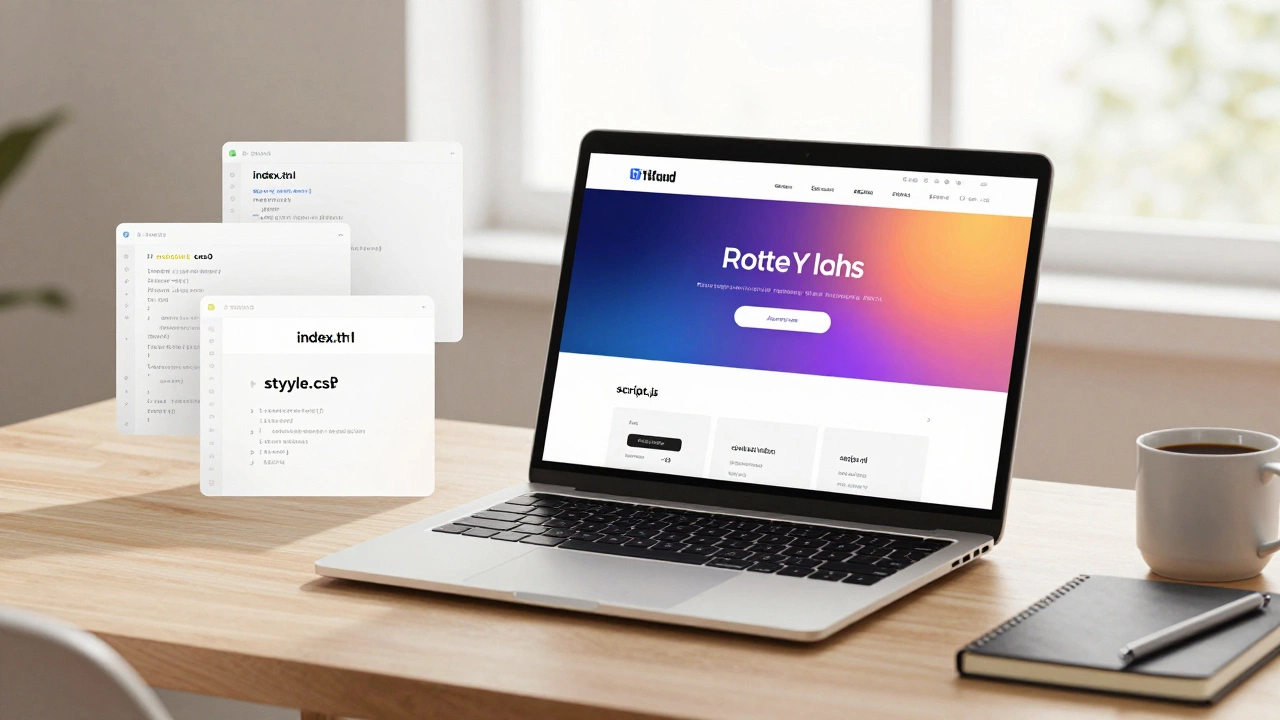
Want to launch your website without spending a dime? You’re not alone. Thousands of developers, students, and side-hustlers deploy their first sites for free every month-and you can too. The truth is, free hosting isn’t just a stopgap anymore. It’s a legit way to get your project live, test ideas fast, and even run small businesses without a credit card.
What kind of website can you deploy for free?
Not every website works on free hosting. If you’re building a simple portfolio, blog, landing page, or static app, you’re golden. Free hosts excel at serving HTML, CSS, and JavaScript files. Think of them as digital shelves where your files sit and get delivered to visitors.
But if your site needs a database, user logins, or server-side code like PHP or Node.js running 24/7, free options get tricky. Some platforms offer limited backend features, but they often throttle performance or shut down inactive sites. Stick to static sites if you want reliability.
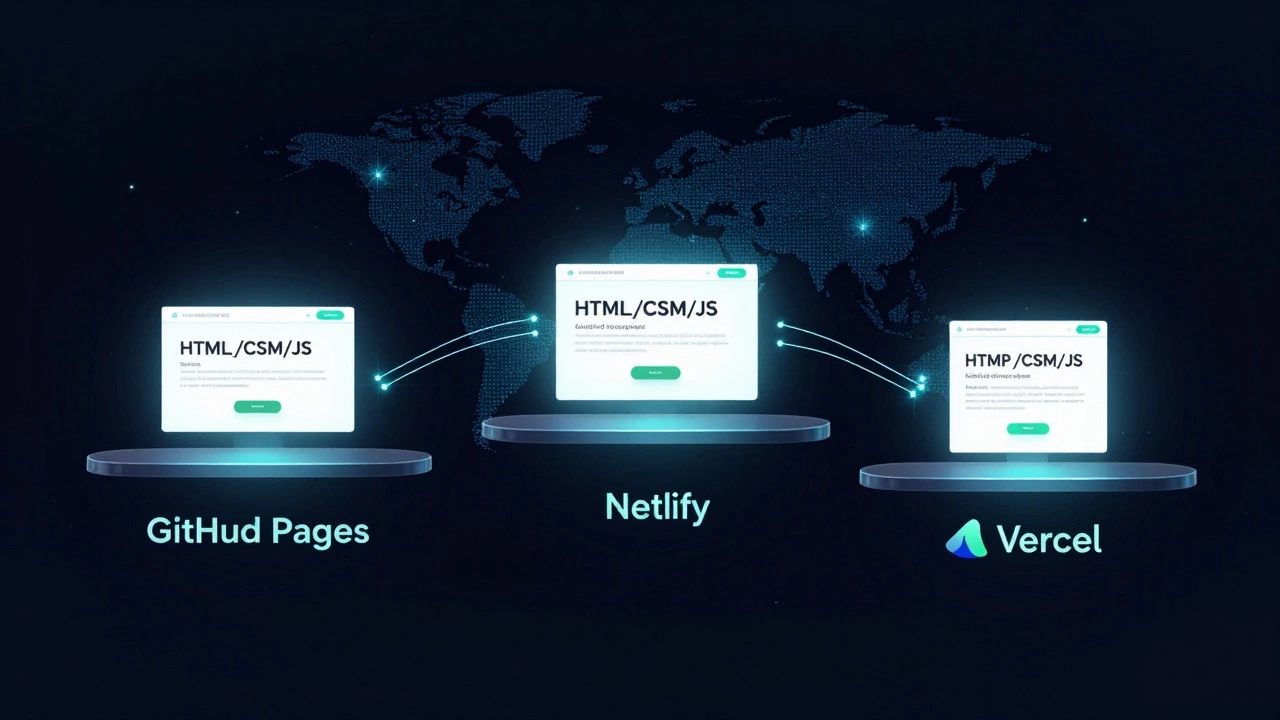
Static sites are faster, more secure, and way cheaper to run. Tools like React, Vue, or even plain HTML with a little JavaScript work perfectly. Platforms like Vercel, Netlify, and GitHub Pages are built for this exact use case.
Top 3 free hosting platforms in 2025
Here’s where most people deploy their free sites today-no fluff, just what works.
GitHub Pages
GitHub Pages is the oldest and most reliable free option. If you already use GitHub to store your code, you’re halfway there. Just push your site files to a repo named username.github.io, and it goes live instantly. No setup needed.
It’s perfect for portfolios, documentation, or small projects. You get HTTPS by default, custom domains (free), and 100 GB of bandwidth per month. No ads. No upsells. Just your site, hosted by Microsoft.
Downside? No server-side processing. You can’t run a WordPress site or a login system. But for static content? Hard to beat.
Netlify
Netlify is the favorite of frontend devs. It connects directly to your GitHub, GitLab, or Bitbucket repo. Every time you push code, it auto-deploys your site. You can even drag and drop folders if you’re not comfortable with Git.
It supports JAMstack sites, forms, and basic serverless functions (like contact forms that send emails). You get 100GB bandwidth and 300 build minutes per month. That’s enough for a personal site or small business landing page.
Netlify also gives you a free custom domain like your-site.netlify.app and lets you upgrade later if you need more power.
Vercel
Vercel is built for modern frameworks like Next.js, React, and Svelte. If you’re using a JavaScript framework, Vercel is often the fastest path to live. It auto-detects your framework, optimizes images, and caches content globally.
It offers 100GB bandwidth and 10GB of storage. Serverless functions are free up to 10GB per month. That means you can run simple APIs or form handlers without paying.
Vercel’s biggest win? Instant previews for every pull request. Perfect if you’re collaborating with others.
How to deploy your site step by step
Let’s say you’ve built a simple website with HTML, CSS, and JavaScript. Here’s how to get it live on GitHub Pages in under 10 minutes.
- Make sure your site files are in one folder:
index.html,style.css,script.js, and any images. - Go to GitHub.com and create a new repository. Name it exactly
yourusername.github.io(replaceyourusernamewith your actual GitHub username). - Upload all your files to this repo. You can drag and drop them.
- Click on the repo’s Settings tab, then go to Pages.
- Under Source, select
mainbranch and click Save. - Wait a few seconds. GitHub will show you a green message: Your site is published at https://yourusername.github.io.
That’s it. Open that link in your browser. Your site is live.
Same process works for Netlify and Vercel-you just connect your GitHub account instead of uploading manually. Both will auto-detect your site and deploy it.
What you can’t do on free hosting
Free hosting isn’t magic. There are limits.
You won’t get a dedicated server. Your site might go offline if traffic spikes. Some platforms pause sites after 30 days of inactivity. You can’t install plugins or run databases like MySQL or PostgreSQL.
If you’re building an e-commerce store, a membership site, or a web app with user accounts, you’ll eventually need paid hosting. But for 80% of personal projects? Free is more than enough.
Also, don’t expect 24/7 support. If something breaks, you’ll need to fix it yourself. That’s part of the trade-off.
Custom domains and SSL for free
Yes, you can use your own domain name-even with free hosting.
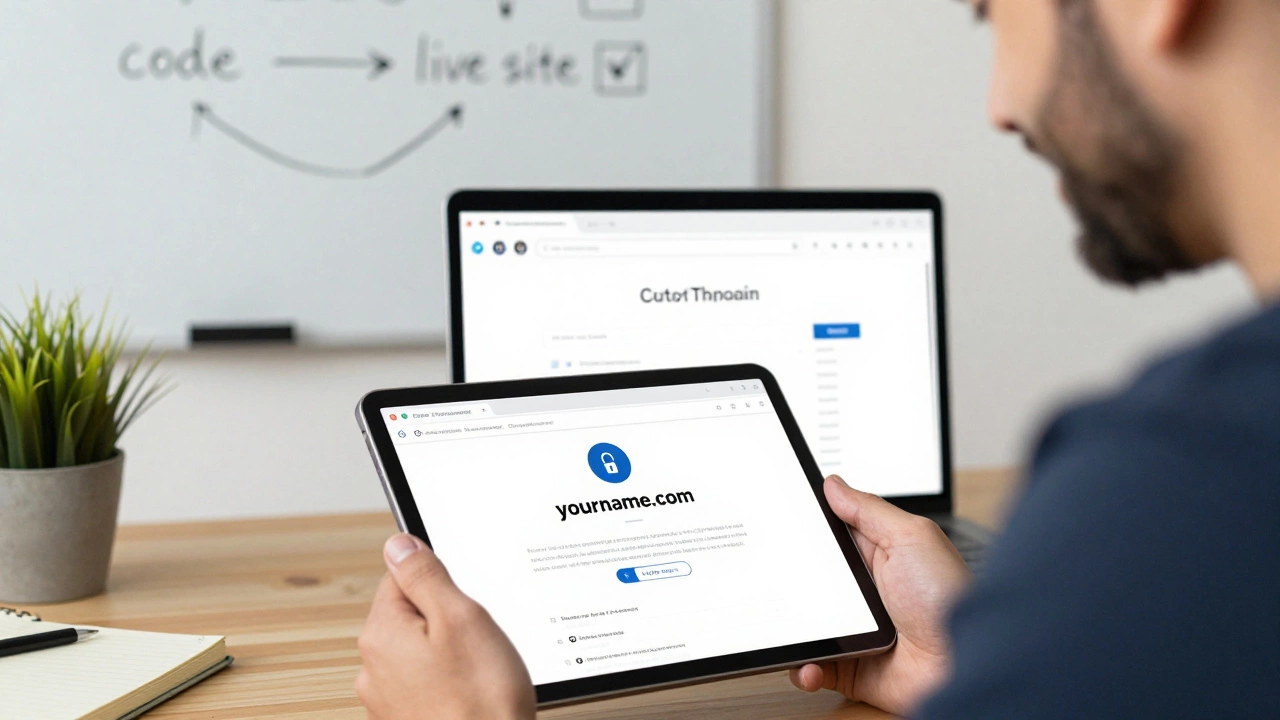
On GitHub Pages, Netlify, and Vercel, you can connect a domain like yourname.com. You just need to buy the domain from a registrar like Namecheap, Porkbun, or Cloudflare (all under $10/year).
Then, in your hosting dashboard, add your domain and update the DNS records. Most platforms give you exact instructions. SSL certificates are automatic. Your site will load with https://-no extra steps.
No one will know you’re using free hosting. Your site looks professional.
When to upgrade from free hosting
You don’t need to upgrade just because you can. But here are signs it’s time:
- Your site gets over 10,000 visits a month and starts slowing down.
- You need a database for user data or content.
- You’re running backend code (Node.js, Python, PHP) and hitting build limits.
- You’re getting complaints about uptime or speed.
When that happens, move to affordable paid hosts like Render, Railway, or Fly.io. They start at $5/month and give you real servers, databases, and better support.
But until then? Stick with free. Build your portfolio. Test your ideas. Learn how deployment works. The skills you gain here are worth more than any paid plan.
Common mistakes to avoid
Here’s what trips people up:
- Trying to host WordPress on GitHub Pages. It won’t work-WordPress needs PHP and MySQL.
- Uploading large video files. Free hosts don’t handle media well. Use YouTube or Vimeo instead.
- Forgetting to commit and push your files. Your site won’t update unless you push changes to the repo.
- Using spaces or special characters in file names. Stick to lowercase letters, numbers, and hyphens.
- Not testing locally first. Use a live server extension in VS Code to preview your site before uploading.
One pro tip: Always test your deployed site on mobile. Free hosts sometimes serve files differently than your local machine.
Final thoughts
Deploying your website for free isn’t a compromise. It’s a smart start. You’re not saving money-you’re investing in experience. You’ll learn how version control, domains, SSL, and CDNs work. You’ll understand the real flow from code to live site.
Many of today’s top developers started with free hosting. You can too. Build something. Put it online. Share it. See what happens. The next step-paid hosting-will feel natural when you’re ready.
Don’t wait for perfect. Just go live.
Can I host a WordPress site for free?
No, not on GitHub Pages, Netlify, or Vercel. WordPress needs a server that runs PHP and connects to a MySQL database. Free static hosts can’t do that. You’ll need a shared hosting provider like 000webhost, InfinityFree, or a low-cost VPS. Even then, free WordPress hosting often comes with ads or slow speeds.
Is free hosting safe for my personal data?
Yes, if you’re only hosting static files. Your HTML, CSS, and JavaScript aren’t vulnerable to hacks the way a database or server-side code is. Free hosts like Netlify and Vercel use HTTPS by default, so data between visitors and your site is encrypted. Just don’t upload sensitive files like passwords or API keys.
Do free hosting services show ads on my site?
No, not on GitHub Pages, Netlify, or Vercel. These platforms don’t inject ads, banners, or popups. Your site looks exactly how you designed it. Some other free hosts (like 000webhost or Freehostia) do show ads-avoid them if you care about professionalism.
Can I use a custom domain for free?
Yes. You can connect any domain you buy (like from Namecheap or Cloudflare) to GitHub Pages, Netlify, or Vercel. The hosting platform gives you DNS settings to copy. SSL certificates are automatic. You only pay for the domain itself-usually $8-$12 per year.
What if my site goes offline on free hosting?
It happens. Free hosts may pause sites after 30 days of inactivity or during traffic spikes. If your site goes down, check your hosting dashboard for alerts. Push a small update to your repo to wake it up. For critical projects, consider upgrading to a $5/month plan on Render or Railway-they offer better uptime guarantees.
Do I need to know Git to deploy for free?
Not always. Netlify and Vercel let you drag and drop ZIP files directly into their dashboards. But if you want to update your site later, you’ll need to re-upload everything. Learning Git (even basics like git add, git commit, git push) makes managing your site much easier and is a valuable skill for any developer.