
3-Month UX Learning Plan Estimator
Month 1: Learn the Basics
Month 2: Build and Test
Month 3: Build Your Portfolio
Overall Progress
Your progress will appear here
Can you really learn UX in three months? The short answer: yes - but not the way most people think. You won’t become a senior UX designer. You won’t master advanced research methods or lead product teams. But you can build a solid foundation, create a portfolio that gets noticed, and land your first junior role or freelance gig - if you know what to focus on and what to skip.
What UX Actually Means (And What It Doesn’t)
UX stands for User Experience. It’s not about making things look pretty. That’s UI - User Interface. UX is about how a product feels when someone uses it. Is it easy to navigate? Does it solve a real problem? Do people get frustrated or feel in control?
Think of it like driving a car. UI is the dashboard, the steering wheel, the buttons. UX is whether the car handles smoothly, the brakes respond when you need them, and you don’t feel anxious behind the wheel. A beautiful dashboard means nothing if the car won’t turn.
Most beginners mix up UI and UX. They spend weeks learning Figma to make icons glow and buttons round. That’s not wrong - but it’s not enough. If you want to learn UX in three months, you need to focus on the why behind the design, not just the how.
What You Can Actually Learn in 90 Days
Three months is enough time to go from zero to job-ready - if you treat it like a sprint, not a marathon. Here’s what’s realistic:
- Understand core UX principles: user research, personas, user flows, wireframing, usability testing
- Use Figma or Adobe XD to build clickable prototypes
- Conduct 3-5 real user interviews with strangers (yes, strangers)
- Redesign one existing app or website and document your process
- Build a simple portfolio with 2-3 case studies that show your thinking, not just screenshots
You won’t learn advanced analytics, accessibility standards for WCAG 3.0, or how to run A/B tests at scale. But you’ll know enough to explain your decisions, defend your choices, and work alongside developers - which is more than most junior hires can do on day one.
How to Structure Your 3-Month Plan
Time is your biggest constraint. You need structure. Here’s a proven breakdown:
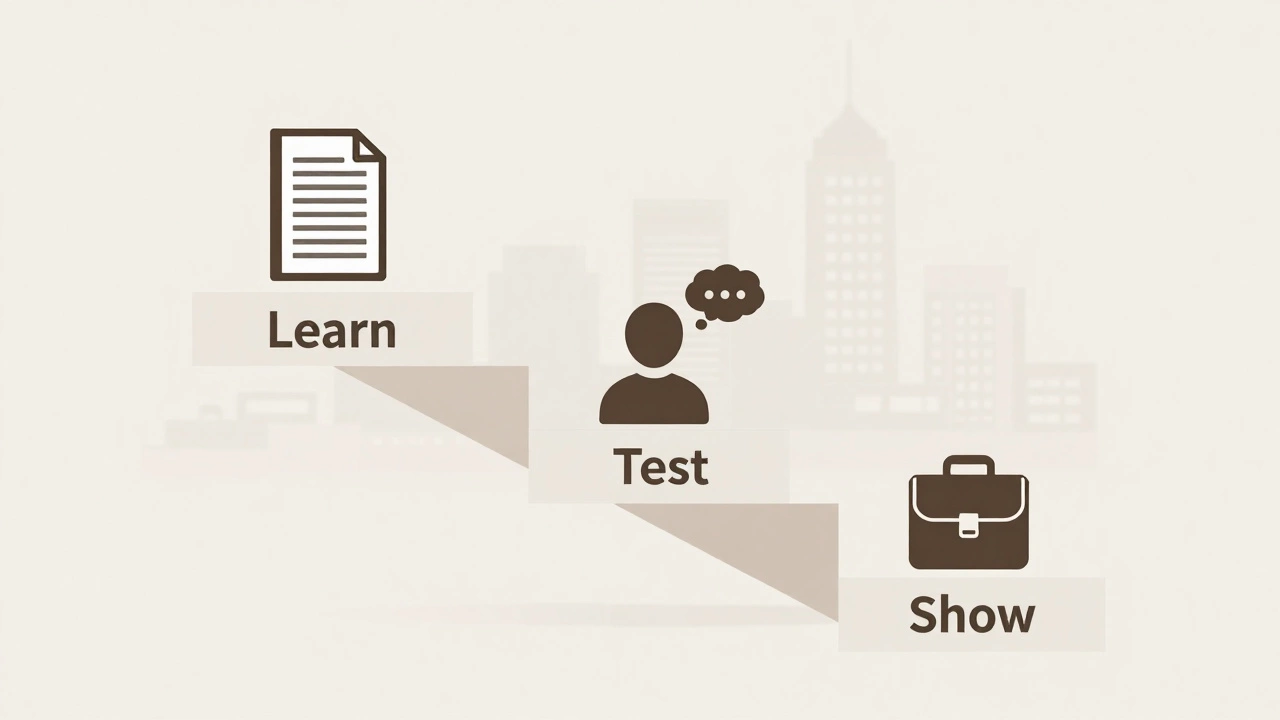
Month 1: Learn the Basics (No Tools Yet)
Start with books and free courses. Don’t open Figma yet.
- Read Don’t Make Me Think by Steve Krug (3 hours total)
- Watch the Google UX Design Professional Certificate on Coursera (free audit mode)
- Study 5 real websites: Airbnb, Duolingo, Notion, Spotify, and a local bank’s site. Write down: What confused you? What felt smooth? Why?
By the end of this month, you should be able to explain what a user persona is, why user flows matter, and how to spot a bad navigation menu.
Month 2: Build and Test
Now open Figma. But don’t design for beauty. Design for function.
- Create a simple app idea: maybe a grocery list app for elderly users, or a task tracker for students
- Sketch paper wireframes first - no digital tools
- Turn one screen into a clickable prototype in Figma
- Find 5 people (friends, Reddit, local community groups) and ask them to use it. Watch silently. Don’t help. Take notes.
- Redesign it based on what they struggled with
This is where most people quit. It’s uncomfortable watching someone fail at something you made. But that’s the whole point. UX isn’t about your taste - it’s about their experience.
Month 3: Build Your Portfolio
You need a portfolio. Not a Behance gallery. A story.
- Choose one project from Month 2 and turn it into a case study
- Structure it like this: Problem → Research → Ideas → Testing → Final Design → Results
- Write in plain language. No jargon. Say “users got confused when the button was hidden” not “the affordance was insufficient”
- Add a second project: redesign a real website you use daily (like your bank’s portal)
- Host it on a free site like Carrd or Notion - no need for a custom domain yet
Your portfolio doesn’t need to be flashy. It needs to show you think like a UX designer: curious, observant, and user-focused.

What Most People Get Wrong
Here’s what kills most 3-month UX attempts:
- Learning tools before concepts. You can’t design a good flow if you don’t understand why people get lost. Figma won’t fix bad thinking.
- Designing for yourself. If you think “I’d make this button bigger,” you’re not thinking about users. Ask them.
- Skipping research. No interviews? No data? That’s not UX. That’s graphic design with a fancy label.
- Trying to do too much. One deep case study beats five shallow ones. Depth over breadth.
Also, ignore the hype. You don’t need to learn AI-powered design tools, motion design, or prototyping in 3D. Those are nice-to-haves. The basics are what employers hire for.
Can You Get a Job After 3 Months?
Yes - but not as a “UX Designer.” You’ll start as a:
- Junior UX Designer
- UX Research Assistant
- Product Designer (in small teams)
- Freelance UI/UX Designer for startups
Salaries vary. In Ireland, a junior UX role pays €35k-€45k. In the US, $55k-$70k. But you won’t get that title right away. You’ll need to prove yourself.
What gets you hired? Not your degree. Not your certificates. It’s your case study. If you can show how you solved a real problem for real people - and you can talk about it clearly - you’ll stand out.
What Comes After 3 Months
Three months is the start, not the finish. After that, you’ll need to:
- Learn accessibility (WCAG 2.2)
- Understand analytics (Google Analytics, Hotjar)
- Practice stakeholder communication
- Learn how to work with developers
- Specialize: research, interaction design, or content strategy
UX is a career, not a course. But those first 90 days? They’re the make-or-break period. If you finish with a portfolio that shows you care about people - not pixels - you’ve already won.
Real Example: Sarah’s 3-Month UX Journey
Sarah was a retail assistant in Dublin. She hated her job. She loved apps but didn’t know why some felt good and others didn’t. She spent her evenings learning.
Month 1: Read books. Took notes on why she quit the bank app after three taps.
Month 2: Redesigned a local pharmacy’s appointment booking site. Interviewed 7 people over 65. Found out they didn’t know how to click “Next.” The button was gray on gray.
Month 3: Built a case study. Posted it on LinkedIn. Got a DM from a startup looking for someone to help with their app. She took the freelance gig. Six months later, she was hired full-time.
She didn’t go to design school. She didn’t have a degree. She just solved one real problem - and showed how she did it.
Do I need a degree to learn UX in 3 months?
No. UX hiring is based on skills, not credentials. Employers care more about your portfolio and how you think than your diploma. Many successful UX designers started in unrelated fields - customer service, teaching, marketing, even plumbing.
What tools should I learn first?
Start with Figma. It’s free, widely used, and has tons of tutorials. Learn how to make frames, use auto-layout, and create clickable prototypes. Skip Adobe XD or Sketch - they’re fading out. Don’t waste time on advanced features like plugins or components until you can build a simple flow.
Can I learn UX while working full-time?
Yes, but you’ll need discipline. Aim for 10-15 hours a week. That’s 2 hours a day, 5 days a week. Focus on doing one small task each day: watch a video, interview one person, sketch one wireframe. Consistency beats cramming.
Is UX design still a good career in 2025?
Yes. Companies are realizing that bad design costs money. Users leave apps that are confusing. Businesses now hire UX designers to reduce support calls, increase sign-ups, and keep customers. Demand is high - especially for people who can bridge design and business goals.
How do I get my first UX client or job without experience?
Offer to redesign a nonprofit’s website or a small business’s app for free. Ask them for a testimonial and permission to use it in your portfolio. Many local shops, charities, or student groups need help and will say yes. That’s your experience. You don’t need to wait for a company to hire you - create your own opportunity.
Next Steps: What to Do Right Now
Don’t wait until tomorrow. Start today.
- Download Figma (it’s free)
- Open your phone. Pick one app you hate using. Write down why.
- Find one person this week and ask: “What’s the one thing you wish this app did better?”
- Watch the first two modules of the Google UX Certificate on Coursera (free audit)
- Write down your goal: “In 90 days, I will have a portfolio with two case studies showing how I solved real user problems.”
That’s it. You don’t need motivation. You just need to start. The next 90 days will change your path - if you treat them like your job already.