Figma Time Savings Calculator
Calculate Your Figma Savings
Estimate how much time and money your team could save by switching to Figma's real-time collaboration workflow
Your Figma Savings
Based on industry data:
- 60% reduction in review meetings
- 40% faster handoff
- 100% version control
Figma isn’t just another design tool. It’s the reason teams stop sending 27 versions of a Figma file over Slack and start actually building things together. If you’ve ever been stuck in a loop of ‘Can you send me the latest version?’ or ‘Wait, did you update the button color?’, then you already know why Figma changed everything.
It’s a Design Tool That Works Like a Browser
Figma runs in your web browser. No downloads. No installers. No waiting for updates. Open it on your Mac, your Windows PC, or even a Chromebook, and you’re in the same workspace. That’s not a small detail-it’s the core reason teams switched from Sketch or Adobe XD. You don’t need to worry about who has the right version. You don’t need to export files. You just open the link and start working.
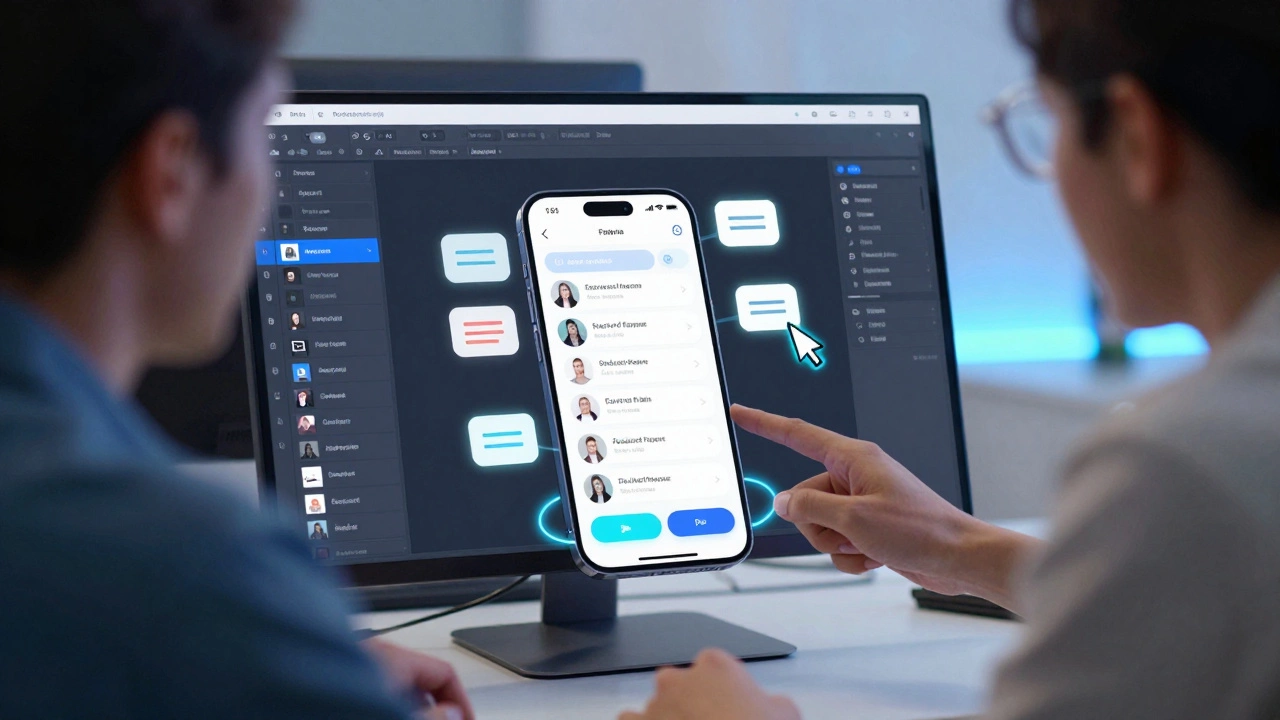
Designers, developers, product managers-all of them can view, comment, and even make small edits in real time. A developer can click on a button and instantly see its exact padding, font size, and hex color. No more guessing. No more screenshots with arrows drawn in Paint.
Designing Interfaces, Not Just Pixels
Figma is used to build interfaces for apps and websites. That means buttons, menus, forms, dashboards, login screens-anything a user touches. But it’s not just about making things look pretty. Figma helps teams figure out how things work before writing a single line of code.
Think of it like sketching a floor plan before building a house. You don’t wait until the walls are up to realize the bathroom is in the wrong spot. In Figma, you can test flows: How does a user get from the homepage to checkout? What happens if they click ‘Back’ too many times? You design the journey, not just the screens.
Prototyping Without Code
One of the most powerful features of Figma is prototyping. You can link screens together to simulate how an app feels. Click a button? It takes you to the next screen. Swipe left? A new panel slides in. Tap a menu item? A dropdown appears.
You don’t need to know JavaScript or Swift to do this. Just drag a connection from one frame to another, set the transition, and share the link. Stakeholders can open it on their phone and tap through the whole experience. That’s how you get buy-in before spending months building something no one wants.
A startup in Dublin I worked with used Figma prototypes to raise €250,000. Investors didn’t care about their code-they cared about how the app felt. The prototype showed real user flows, not static mockups. That’s the difference.
Teamwork That Actually Works
Figma was built for teams. Not just designers. Everyone.
Product managers leave comments like: ‘Can we make this CTA bigger?’ Developers tag themselves: ‘I’ll need the icon assets in SVG.’ Copywriters edit text right in the file. And everyone sees changes as they happen.
There’s no ‘final version’ because there’s no version control chaos. Every change is saved automatically. You can scroll through the history and see exactly when someone changed the font size from 16px to 18px. You can even restore an older version with one click.
Teams using Figma report cutting design review meetings by 60%. Why? Because feedback happens right where the work is. No more email threads. No more PDFs with scribbles.
Design Systems That Scale
Big companies don’t design one button at a time. They build systems. Figma’s components and styles let you create reusable pieces: buttons, cards, modals, typography scales.
Once you define a primary button style-color, radius, padding, hover state-you can use it everywhere. If you later decide to change the color from blue to green, you update the master component. Every button in every screen updates automatically.
This is how companies like Spotify and Airbnb keep their apps consistent across 100+ screens. Without Figma’s design systems, they’d be stuck maintaining thousands of manually edited files.
Handoff That Doesn’t Suck
Designers used to spend hours exporting assets, writing specs, and answering questions like: ‘What’s the spacing between these elements?’
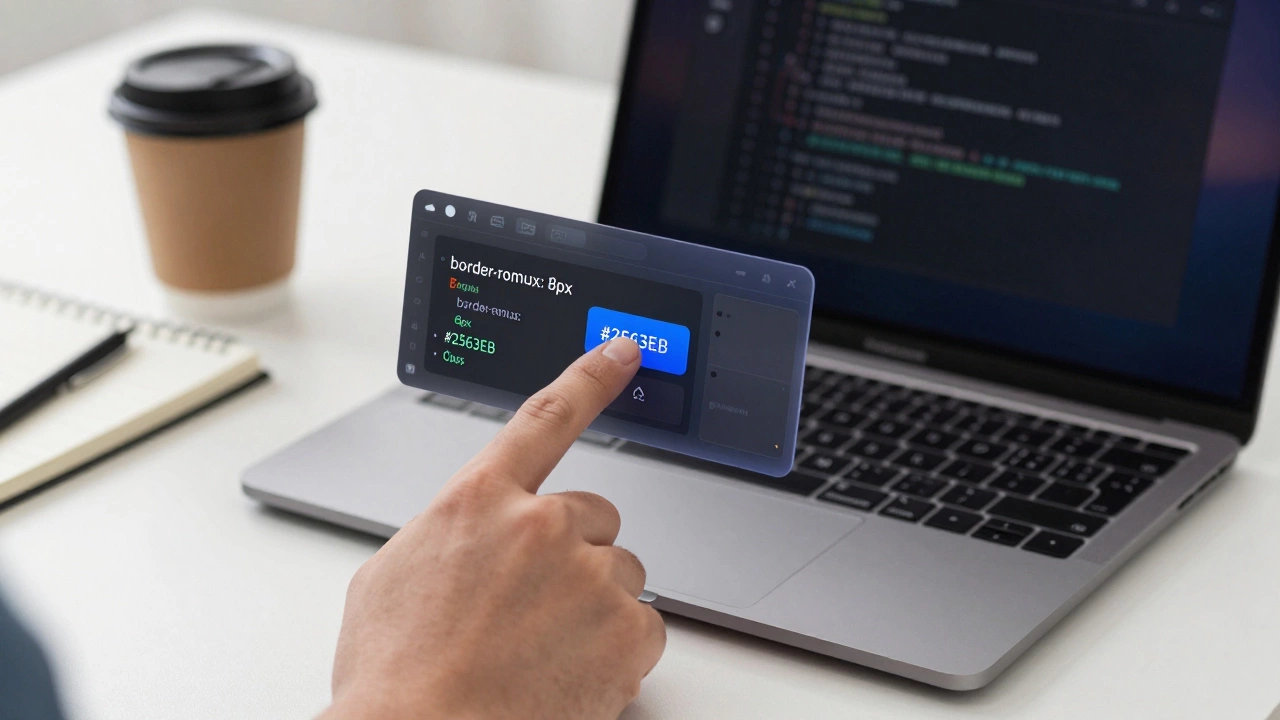
In Figma, developers open the file, click on any element, and get exact measurements, colors, fonts, and even code snippets. Want the CSS for that button? Click ‘Inspect’. Figma gives you the exact values: border-radius: 8px, font-size: 14px, color: #2563EB.
You can even generate CSS, Swift, or Android XML code directly from the design. It’s not perfect-but it’s 90% there. That means developers spend less time measuring and more time building.
Not Just for Apps and Websites
Figma isn’t limited to digital products. Teams use it to design:
- Internal dashboards for logistics companies
- Onboarding flows for fintech apps
- AR interfaces for retail stores
- Smartwatch UIs
- Even physical product packaging layouts
One team in Berlin used Figma to design the layout of a smart fridge’s touchscreen interface. Another used it to map out the flow of a hospital patient check-in kiosk. The tool doesn’t care what screen you’re designing-it just gives you the canvas.

Why Figma Beats the Alternatives
People compare Figma to Sketch, Adobe XD, and Framer. Here’s the real difference:
| Feature | Figma | Sketch | Adobe XD |
|---|---|---|---|
| Runs in browser | Yes | No (Mac only) | No (Desktop app) |
| Real-time collaboration | Yes | No | Limited |
| Free plan for individuals | Yes | No | Yes |
| Design systems | Excellent | Good | Basic |
| Developer handoff | Best-in-class | Good | Basic |
Sketch is powerful, but it’s stuck on Macs. Adobe XD feels clunky and slow. Figma works everywhere, for everyone, and it’s fast.
What Figma Isn’t
Figma won’t write your code. It won’t run A/B tests. It won’t analyze user behavior. It won’t automate your workflow.
It’s not magic. It’s a tool. A really good one. But it doesn’t replace strategy, research, or engineering. It just makes those things easier to communicate and execute.
If you’re expecting Figma to fix a broken product idea, you’re looking in the wrong place. But if you want to turn a good idea into something clear, testable, and buildable? Figma is the fastest way to get there.
Is Figma free to use?
Yes, Figma has a free plan that lets you create unlimited files, work with up to 2 editors, and use basic components and prototyping. For teams needing more collaborators, version history, and advanced features, paid plans start at $12 per editor per month. Most startups and freelancers never need to upgrade.
Do I need to be a designer to use Figma?
No. While Figma is built for designers, anyone can use it to give feedback, view prototypes, or even make small edits. Product managers, marketers, and developers often use Figma to understand how a product works without needing design skills. You don’t need to know layers or grids-you just need to be able to click and comment.
Can Figma replace Photoshop or Illustrator?
Not really. Figma is for interface design, not photo editing or vector illustration. If you’re retouching photos or creating complex logos from scratch, you still need Photoshop or Illustrator. But for designing app screens, websites, or dashboards, Figma is faster and more collaborative. Most teams use Figma alongside those tools-not instead of them.
How long does it take to learn Figma?
You can get comfortable with the basics in a day. Learn how to create frames, add text, and link screens, and you’re already 80% there. Mastering components, auto-layout, and design systems takes a few weeks of regular use. Most people become productive within a week, especially if they’re familiar with other design tools.
Is Figma used by big companies?
Yes. Companies like Airbnb, Spotify, Microsoft, and Uber use Figma as their primary design tool. Even government agencies and universities have switched to it because it’s reliable, secure, and works across devices. It’s not just for startups-it’s the industry standard.
Where Do You Go From Here?
If you’re just starting out, open Figma.com and sign up for free. Create a simple screen-maybe a login page or a menu. Then invite a friend to comment on it. See how fast feedback flows. That’s the real power of Figma: it turns design from a solo task into a team sport.
And if you’re already using it? Stop thinking of it as a drawing app. Think of it as the central nervous system of your product. Every decision, every change, every idea-it all lives here. That’s why teams don’t just use Figma. They depend on it.