UI/UX Design Feasibility Calculator
Based on the article's insights about design constraints, this calculator helps you determine how much coding knowledge you need for your design decisions. Select features from your design and see what technical understanding is required.
Understanding technical constraints helps you avoid:
- Designing features that are impossible to build
- Wasting development time on unrealistic requirements
- Creating design handoffs that confuse developers
Ever sat down to design a mobile app screen and wondered if you need to code to make it real? You’re not alone. Many aspiring UI/UX designers start with sketches and Figma files, then hit a wall when someone asks, ‘Can you build this?’ The truth isn’t black and white-but it’s simpler than you think.
UI/UX design is about solving problems, not writing code
At its core, UI/UX design is about understanding people. What do they want? Where do they get stuck? How do they feel when they use your product? A great designer doesn’t need to write a single line of JavaScript to answer those questions. They observe, interview, prototype, and test. That’s the work.
Think of it like architecture. You don’t need to lay bricks to design a house. You sketch floor plans, pick materials, plan flow, and make sure the kitchen isn’t five feet from the bathroom. Same with digital products. You map user journeys, design buttons that feel right, and create layouts that guide attention. All of that happens before code ever gets involved.
Companies like Airbnb, Spotify, and Notion hire hundreds of designers who never touch a code editor. Their job? Make the experience smooth, intuitive, and delightful. The engineers then take those designs and turn them into working software.
What tools do UI/UX designers actually use?
You don’t need to code to use industry-standard tools. Here’s what most designers use daily:
- Figma - For creating interactive prototypes with clickable buttons, animations, and transitions.
- Adobe XD - Lets you link screens together and simulate app navigation.
- ProtoPie - Builds complex interactions without code, like swipe gestures or conditional logic.
- Marvel - Turns static images into clickable demos in minutes.
These tools let you test ideas with real users before writing a single line of code. You can simulate login flows, error states, and onboarding screens-all without touching a terminal.
In fact, many design teams now use these prototypes as their main communication tool with developers. Instead of handing off a PDF, they share a live link. Developers click through it, see how things should behave, and build accordingly.
When does a UI/UX designer need to know code?
It’s not about needing to code-it’s about understanding what’s possible.
Imagine you’re designing a form with real-time validation. You want the error message to appear as soon as someone types an invalid email. Sounds simple. But if you don’t know that this requires JavaScript and backend checks, you might design it as a static screen. The developer then has to explain why it’s harder than it looks-and you lose time.
That’s why many senior designers learn the basics:
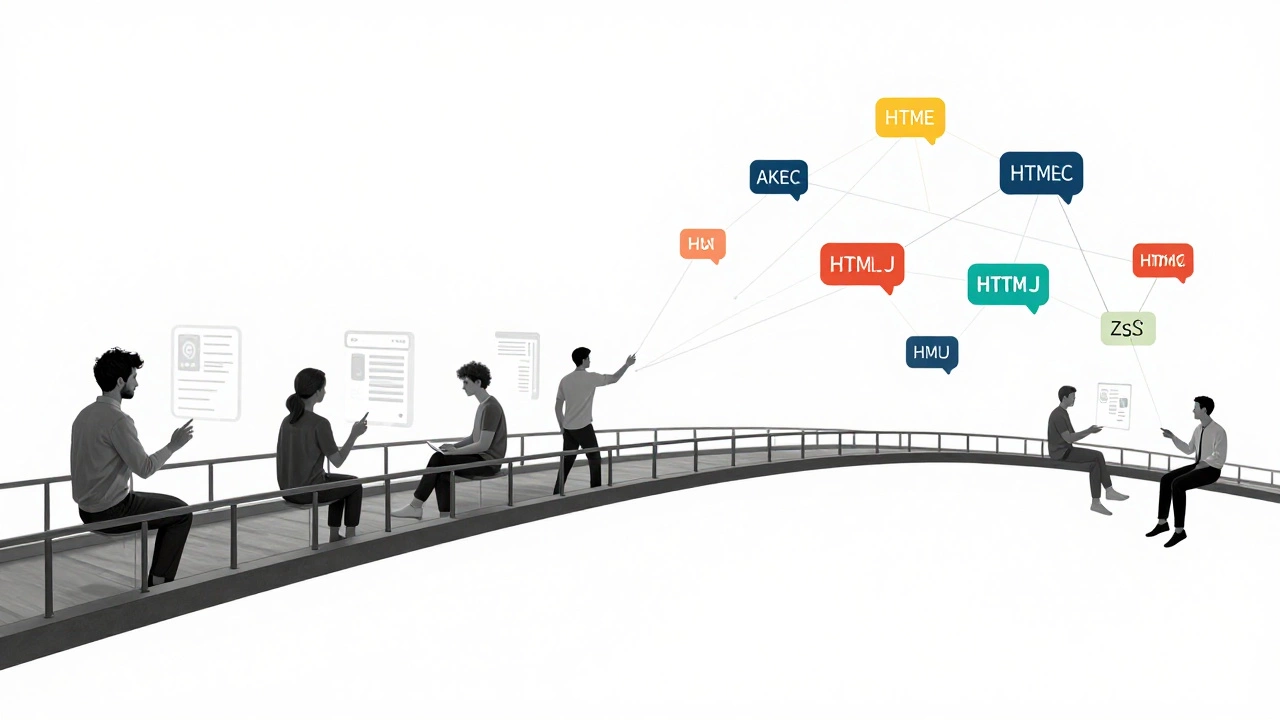
- How HTML structures content
- How CSS controls layout and spacing
- What JavaScript can and can’t do in real time
You don’t need to write it. But you need to speak the language. Think of it like a chef learning how an oven works. You don’t have to fix it, but you’ll know why your cake won’t rise if the temperature’s off.
A 2024 survey by AIGA found that 68% of hiring managers prefer designers who can explain technical constraints. Not because they code-but because they avoid unrealistic designs that slow down development.

Can you get a UI/UX job without coding?
Yes. Absolutely.
Entry-level UI/UX roles at startups, agencies, and big tech firms regularly hire people with zero coding experience. What matters is your portfolio: clear case studies, user research insights, and polished prototypes.
Look at job posts from companies like Dropbox, Canva, or Shopify. Most list ‘familiarity with development constraints’ as a bonus-not a requirement. The hard skills they demand are:
- Wireframing and prototyping
- Usability testing
- Information architecture
- Design systems
- Accessibility standards
None of those require you to write code.
What about no-code tools changing the game?
Tools like Webflow, Bubble, and Glide are letting designers build fully functional apps without developers. You can design a landing page, connect a database, add user logins, and launch it-all in a visual editor.
This is shifting the line between design and development. More designers are now called ‘product designers’ because they own the entire experience-from screen to live product.
But here’s the catch: even with no-code tools, you still need to understand logic. You need to know how data flows, how forms submit, and how users get stuck. That’s not coding. That’s systems thinking.
And yes, learning a no-code platform like Webflow can give you a huge edge. But it’s not the same as learning JavaScript. It’s a different skill set entirely.
What should you learn if you’re starting out?
If you’re new to UI/UX and wondering where to focus, here’s a realistic roadmap:
- Master Figma or Adobe XD. Build 3 full app prototypes.
- Learn user research basics. Interview 5 people about a product you dislike.
- Study accessibility. Run your designs through a contrast checker and screen reader simulator.
- Learn HTML and CSS at a surface level. Know what a div is. Know how flexbox affects layout. Watch a 30-minute YouTube tutorial.
- Try a no-code tool like Webflow. Build a simple site with forms and buttons.
You’ll be ahead of 90% of new designers by doing just that.
Don’t waste months trying to become a full-stack developer. Focus on being the designer who speaks both human and tech. That’s the sweet spot.
Bottom line: Coding helps-but it’s not the point
UI/UX design is about empathy, clarity, and structure. Coding is just one tool in the toolbox. You can build amazing, impactful products without ever opening a text editor.
But if you learn even a little about how code works, you’ll avoid missteps. You’ll save time. You’ll earn trust from developers. And you’ll become the kind of designer companies keep coming back to.
So no-you don’t need to code to be a UI/UX designer. But if you want to grow beyond junior roles, understanding code isn’t optional. It’s the next step.
Do I need a degree in computer science to become a UI/UX designer?
No. Most UI/UX designers come from backgrounds like graphic design, psychology, communications, or even fine arts. What matters is your portfolio, problem-solving skills, and ability to communicate with users and developers. Bootcamps and online courses from platforms like Coursera or Interaction Design Foundation are widely accepted by employers.
Can I become a UI/UX designer if I’m bad at drawing?
Absolutely. UI/UX design isn’t about artistic drawing skills. It’s about arranging elements clearly, using grids, spacing, color, and hierarchy to guide users. Figma and other tools have pre-made components and auto-layout features that handle the visual heavy lifting. Your job is to make decisions-not to be an illustrator.
Is learning to code a waste of time for a designer?
Not if you learn it the right way. Spending weeks trying to build a full website in JavaScript is a waste. But spending 10 hours learning how HTML tags affect layout, or how CSS margins work, gives you huge advantages. You’ll stop designing things that can’t be built, and start creating realistic, developer-friendly designs.
What’s the difference between a UI designer and a UX designer?
UI (User Interface) design focuses on the look and feel-buttons, colors, icons, typography. UX (User Experience) design is about the journey-how users get from point A to point B, what problems they face, and how the product solves them. Most designers do both, especially in smaller teams. The line is blurry, but the core difference is: UI is what you see, UX is how it works.
Will AI replace UI/UX designers?
AI can generate button layouts or suggest color palettes, but it can’t understand human emotion, cultural context, or business goals. A tool might make a pretty screen, but it won’t know why users abandon a checkout flow. That’s where designers come in. AI is a helper, not a replacement. The best designers use AI to speed up repetitive tasks so they can focus on what matters: people.