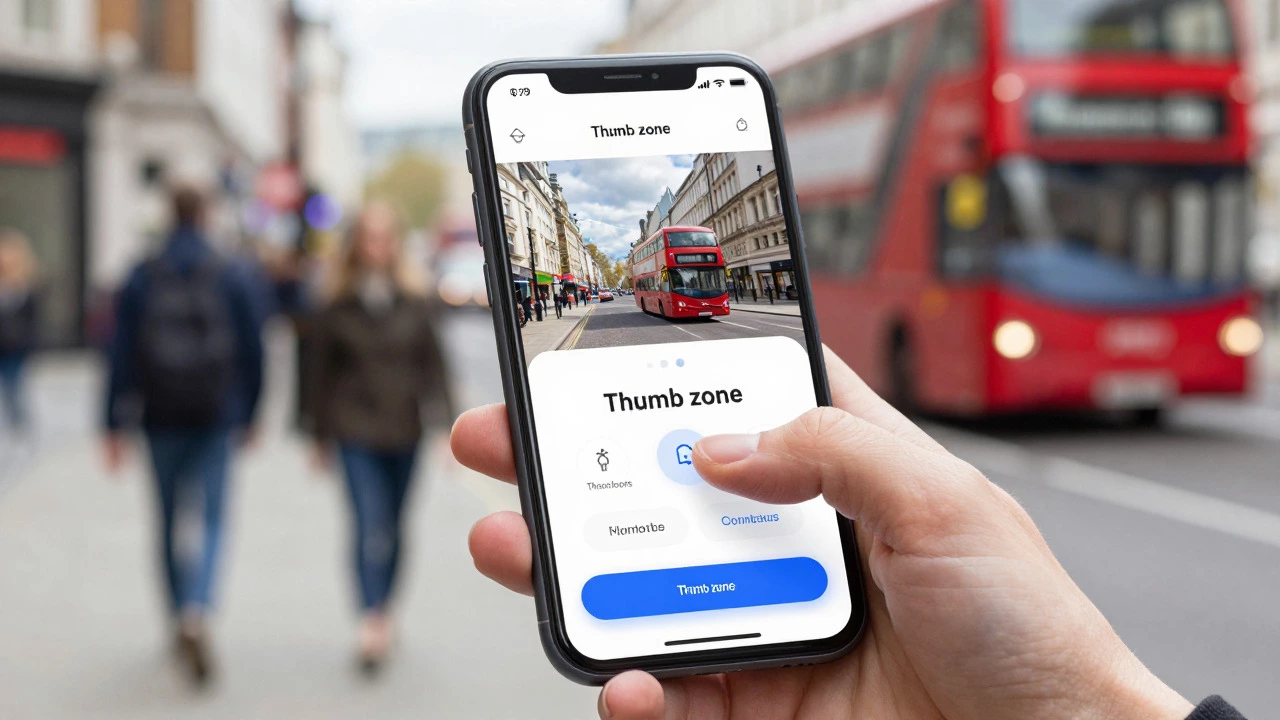
Do You Need a Responsive Website? The 2026 Reality Check
22 Jul 2026Discover why every business needs a responsive website in 2026. Learn how mobile-first indexing affects SEO, improves user experience, and boosts conversions.
When most people browse the web, they’re on a phone. If your site looks broken on a small screen, you lose visitors instantly. Mobile‑first design flips the usual process: you design for the smallest device first, then add features for larger screens. It’s not a fancy buzzword – it’s a practical way to make sure every user gets a smooth experience.
Begin with a single‑column layout. Stack headings, images, and text so they flow naturally on a narrow screen. Use large, readable fonts and generous line‑height – smaller devices need clear text. Keep the most important content above the fold; users on phones scroll quickly, so show value right away.
Images are a common performance killer. Serve responsive images with srcset so the browser picks the right size. Compress files, use modern formats like WebP, and lazy‑load below‑the‑fold visuals. These steps shave seconds off load time, which directly improves bounce rates.
Once the mobile version feels solid, add breakpoints for tablets and desktops. Use CSS media queries to adjust grid columns, increase font sizes, and reveal secondary navigation. The key is to layer enhancements – never overwrite the mobile layout, just expand it.
Testing is crucial. Open your site on real devices, not just simulators. Check tap targets, form fields, and navigation menus. A button that’s easy to tap on a phone can feel clunky on a laptop if you’ve added extra padding for desktop only.
Performance tricks that work on mobile also boost SEO. Google rewards fast sites, especially on phones, with higher rankings. Keep JavaScript bundles small, defer non‑essential scripts, and leverage browser caching. Every millisecond saved helps you rank better and keeps users happy.
Finally, think about accessibility. Use semantic HTML, proper heading hierarchy, and ARIA labels where needed. Mobile users often rely on screen readers, and a clean, accessible structure benefits everyone.
Mobile‑first design isn’t a one‑time checklist; it’s an ongoing mindset. As new devices emerge, revisit breakpoints and performance metrics. By starting with the smallest screen and building out, you create a flexible, future‑proof website that looks great everywhere.
Discover why every business needs a responsive website in 2026. Learn how mobile-first indexing affects SEO, improves user experience, and boosts conversions.

A fully responsive website adapts seamlessly to all devices, ensuring optimal UX and SEO. Learn the core pillars, common mistakes, and best practices for building fluid designs in 2026.
Learn how to convert a static website into a responsive one using viewport tags, fluid grids, and CSS media queries for a better mobile experience.

Discover what a responsive website is through real-world examples like Amazon. Learn about fluid grids, media queries, and mobile-first design strategies.
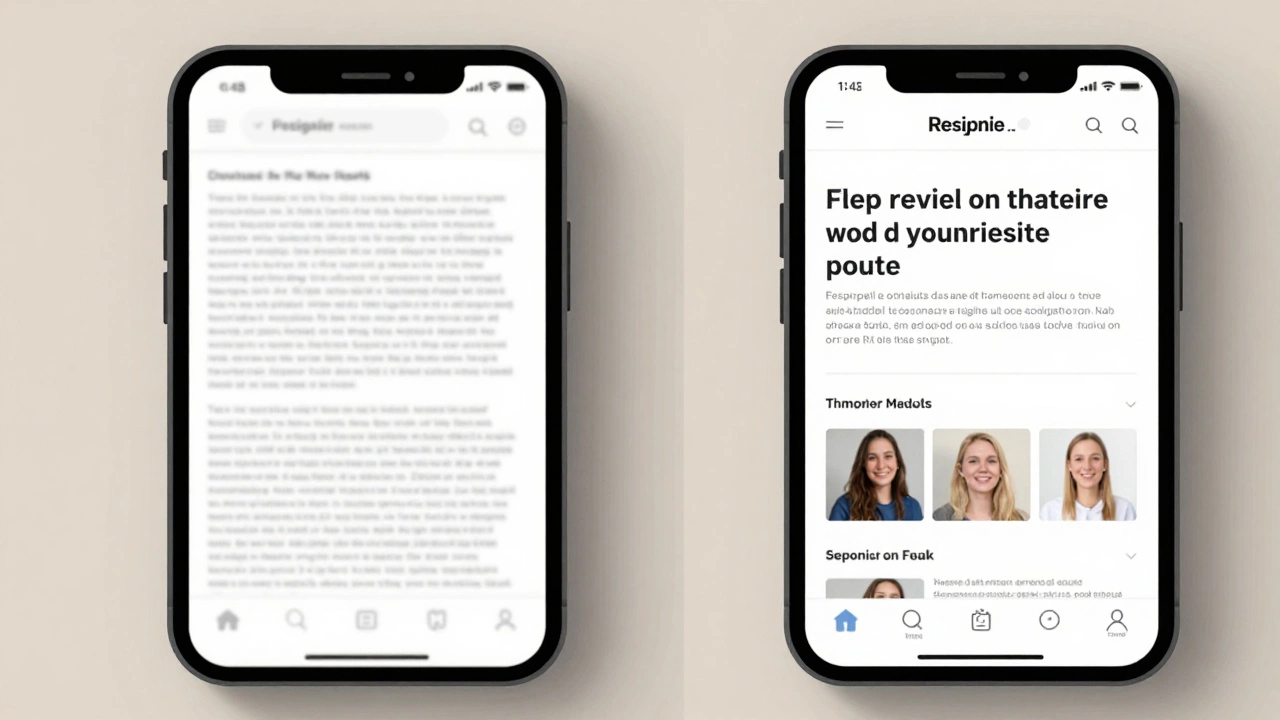
Learn how to build a responsive UI design that works on phones, tablets, and desktops. Start with the viewport tag, use fluid layouts, test on real devices, and avoid common mistakes that break mobile experiences.

Responsive design isn't broken-but it's not enough anymore. Discover the real alternatives like adaptive, fluid, and design system approaches that handle today's complex devices and user contexts better than ever.

There's no single best language for responsive websites - HTML, CSS, and JavaScript work together to make sites adapt to any screen. Learn the core trio, skip the hype, and build mobile-first.

The real problems that make responsive design hard and how to fix them-performance, layout, images, nav, and accessibility-with checklists and steps.