Web Development Path Planner
Answer three quick questions to generate a personalized learning strategy and see how the two technologies complement each other.
Recommendation
Based on your goal of Freelancing
Imagine you want to build a website for a local bakery. Do you spend three weeks coding every pixel from scratch using HTML and CSS, or do you install WordPress, pick a theme, and have it live by Friday? The answer isn't just about speed. It's about what kind of developer you want to become, how much money you want to make, and whether you enjoy solving complex logic problems or crafting visual experiences.
Many beginners get stuck in analysis paralysis because online courses sell the idea that you must master everything at once. But the reality is simpler: these are two different tools for different jobs. One is a foundation; the other is a platform built on top of that foundation. Understanding this distinction will save you months of wasted effort.
The Core Difference: Foundation vs. Platform
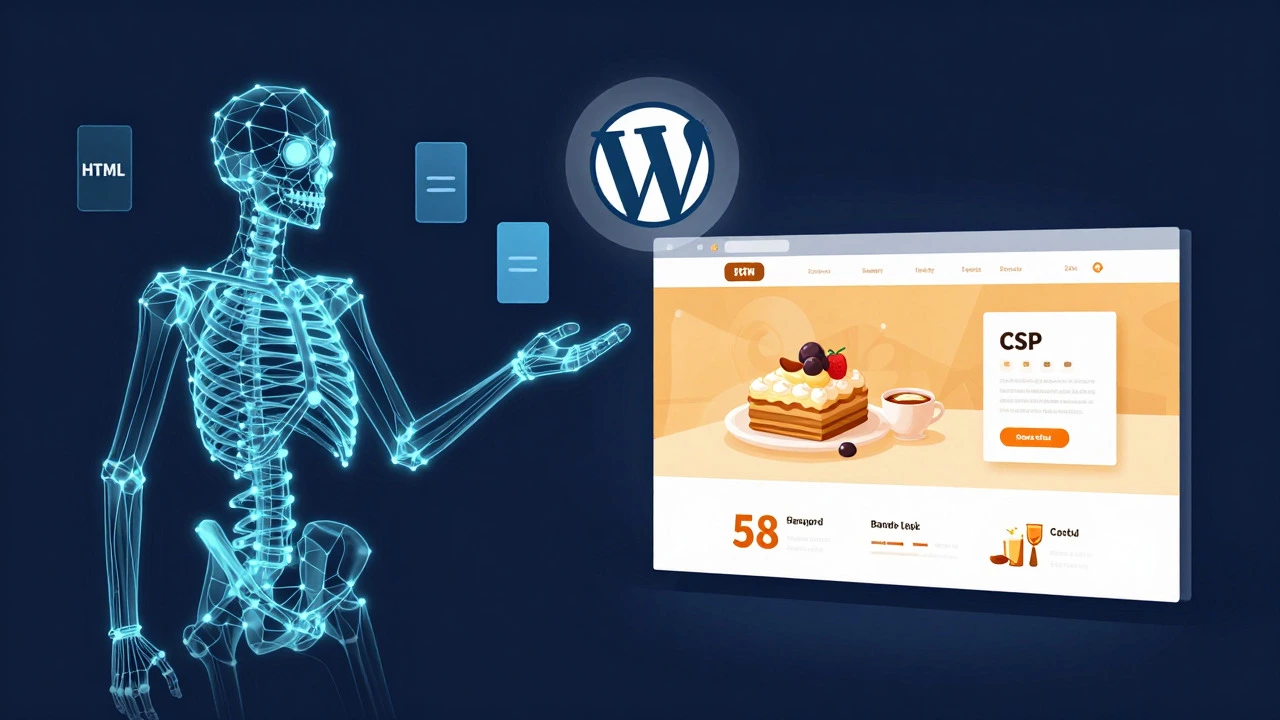
To understand which path to take, you first need to define what each technology actually does. HTML (HyperText Markup Language) is the skeleton of any webpage. It defines structure: headings, paragraphs, images, and links. Without HTML, there is no web page. CSS (Cascading Style Sheets) is the skin. It handles colors, fonts, spacing, and layout. Together, they form the front-end layer of the web.
WordPress is a Content Management System (CMS). It is not a replacement for HTML and CSS; it uses them under the hood. When you write a post in WordPress, the system wraps your text in HTML tags and applies styles via CSS. However, WordPress adds a database, user management, plugins, and an admin interface that lets non-coders manage content. In short, HTML/CSS gives you total control but requires manual labor. WordPress gives you a head start but relies on pre-built structures.
| Feature | HTML & CSS | WordPress |
|---|---|---|
| Learning Curve | Steep initially, logical later | Gentle start, complex customization later |
| Control Level | Total pixel-perfect control | Limited by theme/plugin constraints |
| Time to Launch | Weeks to months | Days to weeks |
| Primary Skill Set | Front-end architecture, design implementation | Content strategy, plugin management, basic coding |
| Job Market Focus | Front-end Developer roles | Web Designer / Developer Hybrid roles |
Why You Should Start with HTML and CSS
If you are starting from zero, learning HTML and CSS first is the most robust foundation. Why? Because if you learn WordPress first without understanding the underlying code, you hit a ceiling quickly. You can change button colors in a theme, but when a client asks for a custom interactive element that no plugin supports, you're stuck. Knowing HTML and CSS means you can debug issues, inspect elements in browser dev tools, and tweak styles directly.
Moreover, HTML and CSS are universal. Whether you work with React, Vue, Shopify, or plain static sites, the syntax remains the same. According to recent industry surveys, over 75% of professional web developers list HTML and CSS as mandatory core skills, regardless of their primary framework. This universality makes your knowledge future-proof. If WordPress were to be replaced by a new CMS in five years, your HTML/CSS skills would still be valuable.
Practical tip: Don't just watch videos. Build a personal portfolio site from scratch using only HTML and CSS. No frameworks, no Bootstrap, no WordPress. Force yourself to handle responsive design using media queries. This exercise teaches you how browsers render content, which is a skill that cannot be taught by clicking buttons in a CMS dashboard.
The Case for Learning WordPress Early
However, ignoring WordPress entirely is also a mistake, especially if you aim for freelancing or small business clients. WordPress powers approximately 43% of all websites on the internet. That number alone signals massive demand. For many small businesses, they don't need a custom-coded application; they need a reliable, easy-to-update blog or brochure site. WordPress delivers that out of the box.
Learning WordPress early allows you to deliver value faster. You can take a client project, set up hosting, install a theme, configure essential plugins like Yoast SEO or WooCommerce, and launch within a week. This quick turnaround builds trust and generates cash flow while you continue learning deeper coding skills. Many successful freelancers describe this as the "bread and butter" phase of their career.
But here is the catch: To be a high-value WordPress developer, you eventually need to touch the code. Customizing themes often requires editing PHP files or writing child themes. Optimizing performance involves understanding how scripts load. If you know HTML and CSS, these tasks become manageable. If you don't, you remain dependent on third-party plugins, which can bloat your site and create security vulnerabilities.
How to Combine Both for Maximum Career Value
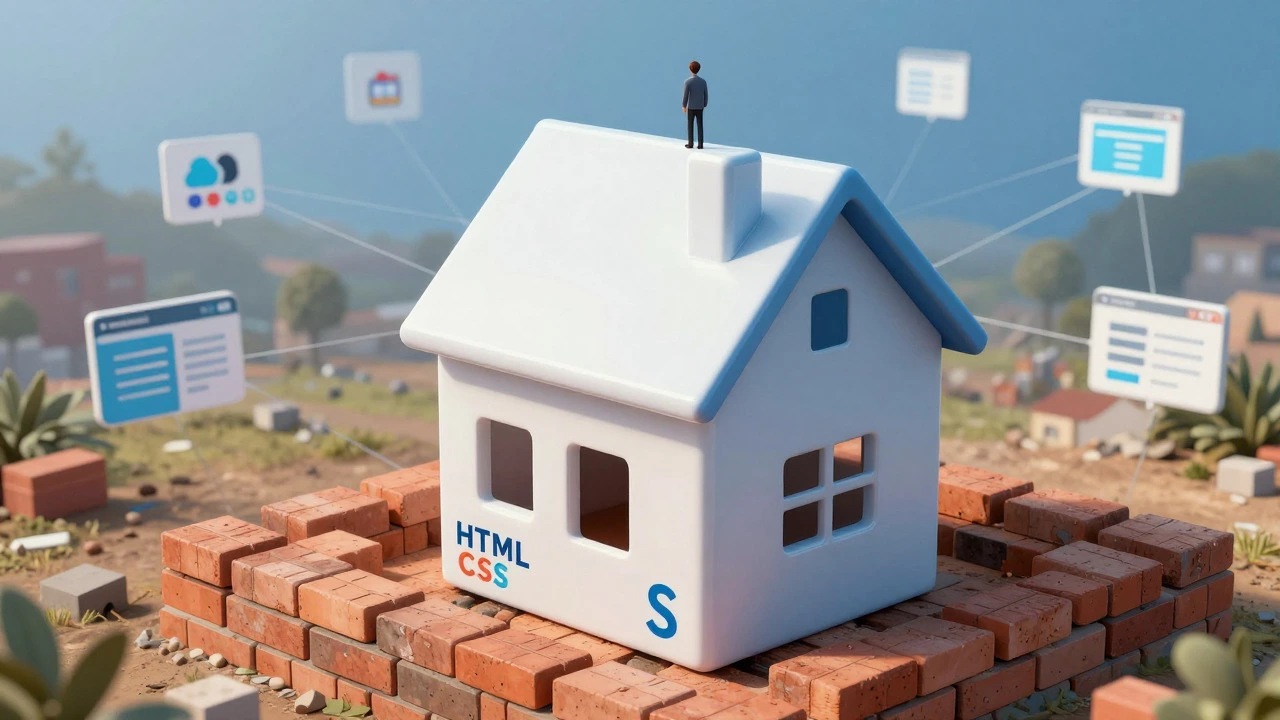
The ideal path isn't choosing one over the other; it's sequencing them strategically. Think of it as building a house. HTML and CSS are the bricks and mortar. WordPress is the pre-fab modular structure that speeds up construction. You need both to build efficiently.
- Months 1-3: Master the Basics. Focus exclusively on HTML5 and CSS3. Learn semantic markup, Flexbox, Grid, and responsive design. Use resources like MDN Web Docs for reference. Build 3-5 static projects.
- Months 4-6: Introduce WordPress. Install WordPress locally using LocalWP or XAMPP. Learn the admin interface, create pages, and customize a theme. Start tweaking CSS directly in the Customizer to see how your previous skills apply.
- Months 7-9: Bridge the Gap. Learn basic PHP just enough to edit theme files safely. Understand the difference between a parent theme and a child theme. Create a simple custom plugin or modify a widget area using code.
- Ongoing: Specialize. Decide if you want to go deeper into front-end engineering (learning JavaScript/React) or stay in the WordPress ecosystem (learning WooCommerce, Elementor, or headless WordPress).
This hybrid approach makes you dangerous in the job market. You can speak the language of designers (visuals, UX) and the language of engineers (code, performance). Clients love this because they get a single point of contact who understands both aesthetics and functionality.
Common Pitfalls to Avoid
Many learners make mistakes that stall their progress. Here are the most common traps:
- Ignoring Version Control: Even if you start with WordPress, learn Git. It’s free, essential for collaboration, and expected in almost all professional roles. Start committing your HTML/CSS projects to GitHub immediately.
- Over-relying on Page Builders: Tools like Elementor or Divi make design easy but can lead to bloated code. If you use them, ensure you understand the underlying HTML output so you can optimize it later.
- Neglecting Performance: A beautiful site that loads in 8 seconds is useless. Learn how to compress images, minify CSS, and defer scripts. These concepts apply to both static sites and WordPress installations.
- Waiting for Perfection: Don’t wait until you know everything to start building. Deploy a simple WordPress site or a static portfolio today. Real-world feedback accelerates learning more than tutorials ever could.
Which Path Fits Your Goals?
Your choice should align with your end goal. If you want to work for a large tech company building complex applications, prioritize HTML/CSS and move toward JavaScript frameworks like React or Vue. WordPress may be less relevant there, though it still appears in enterprise marketing sites.
If you want to freelance, start a digital agency, or serve local businesses, prioritize WordPress alongside solid HTML/CSS fundamentals. The ability to hand off a site that the client can easily update themselves is a huge selling point. WordPress lowers the barrier for client maintenance, reducing support tickets for you.
For students, I recommend a 60/40 split. Spend 60% of your time mastering front-end fundamentals (HTML, CSS, basic JS) and 40% applying them in a real-world CMS like WordPress. This balance ensures you have deep technical roots but practical application experience.
Frequently Asked Questions
Is WordPress easier to learn than HTML and CSS?
Yes, the initial setup is easier. You can launch a site in minutes without writing code. However, advanced customization becomes harder without knowing HTML and CSS. Think of WordPress as a car with automatic transmission-easy to drive, but hard to fix if something breaks under the hood.
Do I need to know PHP to use WordPress?
No, not for basic usage. You can run a fully functional WordPress site without writing a line of PHP. However, knowing basic PHP helps when troubleshooting errors, creating custom functions, or developing plugins. It’s a valuable secondary skill, not a prerequisite for starting.
Which skill pays better in 2026?
Pure front-end developers (HTML/CSS/JS) often command higher salaries in tech hubs due to the complexity of modern UIs. However, WordPress developers with strong design and SEO skills earn well in the freelance and agency sectors. The highest earners combine both: they can build custom components and deploy them efficiently within a CMS.
Can I switch from WordPress to full-stack development later?
Absolutely. The principles of structure (HTML), presentation (CSS), and data handling (via WordPress’s database) translate well to full-stack frameworks. Your experience managing content and users in WordPress gives you practical context for building similar features in Node.js or Django later.
What is the best resource to learn both together?
Look for bootcamps or courses that focus on "Front-End Foundations + CMS Integration." Avoid courses that teach WordPress in isolation without coding basics. A good curriculum will have you build a static site first, then recreate it in WordPress, comparing the differences in workflow and output.