Think you can just buy a domain name and call it a day? You type in your favorite website name-say, mycoolstore.com-and register it. You even design a beautiful homepage. You’re ready to launch. But then you skip the next step: hosting. What happens next? Nothing. Your website doesn’t exist. Not to visitors. Not to search engines. Not even to your own browser when you try to open it.
Your domain isn’t a website
Buying a domain name is like renting a street address. You’ve got 123 Main Street. But if there’s no building, no mailboxes, no lights on at night-it’s just an empty plot. That’s what your domain looks like without hosting. The domain name system (DNS) points to an IP address. That IP address? It needs to belong to a server that stores your website’s files. Without that server, the DNS record is a dead end.
People often confuse domain registration with hosting. You can register a domain for $10 a year through Namecheap, Google Domains, or Porkbun. But that doesn’t give you space to put your HTML, CSS, images, or databases. Hosting is where those files live. No hosting? No website.
Your site vanishes from the internet
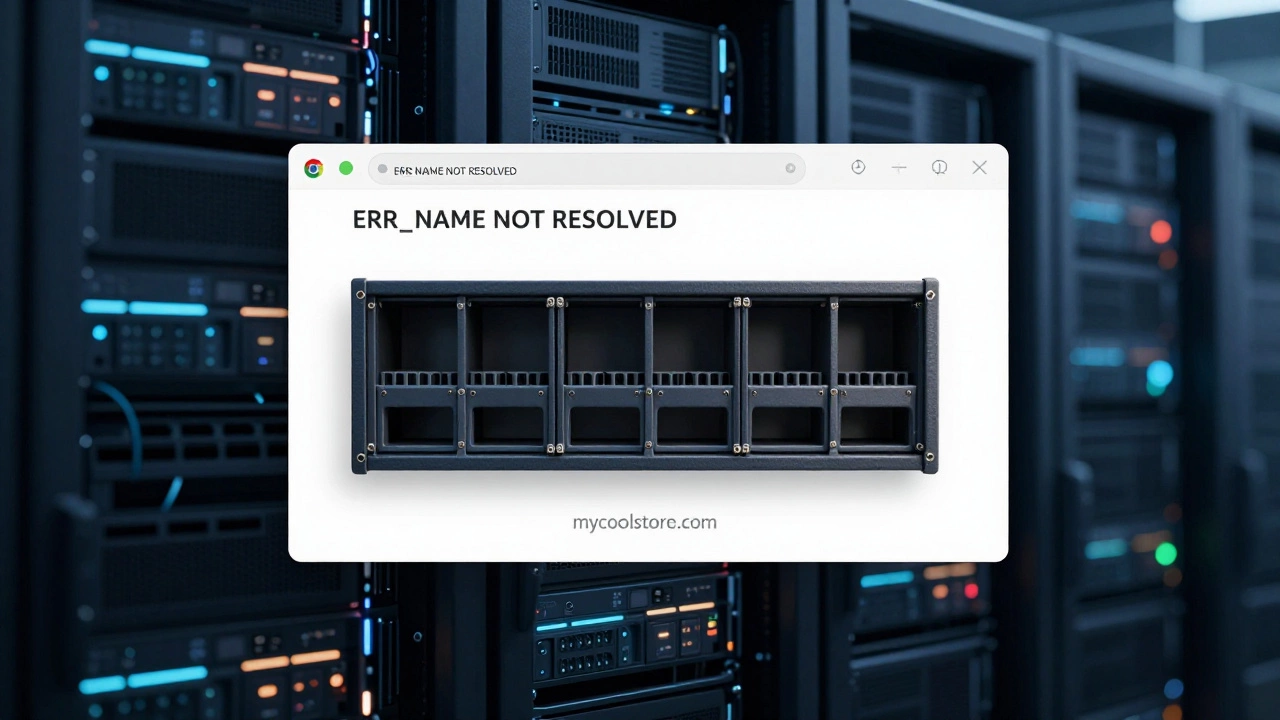
Try visiting your own site. You type in your domain. What do you see? A blank page. A timeout error. Or worse-a message from your browser: “This site can’t be reached.” Google Chrome says “ERR_NAME_NOT_RESOLVED.” Firefox says “Server not found.” These aren’t glitches. They’re signs your site has no home.
Search engines crawl websites by following links and checking servers. If your site isn’t hosted, Googlebot never finds it. Your pages won’t be indexed. You won’t show up in search results-not even for your own brand name. That means zero organic traffic. Zero visibility. Zero chance of getting found.
Your emails stop working
Did you set up [email protected]? If you didn’t host your site, your email probably won’t work either. Email delivery depends on MX records, which point to mail servers. Most hosting providers include email services. If you’re using a standalone email service like Google Workspace or Microsoft 365, you still need DNS records pointing to their servers. But if you didn’t configure anything because you thought “hosting” was optional? Your emails bounce. Clients think you’re unprofessional. Orders go unanswered. You lose trust before you even start.
Your website files are gone
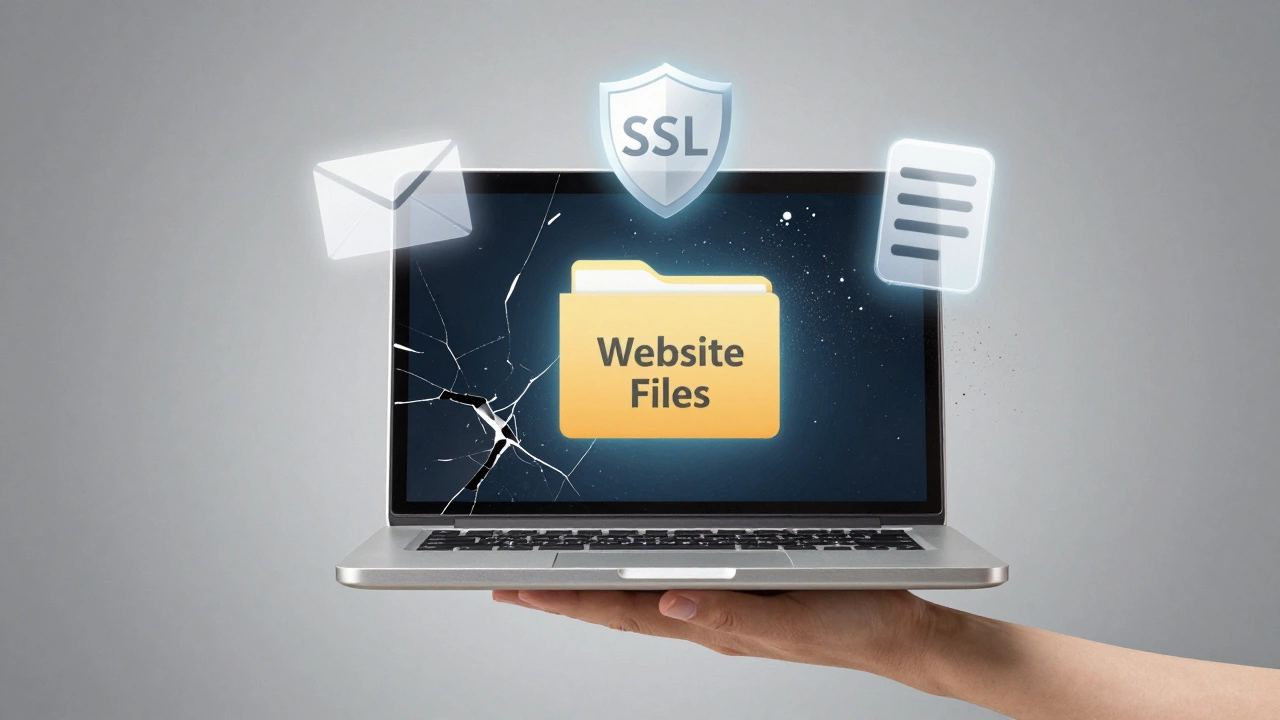
Maybe you saved your website files on your laptop. Or your external hard drive. Or Google Drive. That’s not hosting. That’s backup. Hosting means your files are on a server that’s always online, connected to the internet, and ready to serve content 24/7.
If your computer crashes, your drive fails, or you accidentally delete your project folder? You lose everything. Hosting providers keep backups, redundancy, and uptime guarantees. Without them, you’re one mistake away from total data loss. There’s no safety net.
You can’t update or scale
Imagine you want to add a blog, an online store, or a contact form. You need to upload new files, install plugins, or run scripts. None of that works without a server. You can’t install WordPress. You can’t run PHP. You can’t connect to a database. You’re stuck with static files on your desktop.
And what if traffic grows? A few hundred visitors a day? A thousand? Hosting providers handle traffic spikes. They scale bandwidth, optimize caching, and protect against crashes. Without hosting, your site can’t grow. It can’t even survive a single viral post.
Security risks pile up
Unhosted websites don’t just disappear-they become targets. If you’re storing sensitive files locally and trying to share them via Dropbox links or Google Docs, you’re exposing them. You’re not using HTTPS. You’re not using firewalls. You’re not updating software. You’re not patching vulnerabilities.
Real hosting providers offer SSL certificates, malware scanning, DDoS protection, and automatic updates. Without them, hackers can easily steal your data, inject malicious code, or take over your domain. There’s no monitoring. No alerts. No recovery.
What about free platforms?
Some people think, “I’ll just use Wix, WordPress.com, or GitHub Pages.” Those are hosted platforms. They’re not “no hosting”-they’re just someone else’s hosting. You’re still relying on servers. You just don’t manage them.
But if you’re trying to avoid hosting entirely? You can’t. Even free platforms host your site for you. The difference is control. With self-hosting, you own the server. With free platforms, you’re a guest. You can’t install custom plugins. You can’t change core code. You’re locked in.
What’s the real cost of skipping hosting?
Hosting isn’t expensive. Shared hosting starts at $3-$5/month. That’s less than a coffee a week. You get a server, email, security, backups, and support. For that price, you get a live website that works for everyone.
Skipping hosting doesn’t save money-it costs you everything. Lost sales. Lost clients. Lost credibility. Lost time rebuilding from scratch after a crash. The real cost isn’t the monthly fee. It’s the opportunity you never get to seize.
What should you do instead?
Here’s the simple path:
- Register your domain (Namecheap, Google Domains, etc.)
- Choose a hosting provider (SiteGround, A2 Hosting, Cloudways)
- Connect your domain to your host via DNS settings
- Upload your website files or install WordPress
- Enable SSL and set up email
You don’t need to be a tech expert. Most hosts have one-click installers. Most domain registrars have guides. It takes 20 minutes. And once it’s done? Your website is live. Real. Accessible. Working.
Final thought: Hosting isn’t optional
There’s no such thing as a website without hosting. It’s like trying to open a store without walls, electricity, or a door. You can plan it all you want. You can design the perfect logo. But if it’s not on a server, it doesn’t exist. Not to the world. Not to your customers. Not even to you.
Don’t wait until you lose a client because your site was down. Don’t wait until you realize you’ve lost six months of work because your laptop died. Start hosting. Today. Your website is waiting.