Java vs JavaScript Role Comparison Tool
Web Development Role Comparison
This tool helps clarify the distinct roles of Java and JavaScript in modern web development. Based on the article, Java is primarily a back-end language while JavaScript is the only language that runs directly in the browser.
Java: Back-End Powerhouse
- Handles business logic and processing
- Manages database connections
- Serves API endpoints
- Supports high traffic with scalability
- Used by major companies like Amazon and Netflix
JavaScript: Front-End Essential
- Runs directly in browsers
- Creates interactive UI components
- Handles user events and animations
- Works with HTML/CSS to create pages
- Essential for modern front-end frameworks
How They Work Together
User requests a webpage
The browser loads HTML/CSS/JS
Front-end JavaScript fetches data
Makes API calls to back-end
Java back-end processes request
Handles business logic and database
Java sends data to front-end
Returns JSON or XML to browser
JavaScript displays data
Updates UI with received data
What's Your Situation?
Let’s clear this up right away: Java is not a front-end language. Not really. Not at all. If you’ve heard someone say Java is used for front-end development, they’re mixing it up with JavaScript - and that’s a super common mistake.
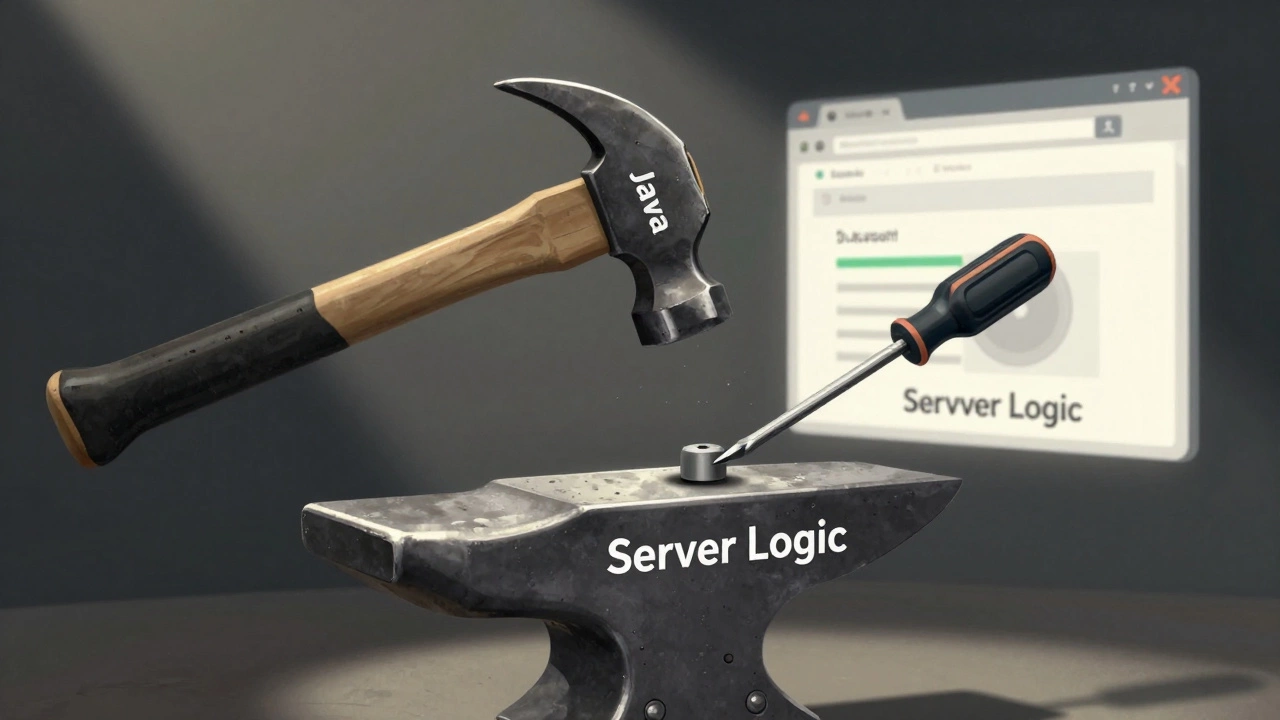
Java and JavaScript sound alike. They both have "Java" in the name. But they’re as different as a hammer and a screwdriver. One builds houses. The other fixes furniture. One runs on servers. The other runs in your browser. Confusing them is like thinking a diesel engine and a bicycle tire are the same thing because they both move.
What Java Actually Does
Java is a back-end powerhouse. It runs on servers, handles business logic, talks to databases, manages user sessions, and serves up data to front-end apps. Companies like LinkedIn, Netflix, and Amazon use Java to power their core systems. Why? Because it’s fast, stable, and scales like crazy. A single Java app can handle millions of requests per minute without breaking a sweat.
Java’s strength is in its ecosystem. Spring Boot? That’s Java. Hibernate for database access? Java. Apache Kafka for real-time data streaming? Java. These aren’t side projects - they’re the backbone of enterprise software. If you’ve ever logged into a banking app, ordered from an online store, or checked your flight status, chances are Java was working behind the scenes.
Why People Think Java Is for Front End
Here’s the real reason this myth sticks around: applets.
Back in the late ’90s and early 2000s, Java applets let developers run small Java programs inside web browsers. You’d see animated menus, games, or calculators right on a webpage. It sounded revolutionary. But applets had serious problems. They were slow. They crashed browsers. They needed a plugin. And as soon as mobile browsers came along, they didn’t support them at all.
By 2015, most browsers stopped supporting Java applets. Oracle officially killed the plugin in 2017. Today, you won’t find a single major website using Java for front-end interactions. If you see Java on a website, it’s not running in your browser - it’s running on a server somewhere, sending JSON or HTML back to the front end.
What About Java-Based Front-End Tools?
You might hear about tools like JavaFX or Vaadin. Are those front-end? Sort of - but not in the way you think.
JavaFX lets you build desktop apps with Java. Think of it like a Windows program, not a website. Vaadin lets you build web apps using Java, but it doesn’t run Java in the browser. Instead, Vaadin compiles Java code into JavaScript and HTML that the browser understands. The Java code still runs on the server. The browser only sees JavaScript, CSS, and HTML - the same stuff you’d get from React or Vue.
In other words: Vaadin is a bridge. It lets Java developers write code in their language, but the front end still runs on JavaScript. You’re not using Java to make buttons clickable. You’re using JavaScript - generated by Java.
Front End Is JavaScript, HTML, and CSS - Period
There are three languages that run directly in your browser: JavaScript, HTML, and CSS. That’s it. No exceptions.
Java can’t run in Chrome, Firefox, Safari, or Edge. Not without being converted. And even then, it’s not Java anymore - it’s JavaScript. If you open DevTools and look at the Network or Sources tab, you’ll never see a .java file. You’ll see .js, .css, .html - and maybe a .json file for data.
Front-end frameworks like React, Angular, and Svelte? All JavaScript. Even TypeScript? It compiles down to JavaScript. WebAssembly? Still runs JavaScript glue code. There’s no path for raw Java to reach the browser without heavy translation - and even then, it’s not native.
What Languages Are Actually Used for Front End?
Let’s get practical. Here’s what real front-end developers use today:
- JavaScript - The only language browsers natively understand
- TypeScript - A typed superset of JavaScript, used by 75% of professional front-end teams
- HTML - The structure of every webpage
- CSS - The styling, animations, layouts
- WebAssembly (Wasm) - Lets C++, Rust, or even Go run near-native code in browsers - still not Java
Java doesn’t appear on this list. Not even as an option.
Can Java Talk to the Front End?
Yes - but only as a backend.
Java apps serve up data through REST APIs or GraphQL endpoints. Your React app calls https://api.yoursite.com/users. That endpoint? Probably written in Java. The response? JSON. The front end? JavaScript. The Java code never touches the browser.
This is how modern apps work: the front end (React, Vue, Svelte) asks for data. The back end (Java, Node.js, Python) delivers it. They don’t need to be the same language. In fact, mixing them is common. A Java backend with a React frontend is one of the most popular setups in enterprise software today.
Why Does This Matter?
Because if you’re learning web development and you think Java is for front end, you’re wasting time.
Learning Java to build buttons or forms? You’ll be stuck. You’ll install tools that don’t work. You’ll follow tutorials that lead nowhere. You’ll end up confused when your Java code doesn’t show up in the browser.
Java is amazing - if you want to build server-side systems, APIs, microservices, or enterprise platforms. But if you want to build interactive websites, mobile apps, or dashboards that users click on - start with JavaScript.
Want to use Java? Great. Learn Spring Boot. Learn how to build REST APIs. Learn how to connect to PostgreSQL. Then pair it with React or Vue. That’s the real full-stack path. Not Java in the browser. Java on the server. JavaScript in the browser. Together.
What Should You Learn If You Want to Build Websites?
If your goal is to create websites that users interact with - here’s the real roadmap:
- Learn HTML - structure
- Learn CSS - styling and layout
- Learn JavaScript - interactivity
- Learn a framework like React or Vue - component-based building
- Learn how to call APIs - fetch data from servers
- Learn how to build APIs - with Node.js, Python, or Java
Java fits into step six - not step three. Don’t start with Java if you want to build front ends. Start with JavaScript. You’ll get results faster. You’ll avoid frustration. And you’ll actually ship working projects.
Final Verdict
No, Java is not for front-end development. It never was, and it never will be. The browser doesn’t run Java. The web doesn’t run Java. The apps you use every day don’t run Java in your screen.
Java runs on servers. It powers the logic behind the scenes. It’s the engine. JavaScript is the steering wheel, pedals, and dashboard.
Use Java where it shines: backend, enterprise systems, Android apps (yes, Android still uses Java), and big data pipelines. Use JavaScript where it belongs: in the browser, on the front end, where users live.
Stop confusing the two. Start building the right thing.
Can Java be used to build websites at all?
Yes, but only on the back end. Java powers server-side logic, databases, and APIs. Websites built with Java use JavaScript, HTML, and CSS for the front end. Java doesn’t run in browsers - it runs on servers and sends data to the front end.
Is Java faster than JavaScript for web development?
It depends on where you’re measuring. Java runs faster on servers - it’s compiled and optimized for heavy processing. JavaScript runs in browsers and is optimized for interactivity. You can’t compare them directly because they serve different roles. Java handles data crunching. JavaScript handles user clicks and animations.
Why do Java and JavaScript have similar names?
It’s a marketing decision from the 1990s. JavaScript was originally called LiveScript. When Java became popular, Netscape renamed it to JavaScript to ride on Java’s hype. The names stuck, even though the languages have nothing in common beyond syntax similarities. They’re not related.
Can I use Java to make a mobile app frontend?
Only on Android - and even then, it’s not the same as web front end. Java (or Kotlin) is used to build native Android apps, which run directly on the device. This is different from web apps that run in browsers. Mobile web front ends still rely on HTML, CSS, and JavaScript - even on Android.
What’s the best way to learn Java if I want to build websites?
Learn Spring Boot to build REST APIs. Learn how to connect to databases like PostgreSQL or MySQL. Then pair it with a front-end framework like React or Vue. That’s the full-stack path. Don’t try to make Java run in the browser. Focus on Java as a backend tool that talks to JavaScript.