
JavaScript Learning Progress Tracker
Follow the article's advice: commit to 30 minutes daily to build real JavaScript skills. Track your progress and see how far you can go!
Thousands of people ask this every month: Can I learn JavaScript myself? The short answer? Absolutely. You don’t need a computer science degree, a bootcamp, or a mentor sitting over your shoulder. All you need is time, consistency, and the right starting point.
JavaScript isn’t magic - it’s a tool
Many beginners think JavaScript is some kind of secret language only geniuses understand. It’s not. JavaScript is what makes websites interactive. Click a button? That’s JavaScript. Load new content without refreshing? JavaScript. Animations, form validation, dropdown menus - all JavaScript. It’s not about memorizing syntax. It’s about solving real problems.
Think of it like learning to drive. You don’t need to know how the engine works to drive a car. You just need to know how to steer, brake, and shift. JavaScript is the same. Start with what moves the needle: making buttons work, changing text on a page, responding to clicks. The rest comes later.
Where to start - no fluff, just action
The biggest mistake people make is jumping into frameworks like React or Vue before they understand the basics. Don’t do that. Start with vanilla JavaScript - the real thing, without libraries. Here’s your first 3-day plan:
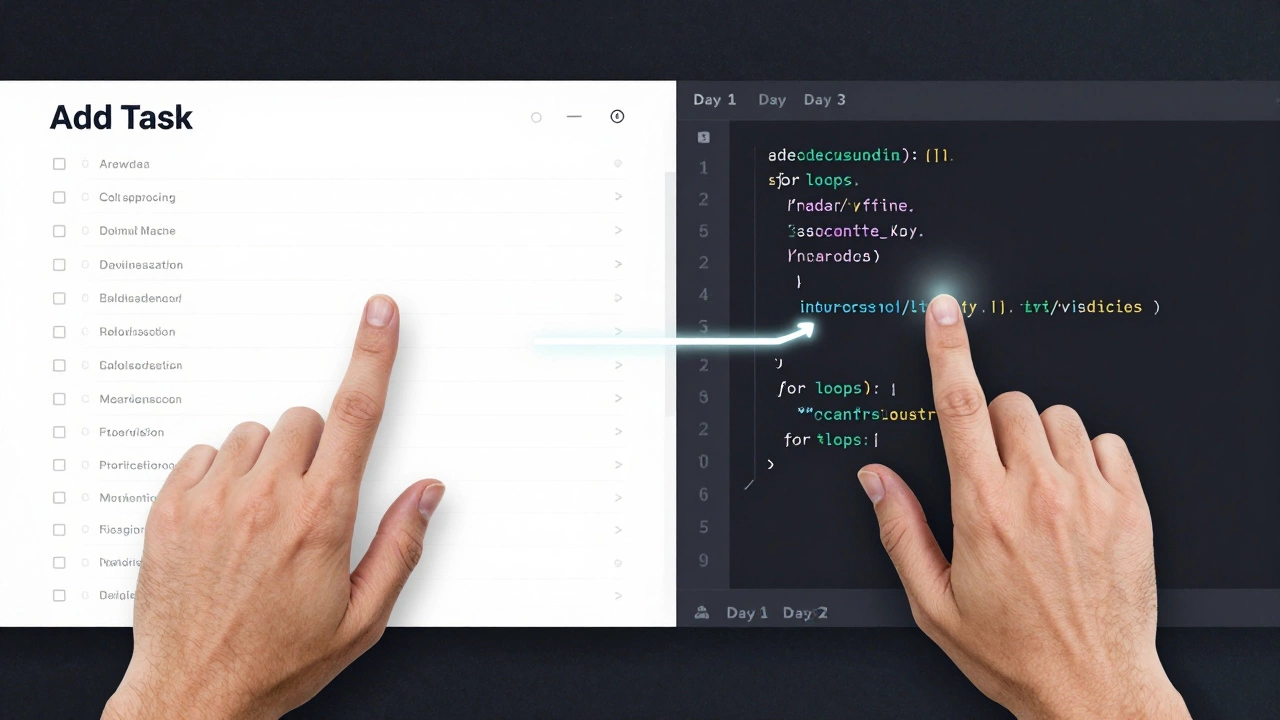
- Day 1: Learn how to select elements on a page using
document.getElementById()anddocument.querySelector(). Write a script that changes the color of a button when you click it. - Day 2: Learn how to use
addEventListener(). Make a simple counter that increases by one every time you click a button. No libraries. Just plain JavaScript. - Day 3: Learn how to use
ifstatements andforloops. Create a to-do list that lets you add items and delete them when clicked.
That’s it. You just built three interactive features without a single framework. That’s real progress. By the end of the week, you’ll have more confidence than most people who’ve spent months watching tutorials.
Free, high-quality resources that actually work
You don’t need to pay for courses. Here are the three best free resources that real developers use:
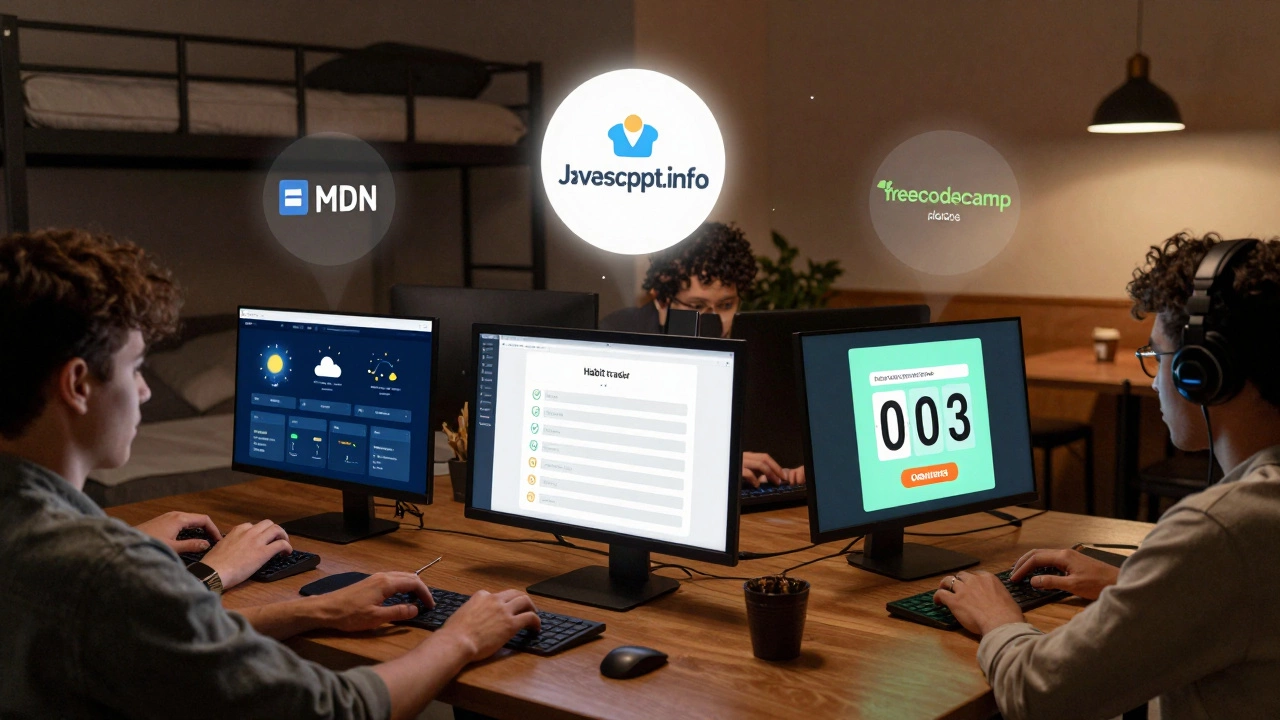
- MDN Web Docs - The official, trusted reference. It’s detailed, accurate, and updated constantly. If you’re stuck on something, this is where you go.
- JavaScript.info - A modern, easy-to-follow tutorial that starts from zero and builds up logically. It’s written in clear English, with practical examples you can copy and tweak.
- freeCodeCamp - Their JavaScript section has interactive coding challenges that give you instant feedback. You earn certificates, but more importantly, you build real projects.
These aren’t flashy YouTube channels or paid Udemy courses. They’re the tools professionals use every day. Stick with them. They’ll get you further than any 10-hour video series.
Build something real - not a tutorial clone
Most people quit because they never finish anything. They follow tutorials, copy code, and feel good… until they try to build their own thing. Then they freeze.
Don’t build a calculator because a tutorial told you to. Build something you care about:
- A weather app that pulls data from a free API
- A habit tracker that saves your progress in the browser
- A quiz game with timed questions and scores
These projects force you to solve problems you didn’t know existed. You’ll learn how to handle data, debug errors, and structure code - all without being spoon-fed.
And here’s the secret: when you finish one real project, you’ll realize you’ve already learned 80% of what you need. The rest is just practice.
How long does it take?
There’s no magic number. But here’s what most people experience:
- 1 week: You can make buttons and text change on a page.
- 1 month: You can build a small interactive app from scratch.
- 3 months: You can understand how APIs work and fetch real data.
- 6 months: You can build a full frontend app with user input, storage, and dynamic updates.
That’s not theoretical. It’s what people in Dublin, Lagos, and Manila have done. One woman I know taught herself JavaScript while working two part-time jobs. Six months later, she landed a junior developer role. She didn’t have a degree. She just built things.
What trips people up - and how to avoid it
Here are the three most common mistakes - and how to dodge them:
- Waiting to feel ready. You’ll never feel ready. Start before you think you know enough. The learning happens while you build.
- Switching tools too often. Don’t jump from VS Code to Sublime to Atom. Pick one editor, stick with it. Same with browsers - use Chrome. Learn one thing at a time.
- Ignoring errors. When your code breaks, don’t panic. Read the error message. It’s usually telling you exactly what’s wrong. Google it. Stack Overflow isn’t cheating - it’s part of the job.
Every developer, no matter how experienced, spends half their day reading error messages. You’re not behind. You’re doing it right.
You don’t need to be a genius - just consistent
Some people think you need to be naturally good with logic or math to learn JavaScript. You don’t. What you need is patience. Spend 30 minutes a day. Not five hours on Saturday. Not zero for a week. Just 30 minutes, every day.
That’s 3.5 hours a week. In 12 weeks, you’ll have put in 42 hours. That’s more than most people who take paid courses. And you’ll have built something real - not just watched videos.
Progress isn’t linear. Some days you’ll feel stuck. Other days, everything clicks. That’s normal. Don’t quit when it feels hard. That’s when you’re growing.
What’s next after the basics?
Once you’re comfortable with vanilla JavaScript, here’s where to go:
- HTML and CSS - If you haven’t mastered them yet, now’s the time. JavaScript works with them.
- APIs - Learn how to fetch data from services like JSONPlaceholder or weather APIs.
- Browser DevTools - Use the Console and Network tabs to debug your code. This is a superpower.
- Version control (Git) - Learn how to save your code with Git and GitHub. It’s not optional anymore.
- React or Vue - Only after you understand how JavaScript works on its own.
You don’t need to learn everything at once. Pick one thing. Master it. Then move on.
Final thought: You’re already on the path
If you’re reading this, you’ve already taken the first step. You asked the question. That means you’re curious. That’s more than most people have.
JavaScript doesn’t care where you come from, what your degree is, or how old you are. It only cares if you show up and build something. One line of code today. Another tomorrow. Slowly, you’ll look back and realize you’ve built more than you thought possible.
Do I need a computer science degree to learn JavaScript?
No. Most professional JavaScript developers didn’t study computer science. Many learned through online resources, personal projects, or coding bootcamps. What matters is your ability to solve problems and build working software - not your diploma.
How much time should I spend each day?
Start with 30 minutes a day. That’s enough to make progress without burning out. Consistency beats intensity. Five days a week is better than five hours once a month. Over time, you’ll naturally want to spend more.
Can I learn JavaScript if I’m not good at math?
Yes. Basic arithmetic is all you need for most web development. You don’t need calculus, trigonometry, or advanced logic. JavaScript for websites is about manipulating content, responding to user actions, and organizing data - not solving equations.
What if I get stuck and can’t fix my code?
Everyone gets stuck. The key is to read the error message carefully, search for it on Google, and check MDN or Stack Overflow. Most errors have been solved before. Copying code from the internet isn’t cheating - it’s how professionals learn. Just make sure you understand what you copied.
Will I be able to get a job after learning JavaScript?
Yes - if you build a portfolio. Employers care more about what you’ve built than what you’ve studied. Even one well-built project - like a weather app or a task manager - can get you an interview. Start small, finish it, and show it off on GitHub.
JavaScript is one of the most accessible programming languages in the world. You don’t need permission to start. You don’t need approval. You just need to begin - and keep going.