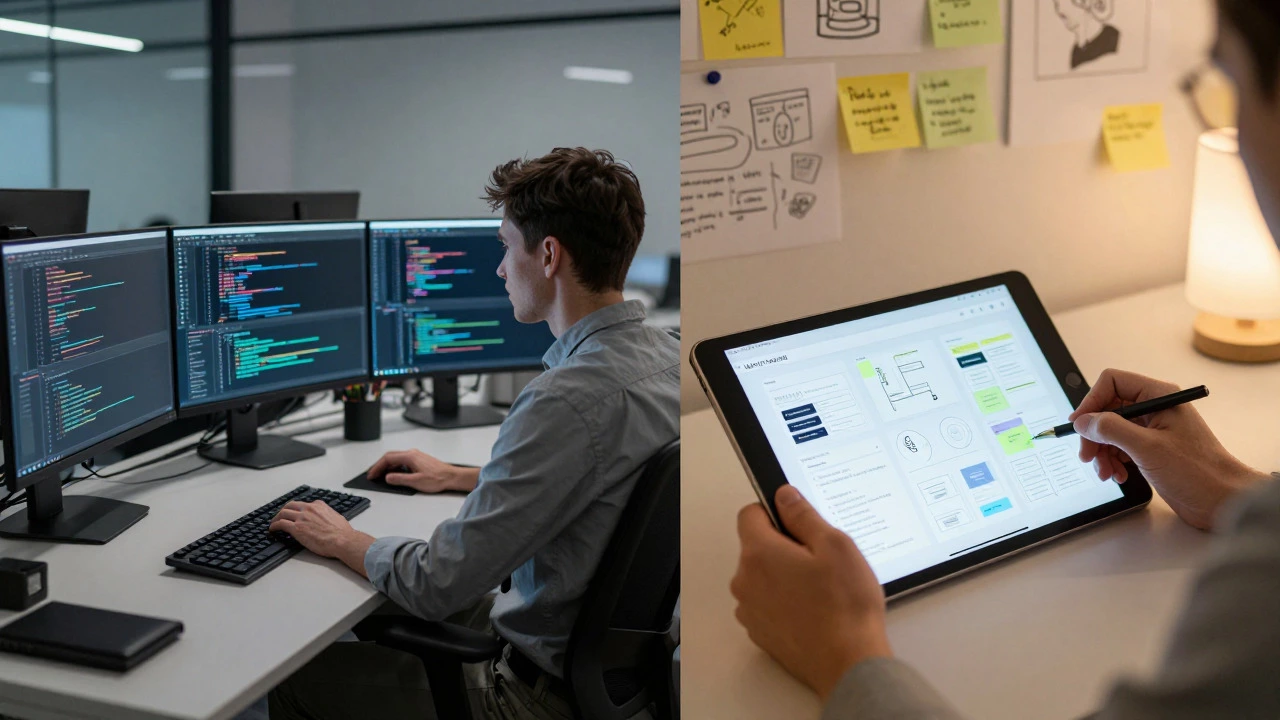
UX/UI vs. Coding: Career Path Finder
When facing a problem with no clear "right answer," how do you feel?
How do you prefer to receive feedback on your work?
What kind of daily task energizes you most?
How do you handle strict rules and rigid structures?
Which learning resource appeals to you more right now?
Your Result
Based on your answers...
Why This Fits You
The Challenge Ahead
There is a persistent myth in the tech industry that UX/UI design is the "easy" way into tech, while coding is the hard part. If you are considering a career switch or just curious about the workload, this assumption could save you from a lot of frustration. The reality is more nuanced: neither path is objectively easier; they just require different types of mental endurance and skill sets.
When people ask if design is easier than code, they are usually comparing two very different jobs. One involves building the logic that makes a button work; the other involves deciding why that button should be blue and where it sits on the screen. Both have steep learning curves, but the pain points differ significantly. Let's break down what actually makes each discipline challenging so you can pick the path that fits your brain, not just the one that looks less intimidating on social media.
The Nature of the Difficulty: Logic vs. Ambiguity
To understand which field feels harder, you first need to look at how problems are solved in each domain. In software engineering, specifically Front End Development, problems usually have a definitive answer. If a button doesn't click, there is a bug. You find the line of code, fix it, and the problem is gone. This binary nature-working or broken-can feel comforting because the feedback loop is immediate and objective.
Design operates differently. In User Experience (UX) research, questions often don't have a single right answer. Why do users hesitate before clicking 'Submit'? Is it fear of cost? Confusion about the next step? Trust issues? Solving these requires empathy, data interpretation, and psychological insight rather than syntax knowledge. For someone who thrives on clear rules and logical puzzles, coding might feel easier because the machine gives no excuses. For someone who struggles with rigid structures but excels at reading human behavior, design might feel like a natural fit despite its ambiguity.
The Learning Curve: Syntax vs. Systems Thinking
If you are starting from zero, the initial barrier to entry for coding is technical. You must learn languages like HTML, CSS, and JavaScript. These are not just tools; they are dialects with strict grammars. Miss a semicolon in JavaScript, and your entire page might stop functioning. This can be discouraging for beginners who expect instant results. However, once you grasp the basics, the progression is linear. You build small components, then larger pages, then full applications. The steps are well-documented, and the community support for debugging code errors is vast.
On the other hand, the learning curve for UX/UI is broader but less rigid. You don't need to memorize syntax, but you do need to master a wide range of soft and hard skills simultaneously. You must understand visual hierarchy, typography, color theory, and interaction patterns. More importantly, you need to learn how to conduct user interviews, create personas, and validate assumptions through testing. There is no "compiler" that tells you if your design is bad. You only know when real users struggle to use it. This lack of immediate, automated feedback can make the early stages of design feel slower and more uncertain than writing code.
Tooling and Workflow: Precision vs. Iteration
Let's talk about the daily grind. Developers work in Integrated Development Environments (IDEs) like VS Code. Their workflow is highly structured: write code, run tests, deploy. The tools are powerful but precise. When you move an element by 1 pixel, you type `margin-top: 1px`. It is exact. This precision is essential for responsive web design, where layouts must adapt perfectly across mobile, tablet, and desktop screens.
Designers work in tools like Figma or Sketch. Their workflow is iterative: sketch, prototype, test, refine. Moving an element is as simple as dragging it with a mouse. It feels faster and more intuitive. But here is the catch: design files rarely translate directly into production code without significant effort. A designer might spend hours perfecting a complex animation in Figma, only for the developer to realize it will slow down the website performance on older devices. This gap between design intent and technical reality is a major source of friction. Many designers find this frustrating because their "perfect" design gets compromised by technical constraints. Conversely, developers sometimes find design files messy or inconsistent, making their job harder.
| Aspect | UX/UI Design | Front End Coding |
|---|---|---|
| Primary Skill | Empathy, Visual Communication, Strategy | Logic, Problem-Solving, Technical Implementation |
| Feedback Loop | Slow (User Testing, Stakeholder Review) | Fast (Browser Console, Linter, Tests) |
| Error Handling | Subjective (Usability Issues) | Objective (Syntax Errors, Bugs) |
| Learning Resources | Books, Courses, Portfolio Reviews | Documentation, Stack Overflow, Tutorials |
| Job Market Demand | High for Senior Roles, Competitive Entry | Consistent Demand, High Volume of Juniors |

The Collaboration Gap: Who Actually Suffers More?
A common misconception is that designers and developers are enemies. In reality, the biggest challenge for both roles is communication. Designers often assume that developers can "just make it look like the mockup." Developers often assume that designers "don't understand how the web works." This disconnect leads to rework, which is the true enemy of productivity.
If you are a person who dislikes conflict and prefers working independently, coding might seem easier because you can focus on your code without constant negotiation. However, modern development teams rely heavily on collaboration. You will still talk to product managers, backend engineers, and QA testers. Designers, on the other hand, are embedded in the business strategy. They must constantly justify their decisions to stakeholders who care about revenue and speed, not just aesthetics. This political aspect of design can be exhausting for those who prefer pure creative work or pure technical work.
Which Path Fits Your Personality?
So, is one easier than the other? Not really. It depends on where your weaknesses lie. If you hate math and logic, coding will feel like climbing a wall. If you hate ambiguity and open-ended debates, design will feel like wading through mud. Here is a quick self-assessment to help you decide:
- Choose Coding if: You enjoy solving puzzles, you like seeing immediate results, you prefer clear rules, and you are comfortable with repetitive practice to master syntax.
- Choose Design if: You are observant of human behavior, you enjoy visual arts, you like explaining your reasoning to others, and you are okay with iterating on ideas until they work.
- Consider Hybrid Skills: Many successful professionals now bridge the gap. "Design Engineers" or "Creative Developers" who understand both Figma and React are highly valued. Knowing the basics of both fields makes you more resilient, even if you specialize in one.

The Salary and Career Reality Check
Finally, let's look at the practical side. In Dublin and other major tech hubs, salaries for senior front-end developers and senior UX designers are comparable. The difference lies in the ceiling and the floor. Junior coding roles are abundant but competitive. Junior design roles are fewer, and the bar for portfolio quality is extremely high. A weak portfolio in design can kill your chances instantly, whereas a junior developer can often get hired based on potential and basic technical skills alone.
Coding offers a clearer ladder of promotion: Junior Developer -> Mid-Level Developer -> Senior Developer -> Tech Lead. Design careers can be more non-linear. You might move from Product Designer to Design Manager, or pivot to Product Management, or even start a consultancy. The flexibility is higher, but the path is less predictable. If you value stability and clear milestones, coding might feel "easier" to navigate. If you value variety and influence over product direction, design offers more freedom.
Frequently Asked Questions
Do I need to know how to code to become a UX designer?
No, you do not need to be a proficient coder to start a career in UX/UI design. However, understanding basic HTML and CSS helps you communicate better with developers and creates more realistic prototypes. It prevents you from designing elements that are technically impossible or expensive to build.
Which skill set is more in demand in 2026?
Both remain in high demand, but the market has matured. Companies are looking for specialists who understand the full product lifecycle. Pure coders who ignore accessibility and pure designers who ignore performance are becoming less desirable. The most sought-after profiles are those who can collaborate effectively across disciplines.
Is it harder to get a first job in design or development?
Generally, it is slightly harder to get a first job in design because portfolios are subjective and highly competitive. In development, passing a technical assessment is often enough to get an interview. However, once you have one year of experience, the hiring process becomes similar for both fields.
Can I switch from coding to design later in my career?
Yes, many developers transition to design roles, particularly in areas like Interaction Design or Design Engineering. Your technical background is a huge asset because you understand the constraints of the platform. You just need to build a strong portfolio demonstrating your eye for detail and user-centric thinking.
What is the biggest mistake beginners make in either field?
For designers, it is assuming that "pretty" equals "usable." For developers, it is ignoring accessibility standards. Both mistakes lead to products that exclude large portions of the user base. Understanding WCAG guidelines and inclusive design principles is critical for success in both roles.