JS Mastery Path Estimator
Select the milestones you have already completed to see your remaining journey and estimated time to proficiency.
Your Learning Forecast
Based on a schedule of 10-15 hours per week.
Key Takeaways for Fast Progress
- Prioritize the "JavaScript Engine" fundamentals over flashy frameworks.
- Build small, ugly projects immediately instead of reading entire textbooks.
- Focus on DOM manipulation to see instant results in the browser.
- Learn to read documentation early to stop relying on YouTube guides.
The Core Foundation: What to Learn First
Before you touch a fancy library, you need to understand the engine under the hood. JavaScript is a high-level, interpreted programming language that enables interactive web pages. It is the backbone of modern web interactivity. If you skip the basics, you'll struggle with every single framework you try later. Start with variables and data types. You need to know the difference between astring, a number, and a boolean. In 2026, you should almost exclusively use let and const. Forget var; it's a relic of the past that creates confusing scoping issues.
Next, tackle functions. Think of a function as a recipe: you give it some ingredients (parameters), it does some work, and it gives you a result (return value). Master the arrow function syntax, as it's the industry standard for concise code. Once you can move data in and out of a function, you've unlocked the primary power of the language.
Mastering the Document Object Model (DOM)
This is where the magic happens. The DOM is the programming interface for web documents, representing the page so that programs can change the document structure, style, and content. If you want to learn JavaScript quickly, stop doing math problems in the console and start changing things on a webpage. Learn how to select an element usingquerySelector and how to change its text using textContent.
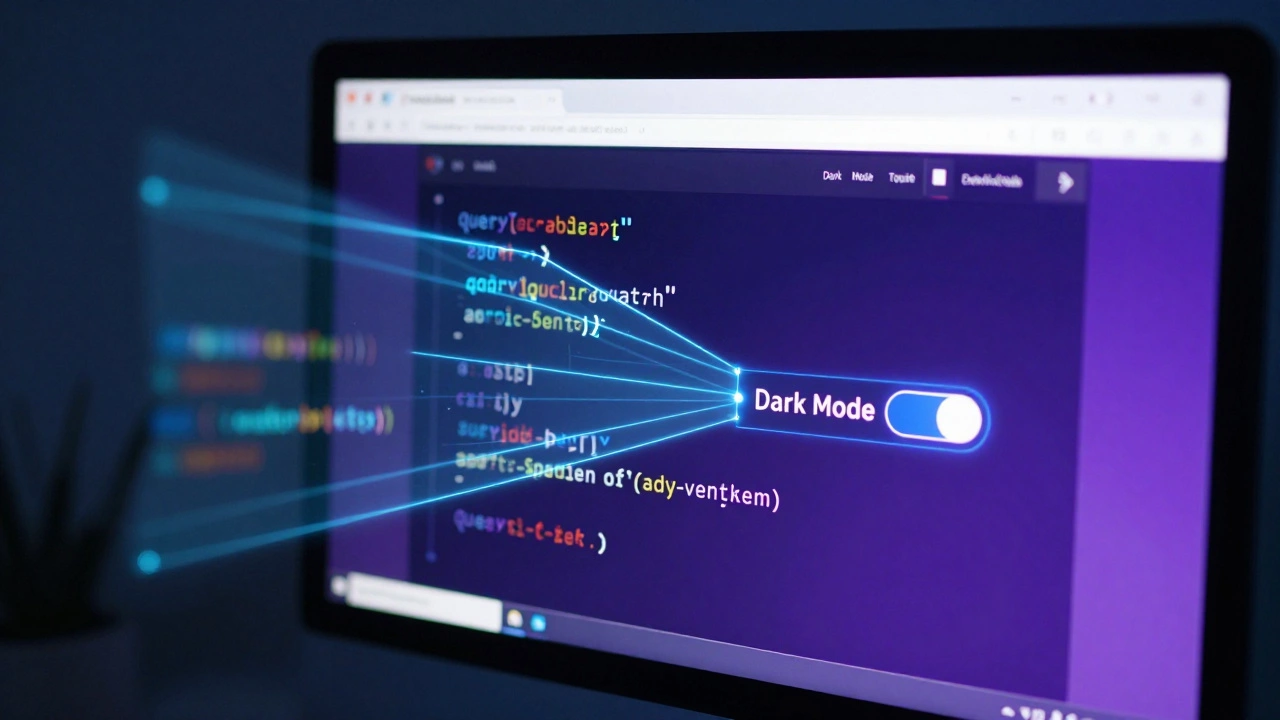
Ever wonder how a "Dark Mode" button works? It's just a JavaScript event listener that toggles a CSS class on the body element. When you build a project like a simple light/dark switch, you aren't just learning code; you're learning how the browser actually thinks. This immediate feedback loop is the fastest way to cement your knowledge.
| Concept | What it is | Real-World Example |
|---|---|---|
| Arrays | Ordered lists of data | A list of products in a shopping cart |
| Objects | Key-value pairs describing an entity | A user profile with name, email, and age |
| Event Listeners | Functions that wait for user action | Triggering a popup when a button is clicked |
| Promises | Handling asynchronous operations | Waiting for data to load from an API |
Handling Asynchronous Code and APIs
Modern web apps don't just sit there; they fetch data. This is where most beginners hit a wall because JavaScript doesn't wait for data to arrive from a server-it keeps running the next line of code. This is called asynchronous behavior. To handle this, you must master Async/Await is a syntactic sugar built on top of Promises that allows asynchronous code to be written in a synchronous-looking manner. Instead of nesting callbacks (which leads to "callback hell"), use thefetch API to grab data from a public source. For example, try building a simple weather app using the OpenWeatherMap API. You'll learn how to request data, parse it as JSON, and inject that data into your HTML. This transition from static pages to dynamic apps is the defining moment in a developer's journey.
The Framework Dilemma: When to Move On
There is a huge temptation to jump straight into React is a popular JavaScript library for building user interfaces, maintained by Meta. or Vue.js is a progressive JavaScript framework for building interactive web interfaces. Here is the hard truth: if you move to a framework before you understand the core language, you aren't learning JavaScript; you're learning a specific tool's configuration. You'll be able to copy-paste components, but you won't know why the state isn't updating or why your props are undefined. Wait until you can comfortably do the following in "Vanilla JS" (plain JavaScript):- Create a loop that filters a list of objects.
- Build a form that validates user input without refreshing the page.
- Manipulate the DOM based on a timer or an API response.
Building Your Portfolio: Projects That Actually Teach
Stop building todo lists. Everyone builds todo lists. If you want to learn quickly, build things that force you to solve actual problems. Try a Budget Tracker. This forces you to handle numbers, arrays for the transaction history, and logic to calculate the balance. Or build a Custom Pomodoro Timer. This will teach you aboutsetInterval, clearInterval, and managing the state of a clock in real-time.
When you get stuck-and you will-don't immediately go to a tutorial. Go to
MDN Web Docs is
the most authoritative resource for JavaScript documentation, maintained by Mozilla.
Learning to read documentation is a superpower. It's the difference between being a "tutorial follower" and being a "developer." A developer looks at a function, reads the parameters it accepts, and figures out how to use it in their own unique way.

Common Pitfalls to Avoid
One of the biggest mistakes is ignoring the Console. Your browser's DevTools (F12) is your best friend. Useconsole.log() for everything. If a variable isn't doing what you think it is, log it. If a function isn't firing, log a message at the start of it. You can't fix what you can't see.
Another trap is getting obsessed with "the best" way to write code. In the beginning, "working code" is the only goal. Don't spend three hours debating whether to use a for...of loop or a forEach method. Write the code, make it work, and then-and only then-refactor it to be cleaner. Speed comes from iteration, not from perfection on the first try.
How long does it actually take to learn JavaScript?
If you spend 10-15 hours a week building projects, you can get a solid handle on the basics in 2 to 3 months. However, becoming "proficient" is a lifelong process. The goal isn't to finish the language, but to reach a point where you can look at a feature and know exactly which tools and logic are needed to build it.
Do I need to learn HTML and CSS first?
Yes. JavaScript is designed to manipulate HTML and CSS. If you don't understand how a div works or what a CSS class is, you won't have anything for your JavaScript to actually interact with. You don't need to be a master designer, but you should be comfortable with basic layout and structure before starting JS.
Which JavaScript version should I learn?
You should focus on ES6 (ECMAScript 2015) and later. Most modern tutorials and documentation cover this. Key features introduced in ES6, like arrow functions, template literals, and destructuring, are standard in almost every professional project today.
Is it better to use a course or self-teach with docs?
A hybrid approach is best. Use a course to get a structured roadmap so you don't miss critical concepts, but spend 70% of your time building things and reading MDN. If you only follow a course, you'll develop a false sense of competence that disappears when you're on your own.
What are the best free resources for JavaScript?
MDN Web Docs is the gold standard for reference. FreeCodeCamp and The Odin Project are excellent for structured, project-based learning. For deep dives into how the language actually works, "You Don't Know JS" is a highly respected series of books available for free online.
Next Steps for Your Journey
Now that you have a roadmap, the most important thing is to start today. If you are a complete beginner, spend this week building a simple calculator. If you already know the basics, try integrating a public API into a project. If you find yourself struggling with a specific concept, likeclosures or prototypes, don't panic. These are the hardest parts of the language. Step away from the complex theory and go back to building something small. The "aha!" moment usually happens when you're trying to solve a bug, not when you're reading a definition. Keep breaking things, keep logging your variables, and keep shipping small projects. That is the only real shortcut to mastery.