
Website Development Timeline Estimator
Project Configuration
Client Efficiency Factor
How quickly can you provide feedback and assets?
Estimated Timeline
Breakdown by Phase:
You want a new website. You ask a freelance web developer an independent professional who builds websites for clients on a project basis, "How long will it take?" They hesitate. You get frustrated. This happens because there is no single answer. A landing page takes days. An enterprise platform takes months. The gap between these two extremes is where most confusion lives.
In 2026, the speed of development has changed. AI tools help write code faster. No-code platforms allow non-technical users to drag and drop elements. Yet, the core phases of planning, designing, and testing remain constant. Understanding these phases helps you set realistic expectations. It also prevents scope creep, which is the number one reason projects run late.
Key Takeaways
- A simple brochure site takes 2-4 weeks; complex e-commerce sites take 3-6 months.
- Client feedback delays account for 40% of project overruns.
- Using templates or CMS platforms like WordPress reduces time by half compared to custom coding.
- Planning and content creation often take longer than actual coding.
The Three Tiers of Website Complexity
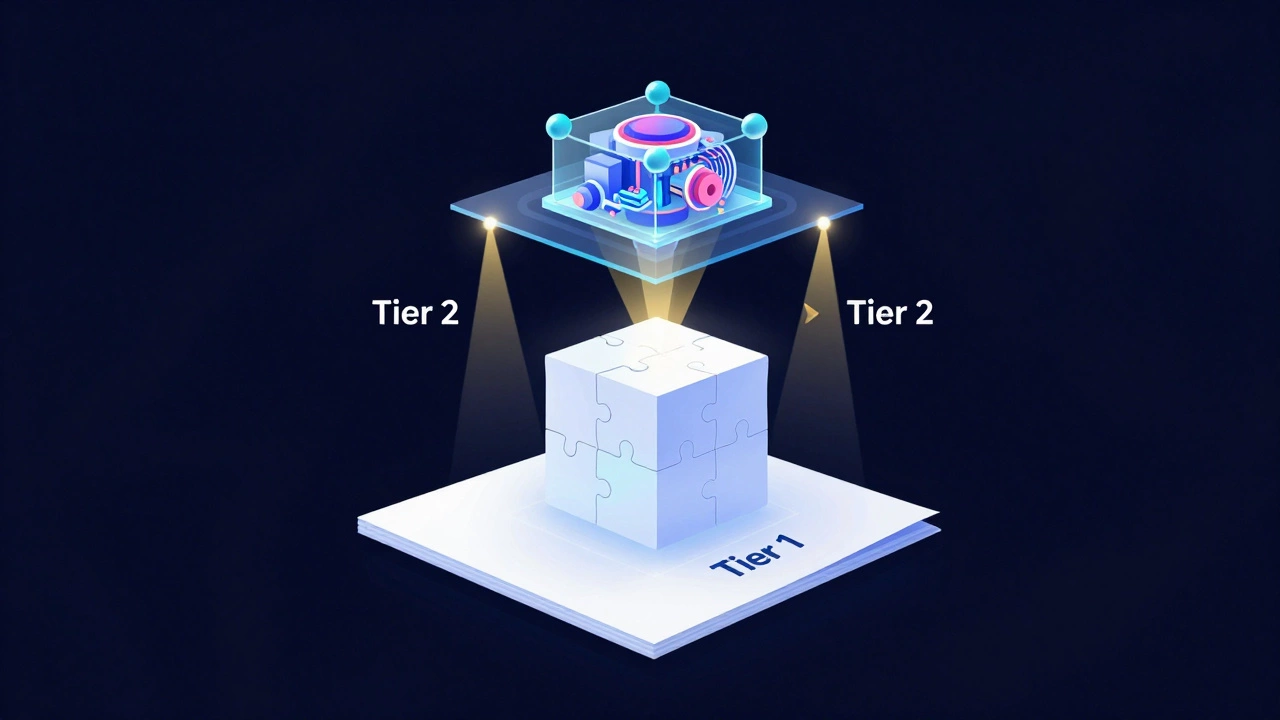
To estimate time, you must first define what you are building. Not all websites are created equal. We can group them into three main tiers based on functionality and customization.
Tier 1: The Brochure Site. This is a static site with 5-10 pages. It includes Home, About, Services, and Contact. There is no user login, no shopping cart, and no database integration. These sites rely heavily on pre-built themes or templates. A developer spends most of their time configuring the theme and inserting your content rather than writing code from scratch.
Tier 2: The Dynamic Business Site. This tier adds interactivity. Think of a blog with a membership area, a booking system for appointments, or a directory with search filters. These sites require a Content Management System (CMS) like WordPress the world's most popular open-source CMS powering over 40% of the web or a headless setup. Custom plugins or API integrations are common here.
Tier 3: The Web Application. This is not just a website; it is software running in a browser. Examples include SaaS products, social networks, or complex e-commerce platforms with custom inventory management. These require custom front-end frameworks like React or Vue.js and robust back-end infrastructure. Security, scalability, and performance optimization are critical from day one.
| Website Type | Complexity | Estimated Time | Primary Technology |
|---|---|---|---|
| Landing Page | Low | 3-7 days | Carrd, Squarespace |
| Brochure Site | Low-Medium | 2-4 weeks | WordPress, Webflow |
| E-commerce Store | Medium-High | 6-12 weeks | Shopify, WooCommerce |
| Custom Web App | High | 3-6+ months | React, Node.js, Python |
Breaking Down the Development Lifecycle
Even if you know the total time, understanding the breakdown prevents panic when things seem slow. A standard project follows five distinct phases. Each phase has dependencies that must be completed before the next begins.
Phase 1: Discovery and Strategy
This is the foundation. You meet with your developer to discuss goals, target audience, and features. The output is a sitemap and a wireframe. Many clients skip this to save time, but it costs more later. If you change the structure after coding begins, you pay for rework. For a small site, this takes 3-5 days. For a large app, it can take 2-3 weeks.
Phase 2: Design (UI/UX)
Here, the visual look comes together. Your designer creates mockups in tools like Figma. You review them and provide feedback. This stage involves iteration. You might see Version 1, then Version 2, then Version 3. Each round of feedback adds 2-3 days. Clear branding guidelines speed this up significantly. If you don't have a logo or color palette ready, expect delays.
Phase 3: Development
This is where the code is written. The developer turns designs into a functional site. They set up the server, install the CMS, and build custom components. This phase varies wildly. A template-based site might take a week. A custom-coded interface using JavaScript frameworks can take months. During this time, communication should be minimal unless there are blockers.
Phase 4: Content Population
This is the silent killer of timelines. Developers often use placeholder text (Lorem Ipsum) during development. You must replace this with real copy, images, and videos. Writing compelling web copy takes time. Hiring a professional writer adds another layer. If you wait until the end to gather content, the launch date slips. Start collecting assets in Phase 1.
Phase 5: Testing and Launch
Before going live, the site undergoes quality assurance (QA). This includes checking for broken links, testing mobile responsiveness, and verifying forms. Browser compatibility checks ensure the site looks good on Chrome, Safari, and Firefox. Bug fixing can take 3-7 days. Once approved, the site goes live, and DNS propagation occurs, which usually takes 24-48 hours.
Why Projects Run Late: The Hidden Delays
I have seen projects slip by months not because the developer was slow, but because of external factors. Recognizing these pitfalls helps you stay on track.
Scope Creep is the biggest culprit. You start with a request for a contact form. Halfway through, you decide you also need a newsletter signup, a chatbot, and an Instagram feed. Each addition requires design, development, and testing time. Stick to the original brief. Save new ideas for Version 2.
Feedback Loops matter. If you take five days to reply to an email asking for approval on a design, the entire project shifts by five days. Establish a communication protocol early. Agree on response times. Use collaborative tools like Slack or Trello to keep discussions organized and visible.
Asset Readiness is often overlooked. High-resolution images, brand fonts, and legal text (privacy policy, terms of service) must be ready. If the developer has to pause work waiting for you to upload photos, the timeline extends. Create a shared folder at the start of the project and populate it continuously.
Factors That Speed Up the Process
Can you build a website faster? Yes. Here are practical strategies to reduce time without sacrificing quality.
Use a Headless CMS or Website Builder. Platforms like Webflow or Squarespace combine design and development. You don't need separate teams for UI and code. For simple sites, this cuts the timeline in half. However, you lose some flexibility for complex logic.
Limit Custom Features. Instead of building a custom booking system, integrate an existing tool like Calendly or Acuity Scheduling. These tools are tested, secure, and require zero development time. Plug-and-play solutions are your friend for speed.
Hire a Specialist, Not a Generalist. A developer who specializes in Shopify will build an online store faster than a full-stack developer who knows ten different languages but rarely touches e-commerce. Expertise reduces trial and error.
Provide Clear Brand Guidelines. If your developer knows exactly which fonts, colors, and tone of voice to use, they spend less time guessing and more time building. A style guide eliminates subjective debates about aesthetics.
The Role of AI in 2026 Development Speeds
Artificial intelligence has changed the game. In 2026, developers use AI assistants to generate boilerplate code, debug errors, and even create basic layouts. Tools like GitHub Copilot or Vercel v0 help scaffold projects quickly. This means routine tasks that used to take hours now take minutes.
However, AI does not replace strategy. It cannot decide your business goals or understand your brand voice. It accelerates execution, not conception. Expect a 20-30% reduction in pure coding time for standard projects. But planning and content creation still require human input.

How to Manage Your Freelancer Effectively
Your relationship with your freelance web developer dictates the pace. Treat them as a partner, not a vendor. Here is how to ensure smooth collaboration.
- Set Milestones: Break the project into weekly goals. Review progress every Friday. This keeps momentum high and catches issues early.
- Consolidate Feedback: Do not send feedback piecemeal. Gather all comments from your team and send them in one batch. Context switching slows down developers.
- Respect Deep Work: Avoid unnecessary meetings. Let the developer focus. Use async communication whenever possible.
- Budget for Buffer: Add a 15-20% time buffer to any estimate. Unexpected bugs or client changes will happen. Planning for them reduces stress.
Conclusion: Setting Realistic Expectations
There is no magic bullet for instant websites. Quality takes time. Rushing leads to poor user experience, security vulnerabilities, and technical debt. By understanding the phases, avoiding scope creep, and preparing your content early, you can control the timeline. A well-planned project launched in four weeks is better than a rushed one launched in two weeks with broken features. Focus on clarity and communication, and the rest will follow.
How much does it cost to build a website in 2026?
Costs vary widely. A simple template-based site may cost $500-$2,000. A custom business site ranges from $3,000-$10,000. Complex web applications can exceed $20,000. Hourly rates for freelancers range from $50 to $150 depending on expertise and location.
Can I build a website myself in a weekend?
Yes, if you use a website builder like Wix or Squarespace and have all your content ready. You can launch a basic landing page in a few hours. However, customizing beyond templates and optimizing for SEO will take additional time and learning.
What is the most time-consuming part of building a website?
Content creation and revision cycles are typically the most time-consuming. Writing unique copy, sourcing high-quality images, and approving design iterations often take longer than the actual coding phase.
Should I choose a freelancer or an agency?
Freelancers are often faster and cheaper for small to medium projects due to lower overhead. Agencies offer more resources and specialized roles but may have slower communication and higher costs. Choose based on budget and project complexity.
How long does DNS propagation take after launching?
DNS propagation usually takes 24 to 48 hours globally. During this time, some users may see the old site while others see the new one. It is best to launch during low-traffic periods to minimize disruption.