
eCommerce Platform Calculator
Your Business Details
Platform Comparison
Enter your business details to see results
Platform Highlights
Shopify
Best for beginners and small-to-mid businesses with no technical skills. Handles everything from payments to shipping with minimal setup. Ideal for stores with under 5,000 products and slow-to-moderate growth.
WooCommerce
Best for businesses with advanced technical skills who need deep customization. Ideal for WordPress users with complex product requirements and large inventories. Requires ongoing maintenance and technical expertise.
BigCommerce
Best for fast-growing businesses with international needs. Handles high traffic and complex inventory better than most platforms. Ideal for stores with 1,000+ products and rapid growth.
Squarespace
Best for design-focused brands with under 200 products. Stunning templates with minimal setup. Ideal for small stores where visual appeal matters more than complex functionality.
Your Recommended Platform
Choosing the right eCommerce platform isn’t about picking the most popular name-it’s about finding the one that fits your business, your budget, and your skills. In 2026, there are more options than ever, but not all of them are right for you. If you’re selling handmade candles, scaling a fashion brand, or launching a B2B parts catalog, your needs are different. The platform you choose will shape how fast you launch, how much you pay in fees, and whether you can grow without hitting walls.
Shopify: The Plug-and-Play Winner
Shopify powers over 4 million businesses worldwide. It’s the go-to for people who want to start selling online without touching a line of code. You sign up, pick a theme, add your products, and go live in under an hour. No server setup. No plugin conflicts. No worrying about updates breaking your site.
Shopify handles payments, taxes, shipping labels, and even fraud protection out of the box. Its built-in POS system lets you sell in person and online from the same dashboard. For small to mid-sized stores, it’s the most reliable option. You pay $29 to $299 a month, depending on features, but you get everything included-no hidden costs for essential tools.
Want to add a newsletter? There’s an app for that. Need to connect to Amazon or eBay? Done. Shopify’s app store has over 8,000 integrations. But here’s the catch: every app you add costs extra. And if you want custom design changes, you’ll need a developer-or pay Shopify’s premium theme prices.
WooCommerce: The Free Engine with Hidden Costs
WooCommerce is a WordPress plugin. It’s free to install. That’s the big sell. But free doesn’t mean cheap. To run WooCommerce properly, you need hosting, a domain, an SSL certificate, security plugins, backup tools, and a reliable theme. A basic setup can easily cost $50-$100 a month before you even buy a product.
WooCommerce gives you full control. You own your data. You can tweak every detail. That’s great if you’re a developer or have a tech-savvy team. But if you’re not, you’ll spend hours troubleshooting broken checkouts, plugin conflicts, or slow load times. WordPress updates can break your store. One poorly coded plugin can take down your entire site.
WooCommerce is ideal if you already run a WordPress blog and want to add a store. It’s also the best choice if you need deep customization-like dynamic pricing based on user roles, complex product variations, or multi-vendor marketplaces. But unless you’re prepared for the maintenance, it’s a time sink.
BigCommerce: For Scaling Fast
BigCommerce sits between Shopify and custom solutions. It’s built for businesses that know they’ll grow fast. It handles high traffic, complex inventory, and international sales better than most. Built-in multi-currency, multi-language support, and advanced SEO tools mean you won’t need to install plugins for core features.
BigCommerce starts at $29/month, same as Shopify, but its higher plans include more powerful features-like abandoned cart recovery, advanced reporting, and API access for custom integrations. It’s less flashy than Shopify, but more robust. Companies like Ben & Jerry’s and Skullcandy use it.
The downside? It’s less beginner-friendly. The interface feels more like a business tool than a simple store builder. If you’re just testing the waters, BigCommerce might feel overwhelming. But if you’re planning to hit $1M+ in sales within two years, it’s one of the safest bets.
Squarespace Commerce: For Design-First Brands
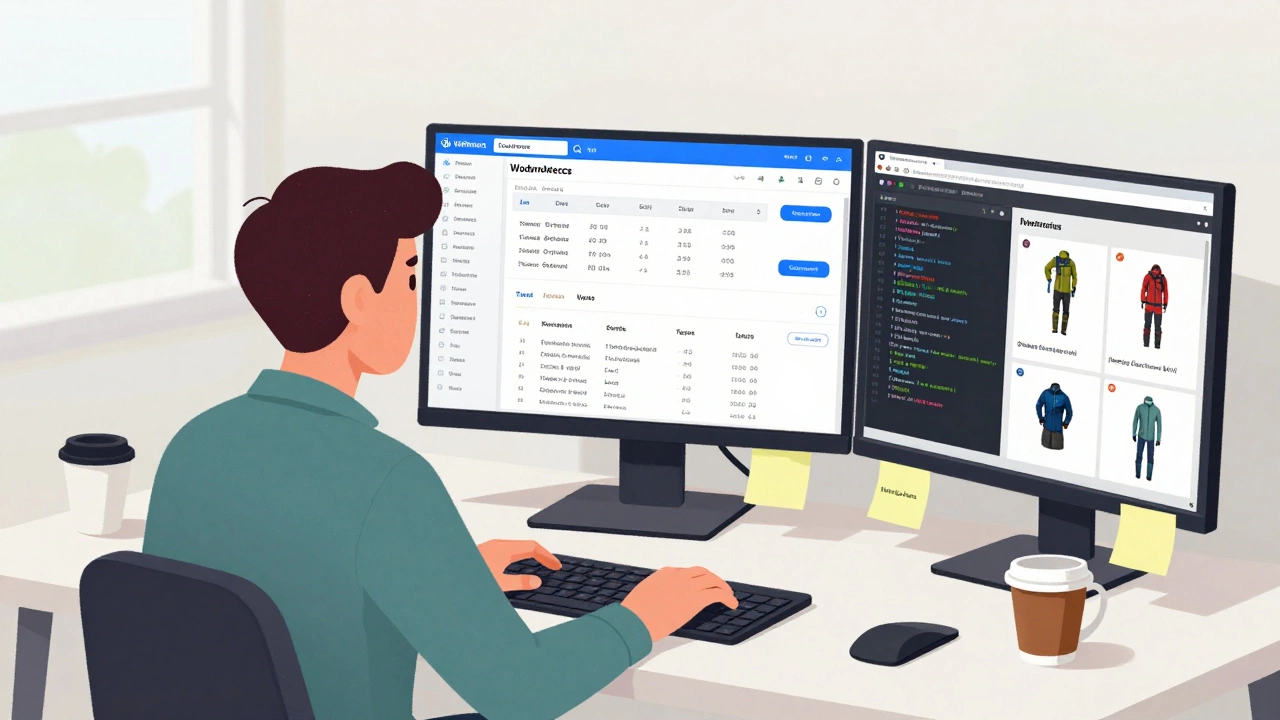
If your product is visual-fashion, art, jewelry, candles-Squarespace might be your best fit. Its templates are stunning. Every theme looks like it was made by a professional designer. You don’t need to tweak CSS to get a high-end look.
Squarespace Commerce starts at $23/month and includes hosting, domain, SSL, and analytics. It’s simple. Clean. Easy. But it’s also limited. You can’t add custom code easily. Product filters are basic. Inventory management doesn’t handle bulk updates well. And if you need to integrate with ERP or wholesale systems, you’re out of luck.
Squarespace works best for small brands that care more about aesthetics than scalability. It’s perfect for a boutique store with 50-200 products. But if you plan to add thousands of SKUs, complex shipping rules, or third-party fulfillment, you’ll outgrow it fast.
Custom Solutions: When You Need More
Some businesses need more than off-the-shelf tools. Maybe you need real-time inventory syncing across 10 warehouses. Or a custom checkout flow for subscription boxes. Or integration with legacy ERP systems. That’s when custom development makes sense.
Platforms like Magento (Adobe Commerce) or custom-built stores on Laravel or Node.js give you total control. But they cost $10,000-$50,000+ to build and maintain. You need a dedicated team: developers, designers, QA testers, and a DevOps person. Most small businesses don’t need this. But if you’re a brand doing $10M+ a year, it’s worth the investment.
What You Really Need to Ask Yourself
Don’t just compare prices. Ask these questions:
- Do you have technical skills or access to a developer?
- How many products do you have now-and how many will you have in a year?
- Will you sell internationally? With multiple currencies and taxes?
- Do you need to sync with inventory systems, warehouses, or accounting software?
- Can you afford downtime if your site breaks?
If you answered "no" to most of these, go with Shopify. It’s the safest, fastest, and most supported option. If you answered "yes" to most, consider BigCommerce or WooCommerce with professional help. If you’re a designer-first brand with under 200 products, Squarespace works.
Real-World Examples
Take a small Irish candle maker in Dublin. She started with Shopify. Sold 500 candles a month. Used built-in shipping labels and tax rules. After a year, she added a wholesale portal for local boutiques using a $10/month app. She never touched code. Her store runs on autopilot.
Compare that to a UK-based outdoor gear brand. They used WooCommerce because they needed custom product options-like choosing fabric type, color, and strap length for each backpack. They hired a developer to build the logic. It cost $8,000 upfront. Now they handle 1,200 SKUs with dynamic pricing. But they pay $200/month in hosting, plugins, and maintenance.
There’s no single "best" platform. Only the best fit for your situation.
What to Avoid
Don’t pick a platform just because it’s trending. Don’t choose based on a friend’s store. Don’t go with the cheapest option if you plan to scale. And never ignore transaction fees. Shopify charges 2% extra if you don’t use Shopify Payments. WooCommerce doesn’t charge fees-but your payment gateway might.
Also avoid platforms that lock you in. If you can’t export your data easily, you’re trapped. Always check: Can you export products, customers, and orders as CSV? Can you move to another platform without losing everything?
Final Recommendation
For 90% of people starting an online store in 2026: Shopify is the answer. It’s reliable, fast, and grows with you. You’ll spend less time fixing bugs and more time selling.
If you’re tech-savvy and need full control: Go with WooCommerce-but budget for ongoing costs and time.
If you’re scaling fast and need enterprise features: BigCommerce.
If your brand is all about visuals and you have under 200 products: Squarespace.
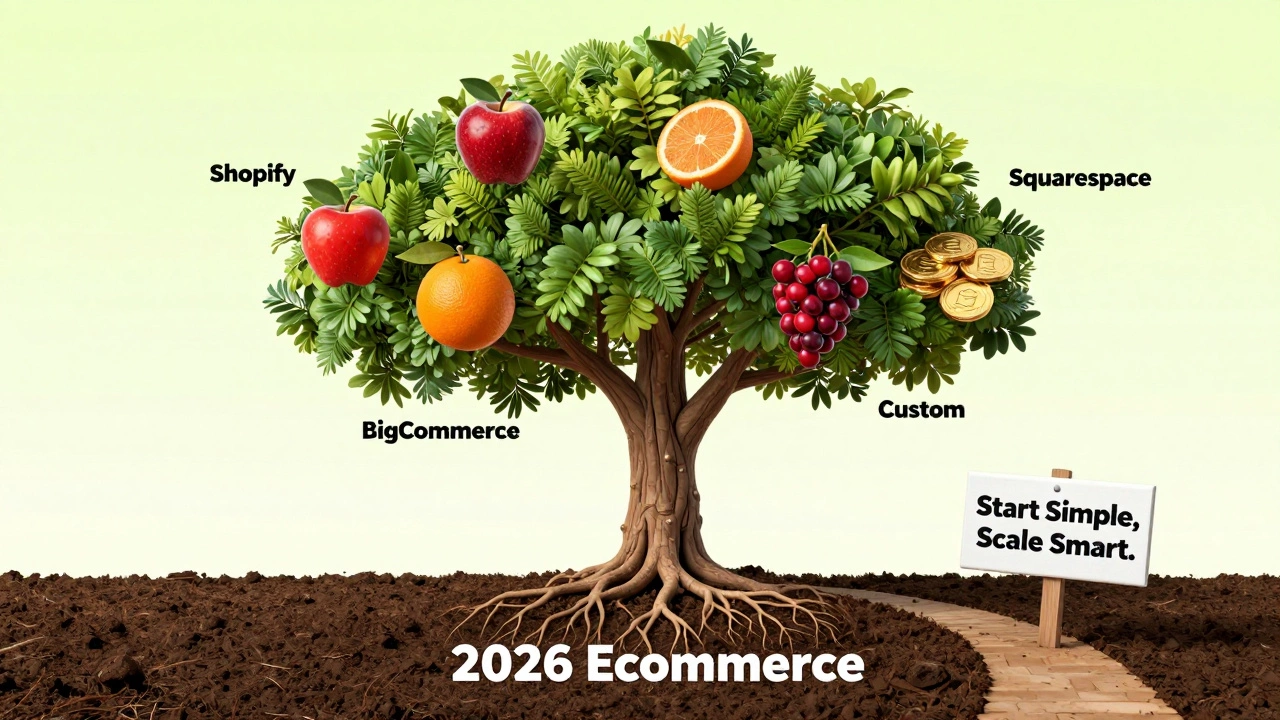
Everything else? You’re probably overcomplicating it. Start simple. Test your idea. Then scale smart.
Is Shopify really the best for beginners?
Yes. Shopify is designed for people with no coding experience. You don’t need to install plugins, manage servers, or update software. Everything is handled for you. Most users get their store live in under 24 hours. It’s the most beginner-friendly platform available today.
Can I switch platforms later if I outgrow my current one?
Yes, but it’s not easy. You can export your products, customers, and orders as CSV files from most platforms. But product images, reviews, and custom pages don’t transfer cleanly. You’ll need to rebuild your site structure, reconfigure SEO, and retrain your team. The best time to switch is early-before you have thousands of orders and customers.
Do I need to pay for apps on Shopify?
You don’t need apps to run a basic store. But once you want features like loyalty programs, advanced reporting, or automated email sequences, you’ll likely need them. Most apps cost $10-$50/month. Shopify’s built-in tools cover 80% of needs for small stores. Only add apps when you have a clear problem they solve.
Is WooCommerce cheaper than Shopify?
Not really. WooCommerce is free to install, but you’ll pay for hosting, security, backups, themes, and plugins. A basic WooCommerce store often costs $60-$120/month. Shopify’s $29 plan includes all of that. You’re paying for convenience and reliability. With WooCommerce, you’re paying for time and risk.
What’s the most important feature to look for?
The checkout experience. If your customers can’t complete a purchase easily, nothing else matters. Look for platforms with fast, mobile-friendly checkouts, minimal steps, and multiple payment options. Shopify and BigCommerce lead here. WooCommerce can be fast too-but only if you optimize it well.