WordPress Developer Earnings Calculator
Estimated Earnings
Based on industry averages from the article. You can charge more for premium sites or add services.
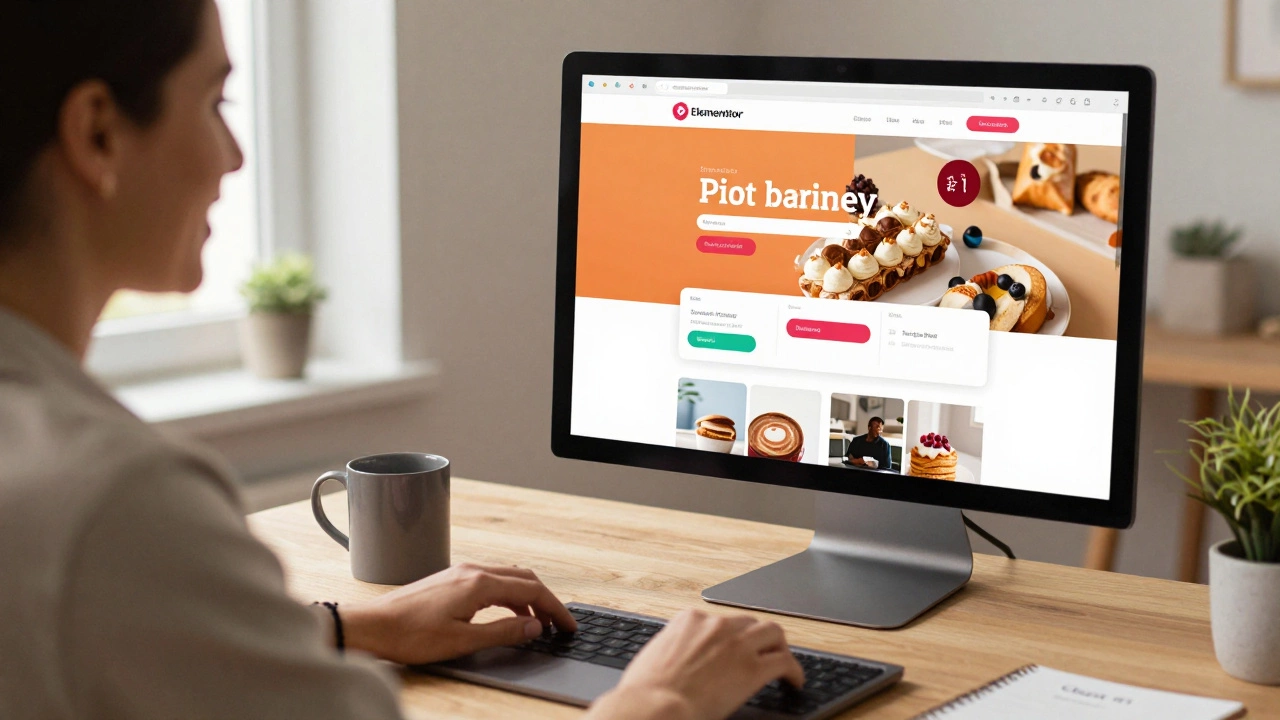
You don’t need to write a single line of code to become a WordPress developer. Seriously. Thousands of people are building professional websites, running online stores, and even earning a full-time income using WordPress - without touching PHP, JavaScript, or CSS. If you’ve ever thought, "I’m not a coder, so I can’t do this," you’re wrong. This isn’t a dream. It’s how real people are doing it right now.
What Being a WordPress Developer Actually Means
Most people think a WordPress developer is someone who writes custom code from scratch. That’s not true. A WordPress developer is someone who builds, customizes, and maintains websites using WordPress. That includes choosing themes, installing plugins, configuring settings, optimizing performance, and solving problems. You’re not building a website from the ground up - you’re assembling it like a high-end Lego set.
Think of it this way: you don’t need to know how to make a car engine to be a great mechanic. You just need to know how to fix it. Same with WordPress. You’re working with tools that already do the heavy lifting.
The Core Tools You Actually Need
You won’t need a code editor, a terminal, or a compiler. Here’s what you will need:
- A website host - SiteGround, Kinsta, or WP Engine. These handle server setup, security, and updates. No command line needed.
- A page builder - Elementor, Divi, or Brizy. These let you drag and drop every element on the page. Buttons, headers, forms, sliders - all point-and-click.
- Pre-built themes - Astra, GeneratePress, or Neve. These are lightweight, fast, and designed to work with page builders. No coding required.
- Essential plugins - WPForms for contact forms, Yoast SEO for optimization, Rank Math for advanced settings, and WooCommerce for online stores.
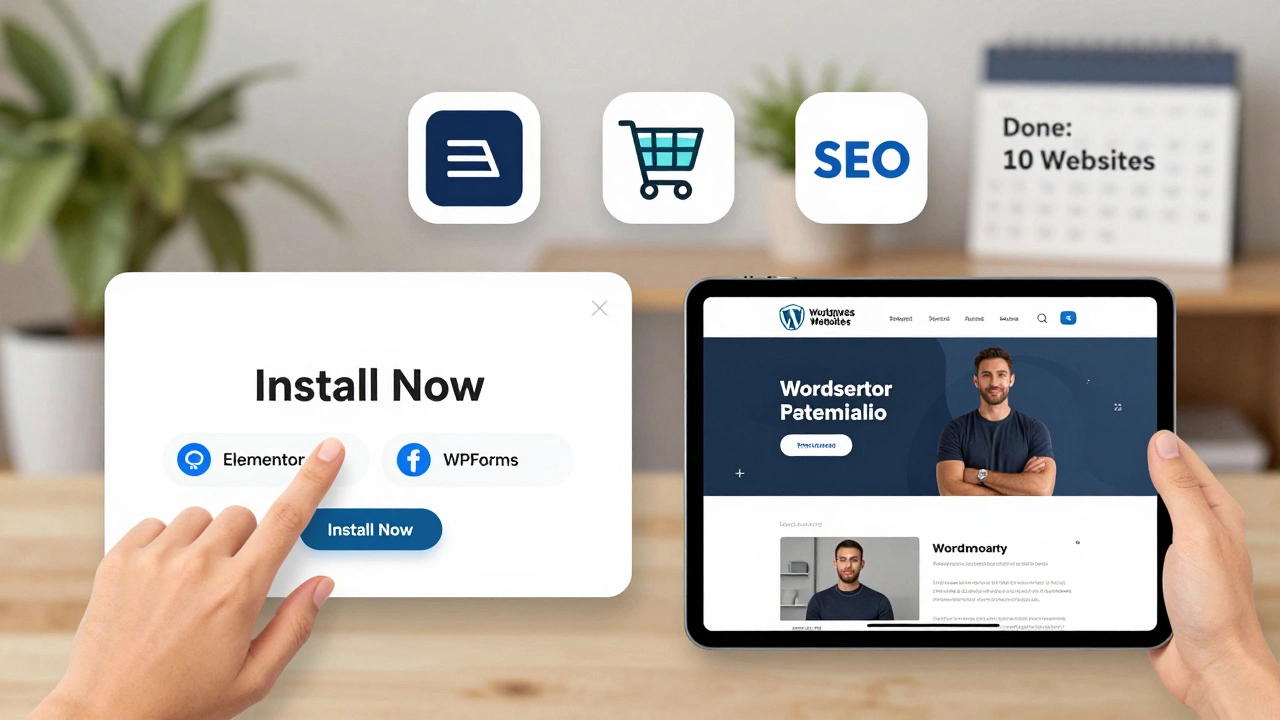
That’s it. No downloads. No installations beyond clicking "Install Now" in the WordPress dashboard.
How to Build Your First Website (Step by Step)
Here’s exactly how to create a professional website in under an hour - no coding:
- Sign up for a hosting plan (most include a free domain and one-click WordPress install).
- Log into your WordPress dashboard. You’ll see a clean interface with menus on the left.
- Go to "Plugins" → "Add New" → search for "Elementor" → click "Install Now" → "Activate".
- Go to "Themes" → "Add New" → search for "Astra" → install and activate it.
- Go to any page or create a new one. Click "Edit with Elementor".
- Choose a template (there are 50+ free ones for businesses, portfolios, blogs).
- Drag and drop elements: text, images, buttons, columns, icons. Change colors with a click.
- Hit "Publish".
You just built a website that looks like it was made by a professional developer. And you didn’t write a single line of code.
How to Make Money as a Non-Coding WordPress Developer
There’s a huge demand for people who can build websites quickly and reliably. Here’s how you get paid:
- Freelance websites - Offer "WordPress Website Setup" on Fiverr or Upwork. Charge $200-$500 per site. Most clients just want a clean, fast, mobile-friendly site - not a custom-coded masterpiece.
- Local businesses - Walk into a small bakery, dentist, or gym and say, "I can get you a website in 24 hours." Most still have outdated sites or no site at all.
- Template sales - Create a few polished website templates in Elementor and sell them on Etsy or ThemeForest. One template can make $50-$200 per sale, with zero ongoing work.
- Website maintenance - Offer monthly plans: "I’ll update your plugins, back up your site, and fix broken links for $49/month." Clients love this. It’s recurring income.
One person in Dublin, Ireland, started offering basic WordPress sites for €199. Within six months, she was doing 15 sites a month. She didn’t know HTML. She used Elementor. She made €25,000 that year.
What You Can’t Do (And Why It Doesn’t Matter)
You won’t be able to:
- Build a custom plugin from scratch
- Modify core theme files
- Fix complex PHP errors
But guess what? Most clients don’t care. They don’t want a developer who can rewrite WordPress core. They want someone who can:
- Get their contact form working
- Make their site load faster
- Fix the mobile menu
- Add an online booking system
These are all solvable with plugins and page builders. You don’t need to be a programmer to solve 95% of real-world WordPress problems.
Where to Learn (For Free)
You don’t need expensive courses. Here’s where to start:
- Elementor Academy - Free video tutorials on building websites with their builder.
- WPBeginner - Step-by-step guides on every WordPress task, no code needed.
- YouTube - Search "Elementor for beginners" or "build a website with WordPress no code". Watch 3-5 videos.
- Practice - Install WordPress on a free trial host (like Cloudways) and build 3 fake websites. One for a coffee shop. One for a fitness coach. One for a local plumber. You’ll learn faster by doing than by reading.
The Biggest Mistake Newcomers Make
They wait until they "know enough." They think they need to master every plugin, every setting, every template. That’s not how it works.
You only need to know 10% of what’s out there to do 90% of the jobs. Focus on:
- One page builder (Elementor)
- One theme (Astra)
- Three plugins (WPForms, Yoast SEO, WooCommerce)
Master those. Build five websites. Get testimonials. Then expand. You’ll grow faster by doing than by studying.
Real Example: How Sarah Built a Business Without Coding
Sarah, a former retail manager in Galway, wanted to work from home. She watched a 20-minute YouTube video on Elementor. She signed up for a $3/month hosting plan. She built her first website for a friend’s handmade jewelry shop. She charged €150. The shop owner loved it.
She built 10 more in three months. Then she started offering monthly maintenance for €40. She now has 32 clients. She works 15 hours a week. She earns €3,200 a month. She doesn’t know JavaScript. She doesn’t know PHP. She just knows how to click, drag, and publish.
Final Thought: You Don’t Need to Code - You Just Need to Start
The barrier to entry for WordPress development has never been lower. You don’t need a degree. You don’t need a computer science background. You don’t even need to like coding.
All you need is:
- A computer
- An internet connection
- One afternoon to build your first site
Start today. Build one website. Send it to a friend. Ask for feedback. Then do it again. In six weeks, you’ll be a WordPress developer - no code required.
Can I really become a WordPress developer without knowing HTML or CSS?
Yes. Page builders like Elementor and Divi let you design websites visually. You change colors, fonts, and layouts with sliders and dropdown menus. You don’t need to touch HTML or CSS unless you want to - and most professionals don’t.
What’s the easiest way to start earning money with WordPress?
Offer to build simple websites for local businesses - cafes, salons, plumbers. Charge $200-$500 per site. Use Elementor and Astra theme. Most clients just want a clean, mobile-friendly site. You can build one in under two hours.
Do I need to buy premium plugins or themes?
Not at first. The free versions of Elementor, Astra, and WPForms are powerful enough to build professional sites. Once you start getting clients, you can invest in premium versions for extra features like animations or advanced forms.
Can I build an online store without coding?
Yes. WooCommerce is a free plugin that turns any WordPress site into a store. You can add products, set up payments (Stripe, PayPal), and manage orders - all through the dashboard. No code needed.
Is WordPress secure if I don’t code?
Yes, if you use reputable hosts and plugins. Choose hosts like Kinsta or SiteGround that handle security updates automatically. Install a security plugin like Wordfence. Keep plugins updated. That’s all it takes. You don’t need to write code to keep a site secure.