
SEO Checklist Validator for Custom Websites
SEO Best Practices Checklist
Verify your custom-coded website implements essential SEO elements. Each item is worth 10 points.
SEO Score Result
Building a website from scratch gives you full control - but it also means you’re responsible for every detail that search engines care about. If your custom-coded site isn’t ranking, it’s not because the design is ugly or the code is messy. It’s probably because you missed one of the basic SEO steps that even beginners know. And no, installing a plugin won’t fix it. You’re not using WordPress. You built this. So now you have to do it right.
Start with Clean, Semantic HTML
Search engines don’t see your website like a human does. They parse HTML tags to understand structure. If your site uses <div> for everything - headers, navigation, articles - you’re making their job harder. Use proper semantic elements: <header>, <nav>, <main>, <article>, <section>, <footer>. These aren’t just for accessibility. They tell Google what each part of your page means.
For example, if you’re writing a blog post, wrap the content in <article>. Put the title in an <h1> - only one per page. Don’t use <h3> just because it looks smaller. Use <h2> for major subheadings, then <h3> for subsections. This hierarchy matters. Google uses it to map out your content’s importance.
Also, avoid JavaScript-generated content for core text. If your product descriptions or blog posts are loaded via AJAX after the page loads, Google might not see them. Test this: turn off JavaScript in your browser. Can you still read the main content? If not, fix it. Use server-side rendering or at least pre-render critical content.
Fix Your URLs
URLs are part of your SEO. A URL like /page.php?id=123 tells Google nothing. A URL like /blog/seo-tips-for-developers tells Google exactly what the page is about.
Use readable, keyword-rich slugs. Keep them short. Remove stop words like "and," "the," or "a" unless they change meaning. Avoid uppercase letters, special characters, or spaces - use hyphens instead. And never change a URL after it’s live unless you set up a 301 redirect. Broken links kill rankings.
If you’re using a custom CMS or framework, make sure your routing system supports clean URLs. If you’re coding in Node.js, use Express with proper route handlers. If you’re using PHP, don’t rely on query strings. Map each content page to a static-looking path. It’s not hard. It’s just a matter of writing the right router logic.
Write Proper Title Tags and Meta Descriptions
Every page needs a unique <title> tag. Not the same one for every page. Not "My Website | Home". Each page should have a title that describes what’s on it - in 50-60 characters. Include your main keyword near the front. For example: <title>How to Do SEO on Custom-Coded Websites | Developer Guide</title>.
Meta descriptions don’t directly affect rankings, but they affect click-through rates. Write a clear, compelling 150-160 character summary. Don’t stuff keywords. Write like you’re explaining it to a colleague. Include a call to action: "Learn how," "See the steps," "Start today."
Don’t forget: if you’re using a template system, make sure these tags are dynamic. Pull the page title and description from your content manager or database. Hardcoding them in HTML files means you’ll have to edit every file manually when you add new pages.
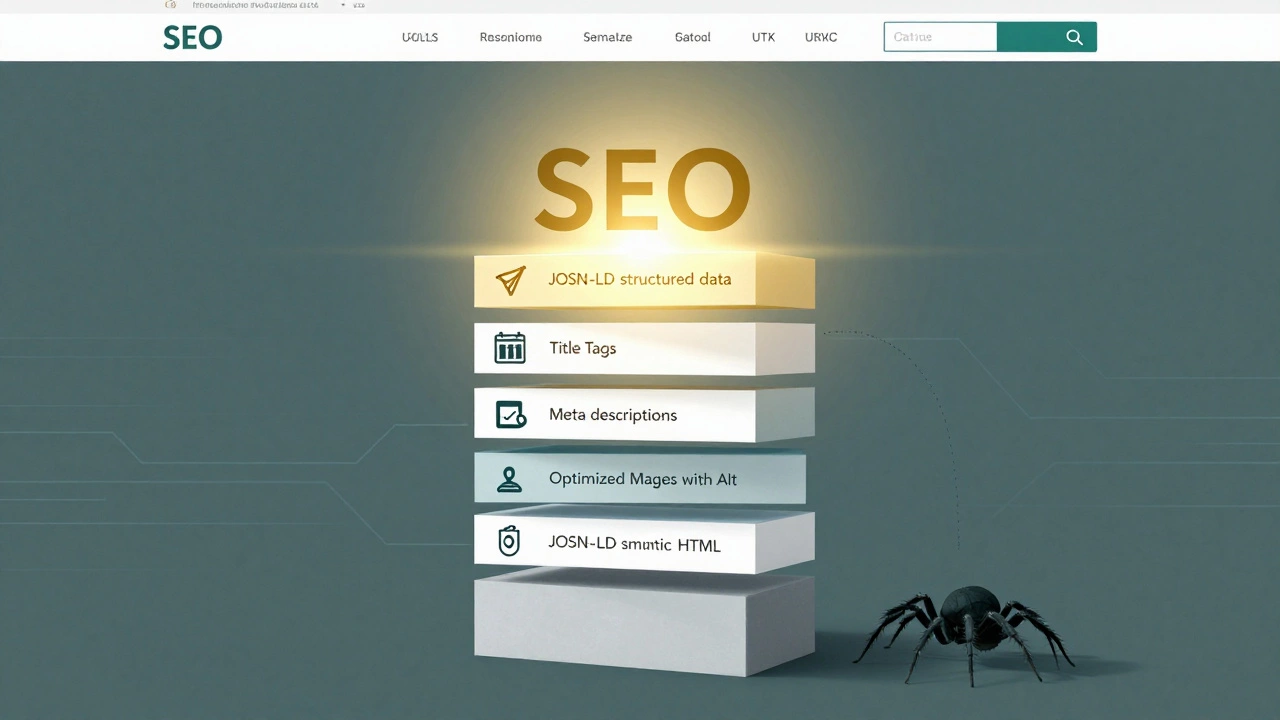
Optimize Images and Media
Images slow down pages. Slow pages rank lower. Compress every image before uploading. Use WebP format - it’s 30% smaller than JPEG with the same quality. Most image editing tools support it now. If you’re using a build tool like Webpack or Vite, automate this with plugins.
Always add alt text. Not "image123.jpg". Not "a picture of a person". Describe what’s in the image and why it matters. For a product image: "Blue wool sweater with ribbed cuffs, size medium." For an infographic: "Step-by-step SEO checklist for custom-coded websites." Alt text is how screen readers and Google understand your images.
Use lazy loading. Add loading="lazy" to all images below the fold. It reduces initial page load time. Browsers handle this natively now. No JavaScript needed.
Speed and Core Web Vitals
Google measures how fast your site feels. That’s Core Web Vitals: LCP (Largest Contentful Paint), FID (First Input Delay), and CLS (Cumulative Layout Shift). You can check yours in Chrome DevTools under the Lighthouse tab.
For LCP: Make sure your hero image or headline loads fast. Preload critical resources with <link rel="preload">. Avoid render-blocking CSS. Inline above-the-fold styles. Defer everything else.
For FID: Reduce JavaScript execution time. Split large JS bundles. Use code splitting. Don’t load analytics scripts on page load - delay them until after user interaction.
For CLS: Avoid dynamic content that shifts layout. Don’t load ads or banners that push text down. Set fixed dimensions for images and iframes. Use aspect-ratio in CSS.
Host your assets on a CDN. Even a simple one like Cloudflare or BunnyCDN makes a difference. Cache static files. Minify CSS, JS, and HTML. Use Gzip or Brotli compression. These aren’t optional anymore. They’re baseline requirements.
Set Up Structured Data
Structured data (Schema.org) tells Google exactly what your content is. A product page? Use Product. A blog post? Use Article. An event? Use Event. You don’t need a plugin. You just need to add a JSON-LD script to your HTML.
Example for a blog post:
<script type="application/ld+json">
{
  "@context": "https://schema.org",
  "@type": "Article",
  "headline": "How to Do SEO on Custom-Coded Websites",
  "datePublished": "2026-03-13T10:00:00+00:00",
  "author": {
    "@type": "Organization",
    "name": "Your Company Name"
  }
}
</script>
Google uses this to show rich results: star ratings, breadcrumbs, article previews. It’s free traffic. And it’s easy to implement if you’re comfortable with JSON.

Make Sure Google Can Index You
Here’s the biggest mistake developers make: they assume if the site works, Google can find it. Not true.
Check your robots.txt. Is it blocking everything? Is it missing? Create one. Allow crawlers to access your CSS, JS, and images. Block only what’s irrelevant - like admin pages or test directories.
Submit a sitemap. Generate an XML sitemap automatically when you add new pages. Include URLs, last modified dates, and priority. Submit it to Google Search Console. No excuses. If you’re using a static site generator, it can auto-generate this. If you’re coding from scratch, write a simple script that scans your content folder and outputs XML.
Test indexing: type site:yourdomain.com into Google. If only 3 pages show up, you’ve got a problem. If 300 do, you’re on track.
Internal Linking Matters
Don’t rely on Google to find your pages. Link to them. From your homepage, link to your key service pages. From blog posts, link to related guides. Use descriptive anchor text: "Learn how to fix crawl errors" instead of "click here."
Internal links pass authority. They help Google understand your site’s structure. They keep users on your site longer. That’s a ranking signal.
Use a consistent linking pattern. If you have a "Related Articles" section at the bottom of each blog post, make sure it’s dynamically populated. Don’t hardcode links - they’ll get outdated.
Monitor and Fix Errors
Set up Google Search Console. It’s free. It tells you when pages have errors - 404s, server timeouts, blocked resources. Check it weekly. Fix broken links. Redirect old URLs. Update sitemaps.
Use a crawler tool like Screaming Frog (free version works) to scan your site. Look for duplicate titles, missing meta descriptions, orphaned pages (pages with no internal links). These are easy to miss when you’re focused on functionality.
Track rankings for your top 10 target keywords. Don’t obsess over #1. Focus on steady growth. SEO is a long game. But if you’re building from scratch, you have the advantage: total control. Use it.
Do I need to use a CMS to do SEO on a custom-coded website?
No. CMS platforms like WordPress make SEO easier because they handle many tasks automatically. But you can do just as well - or better - with a custom-coded site. You just need to manually implement the same elements: clean HTML, proper URLs, title tags, meta descriptions, structured data, sitemaps, and internal links. The difference is control. With custom code, you’re not limited by plugin constraints or bloated themes.
Can JavaScript-heavy websites rank well for SEO?
Yes, but only if Google can render and understand the content. Many JavaScript frameworks (React, Vue, Angular) load content after the initial page load. Google can crawl this now, but it’s slower and less reliable. To be safe, use server-side rendering (SSR) or static site generation (SSG). If you can’t, make sure core content is available in the initial HTML. Test with Chrome’s DevTools - disable JavaScript and see if your page still makes sense.
How often should I update my sitemap?
Update it every time you add, remove, or significantly change a page. If you’re publishing new content weekly, regenerate the sitemap weekly. Most static site generators and custom backends can automate this. For example, a Node.js script can scan your content folder and output a fresh XML file on each deploy. Don’t wait for Google to find new pages - tell it directly.
Is mobile optimization still important for SEO?
Mobile-first indexing is the standard. Google primarily uses the mobile version of your site for ranking and indexing. If your site isn’t responsive, or if buttons are too small, text is hard to read, or layout breaks on phones, you’ll rank poorly. Test your site using Google’s Mobile-Friendly Test tool. Fix any issues - even small ones like tap targets that are less than 48px tall.
What’s the fastest way to improve SEO on a custom-coded site?
Start with the basics: fix your title tags and meta descriptions, clean up your URLs, add alt text to images, set up a sitemap, and submit it to Google Search Console. These five steps take less than a day and can double your organic traffic in weeks. Don’t chase advanced tactics like schema markup or Core Web Vitals until the fundamentals are solid. Most sites fail because they skip the obvious.
Building a custom-coded website for SEO isn’t about complexity. It’s about consistency. Every page needs the same attention to detail. No shortcuts. No exceptions. If you treat SEO like a checklist - not an afterthought - your site will rank. And you’ll know exactly why.