Career Path Analyzer: Design vs. Development
How do you approach a problem?
Select the option that best describes your natural instinct.
What tools make you happy?
Which environment feels more natural to you?
How do you define success?
What makes you feel satisfied at the end of the day?
What frustrates you most?
Identify your biggest pain point.
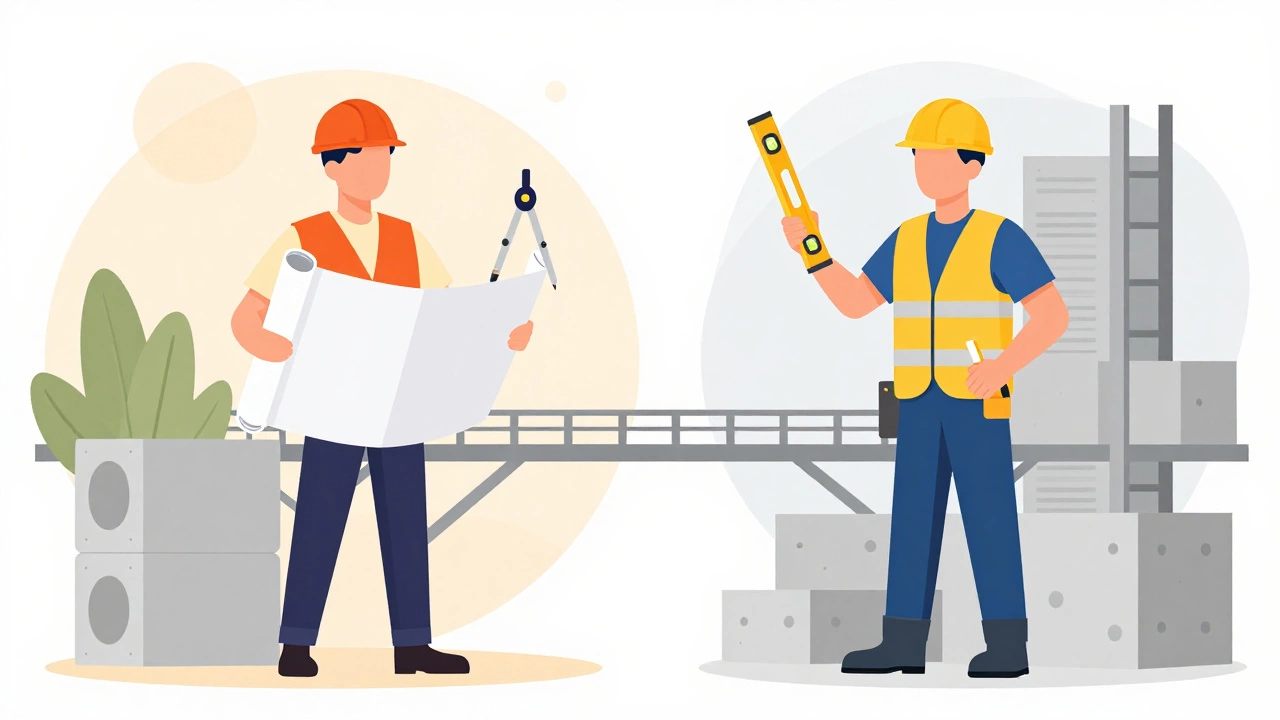
You’ve probably heard the terms thrown around in the same breath. A startup founder asks for a "website" and expects both the look and the code to appear by Monday. But here’s the truth: UI UX design is not the same as coding. They are two distinct disciplines that work together like an architect and a builder. One draws the blueprints; the other pours the concrete. Confusing them leads to frustrated teams, bloated budgets, and products that feel clunky.
If you’re trying to figure out which skill set you need, or how to hire the right people, this breakdown will clear up the fog. We’ll look at what each role actually does, where they overlap, and why modern tech companies keep them separate.
The Core Difference: Vision vs. Execution
At its simplest, UI/UX design is about the user experience how a person feels and interacts with a product. It’s psychological, visual, and structural. Coding, on the other hand, is about implementation writing instructions for computers to execute. It’s logical, syntactic, and functional.
Think of it like building a house. The UI/UX designer decides where the doors go so traffic flows naturally. They choose the color of the walls to make the space feel warm. They ensure the kitchen counter is at a height that doesn’t hurt your back. That’s the design phase. The coder is the contractor who ensures the walls stand up, the electricity runs through the wires correctly, and the roof doesn’t leak when it rains. If the designer puts a door where there’s no wall, the coder can’t build it. If the coder builds a sturdy house but the door opens into a closet, the design failed.
| Aspect | UI/UX Design | Coding (Development) |
|---|---|---|
| Primary Goal | Solve user problems & create intuitive interfaces | Build functional, scalable software systems |
| Key Tools | Figma, Adobe XD, Sketch, InVision | VS Code, GitHub, React, Python, SQL |
| Output | Wireframes, prototypes, style guides | HTML/CSS/JS, backend logic, databases |
| Thinking Style | Empathetic, creative, iterative | Logical, analytical, precise |
| Success Metric | User satisfaction, conversion rates | Performance, bug-free execution, load times |
What Actually Is UI/UX Design?
People often use "UI" and "UX" interchangeably, but they are different layers of the same cake. User Interface (UI) Design the visual elements of a product that users interact with deals with screens, pages, buttons, icons, and typography. It’s the aesthetic layer. A good UI designer knows exactly how much white space makes a button pop without cluttering the screen.
User Experience (UX) Design the overall journey a user takes while interacting with a product is broader. It involves research, testing, and mapping out the flow. Before a single pixel is drawn, a UX designer might spend weeks interviewing users to understand their pain points. They create wireframes-skeletal layouts that show structure without decoration. They ask questions like: "Why does the user need to click three times to check out? Can we do it in one?"
In 2026, with the rise of AI-driven interfaces, UX designers are also focusing heavily on voice interactions and predictive design. They aren't just designing for eyes; they're designing for intent. This requires a deep understanding of human behavior, not computer syntax.
What Does Coding Actually Involve?
Coding, or software development, is the process of translating those designs into working software. It’s divided mainly into front-end and back-end development. Front-end Development coding the visible parts of a website or app is the closest bridge to design. Front-end developers use HTML, CSS, and JavaScript to bring Figma mockups to life. They handle animations, responsiveness, and interactivity.
However, even front-end coding is fundamentally different from design. A developer needs to think about performance optimization, cross-browser compatibility, and accessibility standards (like WCAG). They write code that tells the browser exactly how to render an element. If a designer wants a complex animation, the developer must calculate whether it will slow down the site on older devices. That’s a technical constraint, not a creative choice.
Back-end Development server-side logic, databases, and application infrastructure is completely invisible to the user. It handles data storage, user authentication, and payment processing. A UX designer rarely touches this layer because it has no visual interface. Yet, if the back-end is slow, the best UI in the world won’t save the product. Users will bounce because the page takes five seconds to load.
The Gray Area: No-Code Tools and Low-Code Platforms
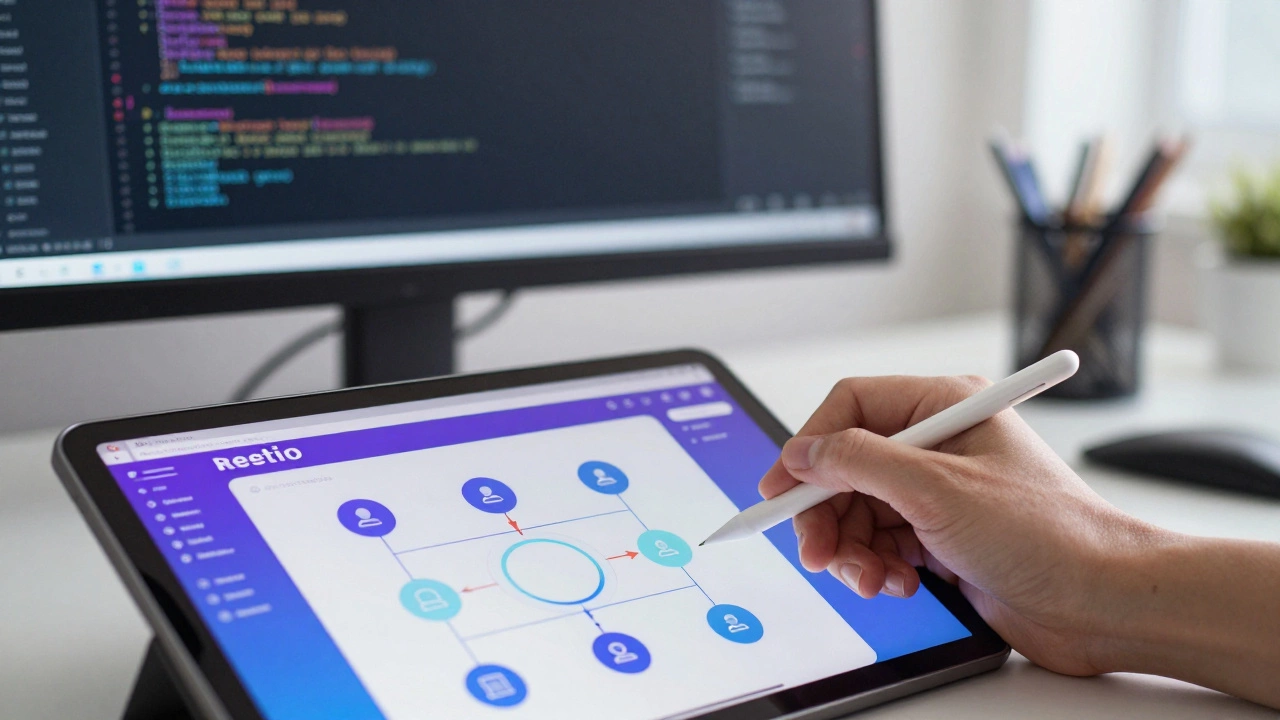
Here’s where things get tricky. In recent years, tools like Webflow, Bubble, and WordPress have blurred the lines. These platforms allow designers to build functional websites without writing traditional code. You drag and drop elements, and the tool generates the HTML and CSS behind the scenes.
Does this mean design is now coding? Not really. It means the barrier to entry has lowered. When you use Webflow, you’re still making design decisions-layout, spacing, color. You’re not debugging JavaScript errors or optimizing database queries. However, as projects grow more complex, these no-code tools hit limits. You eventually need a developer to add custom functionality, integrate APIs, or scale the infrastructure.
This shift has created a new hybrid role: the "product designer" who understands enough code to communicate effectively with engineers, or the "creative technologist" who codes with a strong eye for aesthetics. But even in these roles, the core skills remain distinct. Knowing how to center a div in CSS doesn’t make you a UX researcher. Knowing how to conduct user interviews doesn’t make you proficient in Python.
Why Separating Them Matters for Your Project
If you’re hiring or planning a project, treating design and coding as the same thing is a recipe for disaster. Here’s why:
- Different Problem-Solving Methods: Designers solve problems through iteration and empathy. They prototype, test, fail, and try again. Developers solve problems through logic and precision. They debug, optimize, and secure. Mixing these mindsets in one person often leads to half-baked solutions.
- Efficiency: A designer who tries to code will spend hours fighting with syntax instead of refining the user flow. A developer who tries to design may create a functional but ugly or confusing interface. Specialization speeds up delivery.
- Quality Control: Good design requires fresh eyes. If the person building the feature also designed it, they might miss usability issues because they know how it’s supposed to work. An independent developer can spot implementation flaws, while an independent designer can spot experience gaps.
Consider a scenario: You’re building an e-commerce store. The UX designer maps out the checkout process to minimize cart abandonment. They decide the "Buy Now" button should be green and placed above the fold. The front-end developer then implements this. If the developer thinks, "Green looks cheap, I’ll change it to blue," you’ve lost the strategic intent. If the designer says, "Make it float over the text," and the developer ignores accessibility contrast ratios, you’ve broken usability. Collaboration works only when both parties respect their distinct domains.

Can You Learn Both?
Absolutely. Many successful founders and freelancers are "full-stack" in the sense that they can design and code. This is common in early-stage startups where resources are tight. Learning basic HTML and CSS helps designers create realistic prototypes. Learning basic design principles helps developers build more polished interfaces.
But mastery in both is rare and difficult. The learning curve for professional-level UX research is steep, involving psychology, statistics, and sociology. The learning curve for professional-level full-stack development involves algorithms, system architecture, and security protocols. Trying to excel at both simultaneously often results in mediocrity in both areas. For most careers, picking a lane-designer or developer-is the smarter move.
How They Work Together: The Handoff
The magic happens in the handoff. Modern workflows use tools like Figma, which allows designers to share interactive prototypes directly with developers. Developers can inspect elements, copy colors, and download assets directly from the design file. This reduces guesswork.
However, the handoff isn’t just about files. It’s about communication. A good developer will ask, "What happens if the user clicks this twice?" A good designer will answer, "The button should disable until the request completes." These conversations bridge the gap between vision and execution. Without them, you end up with a product that looks great in a portfolio but fails in the real world.
Do I need to know how to code to be a UI/UX designer?
No, you do not need to know how to code to be a UI/UX designer. Your primary tools are design software like Figma or Sketch. However, understanding basic HTML and CSS can help you create more feasible designs and communicate better with developers. It shows you respect technical constraints, but it is not a requirement for the job.
Can a developer do UX design?
A developer can attempt UX design, but it is risky. Developers tend to focus on what is technically easy to build rather than what is easiest for the user. Without formal training in user research and interaction design, a developer might create a solution that works perfectly under the hood but confuses the end-user. It is best to collaborate with a dedicated designer.
Which pays more: UI/UX design or coding?
Salaries vary by region and experience, but generally, senior software engineers earn slightly more than senior UI/UX designers due to the high demand for specialized backend and infrastructure skills. However, top-tier product designers at major tech companies can command salaries comparable to engineers. Entry-level roles in both fields are quite similar in pay.
Is no-code the future of web development?
No-code tools are growing rapidly and are excellent for simple websites and MVPs (Minimum Viable Products). However, they are unlikely to replace custom coding entirely. Complex applications, enterprise software, and highly customized user experiences still require traditional coding. No-code is a tool for efficiency, not a replacement for engineering.
What skills should I learn first if I want to build apps?
If you are creative and empathetic, start with UI/UX fundamentals: wireframing, prototyping, and user research. If you are logical and enjoy puzzles, start with front-end coding: HTML, CSS, and JavaScript. Once you master one, you can branch out into the other. Trying to learn both from day one often leads to burnout.