
UX vs UI: Which Path Fits You?
Are you a detective solving mysteries (UX) or an artist crafting visuals (UI)? Take this quick assessment to find out.
Question goes here?
Your Design Personality
Loading...
Description goes here.
You’ve probably heard the debate in every design Slack channel or Twitter thread: is UX harder than UI? It’s a question that usually starts with a joke and ends with a heated argument about who actually does the heavy lifting. But if you’re trying to break into the industry or decide which path to take for your career, the answer isn’t just "it depends." It’s about understanding what kind of brain work each role demands.
The short answer? They are hard in completely different ways. User Experience (UX) design is hard because it requires solving ambiguous problems using logic, psychology, and data without a clear right answer. User Interface (UI) design is hard because it requires mastering visual aesthetics, pixel-perfect precision, and complex software tools while maintaining brand consistency. One feels like detective work; the other feels like painting with rules.
The Mental Load: Why UX Feels Heavier
When people say UX is harder, they are usually talking about the uncertainty. In UX design, you rarely start with a blank canvas and a color palette. You start with a mess. A product manager comes to you saying, "Users are dropping off at checkout," or "We need to add a social feature." There is no blueprint. Your job is to figure out why that’s happening before you can fix it.
This phase is called discovery, and it is mentally exhausting. You have to conduct user interviews, analyze heatmaps, run A/B tests, and synthesize all that data into a coherent strategy. If you get this wrong, the entire product fails, no matter how beautiful it looks. The pressure to be right-without having all the information-is what makes UX feel difficult.
Consider the concept of information architecture. Organizing thousands of pages so a user can find their refund policy in three clicks is not intuitive. It requires a logical structure that mimics human thought processes. If your hierarchy is flawed, users bounce. This cognitive load-the constant weighing of options, testing hypotheses, and validating assumptions-is where the "difficulty" of UX lives.
- Ambiguity: UX deals with undefined problems. You define the solution space.
- Stakeholder Management: You often have to argue against executives who think they know what users want.
- Validation Pressure: Your ideas must survive real-world testing, not just opinion polls.
The Visual Precision: Why UI Demands Mastery
Now, flip the coin. UI design is not easy either. In fact, many designers struggle here because they underestimate the discipline required for good visual communication. If UX is the skeleton, UI is the skin, clothes, and makeup. It has to look good, function well, and align with the brand identity-all at once.
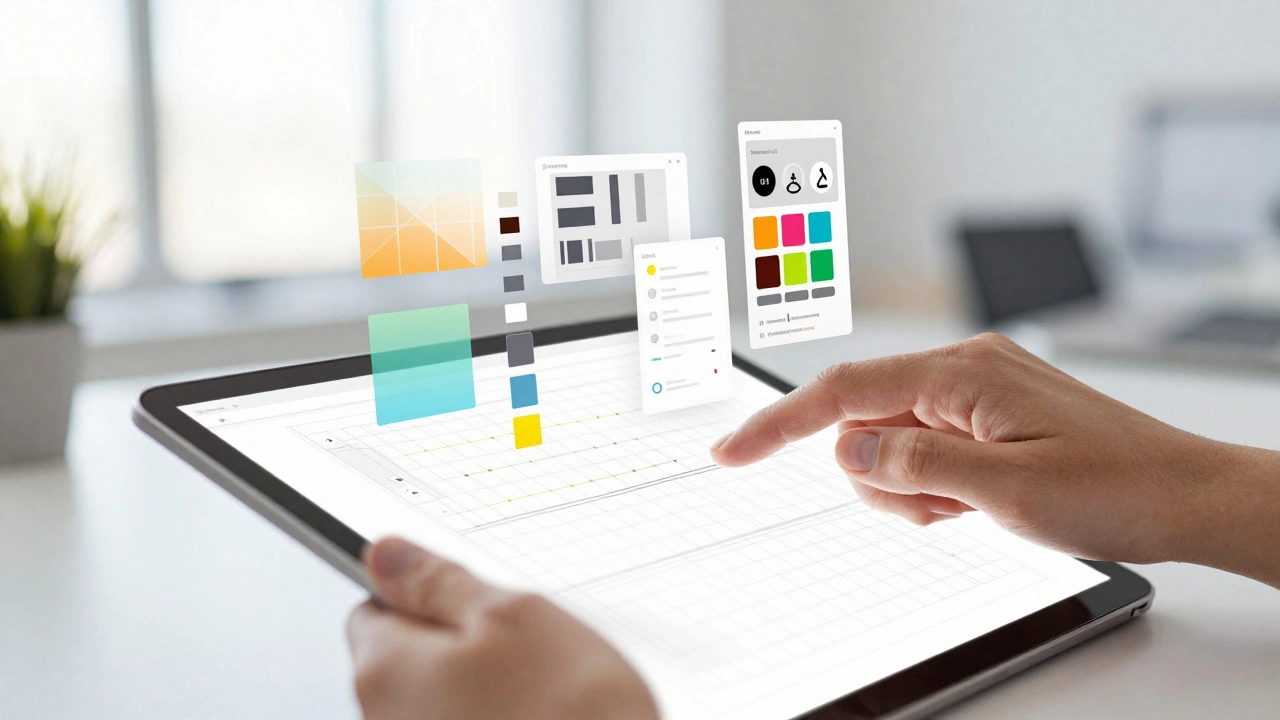
The difficulty in UI lies in the details. A button shouldn’t just be clickable; it needs to have the correct typography, the right contrast ratio for accessibility (WCAG standards), appropriate padding, and a hover state that provides feedback. You are working within a strict grid system, managing design systems, and ensuring that every icon, color, and shadow follows a cohesive language.
Mastering tools like Figma or Sketch takes time. But beyond the software, you need an eye for balance. Why does one layout feel cluttered while another feels spacious? That’s not magic; it’s an understanding of white space, visual hierarchy, and color theory. Getting these wrong leads to a product that looks amateurish, even if the underlying UX is perfect.
Moreover, UI designers are often the face of the product. Stakeholders judge the quality of the entire team based on whether the interface "looks polished." This aesthetic pressure is intense. You aren’t just solving a problem; you’re creating an emotional response through visuals.
- Pixel Perfection: Every element must align precisely. Misalignment breaks trust.
- Tool Complexity: Advanced prototyping and component libraries require technical skill.
- Trend Awareness: UI evolves fast. What looked modern in 2024 might look dated by 2026.
Comparing the Skill Sets: Logic vs. Aesthetics
To understand which is harder for you, we need to look at the specific skills involved. These two roles attract different personality types. If you love debating, researching, and structuring arguments, UX might feel more natural. If you love crafting, styling, and refining details, UI will click faster.
| Aspect | UX Design Challenge | UI Design Challenge |
|---|---|---|
| Primary Focus | Solving user problems and flows | Visual presentation and interaction |
| Key Tools | Miro, Maze, Hotjar, SQL | Figma, Adobe XD, Photoshop |
| Biggest Hurdle | Undefined problems & stakeholder pushback | Consistency & visual polish under deadlines |
| Success Metric | Task completion rate, retention | User satisfaction, brand alignment |
| Learning Curve | Steep initially (research methods) | Gradual but endless (visual trends) |
Notice that UX relies heavily on analytical thinking. You need to interpret data from usability testing sessions. Did the user fail because they didn’t understand the label, or because the flow was too long? Distinguishing between these requires critical thinking.
On the other hand, UI relies on creative execution. Can you take a rough wireframe and turn it into a high-fidelity prototype that delights? This requires a strong grasp of interaction design-how animations guide the eye, how transitions provide context. It’s subtle, but missing these cues makes an app feel dead.
The Learning Curve: Which Takes Longer to Master?
If you’re starting from zero, which path is longer? Many bootcamps suggest you can learn UI basics in a few months. And technically, you can make things look nice quickly. But making them look *professional* takes years. Good UI is invisible; bad UI screams for attention. Developing the taste to know what’s good versus what’s trendy is a slow process.
UX has a steeper initial hill. You can’t fake research. If you don’t know how to write unbiased interview questions or how to analyze a card sort, your designs will be guesses. However, once you grasp the fundamental frameworks-like Design Thinking or Double Diamond-the process becomes repeatable. The difficulty shifts from "how do I do this?" to "how do I adapt this to this unique business constraint?"
In 2026, the line is blurring. Most companies expect "product designers" who can do both. But if you had to pick a specialization, ask yourself: Do you prefer the thrill of the hunt (finding the root cause) or the joy of creation (crafting the final artifact)?
Common Pitfalls for Beginners
Whether you lean toward UX or UI, there are traps that make the job feel unnecessarily hard. Avoiding these will save you months of frustration.
- Skiping Research (UX Trap): Jumping straight to Figma without talking to users. This leads to solutions for problems that don’t exist.
- Ignoring Accessibility (UI Trap): Designing beautiful interfaces that screen readers can’t parse. This isn’t just ethical; it’s legal in many regions including the EU and US.
- Over-Complicating Flows (UX Trap): Adding features because they’re cool, not because they’re needed. Simplicity is hard.
- Inconsistent Systems (UI Trap): Using five different shades of blue when the brand guide specifies three. Consistency builds trust.
The hardest part of either role isn’t the software or the theory. It’s the communication. You have to explain your decisions to developers, marketers, and CEOs. If you can’t articulate why a button should be green instead of red, or why a menu needs three extra steps, you’ll struggle regardless of your technical skills.
Which Path Should You Choose?
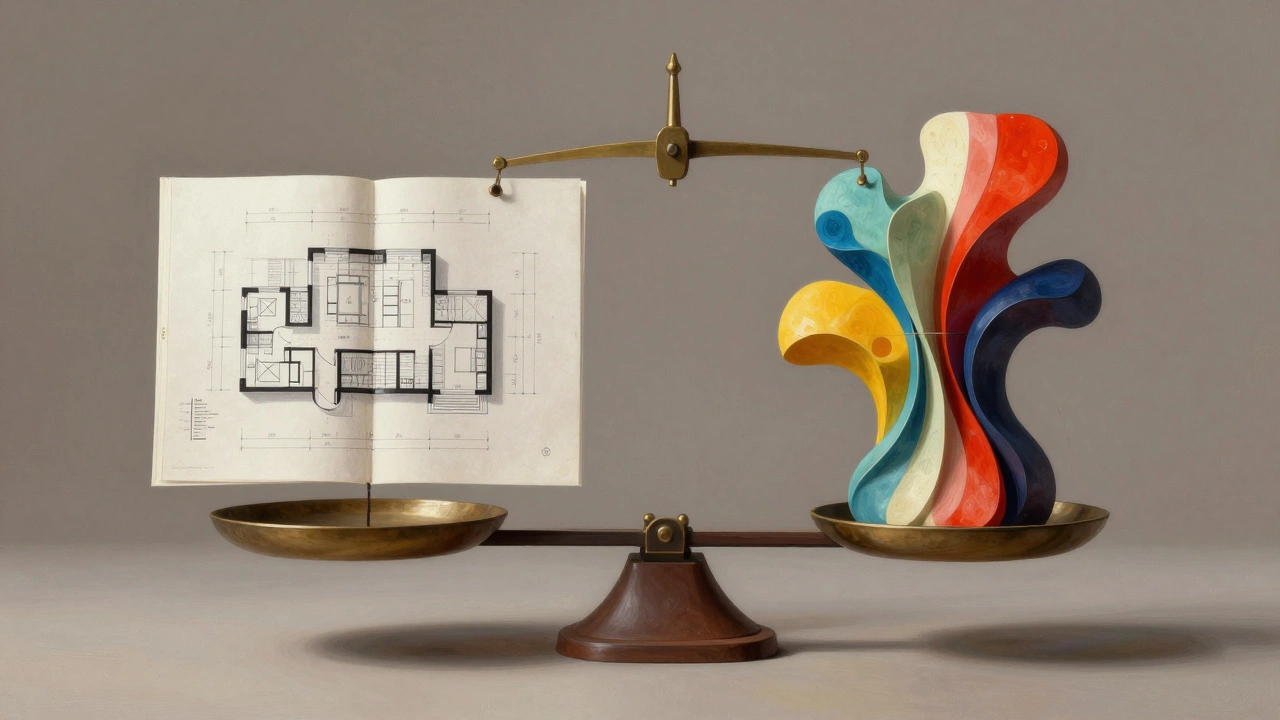
So, is UX harder than UI? Neither is objectively harder. They are different languages. UX is the grammar and syntax; UI is the poetry and style. A poem with perfect grammar but no soul is boring. A poem with beautiful words but no structure is nonsense.
If you enjoy psychology, logic, and problem-solving, start with UX. If you have an artistic eye, love detail, and enjoy visual storytelling, start with UI. Most successful designers eventually merge both. But knowing which side drains your energy and which side fuels it is the key to a sustainable career.
Can I learn UX and UI at the same time?
Yes, most modern design programs teach both simultaneously. However, beginners often feel overwhelmed. It’s better to master the fundamentals of one (usually UX research and wireframing) before diving deep into advanced UI prototyping and animation.
Do UX designers need to know how to code?
No, but understanding HTML, CSS, and JavaScript basics helps. It allows you to design feasible solutions and communicate better with developers. You don’t need to be a coder, but being "code-literate" reduces friction in the development handoff.
Is UI design dying because of AI tools?
Not dying, but evolving. AI can generate layouts and icons quickly, but it struggles with brand nuance, emotional resonance, and complex design systems. UI designers are shifting from "pixel pushers" to "experience curators" who oversee AI-generated assets for quality and consistency.
Which pays more: UX or UI?
In 2026, senior Product Designers (who do both) typically earn the most. Pure UX roles often command slightly higher salaries in tech-heavy industries because of the strategic impact on revenue. Pure UI roles may pay less unless specialized in high-end motion design or branding.
What is the biggest mistake new UX designers make?
Solving their own problem instead of the user's. New designers often fall in love with their first idea and skip validation. Experienced designers kill their darlings early if the data doesn’t support them.