
Website Pricing Calculator for Freelancers
How much should you charge?
Use this calculator to determine your fair price based on project complexity, features, and market standards from the article. Remember: Your time is worth more than a template.
Enter your project details above to see your recommended price range.
Building a website as a freelancer isn’t just about coding. It’s about solving a problem, delivering value, and knowing when to say no to underpaying work. If you’re asking how much you should charge, you’re not just looking for a number-you’re trying to avoid getting ripped off or leaving money on the table. The answer isn’t a flat rate. It’s a mix of your skills, the client’s needs, and what the market actually pays.
What You’re Really Selling
Most clients think they’re buying a website. But what they’re really buying is time saved, revenue gained, and trust built. A website that loads fast, works on mobile, and converts visitors isn’t just HTML and CSS. It’s strategy, testing, and problem-solving. If you’re only charging for pixels, you’re undervaluing yourself.
Think of it this way: a local bakery hires you to build their site. They want online orders. You deliver a site that increases their sales by 40% in three months. That’s worth far more than $500. But if you only charge $500, you’re teaching them that websites are cheap.
Basic Website: What’s the Floor?
A basic website means five pages: Home, About, Services, Contact, and a Blog. No e-commerce. No complex forms. No custom animations. Just clean design, mobile-friendly layout, and basic SEO setup. For this, you’re looking at $1,500 to $3,000.
Why the range? Because one client might want you to use WordPress with a pre-made theme. Another might demand a custom design from scratch, with hand-coded animations and a unique color system. The work isn’t the same. The time isn’t the same. The price shouldn’t be either.
Here’s what’s included in that $1,500-$3,000 range:
- 1-2 weeks of work
- 3-5 rounds of revisions
- Basic SEO: meta tags, image alt text, sitemap
- Mobile responsiveness
- Google Analytics setup
- One hour of training on how to update content
If someone offers you $500 for this? Walk away. They’re not ready to invest. They’re looking for a template they can tweak themselves.
Mid-Range Sites: Where Most Freelancers Live
This is where most serious freelancers earn their keep. A mid-range site includes:
- Custom design (not a theme)
- 5-10 pages
- Custom forms (contact, quote requests, booking)
- Basic CMS (like WordPress or Webflow)
- SEO optimization beyond basics
- Integration with email marketing (Mailchimp, ConvertKit)
- Speed optimization and image compression
- 3-4 weeks of work
For this, you’re charging $4,000 to $8,000. Some freelancers charge hourly here-$50 to $80/hour. That’s fair if you’re experienced. But if you’re billing by the hour, track everything. A 60-hour project at $70/hour is $4,200. That’s not bad. But if you package it as a $7,500 project, you sound more professional and you’re less likely to get stuck in endless revisions.
Real example: A dentist in Galway hired me last year. They wanted online booking, patient forms, a gallery of before/after photos, and integration with their calendar. We built it in four weeks. They paid $6,800. They got 27 new bookings in the first month. That’s a 12x return on their investment. You’re not just building a site. You’re building a sales tool.

Complex Sites: Ecommerce, Apps, and Custom Tools
If the site has user logins, payment gateways, inventory systems, or dynamic content, you’re in complex territory. This isn’t a website. It’s a web app.
Examples:
- Online store with 50+ products, tax rules, shipping zones
- Membership site with gated content
- Booking system with real-time availability
- Custom dashboard for clients to manage their data
For this, prices jump to $10,000-$25,000+. Why? Because you’re not just designing pages. You’re building logic. You’re handling security. You’re testing payment flows. You’re debugging edge cases. You’re writing documentation. You’re planning for future updates.
One client in Cork needed a custom tool for managing rental properties. It had user roles, document uploads, automated reminders, and integration with Stripe. We spent 14 weeks on it. They paid $18,500. That’s $132/hour. Not bad for someone who started with $20/hour gigs three years ago.
Hourly vs. Fixed Price: Which Should You Choose?
Hourly rates work if you’re still learning. But once you know your process, fixed-price packages beat hourly every time.
Why? Because hourly invites scope creep. A client says, “Can you just add one more page?” Then it’s “Can you make the logo bigger?” Then “Can you fix the contact form?” You end up working 60 hours for $50/hour. You’re exhausted. They’re confused.
Fixed pricing forces clarity. You define exactly what’s included. You set boundaries. You protect your time. You also look more professional. Clients trust someone who gives a clear quote more than someone who says, “I’ll let you know after I see what you need.”
Here’s how to structure fixed-price packages:
- Basic: $2,500 (5 pages, template-based, no custom code)
- Standard: $6,500 (custom design, CMS, SEO, forms)
- Advanced: $12,000+ (e-commerce, logins, integrations)
Offer upgrades. “Want to add a blog? +$800. Want to integrate with your CRM? +$1,200.” You’re not just selling a website. You’re selling a menu of value.
What Clients Don’t Tell You
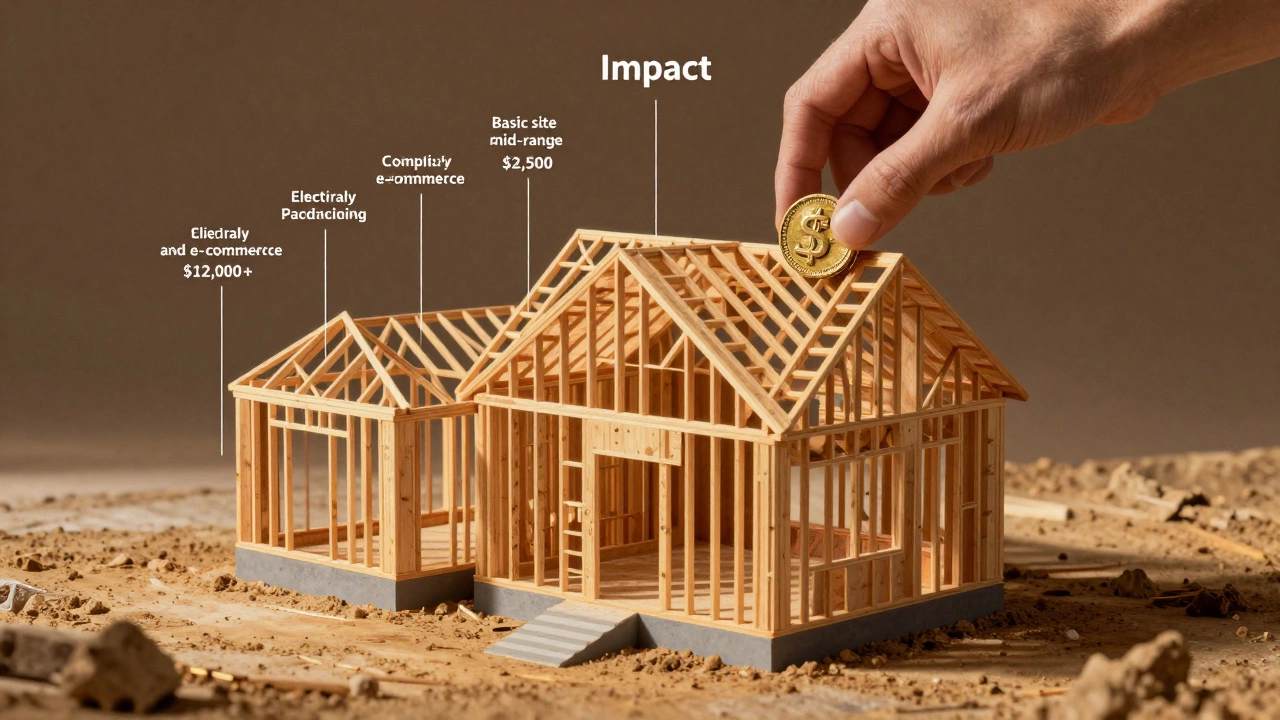
Many clients think websites are like buying a car. You pick the model, pay the sticker price, and drive off. But websites are more like building a house. The foundation matters. The wiring matters. The insulation matters. You can’t see it, but it makes all the difference.
Here’s what they often skip asking:
- Who owns the code?
- Will you maintain it after launch?
- What happens if the site breaks in six months?
- Can I update it myself?
Answer these before you start. Put it in writing. Include a clause: “One month of free bug fixes after launch. After that, maintenance starts at $75/hour.”
How to Price When You’re Just Starting
If you’re new, don’t charge $10,000. But don’t charge $300 either. Aim for $1,800-$3,500 on your first 5-10 projects. Use those to build a portfolio. Ask for testimonials. Record before-and-after metrics if you can.
Offer a discount for referrals. “If you refer another client, I’ll do your next site at 30% off.” That’s how you grow without burning out.
And never, ever work for “exposure.” If a startup says, “We’ll feature you on our blog,” ask them if they’ll pay you $500. If they say no, walk away. Exposure doesn’t pay rent.
What to Do When They Bargain
“Can you do it for $2,000?”
Don’t say yes. Don’t say no. Say: “I understand you’re working with a budget. Let me show you what $2,000 gets you.”
Then list the bare minimum: one page, a template, no custom design, no SEO, no training. Then say: “The $6,500 package includes everything you need to grow. The $2,000 version is just a landing page. Which one aligns with your goals?”
Most clients will pick the higher option. They just needed to feel heard.
Final Rule: Your Rate Should Scare You a Little
If your price feels too high, you’re probably charging the right amount. If it feels safe, you’re undercharging.
Freelancers who charge $150/hour don’t get 10 clients. They get 2-3 great ones. And those clients pay on time. They refer others. They respect the process.
Stop competing on price. Start competing on value. Your time is worth more than a template. Your skills are worth more than a 5-minute Fiverr gig. Build your rates around the impact you create-not the hours you log.