
Front-End Tech Stack Selector
Project Characteristics
Select the features that apply to your project:
SEO Critical
Existing C++ Code
Max Performance
Select your project details and click Analyze.
We will calculate the optimal balance between JavaScript and C++/Wasm based on industry standards.
Picture this: You’ve spent years mastering C++ is a powerful, high-performance programming language known for system-level control and speed. It’s the engine behind operating systems, game engines, and high-frequency trading platforms.. Your code is tight, your memory management is flawless, and you hate the unpredictability of garbage collectors. Then someone asks you to build a website. Your instinct screams, “I can do this in C++. It’ll be faster.”
Here is the hard truth: You cannot write standard front-end web code directly in C++. Browsers do not speak C++. They speak HTML, CSS, and JavaScript. If you try to serve raw C++ files to a browser, the user will see nothing but an error message or a download prompt.
However, the landscape has shifted dramatically since 2015. With the rise of WebAssembly (Wasm) is a binary instruction format that allows near-native execution speed in web browsers, enabling languages like C++, Rust, and Go to run on the web., the answer is no longer a flat "no." It is now a nuanced "yes, but with major caveats."
The Barrier: Why Browsers Don’t Run C++ Natively
To understand why we need workarounds, you have to look at how the web works. When you visit a site, the browser downloads text-based instructions. HTML defines the structure, CSS handles the style, and JavaScript manages the behavior. These are interpreted or just-in-time (JIT) compiled by the browser engine.
C++ is a compiled language. It turns into machine code specific to a processor architecture (like x86_64 or ARM). A browser running on an iPhone cannot execute code compiled for a Windows PC. This architectural mismatch is why C++ was historically locked out of the front-end world.
JavaScript became the universal lingua franca because it runs everywhere. But JavaScript has limits. It struggles with heavy computation tasks like video editing, complex 3D rendering, or scientific simulations. This is where the gap opens up for C++.
The Bridge: Compiling C++ to WebAssembly
You don't run C++ in the browser directly. Instead, you compile it into WebAssembly is a portable, size- and load-time-efficient binary format designed as a compilation target for low-level languages.. Think of Wasm as a sandboxed virtual machine inside your browser. It executes code much faster than JavaScript because it skips the parsing and JIT compilation steps for heavy logic.
The primary tool for this job is Emscripten is an open-source compiler toolchain that compiles C/C++ code to WebAssembly, allowing developers to port existing codebases to the web.. Emscripten takes your C++ source code, processes it through LLVM, and outputs a `.wasm` file along with a small amount of JavaScript glue code. This glue code acts as the interface between your C++ logic and the DOM (Document Object Model).
Here is what the workflow looks like:
- You write your core logic in C++ (e.g., a physics engine).
- You use Emscripten to compile it to WebAssembly.
- The browser loads the `.wasm` file.
- JavaScript calls functions exposed by your C++ module.
This setup allows you to leverage C++’s speed for the heavy lifting while using JavaScript for the UI interactions.

When Should You Use C++ for Front-End?
Just because you *can* doesn't mean you *should*. Using C++ for a simple blog or a landing page is overkill and will hurt your performance due to increased bundle sizes and complexity. However, there are specific scenarios where C++ shines.
| Task Type | JavaScript Approach | C++ / WebAssembly Approach | Recommendation |
|---|---|---|---|
| Simple UI / Forms | React/Vue + JS | Overly complex | Use JavaScript |
| Image Processing | Canvas API (slow for large images) | Fast pixel manipulation | Use C++ |
| 3D Game Logic | Three.js (good for visuals, slower for physics) | High-performance physics/rendering | Use C++ |
| Cryptography | Web Crypto API (limited algorithms) | Custom, high-speed encryption | Use C++ |
| Data Visualization | D3.js (great for interactivity) | Heavy dataset calculation | Hybrid (JS for UI, C++ for calc) |
If your application involves real-time video processing, CAD software, or complex simulations, C++ via WebAssembly can provide a 10x to 100x speed boost compared to pure JavaScript. Companies like Figma and AutoCAD have used similar techniques to bring desktop-class performance to the browser.
The Challenges: Why Most Developers Avoid It
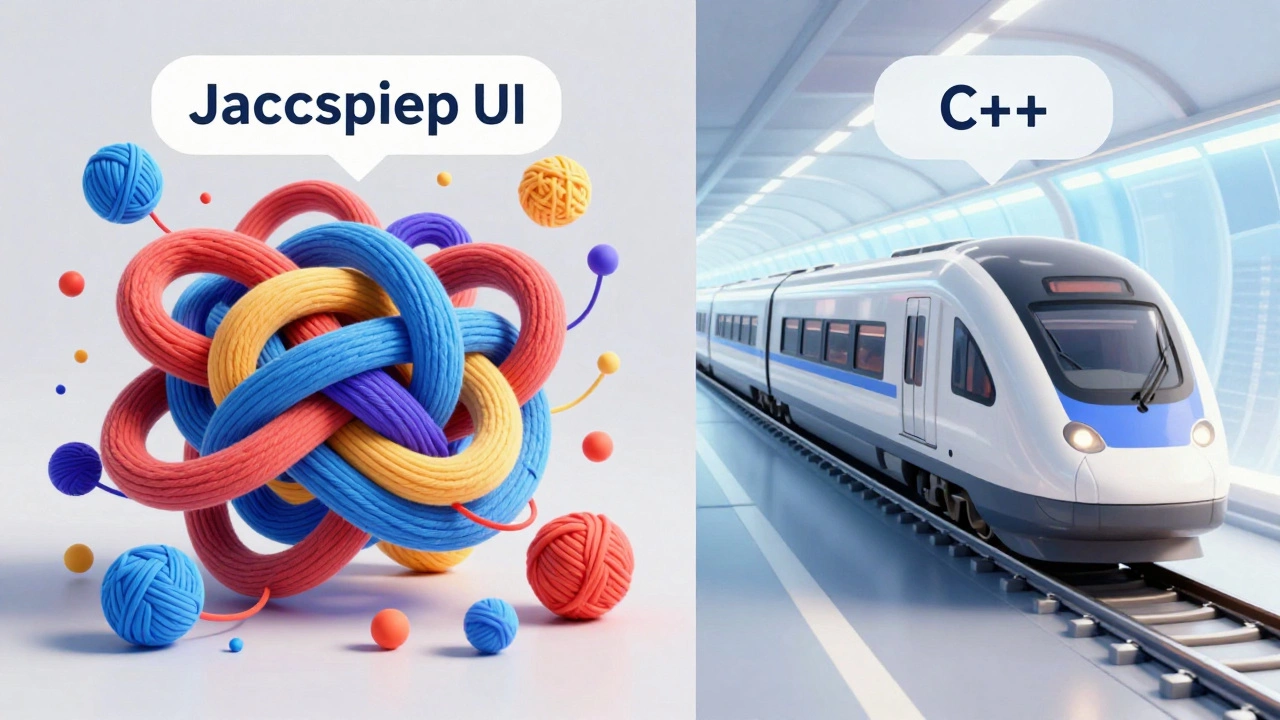
Bringing C++ to the front-end introduces significant friction. Here are the main hurdles you will face:
- Debugging Nightmares: Stack traces in WebAssembly are notoriously difficult to read. When your app crashes, you won’t get a clear line number in your C++ code. You often need specialized tools like Chrome DevTools’ experimental WebAssembly support or external debuggers.
- Memory Management: In JavaScript, you don’t worry about freeing memory. In C++, if you leak memory in a WebAssembly module, it stays leaked until the page reloads. Managing linear memory buffers manually adds cognitive load.
- DOM Interaction Overhead: C++ cannot touch the DOM directly. Every time you want to change a button’s color or add a div, you must pass data back to JavaScript. This boundary crossing has a cost. If you’re updating the screen 60 times a second, the overhead of passing data between C++ and JS can bottleneck your performance.
- Bundle Size: Even a small "Hello World" in C++ compiled to WebAssembly can be larger than a typical JavaScript utility library. Loading these binaries increases initial page load times, which hurts SEO and user experience.
Alternatives to Consider
Before diving into C++, ask yourself if another language might fit better. Rust is a systems programming language focused on safety, speed, and concurrency, increasingly popular for WebAssembly development. is currently the darling of the WebAssembly world. It offers similar performance to C++ but with memory safety guarantees that prevent common bugs like buffer overflows. Tools like wasm-pack is a CLI tool that simplifies building and publishing Rust crates to WebAssembly, making integration with JavaScript ecosystems smoother. make the developer experience significantly easier than Emscripten.
If your goal is simply better performance without rewriting everything in a systems language, consider optimizing your JavaScript. Techniques like Web Workers (moving heavy tasks off the main thread), efficient DOM batching, and modern frameworks like SolidJS or Svelte can close the gap considerably.
Conclusion: Is It Worth It?
Can C++ do front-end? Technically, yes. Practically, only for specific, compute-heavy tasks. For 95% of web applications, JavaScript remains the superior choice due to its ecosystem, ease of debugging, and seamless DOM integration. C++ belongs in the background, handling the math, physics, or media processing, while JavaScript handles the presentation.
If you have an existing C++ codebase that needs to reach web users, WebAssembly is a viable path. But if you are starting from scratch, choose C++ only if you have a proven performance bottleneck that JavaScript cannot solve.
Can I use C++ instead of JavaScript for all front-end logic?
No. C++ cannot directly manipulate the DOM or handle browser events natively. You still need JavaScript to act as a bridge between your C++ code (compiled to WebAssembly) and the web page elements. Trying to replace JavaScript entirely would result in a broken user interface.
Is WebAssembly faster than JavaScript?
Yes, for computationally intensive tasks. WebAssembly executes closer to native machine code speeds, making it significantly faster than JavaScript for loops, mathematical calculations, and data processing. However, for simple UI updates, the difference is negligible due to the overhead of switching between contexts.
What tool should I use to compile C++ to WebAssembly?
Emscripten is the most mature and widely used toolchain for compiling C/C++ to WebAssembly. It provides comprehensive support for standard libraries and generates the necessary JavaScript glue code to integrate with web APIs.
Does using C++ affect my website's SEO?
Indirectly, yes. WebAssembly modules increase the initial payload size, which can slow down page loading times. Since Core Web Vitals (like Largest Contentful Paint) are ranking factors, heavier assets can negatively impact SEO unless optimized properly. Additionally, search engine crawlers may not execute WebAssembly content effectively, so ensure critical content is rendered in standard HTML.
Should I learn Rust instead of C++ for WebAssembly?
If you are starting a new project, Rust is generally recommended over C++ for WebAssembly. It offers similar performance benefits but with built-in memory safety, reducing the risk of crashes and security vulnerabilities. The tooling ecosystem for Rust (like wasm-pack) is also more streamlined for web integration.