
CMS Suitability Calculator
Project Requirements
Select the factors that apply to your project.
Recommendation Engine
Analyze Project
Configure your project details to see which architecture fits best.
Why this recommendation?
- • Waiting for input...
Here is a hard truth that many agencies try to hide: despite powering over 43% of the web, WordPress is often the last choice for senior engineers building high-performance applications. You might wonder why. If it has the biggest market share and thousands of plugins, why do developers who know better avoid it? The answer isn’t just about "it’s easy" or "clients love it." It’s about architecture, security overhead, and the sheer friction of working within a system designed for non-technical users.
In 2026, the gap between what modern web standards demand and what traditional WordPress delivers has widened. Developers aren’t rejecting WordPress because they are snobs; they are rejecting it because the cost of maintaining a secure, fast, and scalable WordPress site often outweighs the benefits of its convenience. Let’s break down the specific technical bottlenecks that push developers toward alternatives like Headless CMS architectures, static site generators, or custom frameworks.
The Security Tax: Patching vs. Building
Security is the number one reason developers hesitate to recommend WordPress for complex projects. WordPress is the most popular content management system on the internet, which makes it the most targeted. Every day, automated bots scan millions of sites looking for vulnerabilities in outdated plugins or themes.
When you build a custom application using a framework like React or Django, your codebase is unique. There is no public exploit database for your specific implementation. With WordPress, you are relying on the speed of core updates and third-party plugin maintainers to fix holes before hackers find them. This creates a constant state of maintenance anxiety. A developer has to spend hours every month auditing plugins, checking for deprecated functions, and ensuring that a simple contact form plugin hasn’t introduced an SQL injection vulnerability. That time could be spent building new features instead of playing digital whack-a-mole.
Performance Overhead and Bloat
Modern web performance metrics, specifically Core Web Vitals, are brutal on heavy CMS platforms. A default WordPress installation loads dozens of scripts and stylesheets that most pages don’t need. Even with caching plugins like WP Rocket or server-level optimization, the underlying PHP execution model can struggle under high concurrency compared to compiled languages or static files.
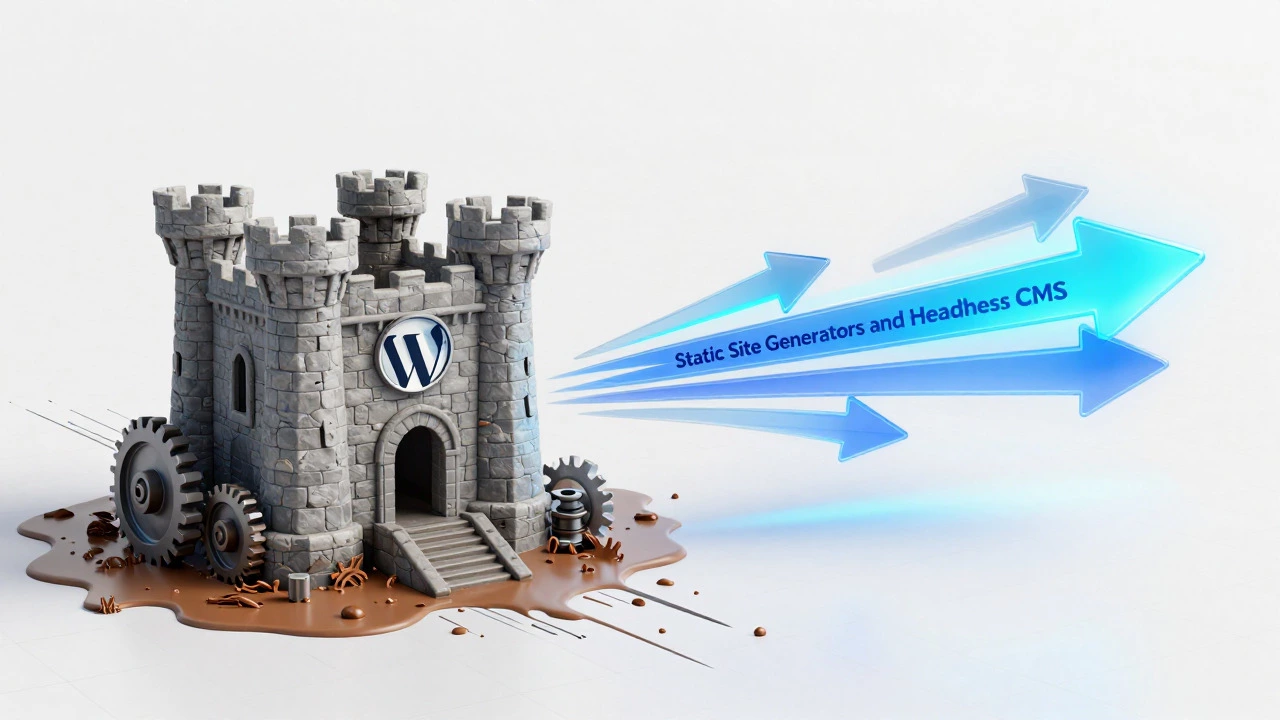
Consider the rendering process. Traditional WordPress uses server-side rendering (SSR) where the server generates HTML for every single request. If your site gets a traffic spike, the database queries pile up, causing latency. In contrast, developers prefer Static Site Generators (SSGs) like Gatsby or Astro. These tools pre-build all pages into static HTML files at compile time. When a user visits the site, the server simply sends a file. No database query, no PHP processing, instant load times. For e-commerce sites or news portals, this difference in architecture means the difference between a bounce rate of 10% and 60%.
The Plugin Dependency Trap
One of WordPress’s selling points is its plugin ecosystem. For a developer, this is often its biggest weakness. Relying on plugins means you don’t own your functionality. You are renting code from strangers. If a plugin author abandons their project, your site breaks. If a plugin introduces a conflict with another update, your entire checkout flow might stop working during Black Friday sales.
Developers prefer modular, version-controlled dependencies managed through package managers like npm or Composer. They want to read the source code of the libraries they use. With WordPress plugins, you often get black-box solutions where debugging requires digging through poorly documented code written by developers who may not follow standard coding practices. This lack of control leads to technical debt that accumulates rapidly, making the site harder to scale and more expensive to maintain over time.
Developer Experience (DX) and Workflow Friction
How a developer works matters. Modern development relies on local environments, version control systems like Git, and continuous integration/continuous deployment (CI/CD) pipelines. Traditional WordPress workflows have historically been clunky. Deploying changes often involved FTP uploads or manual database migrations, which are error-prone and slow.
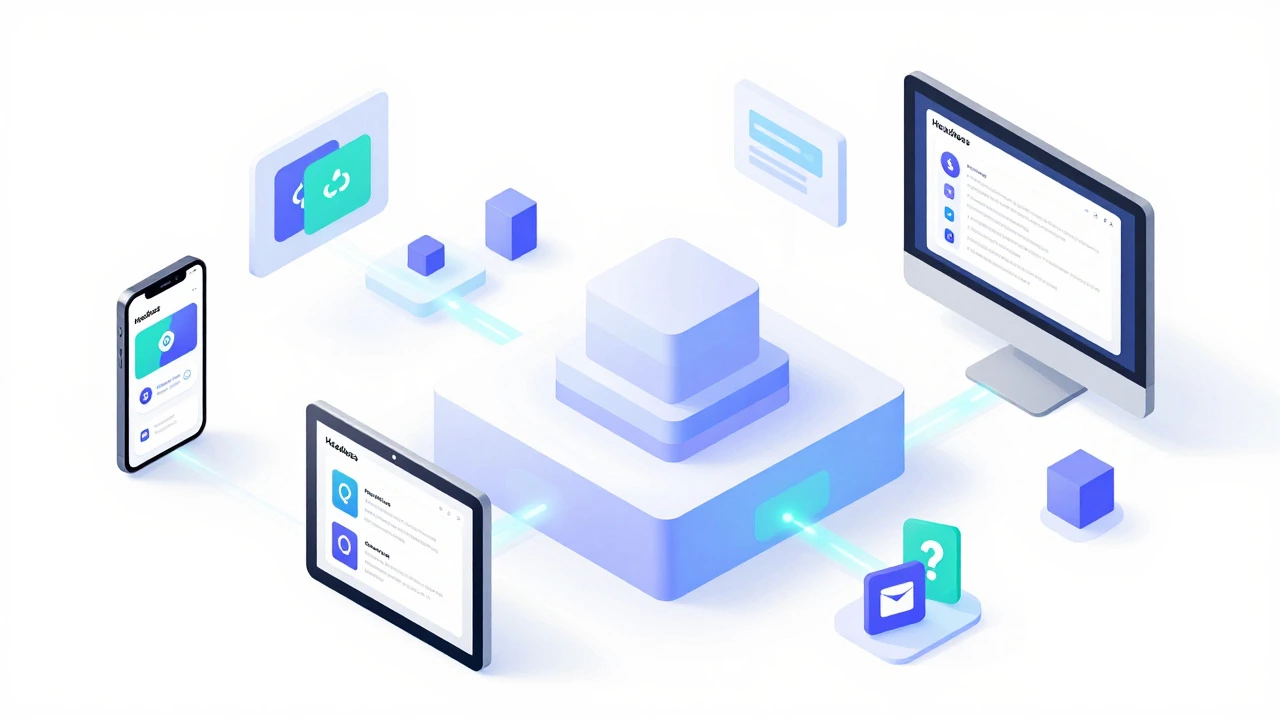
While tools like LocalWP have improved local development, the separation of concerns remains a pain point. In a modern stack, front-end developers work on UI components while back-end developers handle API logic. WordPress tightly couples these layers. Changing a template tag in PHP affects the front end directly. This tight coupling makes it difficult to implement modern design systems or reuse components across different platforms (like mobile apps). Developers crave the decoupled workflow provided by Headless CMS setups, where the content is stored separately and delivered via REST or GraphQL APIs to any front-end framework.
Scalability Limits and Cost at Scale
WordPress scales poorly without significant infrastructure investment. To handle high traffic, you need robust object caching (Redis/Memcached), dedicated database servers, and often a multi-server setup with load balancers. The cost of hosting a high-traffic WordPress site can quickly exceed $500-$1,000 per month when factoring in managed hosting fees and CDN costs.
Compare this to a static site hosted on a platform like Netlify or Vercel. You can serve millions of page views for a fraction of the cost because the infrastructure is distributed globally and handles scaling automatically. For startups and enterprises looking to minimize operational expenses while maximizing reach, the economic argument against monolithic WordPress is compelling.
| Feature | Traditional WordPress | Headless / Static Stack |
|---|---|---|
| Architecture | Monolithic (PHP + MySQL) | Decoupled (API + Frontend Framework) |
| Security Model | Perimeter-based, frequent patches needed | Minimal attack surface, isolated components |
| Performance | Server-side rendering, DB queries per load | Pre-rendered static files or client-side hydration |
| Maintenance | High (plugin/core updates) | Low (automated CI/CD pipelines) |
| Scalability Cost | High (requires managed hosting) | Low (serverless/static hosting) |
When Is WordPress Actually the Right Choice?
It would be unfair to say developers never use WordPress. They do, but usually for specific scenarios where speed-to-market trumps long-term architectural purity. Small business websites, blogs, and brochure sites benefit from WordPress’s ease of use. Clients can edit content without needing a developer. The visual editor allows for quick layout changes. For projects with tight budgets and low technical requirements, WordPress is still the king of ROI.
However, as soon as a project involves complex user interactions, dynamic data visualization, multi-platform content delivery, or strict performance SLAs, developers start looking elsewhere. The trend in 2026 is clear: WordPress is evolving into a backend-only solution (Headless WordPress), shedding its front-end responsibilities to become just a content repository. This shift acknowledges that while WordPress is great at managing content, it is not optimized for delivering modern web experiences.
The Rise of Headless WordPress
To bridge the gap, many developers now use WordPress in a "headless" configuration. They keep the WordPress admin panel for content entry but connect it to a front-end built with Next.js, Nuxt, or SvelteKit via the REST API or GraphQL. This approach gives clients the familiar WordPress interface while giving developers the performance and flexibility of modern JavaScript frameworks. It’s a compromise, but it doesn’t solve all issues-security risks remain in the WordPress core, and the complexity of managing two separate systems increases.
Ultimately, the decision to avoid WordPress comes down to control. Developers want to control the code, the security, the performance, and the future-proofing of the product. Traditional WordPress limits that control. As web technologies advance, the pressure to move away from monolithic CMS platforms will only increase. For those willing to invest in learning modern stacks, the payoff in efficiency and quality is substantial.
Is WordPress bad for SEO?
Not inherently, but poorly optimized WordPress sites often suffer from slow load speeds and duplicate content issues due to bad plugins. Modern static sites generally have a structural advantage in Core Web Vitals, which Google prioritizes for ranking.
Why do developers prefer React over WordPress?
React offers component-based architecture, better performance through client-side rendering, and seamless integration with modern tooling. It allows for reusable UI elements and smoother user interactions without full page reloads, which WordPress struggles to achieve natively.
Can WordPress handle high traffic?
Yes, but it requires expensive infrastructure. Handling high traffic on WordPress needs robust caching layers, database optimization, and possibly multiple servers. Static sites handle high traffic more efficiently and cheaply because they serve pre-built files from CDNs.
What is the main security risk of WordPress?
The primary risk is third-party plugins. Many plugins are poorly coded or abandoned, leaving vulnerabilities open to attacks. Since WordPress is so popular, it is constantly scanned by bots looking for these weak points.
Should I learn WordPress in 2026?
If you want to work with small businesses or agencies, yes. But if you aim for high-tech startups or enterprise roles, focus on modern frameworks like Next.js, Vue, or Python/Django. WordPress skills are valuable but increasingly niche compared to full-stack JavaScript or Python development.