JavaScript Learning Path Tracker
Your Mastery Progress
Complete the milestones below to track your journey from zero to proficient.
The truth is, most of the best developers I know didn't start in a bootcamp. They started with a laptop, a browser, and a lot of frustration. Learning JavaScript is a versatile, high-level programming language that enables interactive web pages and is an essential tool for any modern web developer. It is the primary language of the web, meaning if you want to make things move, pop up, or update without refreshing a page, this is your tool.
The Reality of Solo Learning
Going solo means you have total control over your pace. You don't have to wait for a slow classmate or rush to keep up with a professor. But that freedom is a double-edged sword. Without a teacher to tell you "don't worry about that part yet," you might spend three days obsessing over a tiny detail that doesn't actually matter for building a real app.
The biggest hurdle isn't the logic; it's the isolation. When your code throws a SyntaxError at 2 AM and you have no one to ask, it's easy to feel like you're just not "built" for coding. You aren't. You're just experiencing the standard learning curve. The secret is knowing where to find the answers when you're stuck.
Your Step-by-Step Self-Study Roadmap
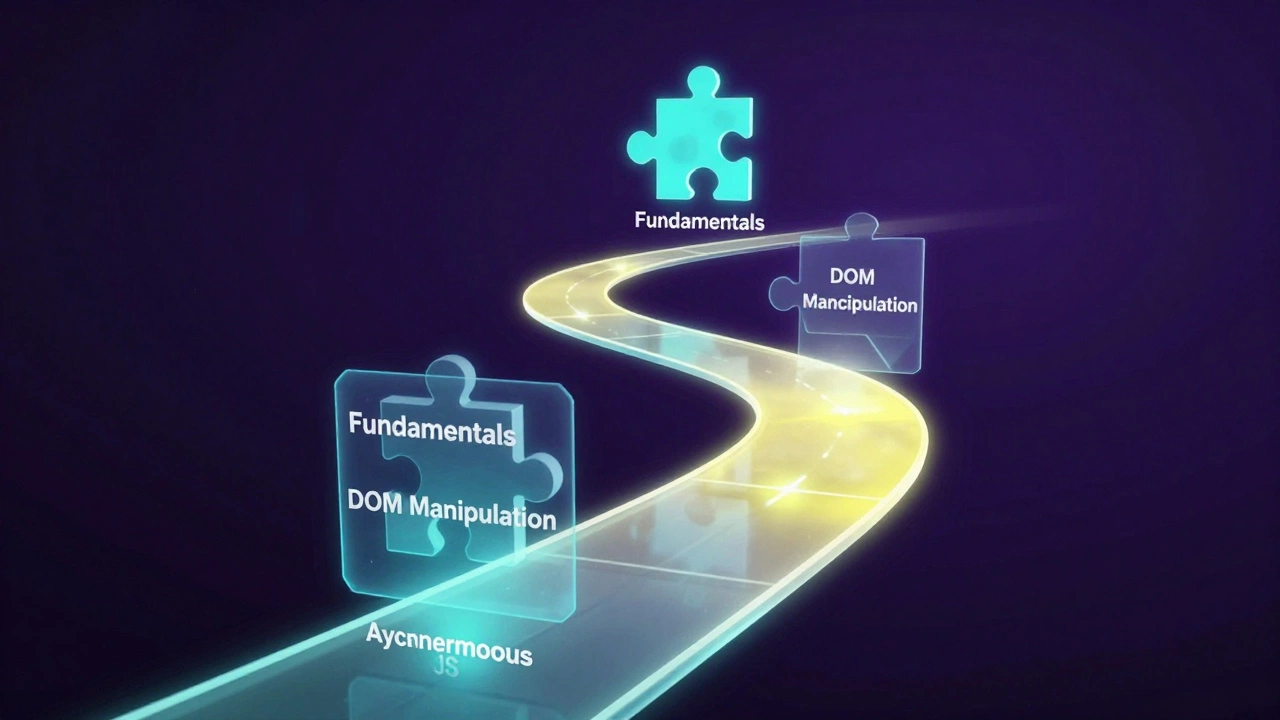
If you're starting from zero, don't just jump into the deep end. You need a sequence. If you try to learn a framework before you understand basic loops, you'll be copying and pasting code without knowing why it works. That's how you build "fragile" apps that break the moment you change one line.
- The Fundamentals: Start with variables, data types (strings, numbers, booleans), and basic operators. Learn how to manipulate a String and how to write a simple function.
- Control Flow: Master
if/elsestatements and loops (likeforandwhile). This is where you learn how to make the computer make decisions. - DOM Manipulation: This is the "magic" part. Learn how JavaScript interacts with HTML and CSS. Learn how to select an element and change its color or text when a user clicks a button.
- Asynchronous JS: This is usually where solo learners struggle. Understand
Promises,
async/await, and how to fetch data from an API. This allows your site to load data in the background without freezing the screen. - Modern ES6+: Learn arrow functions, destructuring, and template literals. This is the standard way people write JavaScript in 2026.
Essential Tools for the Solo Coder
You can't just use a text editor from 1995. You need a setup that helps you catch mistakes before you even run the code. Your environment is your silent mentor.
| Tool Type | Recommendation | Why it's useful for solo learners |
|---|---|---|
| Code Editor | Visual Studio Code | Free, massive plugin library, and built-in terminal. |
| Runtime | Node.js | Allows you to run JS outside the browser to test logic quickly. |
| Version Control | Git | Lets you save "checkpoints" so you can revert when you break everything. |
| Documentation | MDN Web Docs | The gold standard for accurate, up-to-date JS references. |
Common Traps and How to Avoid Them
One of the most dangerous things a beginner can do is fall into "Tutorial Hell." This happens when you follow a video step-by-step, finish the project, and then realize you have no idea how to start a blank file. You feel like you've learned, but you've actually just practiced typing.
To break this cycle, use the "Plus One" rule. After completing a tutorial project, add one feature that wasn't in the video. If the tutorial taught you how to build a To-Do list, try adding a "priority" tag to the tasks or a button to clear all completed items. This forces your brain to actually problem-solve rather than just mimic.
Another trap is trying to learn every single framework at once. You'll see people talking about React, Vue.js, and Angular. Pick one. They all solve similar problems. Once you understand how one works, moving to another is much easier. Trying to learn three at once is a recipe for burnout.
Building a "Virtual Mentor" Network
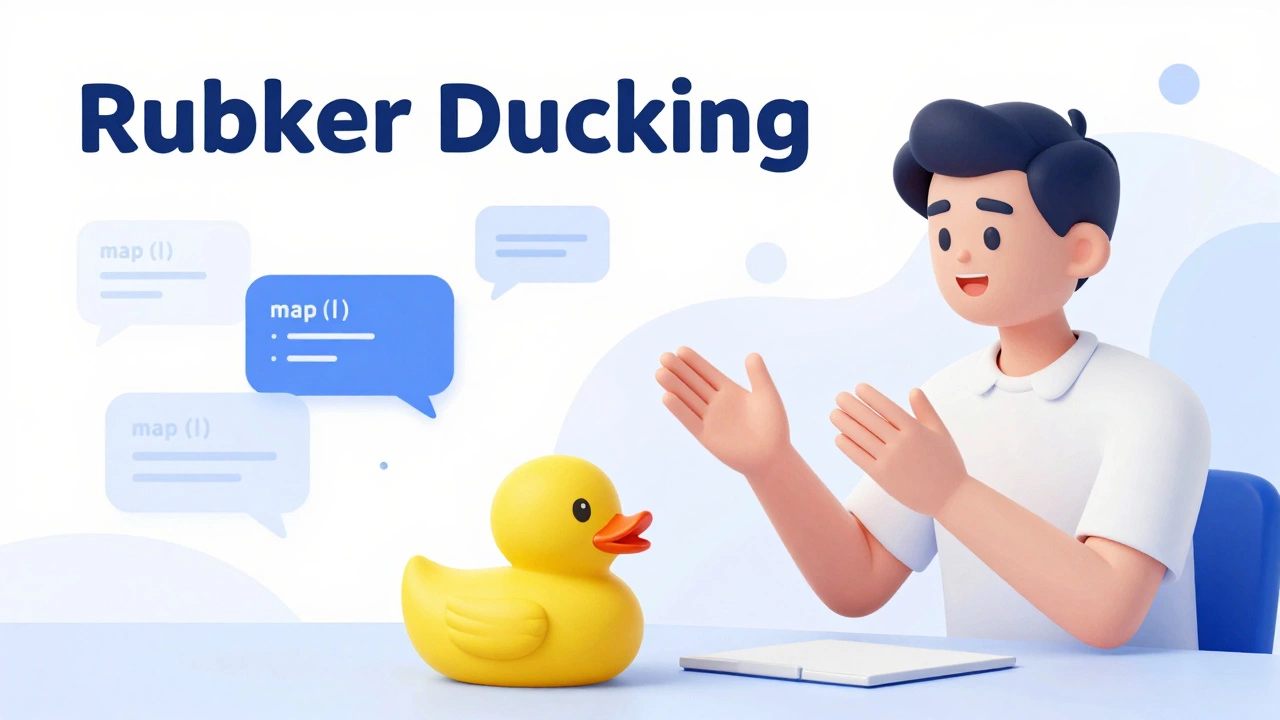
Learning alone doesn't have to mean being lonely. You can simulate a classroom environment by engaging with the global community. When you're stuck, don't just search for the answer; try to explain your problem. This is called "Rubber Ducking."
Post your questions on
Stack Overflow or specialized Discord servers. When you eventually find the answer, go back and explain it to someone else who is struggling. Teaching a concept is the fastest way to master it. If you can't explain how a map() function works to a beginner, you don't actually know it yet.
Measuring Your Progress
Since you don't have a grade or a diploma, you need your own metrics. Stop counting the number of hours you spend watching videos. Instead, count the number of features you've successfully implemented. A great way to track this is by building a portfolio on GitHub. Seeing a streak of green contribution squares is a psychological win that keeps you motivated when the logic gets tough.
Set small, concrete goals. Instead of saying "I want to learn JavaScript," say "This week, I will build a calculator that can handle decimals." Specificity kills procrastination. When the goal is a tangible object, the path to getting there becomes a series of small, solvable puzzles.
How long does it actually take to learn JavaScript alone?
There is no fixed timeline because it depends on your prior experience. However, for a total beginner spending 10-15 hours a week, it usually takes 3 to 6 months to reach a level where you can build functional, interactive web applications. Mastery takes years of professional experience, but basic proficiency is achievable in a few months of disciplined study.
Do I need to be good at math to learn JS?
Not necessarily. Unless you are building complex 3D graphics or heavy data-processing algorithms, basic arithmetic (addition, subtraction, multiplication, division) is usually enough. Programming is more about logic and pattern recognition than solving calculus equations.
Can I get a job if I'm self-taught?
Absolutely. Many tech companies care more about what you can build than where you learned it. The key is to have a strong portfolio of real projects on GitHub and be able to explain your code during a technical interview. Proof of skill outweighs a certificate in the eyes of most lead developers.
Should I learn HTML and CSS before JavaScript?
Yes. JavaScript is used to manipulate HTML and CSS. If you don't understand how a webpage is structured (HTML) or styled (CSS), you won't have anything to apply your JavaScript to. Spend a couple of weeks getting comfortable with the basics of layout before touching a single line of JS.
What is the best free resource for solo learners?
FreeCodeCamp and the Odin Project are widely considered the best free paths because they are project-based. They don't just give you videos; they give you tasks and challenge you to build things, which is the only way to actually learn to code.
Next Steps for Your Journey
If you've just finished your first few lessons, don't stop now. The momentum is your best friend. Start by building a simple project-like a digital clock or a random quote generator. Once that feels easy, try to integrate a public API, like a weather service, to bring in real-world data.
If you find yourself stuck on a specific concept, like this keyword or closures, don't panic. These are notoriously difficult topics even for experienced developers. Step away from the screen for an hour, take a walk, and then try to approach the problem from a different angle. The "aha!" moment usually happens when you're not staring intensely at the code.