Google Ads Format Recommendation Tool
Step 1: Business Size & Resources
Step 2: Campaign Goals
Step 3: Performance Expectations
Your Recommendation
Based on your responses, we recommend:
Why this format?
Responsive Display Ads automatically optimize your assets for all placements, saving you design time while adapting to different screen sizes. This is especially valuable for mobile traffic (over 60% of web traffic) and businesses without dedicated design resources.
When to use this:
Great for small businesses, brand awareness campaigns, and situations where you want Google's AI to find the best-performing combinations. Works best when you have at least 3 headlines, 2 descriptions, and 5+ images.
Pro Tip from the article:
"Don't assume you need both. Most campaigns should start with Responsive Display Ads. Test them for 4–6 weeks. If you see strong performance, then experiment with custom Display Ads for retargeting or niche audiences."
If you’ve ever run a Google Ads campaign, you’ve probably seen the terms Google Display and Responsive thrown around. They sound similar, but they’re not the same thing-and mixing them up can waste your budget or miss your target audience entirely.
Google Display Ads Are About Placement
Google Display Ads are ads that show up across the Google Display Network (GDN). That’s not just Google’s own sites-it’s over 2 million websites, apps, and YouTube videos where advertisers can place their banners, images, or text ads. Think of it like billboards scattered across the internet. These ads appear on news sites, blogs, forums, and even mobile apps.
When you create a Display Ad, you choose the format: image, text, or HTML5 animation. You upload your own creative assets-logo, headline, description, background color-and Google places them where it thinks they’ll get clicks. You can target users by interests, demographics, or even websites they’ve visited before.
For example, if someone searched for “running shoes” last week, you can show them a Display Ad for your shoe store as they browse a fitness blog. That’s retargeting. It’s powerful, but it’s also static. Once you upload your banner, it stays the same size and shape unless you manually update it.
Responsive Ads Are About Flexibility
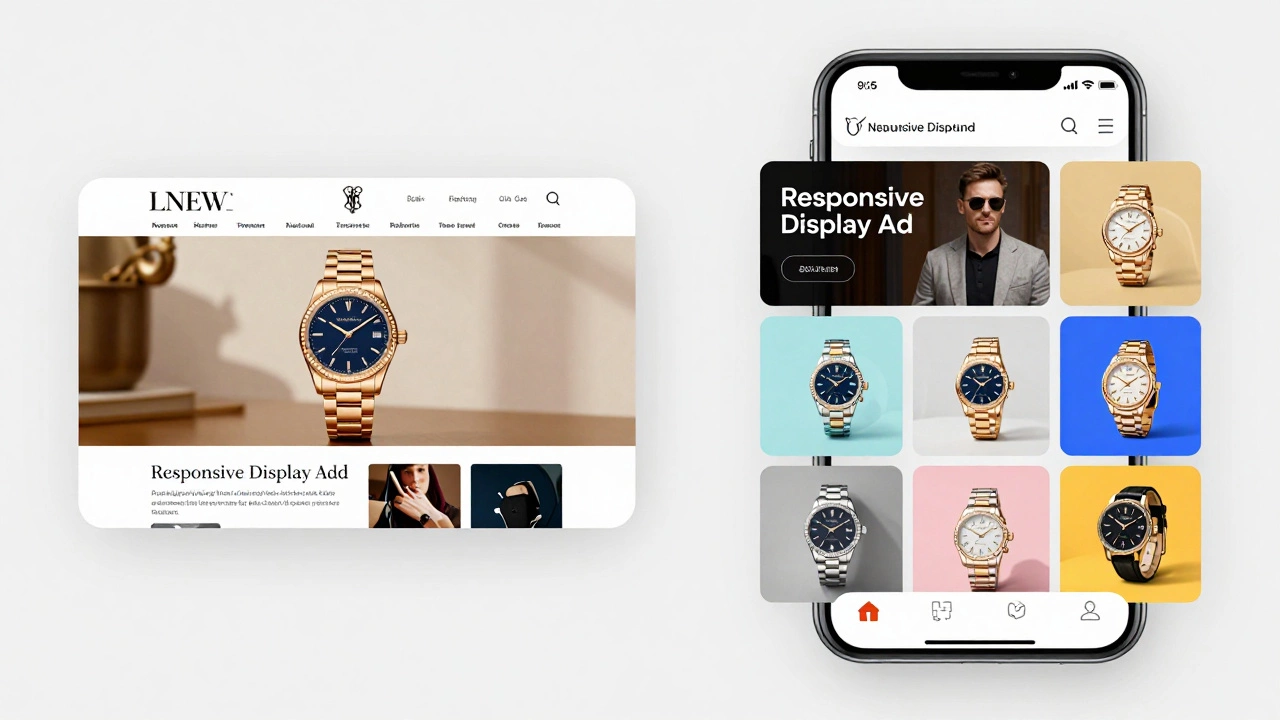
Responsive Ads-specifically Responsive Display Ads-are Google’s smarter, more automated version of Display Ads. Instead of uploading one fixed banner, you give Google a toolkit: multiple headlines (up to 15), multiple descriptions (up to 5), multiple images or logos (up to 20), and a brand color. Google then mixes and matches these pieces in real time to create dozens of ad variations.
These ads adjust automatically to fit any ad space-whether it’s a tall skyscraper on a news site, a square banner on a mobile app, or a wide leaderboard on a blog. Google’s AI tests combinations and learns which ones perform best based on user behavior, device type, and context.
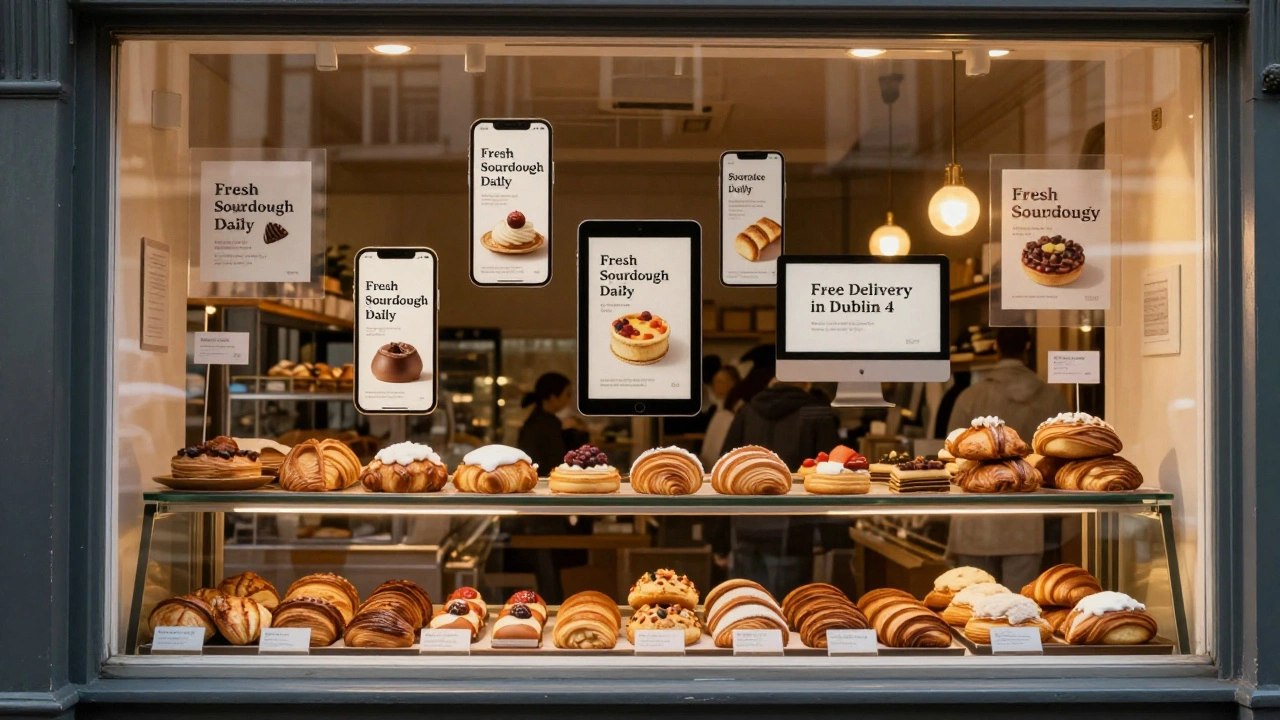
Let’s say you run a local bakery in Dublin. You upload three headlines (“Fresh Sourdough Daily,” “Irish Butter Croissants,” “Open Until 8 PM”), two descriptions (“Handmade since 1998” and “Free delivery in Dublin 4”), and five images of your pastries. Google will show a version with “Fresh Sourdough Daily” + “Handmade since 1998” + your croissant photo to users on desktop, and a version with “Open Until 8 PM” + “Free delivery in Dublin 4” + your bread loaf photo to mobile users searching for late-night snacks.
Key Differences at a Glance
Here’s how they actually compare in practice:
| Feature | Google Display Ads | Responsive Display Ads |
|---|---|---|
| Ad Format | Fixed size (e.g., 300x250, 728x90) | Dynamic, auto-resizing |
| Customization | Upload one complete ad | Upload assets; Google builds combinations |
| Control | High-exact look and feel | Low-Google decides layout |
| Performance | Depends on your design skills | Usually higher CTR and conversion due to AI optimization |
| Best For | Brands with polished visuals or strict brand guidelines | Most advertisers wanting simplicity and scale |
When to Use Each
If you’re a small business owner without a designer, Responsive Display Ads are your best bet. You don’t need to create ten different banner sizes. Just upload your assets, set your budget, and let Google do the heavy lifting. In 2025, over 70% of new Display campaigns on Google used Responsive Display Ads, according to Google’s internal data.
But if you’re a big brand-say, a luxury watch company-you might want full control. Your ad needs to look exactly like your website, with the right font, spacing, and color palette. In that case, upload custom Display Ads. You sacrifice scale for precision.
Another factor: budget. Responsive Ads often cost less per click because Google’s AI finds the most efficient placements. But if you’re running a campaign with very specific targeting-like retargeting users who abandoned a product page-you might get better results with a custom Display Ad that mirrors the exact product image they saw.
What Most People Get Wrong
Many advertisers think “Responsive” means “better.” It doesn’t-it means “automated.” If you throw up low-quality images, vague headlines, and generic descriptions, Responsive Ads will still run… and still underperform. Google can’t turn junk into gold.
On the flip side, some designers spend hours crafting perfect 300x250 banners, then wonder why their campaign isn’t scaling. The truth? Mobile traffic makes up over 60% of all web traffic now. A fixed-size ad won’t adapt to phone screens. Responsive Ads handle that automatically.
Also, don’t assume you need both. Most campaigns should start with Responsive Display Ads. Test them for 4-6 weeks. If you see strong performance, then experiment with custom Display Ads for retargeting or niche audiences.
Pro Tips for Better Results
- Use high-res images (at least 1200x600 pixels). Blurry photos kill CTR.
- Write headlines that answer a question or state a benefit: “Need a New Laptop?” instead of “Laptops for Sale.”
- Include your brand name in at least one headline-it builds trust.
- Upload at least 3 different logos (square, horizontal, icon-only) so Google can test what works.
- Turn on automated optimizations: let Google adjust bids based on device, location, and time of day.
Final Thought: It’s Not Either/Or
You don’t have to pick one forever. Many successful campaigns use both. Run Responsive Display Ads to cast a wide net and find what works. Then, use custom Display Ads to retarget high-intent users with a polished, branded message.
The goal isn’t to master one format. It’s to use the right tool for the right job. Responsive Ads scale. Display Ads control. Combine them wisely, and you’ll reach more people, at lower cost, with better results.
Are Google Display Ads and Responsive Ads the same thing?
No. Google Display Ads are a broad category of ads shown across websites and apps. Responsive Ads (specifically Responsive Display Ads) are a type of Display Ad that automatically adjusts its layout, size, and content using AI. All Responsive Ads are Display Ads, but not all Display Ads are Responsive.
Do Responsive Ads cost more than regular Display Ads?
Not necessarily. Responsive Ads often have lower cost-per-click because Google’s AI finds the most effective placements and combinations. However, if you use poor assets, performance drops and cost-per-conversion can rise. Quality matters more than format.
Can I use Responsive Ads for YouTube?
No. Responsive Display Ads only appear on the Google Display Network-web pages and apps. For YouTube, you need YouTube TrueView or Bumper Ads. These are separate ad formats designed for video platforms.
How many images should I upload for Responsive Ads?
Upload at least five high-quality images, including your logo, product shots, and lifestyle photos. Google recommends 10-20 assets for best performance. More options mean more combinations, which helps Google find winning layouts faster.
Should I pause my old Display Ads and switch to Responsive?
Not right away. Run both side by side for 3-4 weeks. Compare click-through rates, conversion rates, and cost per acquisition. If Responsive Ads outperform your old ones by 20% or more, then shift your budget. If not, keep testing.