
Website Design Budget Estimator
Select your requirements below to get a realistic 2026 price estimate for your new website.
Estimated Project Cost
Cost Breakdown
You’ve got a business idea. You know you need a website. But when you start asking around, the quotes make zero sense. One freelancer wants €500. An agency wants €15,000. Another guy on Upwork says he’ll do it for the price of a nice dinner. Why the massive gap? And more importantly, how much should you actually pay?
The truth is, there is no single "price tag" for a website. It’s like asking "How much does a car cost?" You can buy a used hatchback or a brand-new Tesla. Both are cars, but they serve different purposes and have wildly different value propositions. In 2026, the landscape has shifted again. AI tools have lowered the floor for basic sites, but the ceiling for high-end, custom digital experiences has risen because businesses demand more conversion-focused results.
Key Takeaways: What to Expect in Your Budget
- Budget Tier (€300 - €800): DIY platforms (Squarespace, Wix) or very basic template setups by freelancers. Good for personal portfolios or simple landing pages.
- Small Business Tier (€1,500 - €4,000): Customized WordPress or Shopify builds with professional design tweaks. Ideal for local services, small e-commerce, or startups needing credibility.
- Professional Tier (€5,000 - €12,000): Fully custom design, UX research, copywriting, and SEO foundations. Best for established brands competing in crowded markets.
- Enterprise/Complex Tier (€15,000+): Custom coding, integrations with CRMs, complex databases, and ongoing maintenance contracts. For large organizations or unique tech needs.
Why Do Quotes Vary So Much?
It’s frustrating when you don’t understand what you’re buying. The variation comes down to three main factors: labor hours, technology stack, and strategic depth.
A cheap quote usually means someone is dragging and dropping a pre-made theme. They might spend 5-10 hours on your project. That’s fine if you just need an online business card. But if you need that site to sell products, capture leads, and rank on Google, 10 hours isn’t enough. High-end quotes reflect dozens of hours spent on user experience (UX) mapping, wireframing, custom coding, and testing across devices.
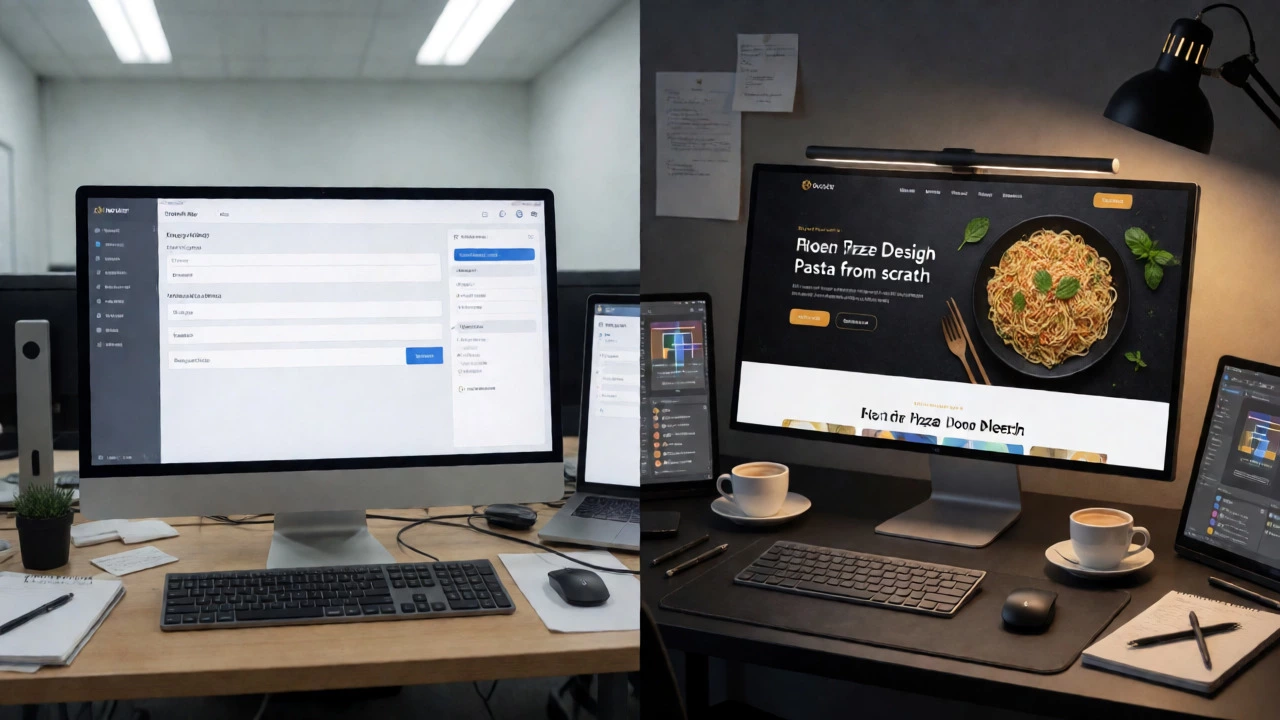
Think about it this way: Would you hire a chef who uses frozen pizza dough and jarred sauce, or one who makes pasta from scratch every morning? The former is faster and cheaper. The latter takes time, skill, and premium ingredients. The same logic applies to Website Design which is the process of planning, conceptualizing, and arranging content intended for the Internet, focusing on making websites accessible to everyone and providing an intuitive user experience.
The Three Main Ways to Build a Site (And Their Costs)
1. DIY Platforms: The Low-Cost Route
If you’re handy with tech, you can build a site yourself using platforms like Wix, Wix.com, or Squarespace. These are Software-as-a-Service (SaaS) solutions where you pay a monthly subscription.
Cost: €15 - €50 per month + domain name (~€15/year).
Pros: Fast setup, low upfront cost, easy updates.
Cons: Limited customization. You’re confined to their templates. If you want to move your site later, you often lose your data structure. Also, you become the designer, developer, and marketer all at once. If you hate tweaking margins for two hours, this will drive you crazy.
2. Template-Based WordPress or Shopify: The Middle Ground
This is the most common route for small businesses. You buy a premium theme (like Astra, Divi, or a Shopify theme) and hire a developer to customize it. This isn't "off-the-shelf" anymore; it's tailored.
Cost: €1,500 - €4,000 one-time fee + hosting costs.
Pros: You own your data. Huge ecosystem of plugins. Better SEO control than DIY builders. Scalable as you grow.
Cons: Requires maintenance. Plugins can break. You need to keep backups. If you pick a bad developer, you might end up with a bloated site that loads slowly.
3. Fully Custom Web Design: The Premium Route
Here, designers create everything from scratch. No pre-made themes. The code is written specifically for your needs. This involves a discovery phase, wireframes, mockups, development, and QA.
Cost: €5,000 - €20,000+.
Pros: Unique branding. Faster load times (clean code). Highly optimized for conversions. Easier to maintain long-term because there’s no bloat.
Cons: Higher upfront cost. Longer timeline (4-8 weeks typically).
| Approach | Upfront Cost | Monthly Cost | Customization Level | Best For |
|---|---|---|---|---|
| DIY Builders (Wix/Squarespace) | €0 - €200 | €15 - €50 | Low | Hobbyists, Simple Portfolios |
| Template WordPress/Shopify | €1,500 - €4,000 | €20 - €100 (Hosting) | Medium | Small Businesses, Local Services |
| Custom Design & Code | €5,000 - €20,000+ | €50 - €200 (Maintenance) | High | Startups, Established Brands, E-com |
Hidden Costs You Might Forget
People often fixate on the design fee and forget the rest. Here’s what else hits your bank account:
- Domain Name: ~€10-€20/year. Not huge, but necessary.
- Hosting: Don’t go for the €2/month shared hosting if you expect traffic. Good managed hosting (like SiteGround or Kinsta) costs €20-€50/month. Slow hosting kills sales.
- Content Creation: This is the big one. Who writes your text? Professional copywriters charge €50-€150 per page. If you write it yourself, factor in 10-20 hours of your time.
- Photography: Stock photos are okay, but authentic images convert better. A half-day shoot with a pro photographer in Dublin costs €300-€600.
- Maintenance & Security: Websites aren't "set and forget." You need updates, backups, and security monitoring. Agencies charge €50-€150/month for this. Doing it yourself saves money but risks downtime.
How to Choose the Right Option for Your Stage
Are you validating an idea? Don’t spend €10k. Use a DIY builder or a cheap freelancer. Get feedback fast. If people buy, upgrade later.
Do you have steady revenue? Invest in a template-based WordPress site. It gives you ownership and flexibility without breaking the bank. Ensure the developer focuses on speed and mobile responsiveness.
Is your brand your biggest asset? If you’re a law firm, a boutique hotel, or a SaaS startup, generic templates won’t cut it. Go custom. Your website is your storefront. A poor impression loses customers before they even read your pitch.
Frequently Asked Questions
Is it worth paying for custom web design over a template?
Yes, if your business relies on the website for primary sales or lead generation. Templates are great for starting out, but they often come with bloated code that slows down loading speeds, hurting SEO and user experience. Custom design ensures clean code, unique branding, and a structure built specifically for your user journey, which typically leads to higher conversion rates.
How long does it take to design a website?
A simple DIY site can be done in a weekend. A template-based WordPress site usually takes 2-4 weeks, depending on content readiness. A fully custom website typically takes 6-12 weeks. This includes discovery, wireframing, design approval, development, and testing. Delays often happen when clients are slow to provide content or feedback.
Do I own my website if I use a platform like Wix?
You own the content, but not the underlying code or infrastructure. If you stop paying Wix, your site goes offline. With self-hosted solutions like WordPress, you own the files and database. You can move them to any hosting provider. This portability is crucial for long-term business assets.
Why are some web designers so expensive?
Expensive designers aren't just drawing pretty pictures. They conduct market research, analyze competitors, map user journeys, write microcopy, ensure accessibility compliance, and optimize for search engines. They treat your website as a business tool, not just a digital brochure. You’re paying for strategy and expertise that reduces risk and increases ROI.
Can I update the website myself after launch?
With modern CMSs like WordPress or Shopify, yes. A good developer will train you on how to change text, upload images, and publish blog posts. However, changing layout or adding new features usually requires technical help. Always ask for a training session during handover.
Next Steps: How to Get an Accurate Quote
Stop asking "How much for a website?" Start asking "How much to solve this specific problem?"
- List your must-haves: Do you need a booking system? A product catalog? Multi-language support?
- Provide examples: Show designers 3 sites you like and 3 you hate. Explain why.
- Share your content status: Do you have text and images ready? If not, add 20% to the budget for content creation.
- Ask for a breakdown: Don’t accept a lump sum. Ask how many hours are allocated to design vs. development vs. testing.
Remember, the cheapest option often becomes the most expensive one when you have to rebuild the site in six months because it didn’t work. Invest in quality from day one.