User Experience (UX) Resources and Insights
When you land on a site, the first thing you notice is how easy it feels to get what you need. That feeling is pure user experience – the mix of design, speed, and clarity that keeps visitors around. On this page we’ve gathered the most useful UX articles from Arachnid Web Solutions, so you can start fixing problems right away. Whether you’re a developer, a designer, or just a site owner, the tips below will help you turn confusing pages into smooth journeys.
Quick Wins for Better Usability
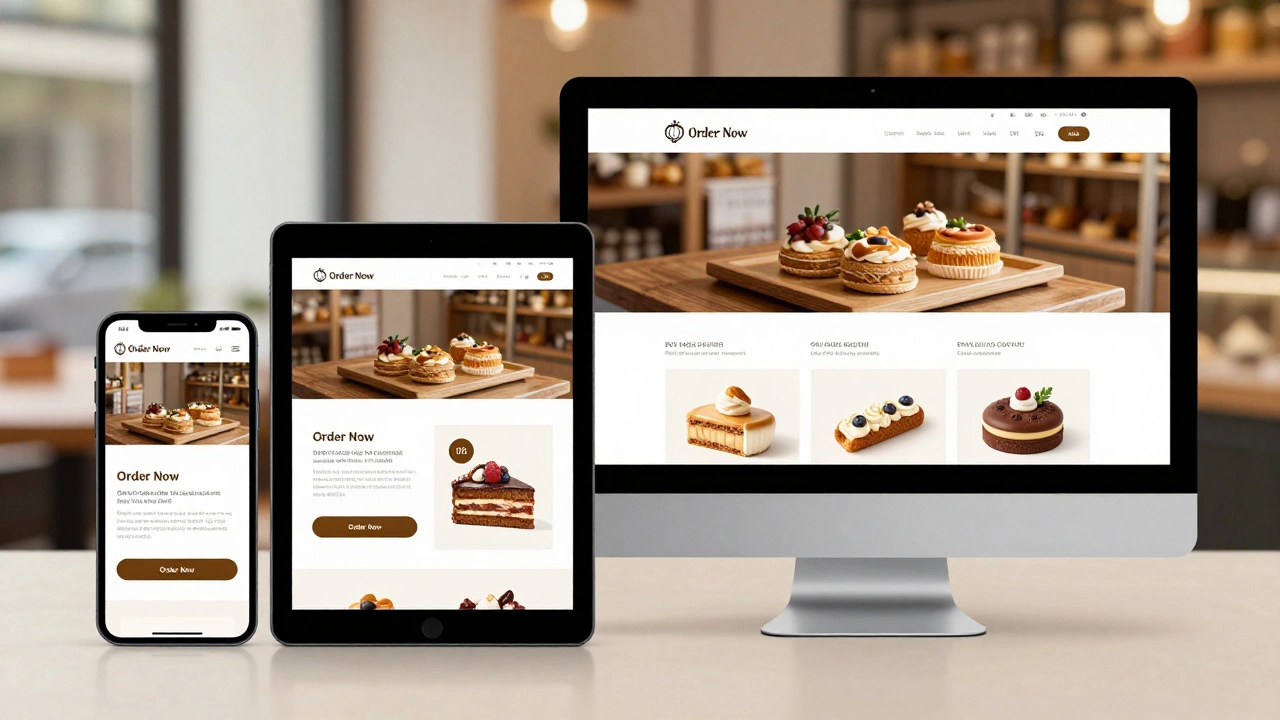
First up, look for the low‑effort changes that give the biggest payoff. Simple things like increasing button size, adding clear hover states, and using a logical navigation order can cut bounce rates dramatically. Check the article on Responsive Web Design Challenges for a checklist that covers image optimization, breakpoints, and fast loading. Apply the checklist step by step – you’ll see users scroll deeper and stay longer without any major redesign.
Another fast fix is to improve form feedback. Show inline error messages as soon as a field is wrong, and use plain language (“Enter a valid email”) instead of cryptic codes. The Web Developer vs UX Designer Salary post mentions that many hiring managers value this kind of user‑centric thinking, so it’s a skill worth polishing.
Deeper UX Strategies
If you have time for a bigger overhaul, start with a user‑first audit. Map out the main user flows – from landing on the homepage to completing a purchase or signing up for a newsletter. Spot any dead ends or steps that ask for too much information. The Responsive Web Design: How to Make Your Website Look Great Everywhere article walks you through media queries and flexible grids, which are essential when you want a consistent experience across phones, tablets, and desktops.
Don’t forget accessibility. Adding proper ARIA labels, ensuring sufficient color contrast, and making all interactive elements keyboard‑friendly not only helps users with disabilities but also boosts SEO. Our Is Wix SEO Optimized? piece shows how search engines reward sites that follow these best practices, so fixing accessibility can improve rankings at the same time.
Finally, test what you build. Use simple tools like Google Lighthouse or browser dev tools to measure load speed, contrast, and mobile friendliness. Run a quick A/B test on a headline or button colour and let real data guide the next tweak. The more you iterate, the smoother the experience becomes, and the more visitors will convert into customers or regular readers.
Ready to dive into the articles? Scroll through the list below, pick the topics that match your current pain points, and start applying the advice today. Good UX isn’t a one‑time project – it’s an ongoing habit of listening to users and tweaking your site to serve them better.