
Wix SEO Readiness Checker
Use this interactive tool to assess how well your current setup aligns with modern SEO best practices on the Wix platform. Check off the items you have implemented or are currently addressing.
Optimization Checklist
- Critical
- High Impact
- Essential
- Technical
- Indexing
- Crawl Health
- Authority Flow
- Rich Snippets
- Speed
- Performance
Your Score
You’ve probably heard the old rumor that Wix is a black box for search engines. It’s a persistent myth from 2015 that refuses to die, even though we’re well into 2026. If you’re building a site today and wondering if Wix is actually okay for Search Engine Optimization (SEO), the short answer is: yes, but with caveats. The platform has evolved massively. It now offers tools that compete directly with major CMSs, yet it still lacks the granular control developers crave. So, is it good enough for your specific project? That depends entirely on what you’re trying to achieve.
Let’s cut through the noise. You don’t need a degree in computer science to rank on Wix anymore. But you do need to understand where its strengths end and its limitations begin. This guide breaks down exactly how Wix handles modern SEO requirements, from mobile speed to structured data, so you can decide if it fits your business model without wasting months fighting the interface.
The Modern State of Wix SEO Tools
Five years ago, Wix was notorious for messy code and poor URL structures. Today, the landscape looks different. The core engine behind Wix sites has been optimized for speed and crawlability. When Googlebot visits a Wix site, it encounters clean HTML5 markup and responsive design out of the box. This matters because Core Web Vitals are no longer optional-they’re ranking factors.
Wix introduced Wix SEO Wiz, a guided checklist that helps non-technical users set up basic metadata. While it sounds like a toy for beginners, it actually enforces best practices. It prompts you to write unique titles, descriptions, and alt text for images. For a small business owner who doesn’t know what an H1 tag is, this safety net prevents catastrophic errors. However, for power users, it can feel restrictive. You can’t easily bulk-edit meta tags across hundreds of pages unless you use third-party apps or export/import CSV files, which adds friction.
Another significant upgrade is the automatic generation of sitemaps. Wix updates these dynamically as you add content. You don’t need to manually ping Google every time you publish a blog post. The integration with Google Search Console is seamless. You verify ownership via a simple HTML tag upload, and within minutes, you’re tracking impressions and clicks. This level of automation removes the technical barrier that used to scare off DIY entrepreneurs.
Technical Performance and Mobile Responsiveness
Speed kills rankings. Period. In 2026, users expect pages to load in under two seconds. Wix has invested heavily in its Content Delivery Network (CDN) infrastructure. Sites hosted on Wix benefit from global edge servers, ensuring fast load times regardless of user location. But here’s the catch: performance is often dictated by user behavior, not just the platform.
If you stuff your homepage with ten full-screen video backgrounds and uncompressed high-res images, your Lighthouse score will tank, regardless of whether you use Wix, Squarespace, or custom code. Wix provides optimization tools like lazy loading for images and videos, but you must enable them. Many users skip this step. I’ve seen countless Wix sites fail SEO audits simply because the owner uploaded 5MB PNGs instead of compressed WebP files.
| Feature | Wix Platform | Custom Code / Headless |
|---|---|---|
| Mobile Responsiveness | Automatic (Adaptive Design) | Manual CSS implementation |
| Core Web Vitals Control | Limited (Platform-managed) | Full control over JS/CSS delivery |
| URL Structure | Fixed hierarchy (/page-name) | Fully customizable |
| Structured Data | Basic JSON-LD support | Advanced schema injection |
| Server-Side Rendering | Hybrid approach | Full SSR/SSG options |
Mobile-first indexing is fully supported. Wix templates are responsive by default. You don’t have to worry about separate m-dot sites. The layout adapts fluidly to screen sizes. However, be careful with desktop-only elements. Some advanced features, like complex parallax scrolling or custom widgets, may not translate perfectly to mobile views. Always test your site on actual devices, not just browser simulators. A broken menu on an iPhone can hurt dwell time metrics, signaling to Google that the page isn’t useful.
Content Management and Blogging Capabilities
Content is king, but distribution is queen. Wix includes a built-in blog module that integrates tightly with the main site navigation. This is crucial for internal linking strategies. When you publish a new article, it appears in your sitemap automatically. You can assign categories and tags, creating topic clusters that help search engines understand your site structure.
Unlike some builders that treat blogs as afterthoughts, Wix allows for robust editorial workflows. You can schedule posts, manage authors, and moderate comments. The editor supports rich media embedding, including YouTube videos, Spotify playlists, and interactive maps. From an SEO perspective, this increases engagement signals. Users spend more time on pages with multimedia, reducing bounce rates.
However, if you’re running a large-scale content operation-say, thousands of articles-you might hit performance bottlenecks. Pagination handling is decent, but deep archives can slow down crawl efficiency. For most small-to-medium businesses, though, the blogging tool is more than sufficient. It encourages consistency, which is far more important for SEO than having fancy archive filtering options.

Local SEO and Structured Data Implementation
For local businesses, visibility in map packs is gold. Wix has streamlined local SEO setup significantly. You can input your NAP (Name, Address, Phone) details once, and the system pushes this information to relevant directories. More importantly, it generates local business structured data using JSON-LD format. This helps search engines display rich snippets, like star ratings and opening hours, directly in search results.
Adding custom structured data beyond the basics requires a bit of work. Wix allows you to inject custom HTML head code, which means you can paste raw JSON-LD scripts for specific pages. This is useful for adding FAQ schema or HowTo markup. But there’s no visual interface for complex schemas. If you’re not comfortable editing code snippets, you’ll likely stick to the default profiles provided by Wix. For most local service providers, the default profile covers 90% of needs. You get the name, address, phone, and social links marked up correctly. That’s usually enough to trigger knowledge panel eligibility.
One tip: ensure your Google Business Profile is verified and linked properly. Wix doesn’t sync reviews automatically. You need to encourage customers to leave reviews on Google directly. High-quality reviews boost local rankings more than any on-page tweak you can make inside the builder.
When Wix Fails at SEO
It’s not all sunshine. There are scenarios where Wix becomes a liability. First, migration complexity. If you plan to grow into a massive e-commerce store with tens of thousands of SKUs and complex inventory logic, Wix might struggle. Its database structure isn’t as flexible as Shopify Plus or Magento. Exporting content when you outgrow Wix can be painful. You lose some formatting and functionality during the move.
Second, advanced technical SEO tweaks are limited. Want to implement server-side rendering for a specific dynamic component? Can’t do it. Need to customize HTTP headers for caching policies? Not possible. These micro-optimizations rarely impact rankings for standard websites, but they matter for high-traffic portals competing for competitive keywords. If your strategy relies on winning milliseconds of load time or manipulating crawl budget aggressively, a headless CMS or custom stack gives you better leverage.
Third, app bloat. Wix’s App Market is great, but installing too many third-party apps slows down your site. Each app loads its own JavaScript libraries. Before installing an app for pop-ups or chatbots, check its impact on performance. Use the Wix Analytics dashboard to monitor changes in load time after each installation. If your Largest Contentful Paint (LCP) spikes by 300ms, uninstall the app and find a lighter alternative.
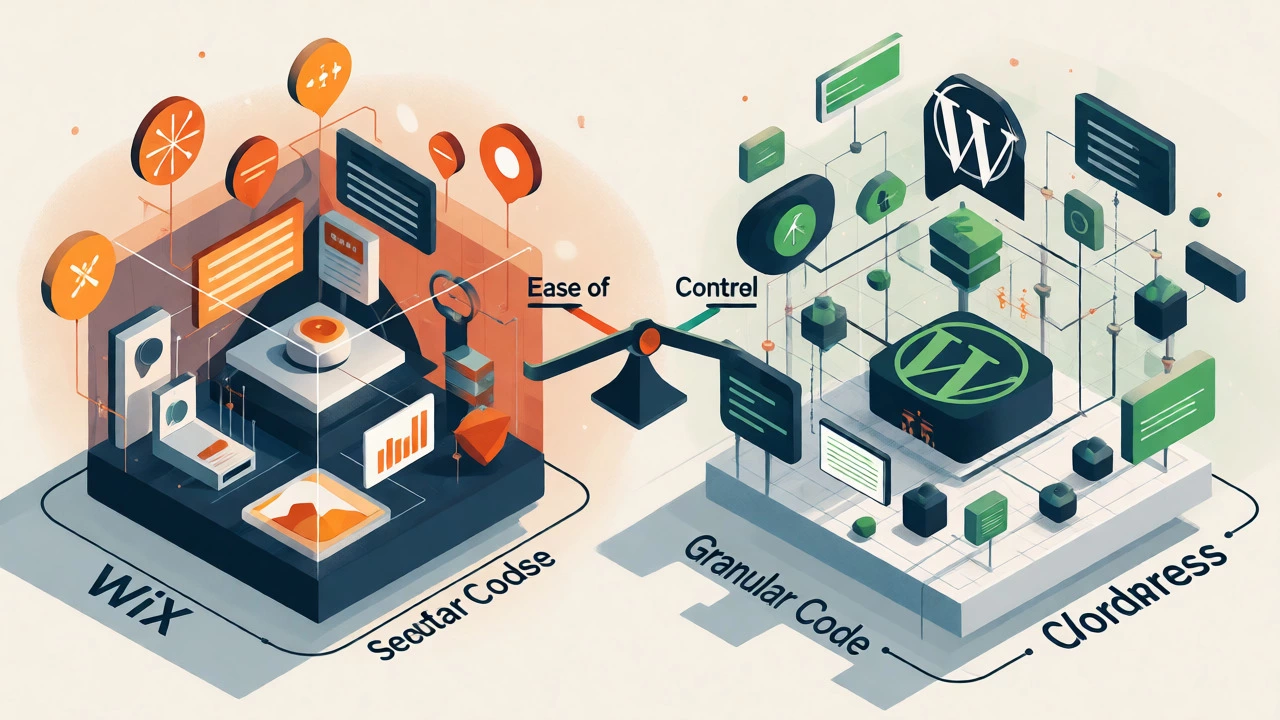
Wix vs. WordPress: The Honest Comparison
You can’t talk about Wix SEO without addressing the elephant in the room: WordPress. Both platforms dominate the market, but they serve different audiences. WordPress is open-source and infinitely customizable. Wix is closed-source and opinionated.
With WordPress, you install plugins like Yoast or RankMath to handle SEO. You have total control over permalinks, robots.txt, and .htaccess files. But this freedom comes with responsibility. You must manage security patches, plugin conflicts, and hosting configurations. If you neglect maintenance, your site slows down or gets hacked, killing your rankings overnight.
Wix handles maintenance for you. You pay a monthly fee, and they update the core software. You don’t worry about SQL injections or broken plugins. For a solo entrepreneur or a small marketing team, this trade-off is worth it. Time saved on maintenance can be spent creating content. And content drives traffic. A well-maintained Wix site with mediocre tech settings will often outrank a neglected WordPress site with perfect configuration.
Practical Steps to Optimize Your Wix Site Now
Ready to boost your rankings? Follow this checklist. It covers the high-impact actions that yield immediate results.
- Audit Your Titles: Ensure every page has a unique title tag under 60 characters. Include your primary keyword near the beginning.
- Fix Broken Links: Use the Wix SEO Tool to identify 404 errors. Redirect them to relevant live pages to preserve link equity.
- Optimize Images: Compress all images to under 200KB. Use descriptive file names (e.g., "blue-running-shoes.jpg" not "IMG_1234.jpg").
- Internal Linking: Link from your blog posts to your product pages. Contextual links pass authority effectively.
- Check Mobile Usability: Run a mobile-friendly test in Search Console. Fix any tap targets that are too close together.
- Submit Sitemap: Verify your sitemap is submitted in Google Search Console. Monitor coverage reports for indexing issues.
Consistency beats perfection. Don’t obsess over getting a 100/100 score in SEO audit tools. Focus on user experience. If visitors stay on your site, buy your products, and share your content, Google will reward you. Wix facilitates this by removing technical barriers, letting you focus on the human side of SEO.
Does Wix hurt my Google rankings?
No, Wix does not inherently hurt rankings. Modern Wix sites follow best practices for HTML structure, mobile responsiveness, and speed. Rankings depend more on content quality, backlinks, and user engagement than the platform itself. Poorly optimized Wix sites rank poorly, but so do poorly optimized WordPress sites.
Can I edit the .htaccess file on Wix?
No, you cannot directly edit the .htaccess file on Wix because it is a hosted platform. However, Wix manages redirects and SSL settings through its dashboard, which covers most common needs that would typically require .htaccess modifications on self-hosted servers.
Is Wix good for e-commerce SEO?
Wix is suitable for small to medium-sized e-commerce stores. It offers product structured data, category pages, and URL customization. However, for large catalogs with complex variations or international domains, specialized platforms like Shopify or BigCommerce might offer better scalability and advanced SEO features.
How long does it take for Wix sites to rank?
New Wix sites typically see initial indexing within days, but meaningful organic traffic usually takes 3-6 months. This timeline depends on domain age, competition, content frequency, and backlink acquisition. Building authority takes time regardless of the website builder used.
Do I need extra SEO apps for Wix?
Most built-in tools are sufficient for basic SEO. Extra apps are only needed for specific tasks like advanced keyword research, bulk image compression, or detailed analytics integration. Be cautious with adding too many apps, as they can slow down your site and negatively impact Core Web Vitals.