
⚖️ Node.js Role Assessment Tool
Users send messages instantly. Persistent connections are maintained for state management.
- Tech: Socket.IO, Express
- UI: React (Client-side)
- Logic: Server maintains connection state
A fast, SEO-friendly brochure site. Built once and served via CDN.
- Tech: Astro / Next.js (SSG)
- Output: Static HTML/CSS/JS
- Hosting: CDN (No live server logic)
Internal dashboard using Vue.js. Development uses hot-reload. Production calls external APIs.
- Dev Tool: Vite (Node.js powered)
- Backend: Third-party REST API (AWS Lambda/PHP)
- Runtime: Browser only in production
Analysis Result
Select a scenario above to see the breakdown.
Click an "Analyze" button to understand the specific role of Node.js in this architecture.
Most developers assume Node.js is a backend technology. It runs on servers, handles APIs, and manages databases. But that view misses half the story. In modern web development, the line between client-side and server-side code has blurred significantly. You might be using Node.js tools to build your frontend, even if you never deploy it to a server.
The short answer? Node.js is primarily a backend runtime environment for executing JavaScript outside the browser. However, its ecosystem has expanded so much that it now powers frontend build processes, static site generation, and even progressive web apps. Understanding where Node.js fits in your stack depends less on the technology itself and more on how you use it.
What Exactly Is Node.js?
To clear up the confusion, let's define the term properly. Node.js is an open-source, cross-platform JavaScript runtime environment built on Chrome's V8 engine. Created by Ryan Dahl in 2009, it allows developers to run JavaScript code on the server side, not just inside a web browser like Firefox or Chrome.
Before Node.js existed, JavaScript was strictly a frontend language. If you wanted to write logic on a server, you used PHP, Ruby, Python, or Java. Node.js changed this by bringing the same language you use for interactivity in the browser to the server. This created a unified language experience for full-stack developers, which is why it became so popular so quickly.
Key attributes of Node.js include:
- Non-blocking I/O: It handles multiple requests concurrently without waiting for each one to finish, making it highly efficient for real-time applications.
- Event-driven: It uses an event loop to manage tasks, which keeps performance high under load.
- Cross-platform: It runs on Windows, macOS, and Linux without significant changes.
- V8 Engine: It leverages Google’s high-performance JavaScript engine, ensuring fast execution speeds.
Why Node.js Is Primarily a Backend Tool
When people ask "is Node.js backend or frontend?", they are usually referring to deployment. In production environments, Node.js almost always lives on the server. It acts as the middleman between the user's browser and the database.
Consider a typical e-commerce site. When you click "Add to Cart," your browser sends a request to the server. A Node.js application listens for that request, validates the data, updates the database, and sends back a confirmation. This entire process happens on the backend. The user never sees the Node.js code directly; they only see the result in their browser.
Common backend frameworks built on Node.js include:
- Express.js: A minimal and flexible framework for building RESTful APIs.
- NestJS: A structured framework inspired by Angular, ideal for large-scale enterprise applications.
- Koa: A new generation framework designed to be a small, modern alternative to Express.
If your job involves managing user authentication, processing payments, or handling complex business logic, you are working with Node.js as a backend technology. It excels here because of its ability to handle thousands of simultaneous connections efficiently.
How Node.js Influences the Frontend
This is where the debate gets interesting. While Node.js doesn't render pixels on your screen, it is essential for creating the frontend code you do see. Most modern frontend workflows rely heavily on Node.js tooling.
Think about React, Vue, or Angular. These are frontend libraries or frameworks. But how do you install them? How do you bundle them? How do you compile TypeScript into JavaScript? You use tools like npm (Node Package Manager) and Webpack or Vite. All of these tools run on Node.js.
For example, when you type npm install react in your terminal, you are using Node.js to download and organize files on your local machine. When you run a build command, Node.js processes your source code, optimizes it, and outputs optimized assets for the browser. So, while the final product runs in the browser, the creation process is powered by Node.js.
Additionally, technologies like Server-Side Rendering (SSR) and Static Site Generation (SSG) blur the lines further. Frameworks like Next.js and Nuxt.js use Node.js to generate HTML pages on the server before sending them to the client. This improves initial load times and SEO, but the rendering still happens in a Node.js environment.
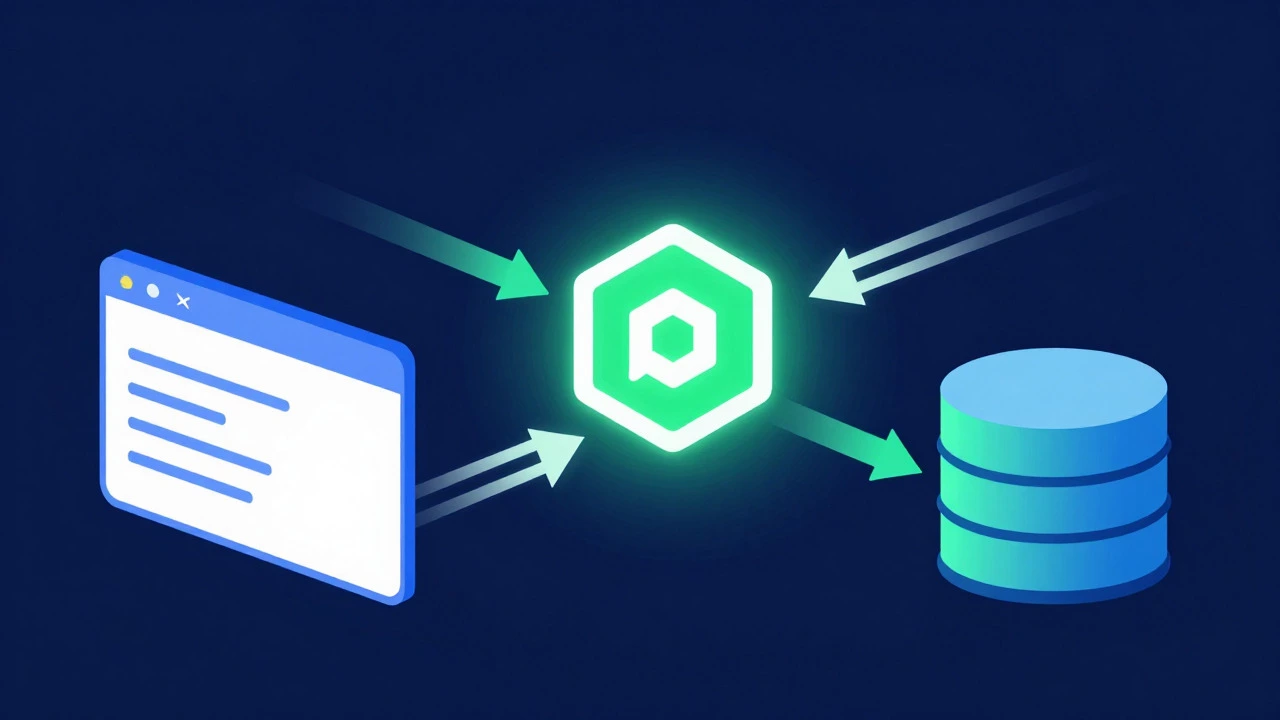
Comparing Backend vs. Frontend Roles
To make this concrete, let's look at a direct comparison of how Node.js functions in different contexts.
| Feature | Backend Usage | Frontend-Related Usage |
|---|---|---|
| Primary Location | Server / Cloud Instance | Local Machine / Build Pipeline |
| Main Purpose | Data processing, API handling, Database interaction | Code bundling, Compilation, Task automation |
| User Visibility | Invisible to end-user | Indirectly affects user experience via performance |
| Typical Tools | Express, NestJS, Socket.IO | Webpack, Vite, Babel, ESLint |
| Performance Focus | Throughput, Concurrency, Latency | Build speed, Bundle size optimization |
Notice that the "Frontend-Related" column doesn't say Node.js *is* the frontend. It says it supports the frontend workflow. This distinction is crucial for hiring and project planning. A "Node.js developer" role typically implies backend work, unless specified as a "Full Stack JS Developer" or "Frontend Engineer using Node tooling."
Real-World Scenarios: Where Does Node.js Fit?
Let's apply this knowledge to three common scenarios you might encounter in the industry.
Scenario 1: Building a Real-Time Chat App You need users to send messages instantly. You choose Node.js with Socket.IO for the backend to maintain persistent connections. The frontend is built with React. Here, Node.js is clearly the backend. It manages the state and communication. The React app just displays what Node.js sends.
Scenario 2: Creating a Marketing Website A client wants a fast, SEO-friendly brochure site. You use Astro or Next.js with Static Site Generation. During development, Node.js builds the site into static HTML/CSS/JS files. Once deployed, those files are served by a CDN. In this case, Node.js was used during the build phase (frontend tooling), but the live site is static. No Node.js server is running to serve the page content.
Scenario 3: Developing a Single Page Application (SPA) You are building a dashboard using Vue.js. You use Vite (powered by Node.js) for instant hot-module replacement during development. For the backend, you call a third-party REST API. Here, Node.js is part of your development environment, not your production server. Your production backend might be hosted on AWS Lambda or a separate PHP server.
Common Misconceptions About Node.js
Misunderstandings about Node.js often lead to poor architectural decisions. Let's debunk a few myths.
Myth 1: "Node.js is slow because JavaScript is slow." This is outdated. Thanks to the V8 engine and JIT compilation, Node.js executes code very quickly. Its strength lies in I/O operations, not CPU-heavy calculations. If you're doing heavy math, you might still prefer Python or C++, but for most web tasks, Node.js is blazing fast.
Myth 2: "If I know Node.js, I can automatically build great frontends." Knowing the runtime is different from knowing UI design principles, accessibility standards, or state management patterns. Node.js gives you the tools, but you still need to learn how to structure a user interface effectively.
Myth 3: "Node.js replaces all other backend languages." Not necessarily. Python is still dominant in data science and AI. Go is preferred for high-performance microservices. Java remains huge in enterprise legacy systems. Node.js is a powerful option, especially when you want to share code between frontend and backend, but it's not the only choice.
How to Choose: Backend or Frontend Focus?
If you are starting out or deciding where to specialize, consider your interests and career goals.
Choose Node.js Backend if: - You enjoy solving logic problems and data structures. - You like working with databases (MongoDB, PostgreSQL). - You are interested in system architecture and scalability. - You want to build APIs that power mobile apps or other services.
Choose Frontend Development (using Node tooling) if: - You care about visual details and user experience. - You enjoy making things interactive and responsive. - You are interested in design systems and component libraries. - You want immediate visual feedback when you change code.
Many developers start with one and move toward full-stack capabilities. Since both sides use JavaScript, the transition is smoother than switching from Python to Java, for instance.
Frequently Asked Questions
Can Node.js be used for frontend rendering?
Yes, through techniques like Server-Side Rendering (SSR) and Static Site Generation (SSG). Frameworks like Next.js and Nuxt.js use Node.js to generate HTML on the server, which is then sent to the browser. This improves performance and SEO, but the final rendering in the browser is still handled by JavaScript.
Is Node.js better than PHP for backend development?
It depends on your specific needs. Node.js is generally better for real-time applications and high-concurrency scenarios due to its non-blocking I/O model. PHP is often simpler for traditional request-response cycles and has a vast ecosystem of plugins. Both are mature and capable choices, so the decision should be based on your team's expertise and project requirements.
Do I need to know Node.js to be a frontend developer?
You don't need to be an expert in Node.js internals, but you must understand how to use its tooling. Commands like npm install, configuring Babel, or setting up Webpack are standard parts of the frontend workflow. Knowing how these tools work helps you debug issues and optimize build times.
What is the difference between Node.js and JavaScript?
JavaScript is a programming language. Node.js is a runtime environment that allows you to run JavaScript code on a computer (server) instead of just inside a web browser. Think of JavaScript as the language and Node.js as the engine that runs it outside the browser context.
Is Node.js suitable for CPU-intensive tasks?
Generally, no. Because Node.js uses a single-threaded event loop, long-running CPU-intensive tasks can block other requests. For such tasks, it's better to use worker threads, offload processing to a separate service, or choose a language like Go or C++ specifically designed for high-compute workloads.