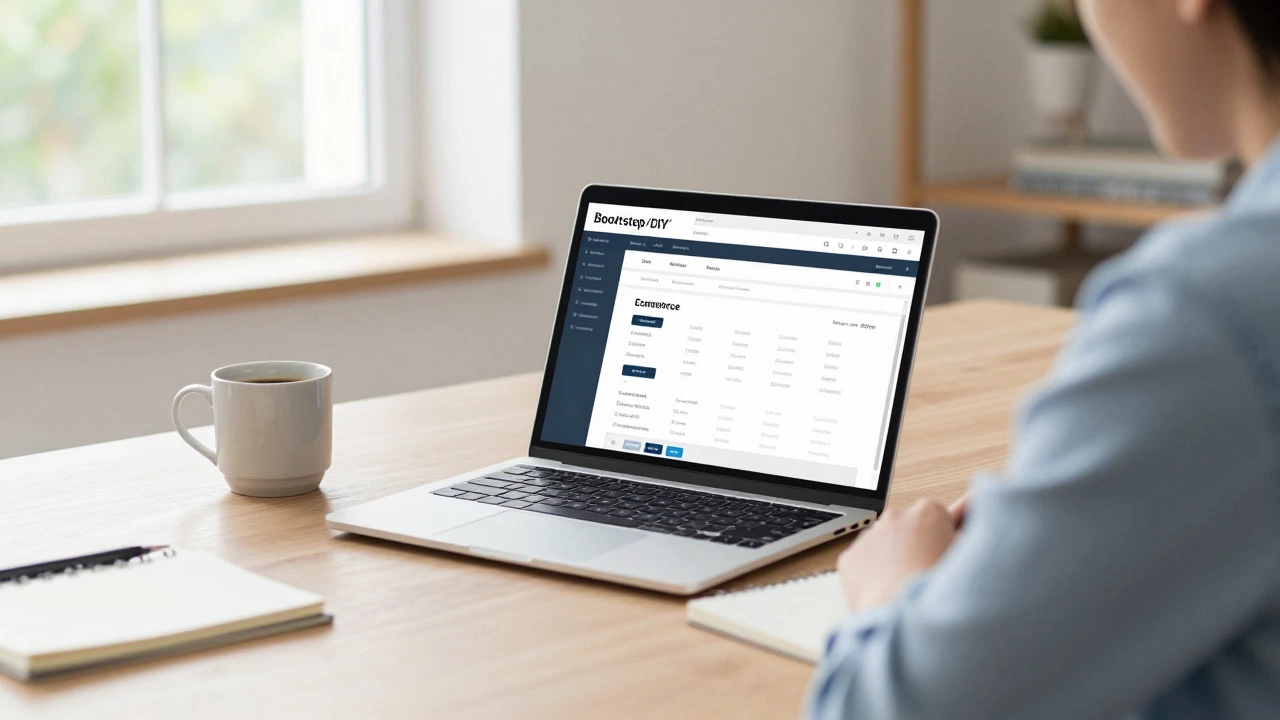
E-commerce Startup Budget Calculator
Configure Your Setup
Estimated Year 1 Costs
There is a myth that you need fifty thousand dollars to launch an online store. You don’t. In fact, if you are willing to do some of the heavy lifting yourself, you can get a professional-looking e-commerce website a digital platform for selling goods and services online live for under five hundred dollars. But here is the catch: cheap often means fragile. If you want a business that scales without breaking your bank account or your sanity, you need a realistic budget plan.
The cost to start an e-commerce venture depends entirely on how much sweat equity you are willing to invest versus how much cash you want to burn for speed and convenience. Are you building a custom solution from scratch? Or are you using a hosted platform? The answer changes the price tag dramatically.
Key Takeaways
- Minimum Viable Budget: You can launch a basic store for $300-$500 using platforms like Shopify or WooCommerce with free themes.
- Professional Launch Budget: Expect to spend $1,500-$5,000 if you hire freelancers for design, copywriting, and basic SEO setup.
- Hidden Costs Matter: Payment processing fees (2.9% + $0.30 per transaction) and marketing ad spend usually exceed your initial tech investment within the first year.
- Platform Choice Dictates Cost: SaaS platforms (Shopify) have predictable monthly fees; Open-source solutions (WooCommerce) have lower upfront costs but higher maintenance complexity.
The Three Tiers of E-commerce Startup Costs
To understand where your money goes, we need to break down the options into three distinct tiers. This helps you decide what level of polish and automation you can afford right now.
| Tier | Estimated Cost | Best For | Time to Launch |
|---|---|---|---|
| Bootstrap / DIY | $300 - $800 | Solo entrepreneurs, testing a niche, low-risk validation | 1-2 weeks |
| Professional Freelance | $1,500 - $5,000 | Small businesses needing brand identity, better conversion rates | 3-6 weeks |
| Agency / Custom Build | $10,000+ | Established brands, complex inventory needs, high volume | 2-4 months |
If you are just starting out, aim for the Bootstrap tier. Do not over-invest in technology before you have validated that people actually want to buy your product. You can always upgrade later.
Core Technology Costs: Platform vs. Hosting
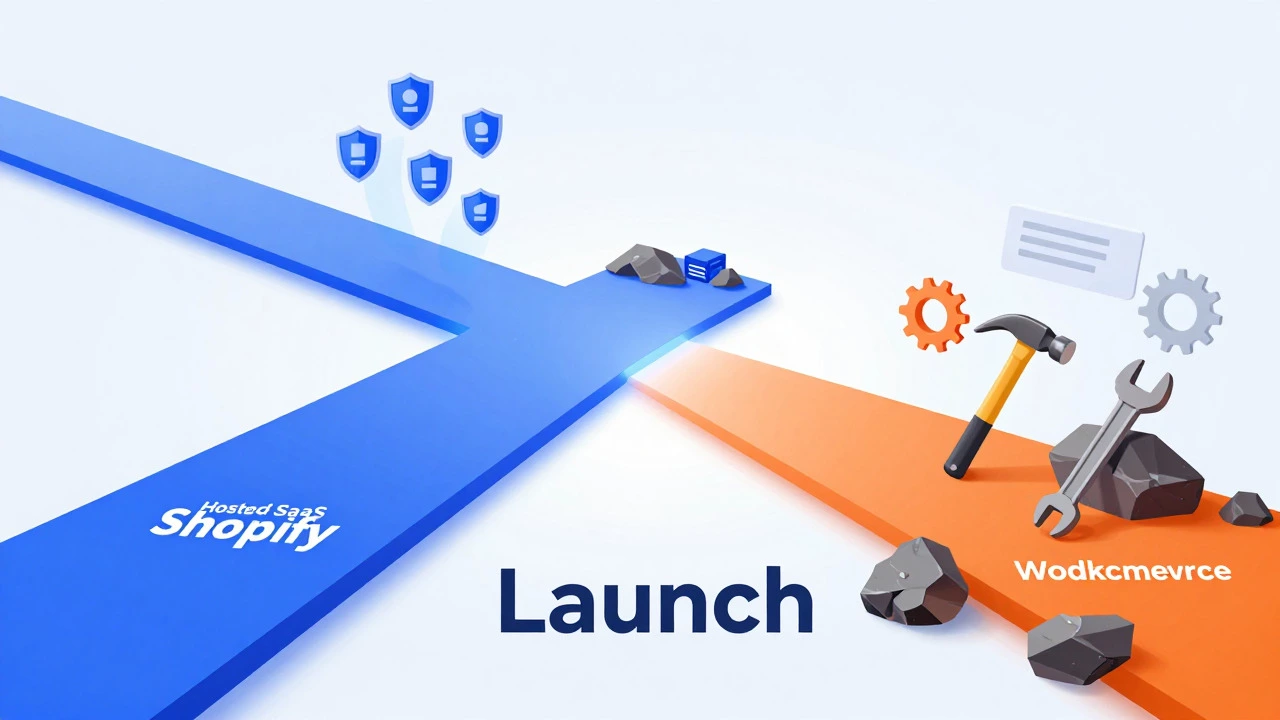
The biggest decision you will make is choosing your e-commerce engine. This choice dictates your recurring costs and technical requirements.
Option 1: Hosted SaaS Platforms (Shopify, BigCommerce)
Platforms like Shopify a leading cloud-based e-commerce platform that allows users to create online stores handle hosting, security, and updates for you. You pay a monthly subscription fee.
- Basic Plan: Approximately $39/month. This includes unlimited products, 24/7 support, and basic reports.
- Domain Name: $14-$20/year. You need a clean, memorable URL.
- Themes: Free themes are perfectly functional. Premium themes cost $150-$350 one-time if you want specific design features.
The advantage here is simplicity. You can launch in a weekend. The disadvantage is the monthly bleed. Even if you sell nothing, you pay the rent.
Option 2: Self-Hosted Solutions (WooCommerce, Magento)
WooCommerce an open-source e-commerce plugin for WordPress websites is free to download, but it is not free to run. You need web hosting, a domain, and potentially paid extensions.
- Web Hosting: $5-$30/month for shared hosting. For better performance, managed WordPress hosting starts at $25-$100/month.
- SSL Certificate: Often included with hosting, but standalone certificates cost $50-$150/year.
- Premium Plugins: Advanced shipping calculators, booking systems, or email marketing integrations can add $50-$200/year per plugin.
This route is cheaper initially but requires more technical know-how. If your site crashes at 2 AM during a sale, you are the IT department.
Design and User Experience: Where Money Talks
A pretty store does not sell products; a trustworthy store does. However, bad design kills trust instantly. Here is how much you should allocate for design.
If you use a template, your cost is zero (or the price of the premium theme). But templates look generic. To stand out, you might need a logo and custom graphics.
- Logo Design: DIY tools like Canva are free. Hiring a designer on Fiverr or Upwork ranges from $50 to $500 depending on quality.
- Product Photography: This is non-negotiable. Blurry phone photos scream "scam." Good lighting and a clean background cost little if you do it yourself. Professional photography runs $100-$300 per hour or $20-$50 per product image.
- COPYWRITING: Product descriptions that convert require effort. AI tools can draft them, but human editing ensures tone consistency. Budget $0.10-$0.20 per word for professional copywriters if you are outsourcing.
Do not skimp on product images. They are the only thing customers can touch digitally. High-resolution, multiple-angle shots increase conversion rates significantly.
Essential Apps and Integrations
Your base platform gets you started, but apps keep you running. These are the hidden monthly costs that creep up on you.
- Email Marketing: Tools like Klaviyo or Mailchimp offer free tiers for small lists. Once you grow past 500 contacts, expect to pay $20-$50/month.
- Analytics: Google Analytics 4 is free. Hotjar for heatmaps has a free tier. Paid insights start at $30/month.
- Reviews: Apps like Judge.me or Yotpo help build social proof. Basic plans are free; advanced features cost $10-$50/month.
- Shipping Calculators: Integration with carriers like UPS or FedEx may require paid plugins ($10-$30/month) for real-time rates.
Only install apps you truly need. Each app slows down your site slightly and adds to your monthly bill. Audit your stack every quarter.
Payment Processing Fees: The Silent Tax
You cannot ignore payment gateways. Every time a customer buys something, a slice of that revenue goes to the processor.
Standard credit card processing fees are around 2.9% + $0.30 per transaction. If you sell a $100 item, you pay $3.20. That sounds small, but on $10,000 in sales, that’s $320 plus fixed fees.
Using native payment gateways (like Shopify Payments or Stripe) avoids extra "transaction fees" charged by some platforms for using third-party processors. Always check if your platform offers a discount for using their built-in gateway.
Marketing and Customer Acquisition
Building the store is only half the battle. Getting traffic is the other half. Most new e-commerce owners underestimate this cost.
- SEO Setup: Technical SEO can be done DIY. Content creation for blogs takes time or money. Budget $200-$500 for initial content strategy if hiring writers.
- Social Media Ads: Facebook and Instagram ads require a testing budget. Start with $5-$10/day to test audiences. Scale only when ROI is positive.
- Influencer Marketing: Micro-influencers may accept free product in exchange for posts. Larger influencers charge $100-$1,000+ per post.
Set aside at least 20-30% of your projected first-year revenue for marketing. If you expect to make $10,000, budget $2,000-$3,000 for ads and promotions.

Legal and Administrative Costs
Don’t get sued because you forgot the basics. Legal compliance varies by location, but some costs are universal.
- Business Registration: LLC formation costs vary by state/country, typically $50-$500.
- Tax ID: Usually free through government portals.
- Terms & Conditions / Privacy Policy: Generators are free. Lawyers charge $200-$500 for customized legal documents. Essential for GDPR/CCPA compliance.
- Accounting Software: QuickBooks or Xero start at $25-$50/month. Track every penny from day one.
Total Estimated Budget Scenarios
Let’s put it all together. Here are two realistic scenarios for launching in 2026.
| Item | DIY Bootstrap ($) | Professional Launch ($) |
|---|---|---|
| Platform/Hosting (Year 1) | 468 (Shopify Basic) | 1,200 (Managed WP + Plugins) |
| Domain & SSL | 20 | 20 |
| Theme/Design | 0 (Free Theme) | 300 (Premium Theme + Logo) |
| Photography | 50 (DIY props/lighting) | 500 (Pro Photographer) |
| Apps/Integrations (Year 1) | 120 (Email + Reviews) | 600 (Advanced Stack) |
| Legal/Admin | 100 (LLC + Templates) | 500 (LLC + Lawyer Review) |
| Initial Marketing Test | 200 | 1,000 |
| Total Initial Outlay | $958 | $4,120 |
Note that these figures exclude inventory costs. Dropshipping models have near-zero inventory costs, while holding stock requires significant capital.
Common Pitfalls to Avoid
Many new store owners lose money not because they spent too little, but because they spent in the wrong places.
- Over-customizing early: Don’t hire a developer to tweak CSS before you have sales. Use what works.
- Ignoring mobile optimization: Over 70% of e-commerce traffic is mobile. If your site isn’t responsive, you’re leaving money on the table.
- Underestimating shipping costs: Miscalculated shipping leads to thin margins. Offer free shipping by baking costs into product prices instead.
- Buying traffic without conversion optimization: Driving ads to a slow, confusing site burns cash. Ensure your site loads fast (<3 seconds) and checkout is seamless.
Next Steps for Your Launch
If you are ready to start, follow this path:
- Validate your product idea with a simple landing page or social media poll before building the full store.
- Choose your platform based on technical comfort. Shopify for ease, WooCommerce for control.
- Secure your domain and set up basic branding.
- Source high-quality images and write compelling product descriptions.
- Set up payment and shipping configurations carefully.
- Launch soft to friends and family, then scale marketing gradually.
Starting an e-commerce business is less about having a huge budget and more about smart allocation of resources. Focus on value, clarity, and trust, and the rest will follow.
Can I start an e-commerce store with zero money?
Technically, yes, but it is difficult. You can use free trials of platforms like Shopify (usually 3 days) or free tiers of Squarespace/Wix. However, you still need a domain name (~$14/year) and likely some basic marketing spend. True zero-cost launches often rely on selling through existing marketplaces like Etsy or eBay, which take commissions but require no upfront tech investment.
Is Shopify or WooCommerce cheaper in the long run?
WooCommerce is generally cheaper if you have technical skills, as there are no mandatory monthly platform fees. You only pay for hosting and plugins. Shopify becomes more expensive as you scale due to higher transaction fees unless you use Shopify Payments, and its premium plans cost significantly more. For most beginners, Shopify's predictability outweighs WooCommerce's potential savings.
How much should I budget for inventory?
Inventory costs vary wildly. Dropshipping requires little to no upfront inventory cost. Print-on-demand also has low risk. If you manufacture or wholesale physical goods, aim to have at least 3-6 months of stock on hand. A common rule of thumb is to allocate 40-60% of your total startup capital to inventory, depending on your margin structure.
What are the ongoing monthly costs after launch?
Expect to pay $50-$200/month minimum for platform subscriptions, apps, email marketing, and hosting. Add payment processing fees (approx. 3% of sales) and marketing ad spend. As you grow, these costs will rise, but so should your revenue. Monitor your Customer Acquisition Cost (CAC) closely to ensure profitability.
Do I need a lawyer to start an online store?
Not necessarily for the initial setup. Online generators can create standard Terms of Service and Privacy Policies for a low cost. However, if you handle sensitive data, operate internationally (GDPR), or have unique liability risks, consulting a lawyer for a review ($200-$500) is wise. It protects you from costly lawsuits later.