WordPress Learning Path Calculator
Learning Assessment
Estimated Learning Timeline
People ask if WordPress development is hard because they’ve seen websites built with it that look like professional apps-e-commerce stores, membership portals, custom dashboards-and wonder how someone got there. The truth? It’s not about how hard it is to learn WordPress development. It’s about where you start and what you’re trying to build.
WordPress isn’t just a website builder
Most people think WordPress is just drag-and-drop themes and plugins. And yes, you can build a blog or small business site with zero code using Elementor or Divi. But that’s not WordPress development. That’s WordPress customization.
Real WordPress development means writing code that changes how WordPress works. You’re editing PHP files, creating custom themes from scratch, building plugins that add new features, or connecting WordPress to external APIs. This is where the difficulty kicks in.
If you want to make a website that looks like a custom app-think booking systems, multi-vendor marketplaces, or dynamic content portals-you’ll need to move past themes and plugins. You’ll need to understand how WordPress actually runs under the hood.
What you actually need to know
You don’t need to be a full-stack developer to start. But you do need to learn a few core things:
- PHP-WordPress is built on it. You don’t need to master Laravel or Symfony, but you need to understand loops, functions, variables, and how to work with WordPress hooks (actions and filters).
- HTML and CSS-these are non-negotiable. Even if you’re writing PHP, you’re outputting HTML. Style it with CSS, and make sure it works on mobile.
- JavaScript-especially for interactive features. You’ll use jQuery (still common in WordPress) and increasingly vanilla JS or React for modern themes.
- WordPress-specific structure-how the template hierarchy works, what functions like
the_content()orget_posts()do, how to enqueue scripts and styles properly.
That’s it. No need to learn Python, Ruby, or Java. WordPress development is a narrow stack. It’s not broad like full-stack development. It’s focused.
Most people who struggle with WordPress development aren’t stuck on the code. They’re stuck on where to start learning it. You can’t just read a book about PHP and expect to build a custom plugin. You need to break things and fix them.
Real learning path: Start small, then go deeper
Here’s how real developers learn WordPress development-not by watching 10-hour YouTube tutorials, but by doing:
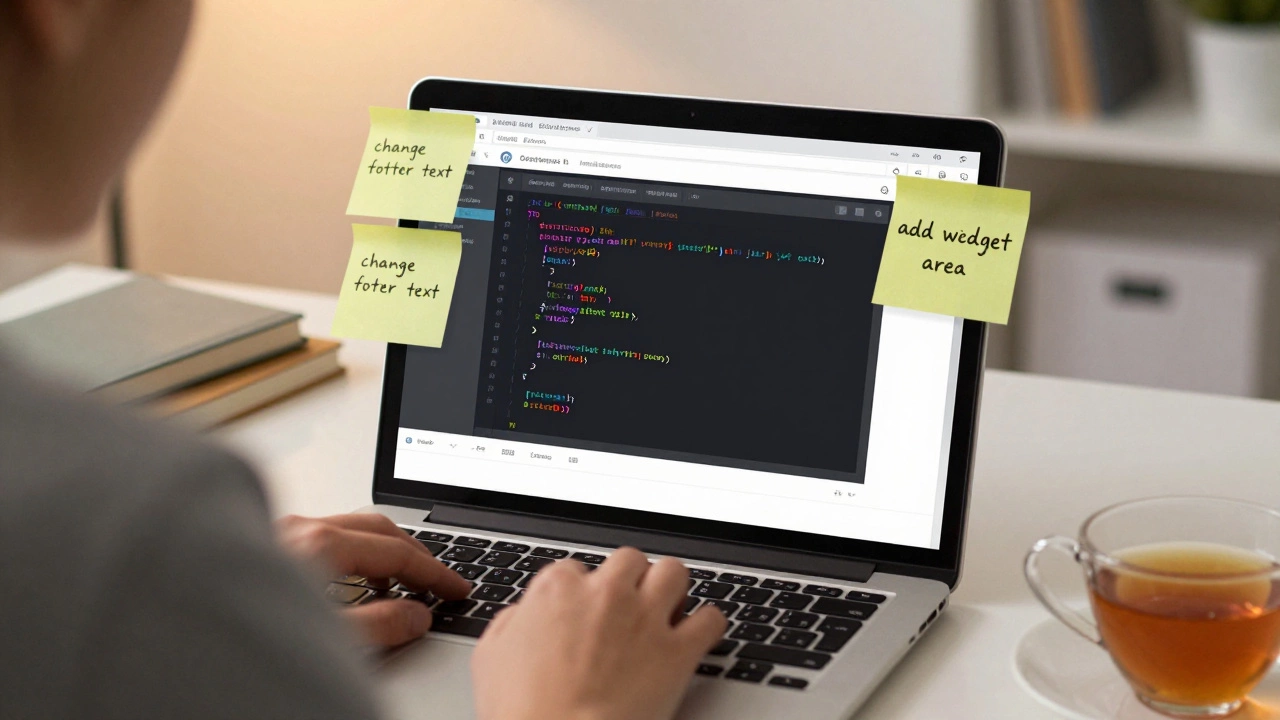
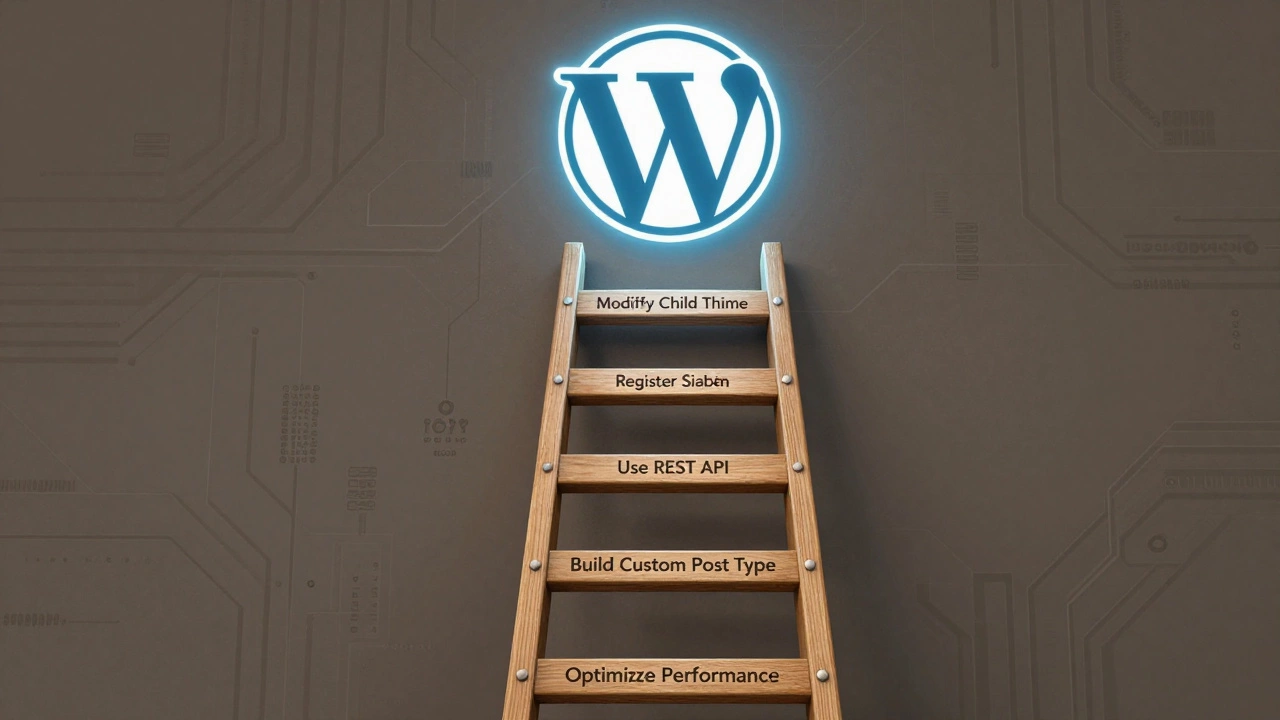
- Start by modifying a child theme. Pick a free theme like Twenty Twenty-Four. Copy it, rename the folder, and change one thing-like the footer text. That’s your first step.
- Add a custom widget area. Use
register_sidebar()in your functions.php file. Then display it on your homepage. You just wrote PHP. - Create a simple plugin. Make one that adds a “Welcome Message” to the top of every post. Use
add_action('the_content', 'my_welcome_message');. That’s a plugin. - Learn how to use the WordPress REST API. Build a page that pulls in recent posts from another site using JavaScript fetch(). Now you’re connecting systems.
- Build a custom post type. Say you run a real estate site. Create a “Property” post type with custom fields for bedrooms, price, location. Use Advanced Custom Fields (ACF) to make it easy, then learn how to code those fields manually later.
Each of these steps takes 2-4 hours. Do one per week. In six weeks, you’ll have built real things. You won’t be an expert-but you’ll be past the beginner wall.
The biggest mistake beginners make
They try to learn everything at once. They download a course that promises to teach them “WordPress, PHP, JavaScript, MySQL, React, and WooCommerce in 30 days.” That’s not learning. That’s overwhelm.
WordPress development is a ladder. You don’t jump to the top. You climb one rung at a time.
Another mistake? Trying to build a complex site before mastering the basics. I’ve seen people try to build a membership site with paid subscriptions, user roles, and course delivery before they knew how to create a custom page template. It ends in frustration and abandoned projects.
Focus on one thing. Master it. Then move to the next.
How long does it take to get good?
It depends on your goal.
If you want to build simple custom sites for clients-like a local bakery or a dentist’s site-you can get there in 3-6 months with consistent practice. You’ll use pre-built themes, customize them with CSS and a few PHP tweaks, and use plugins like WPForms or WooCommerce. That’s not deep development, but it’s enough to earn money.
If you want to build custom web apps on WordPress-like a SaaS tool, a directory site with advanced search, or a multilingual portal-you’ll need 12-18 months of focused work. You’ll need to understand database queries, security best practices, performance optimization, and how to write code that doesn’t break when WordPress updates.
There’s no magic timeline. It’s about how often you code. One hour a day, five days a week, will get you further than 10 hours once a month.
Tools and resources that actually help
You don’t need expensive courses. Here’s what works:
- WordPress Developer Handbook-free, official, and updated yearly. It’s dry, but it’s accurate. Use it as a reference, not a novel.
- WPBeginner-great for visual learners. Their video tutorials on child themes and custom post types are clear and practical.
- Codecademy’s PHP course-free tier is enough to learn the basics you need.
- GitHub-find open-source WordPress themes and plugins. Read the code. Try to understand how it works. Then try to replicate a small part of it.
- Local by Flywheel-free tool to run WordPress on your computer. No hosting needed. Perfect for testing without breaking a live site.
Don’t waste time on Udemy courses that promise “WordPress mastery” for $12. Most are outdated. Stick to free, official, and community-driven resources.
Is it worth it?
Yes-if you’re interested in web development, freelancing, or building your own digital products.
WordPress powers over 43% of all websites on the internet. That’s not a fluke. It’s because it’s flexible, affordable, and scalable.
Freelancers who know WordPress development earn $30-$75/hour on platforms like Upwork. Agencies pay $60-$120/hour for developers who can build custom solutions.
And if you want to build your own product-a plugin, a theme, a SaaS tool-WordPress gives you a ready-made audience. Millions of site owners are looking for solutions. You just need to build one.
Final thought: It’s not about being a genius
People think developers are born with some secret knowledge. They’re not. They just kept going when it got frustrating.
I’ve seen someone with no coding background build a custom booking system for a yoga studio in six months. They started by changing a button color. They ended up writing PHP functions to connect to a calendar API.
You don’t need to be smart. You need to be consistent.
Start small. Break things. Fix them. Repeat.
That’s how you learn WordPress development.
Do I need to know PHP to use WordPress?
No, you don’t need PHP to use WordPress as a content manager. You can build entire websites using themes and plugins without writing a single line of code. But if you want to customize beyond what plugins offer-like adding custom functionality, fixing bugs, or building unique features-you’ll need to learn PHP. It’s the language WordPress is built on.
Can I learn WordPress development without a computer science degree?
Absolutely. Most WordPress developers are self-taught. You don’t need a degree. What you need is practice. Start by modifying existing themes, then move to creating simple plugins. Use free resources like the WordPress Developer Handbook and Local by Flywheel. Many professionals in this field never went to college for coding.
Is WordPress development still relevant in 2026?
Yes, more than ever. WordPress powers over 43% of all websites globally. Even with the rise of headless CMS and React-based sites, WordPress remains the go-to for small businesses, blogs, and even enterprise sites that need flexibility without high costs. The ecosystem of plugins, themes, and developers is massive and growing.
How do I avoid breaking my site while learning?
Always work on a local copy first. Use Local by Flywheel or XAMPP to run WordPress on your computer. Never edit a live site directly. Use version control like Git, or at least backup your site before making changes. And never delete theme or plugin files unless you’re sure you have a restore point.
What’s the difference between WordPress development and web development?
Web development is broad-it includes building sites from scratch with any language or framework. WordPress development is a subset focused on customizing and extending the WordPress platform. It uses PHP, MySQL, and WordPress-specific functions. You’re not building a site from zero-you’re working within a system that already exists and has rules you must follow.