WordPress Coding Needs Assessment
This assessment helps you understand how much coding knowledge you'll need for your WordPress project. Answer honestly to get personalized guidance.
People ask me all the time: Does WordPress require any coding? The answer isn’t yes or no. It’s it depends. If you just want a website that looks professional and works great, you might never write a single line of code. But if you want to tweak, fix, or build something unique, you’ll need to understand at least the basics. This isn’t about scaring you off. It’s about showing you what’s really possible - and what’s not - when you start with WordPress.
You Can Build a Full Website Without Coding
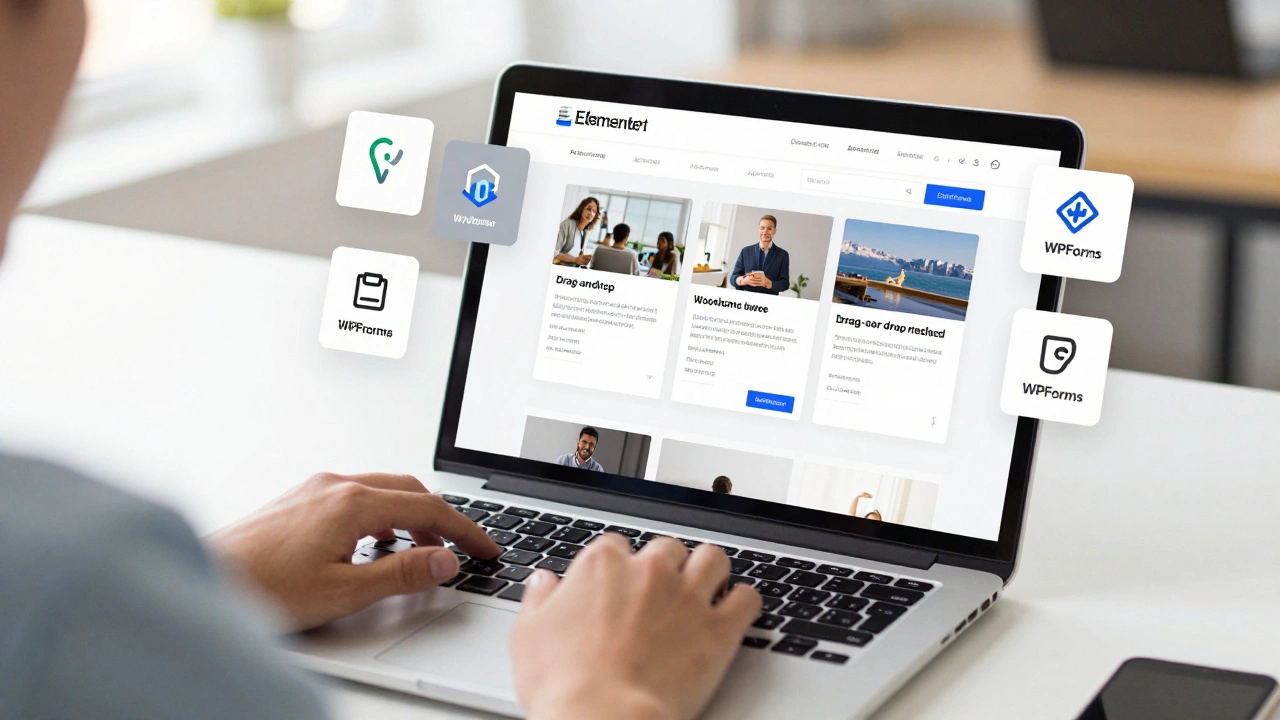
Let’s start with the good news: you can build a complete, professional website using WordPress without touching code. Think about it - over 43% of all websites on the internet run on WordPress. Most of them? Built by people who never opened a text editor. How? Drag-and-drop page builders like Elementor, Divi, and WPBakery let you design layouts visually. You click, drag, resize, and choose colors from a palette. No HTML, no CSS, no JavaScript. Just point and click.
Need a contact form? Install WPForms. Need an online store? Use WooCommerce. Need to show blog posts? That’s built in. Need to add a gallery? Click ‘Add Block’ and pick the image block. These tools turn complex tasks into simple menus. I’ve seen small business owners in Dublin set up their entire website - with product pages, booking systems, and even payment processing - in under a weekend. All without writing a single line of code.
When You’ll Need to Code (Even a Little)
But here’s where things get real. What happens when your site breaks? Or when you want to change how a button behaves? Or when a plugin stops working after an update? That’s when you’ll hit walls. You can’t drag-and-drop your way out of a JavaScript error or a CSS conflict.
Most WordPress users eventually run into one of these:
- A theme doesn’t display your logo correctly on mobile.
- Your form submits but doesn’t send an email.
- A plugin makes your homepage load slowly.
- You want to change how the menu collapses on tablets.
These aren’t rare problems. They happen to everyone. And when they do, you’ll need to understand what’s going on under the hood. You don’t need to become a developer. But you do need to know how to read a basic error message, where to find your theme’s CSS file, or how to add a small snippet of code to your child theme.
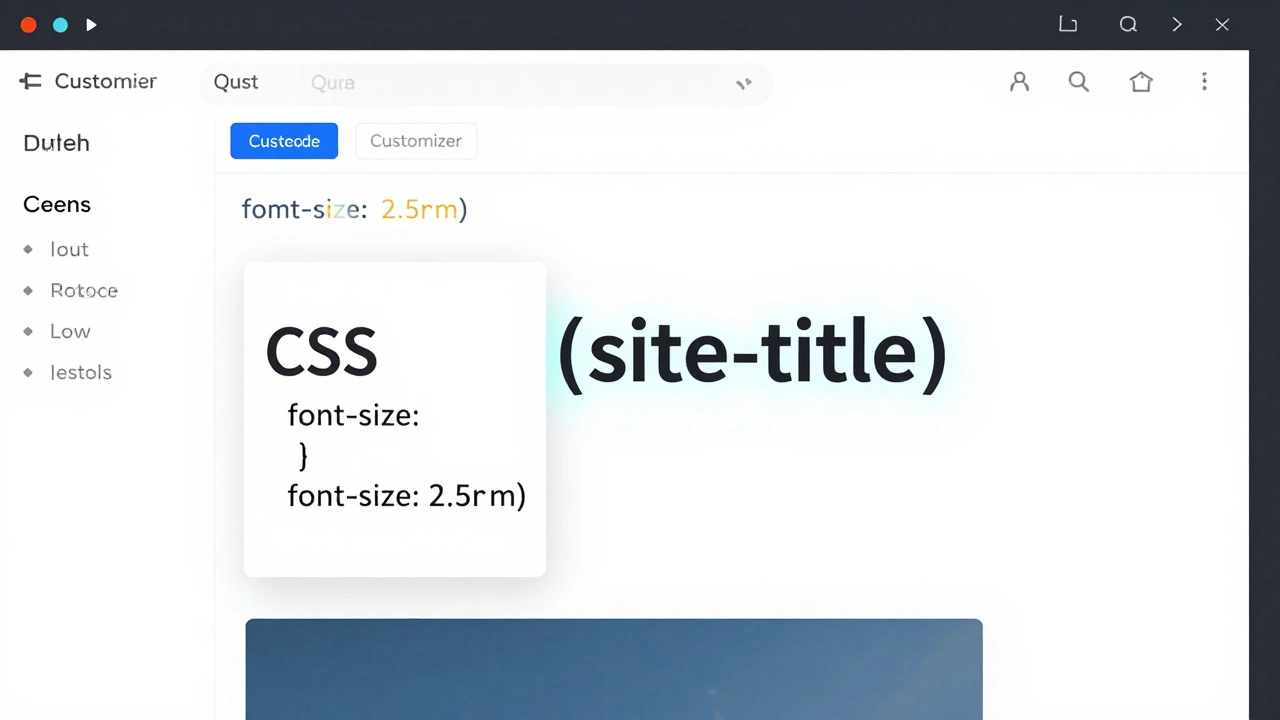
For example, if you want to change the font size of your site title, you might need to add this to your custom CSS:
.site-title {
  font-size: 2.5rem;
}
That’s it. No complex programming. Just one rule. You can copy it from a guide, paste it into the WordPress Customizer, and hit save. That’s coding - and you just did it.
What’s the Difference Between No-Code and Low-Code?
There’s a big gap between no-code and low-code. No-code means using tools that hide all the code from you. Low-code means you’re still using those tools, but you’re allowed to peek under the hood and make small changes.
Most WordPress users live in the low-code zone. They use Elementor to build pages but add custom CSS to fix spacing. They use WooCommerce but tweak the checkout flow with a free plugin and a few lines of PHP. They don’t write plugins from scratch. They don’t build themes from zero. But they do make adjustments - and that’s where WordPress shines.
Think of it like driving a car. You don’t need to know how the engine works to drive. But if your car starts making a weird noise, you’ll want to know whether it’s the oil, the belt, or the exhaust. Same with WordPress. You don’t need to be a mechanic. But you should know how to check the basics.
What Coding Skills Actually Help?
You don’t need to learn Python or Java for WordPress. The language you’ll actually use is:
- HTML - for structure (like headings, paragraphs, buttons)
- CSS - for styling (colors, spacing, fonts)
- JavaScript - for interactivity (sliders, popups, form validation)
- PHP - for logic (only if you’re modifying themes or plugins)
Most beginners only need HTML and CSS. You can learn enough to make your site look better in a few hours. Here’s a quick cheat sheet:
| Language | What It Does | When You’ll Use It |
|---|---|---|
| HTML | Builds page structure | Adding custom buttons, changing how text looks |
| CSS | Changes colors, spacing, layout | Fixing mobile display issues, adjusting button sizes |
| JavaScript | Adds interactivity | Creating pop-ups, hiding elements, auto-scrolling |
| PHP | Controls logic in themes/plugins | Modifying how a form works, changing post display |
You’ll rarely need PHP unless you’re a developer. For most users, HTML and CSS are enough. And guess what? You can learn them for free. Sites like freeCodeCamp and W3Schools have beginner lessons that take under an hour.
What Happens When You Don’t Learn Anything?
I’ve seen too many WordPress sites fall apart because someone refused to learn anything beyond clicking buttons. They used a theme that looked great… until the theme author stopped updating it. Then the site broke. They used a plugin that added a fancy animation… until the plugin conflicted with an update. Then the homepage went blank.
When that happens, you can’t just call a developer. You need to understand what went wrong. Was it the theme? The plugin? The server? Without even basic knowledge, you’re stuck. And hiring someone costs money - $50, $100, sometimes more.
Learning a little goes a long way. Knowing how to:
- Check your browser’s console for errors
- Disable plugins one by one to find the culprit
- Switch to a default theme to test if it’s a theme issue
- Use the WordPress Customizer to add CSS
…can save you hours, stress, and cash.
How to Start Learning Without Feeling Overwhelmed
You don’t need a degree. You don’t need to spend months studying. Here’s a simple plan:
- Use a page builder like Elementor. Build your site.
- When something looks off, open the browser’s developer tools (right-click → Inspect). Look at the CSS.
- Find a tutorial that matches your problem. Google: “how to change font size in Elementor” or “fix mobile menu WordPress”.
- Copy the code snippet. Paste it into your theme’s custom CSS box.
- Test it. If it works, you just learned something.
That’s it. You’re not becoming a coder. You’re becoming a smarter WordPress user. And that’s all you need.
Final Thought: Coding Is a Tool, Not a Barrier
WordPress doesn’t require coding - but it rewards it. The more you understand, the more control you have. You won’t need to beg a developer to fix your site. You won’t be stuck waiting for updates. You’ll know what’s broken and how to fix it.
Start small. Learn one thing. Then another. In three months, you’ll look back and wonder why you were ever afraid.
Do I need to know PHP to use WordPress?
No, you don’t need PHP to use WordPress. Most users never touch it. PHP is only needed if you’re modifying themes, building plugins, or changing how WordPress functions behind the scenes. For 95% of users - bloggers, small businesses, portfolio sites - HTML and CSS are all you’ll ever need.
Can I build an online store without coding?
Yes. WooCommerce lets you set up a full online store using drag-and-drop tools. You can add products, accept payments, manage shipping, and even run sales - all without writing code. The only time you might need a little CSS is to fix how buttons or product grids look on mobile.
Is WordPress safe if I don’t code?
Safety doesn’t depend on coding. It depends on updates. Keep WordPress, your theme, and plugins updated. Use a trusted hosting provider. Install a security plugin like Wordfence. Avoid free themes from sketchy sites. These steps matter far more than whether you know HTML or not.
What’s the easiest way to learn WordPress coding?
Start with CSS. Use the WordPress Customizer to add custom CSS. Try changing font sizes, colors, or spacing on your site. Use browser tools to see what CSS rules are already there. Then search for tutorials that match what you want to change. Practice for 15 minutes a day. In a week, you’ll be comfortable.
Will WordPress ever require coding in the future?
No. WordPress is moving toward even more no-code tools. The Block Editor (Gutenberg) is getting smarter. AI-powered design assistants are already in testing. The goal isn’t to make everyone code - it’s to make coding optional. But the ability to tweak code will always be there for those who want more control.