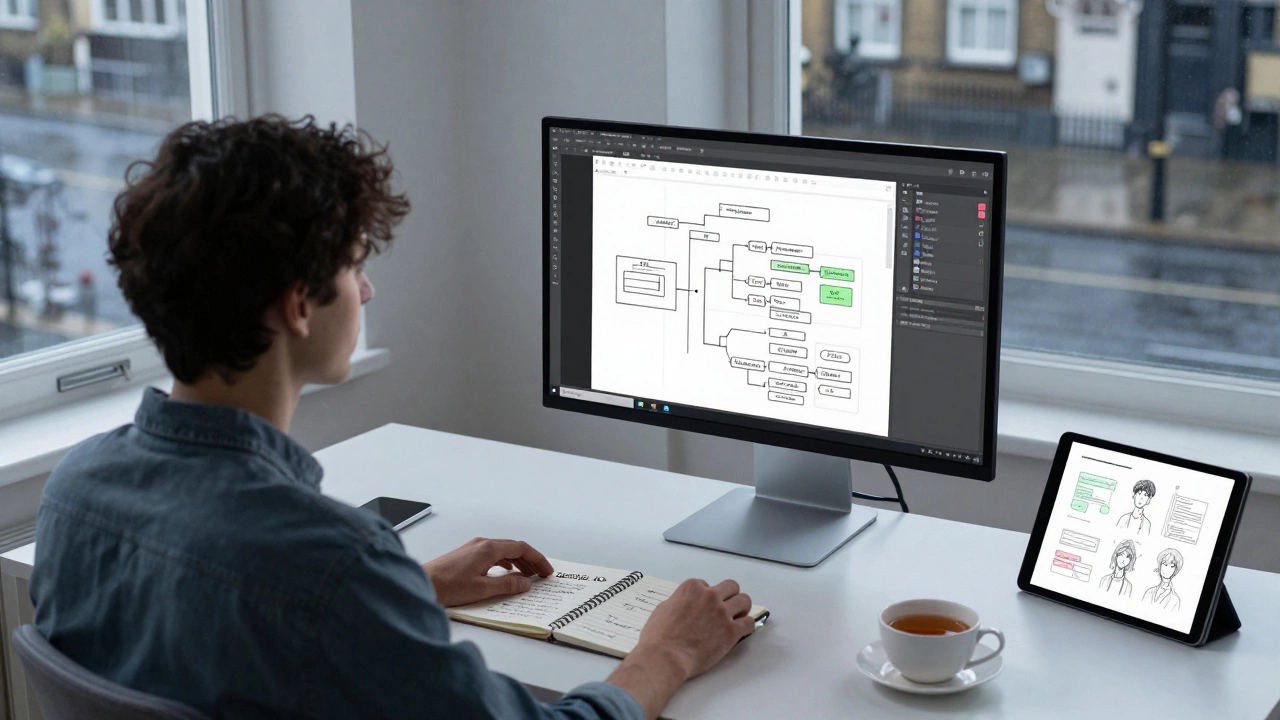
Self-Taught Designer Roadmap & Timeline
Your Learning Checklist
Check off each milestone as you complete it to update your estimated timeline.
Foundational Theory
Google UX Cert, Nielsen Norman Group, Cognitive BiasesVisual Design Principles
Hierarchy, Contrast, Alignment, ProximityTool Proficiency (Figma)
Auto-layout, Components, Variables, PrototypingProject 1: Case Study
Problem, Research, Iteration, Solution, OutcomeProjects 2 & 3 + Portfolio
Diverse case studies, clean mockups, narrative arcNetworking & Visibility
LinkedIn/X posts, ADPList mentors, local meetupsYour Progress
Next Steps:
- • Start with Foundational Theory
- • Download Figma and explore basics
Here is the hard truth: yes, you can absolutely learn UI/UX design on your own. But if you think watching a few YouTube videos will get you hired by a top tech firm, you are setting yourself up for disappointment. The barrier to entry has lowered, but the bar for quality has never been higher. In 2026, companies don't care where you learned the skills; they care about what you can build and how you solve problems.
The landscape of digital design has shifted. Ten years ago, a degree was often non-negotiable. Today, bootcamps, self-study paths, and hybrid models coexist. The key difference between those who succeed and those who quit isn't talent-it's structure. Without a classroom forcing deadlines, you need to build your own discipline. This guide breaks down exactly how to go from zero knowledge to job-ready without spending thousands on tuition.
The Core Difference Between UI and UX
Before you download any software, you need to understand what you are actually learning. Many beginners use "UI/UX" as a single buzzword, but these are two distinct disciplines that require different mindsets.
User Experience (UX) Design is the process of enhancing user satisfaction by improving the usability, accessibility, and pleasure provided in the interaction with a product. It is research-heavy. You spend hours talking to users, analyzing data, mapping out user flows, and creating wireframes. It is logical, psychological, and strategic. Think of it as the architecture of a building-ensuring the rooms make sense and the doors open correctly.
User Interface (UI) Design is the visual aspect of a digital product, including typography, color schemes, buttons, and spacing. It is aesthetic and detailed. You focus on how the product looks and feels. Think of this as the interior design-choosing the paint colors, furniture, and lighting to make the space inviting. Most modern roles require a blend of both, but knowing which one excites you more helps you tailor your learning path.
Building Your Learning Roadmap
Self-teaching fails when there is no plan. You cannot just "pick up" design like you might pick up cooking. You need a curriculum. Here is a structured approach to mastering the fundamentals over 3 to 6 months.
- Foundational Theory: Start with free resources like Google’s UX Design Certificate on Coursera or Nielsen Norman Group articles. Learn about cognitive biases, heuristics, and accessibility standards (WCAG). These are the rules of the road. If you ignore them, your designs will break.
- Visual Design Principles: Study hierarchy, contrast, alignment, and proximity. Read "The Design of Everyday Things" by Don Norman. It sounds academic, but it explains why bad doors exist and how to avoid making bad interfaces.
- Tool Proficiency: Download Figma is the industry-standard collaborative interface design tool used by most design teams globally. It is free for individuals and runs in the browser. Learn auto-layout, components, and variables. Do not waste time on Photoshop or Sketch unless a specific employer demands it. Figma is the lingua franca of modern design.
- Prototyping: Learn to connect your screens into clickable prototypes. Static images don’t show flow. Interactive demos allow stakeholders to experience the journey.
The Portfolio Problem: Why Projects Matter More Than Certificates
You can have ten certificates and still not get an interview. Employers want to see evidence of your thinking process. Your portfolio is your proof of competence. However, most beginner portfolios fail because they only show pretty pictures. They lack context.
To stand out, you need case studies. A strong case study follows a narrative arc:
- The Problem: What were you trying to solve? Was it a real client brief, a hackathon challenge, or a redesign of an existing app?
- The Research: Show your user personas, empathy maps, and competitor analysis. Prove you didn’t just guess.
- The Iteration: Show your ugly first drafts. Show the wireframes. Explain why you changed a button from red to blue based on testing. This shows you can handle feedback.
- The Solution: Present the final high-fidelity designs in a clean mockup.
- The Outcome: If possible, include metrics. Did conversion rates improve? Did task completion time drop?
Aim for three solid case studies. Quality beats quantity every time. One deep dive into a complex problem is worth more than five shallow redesigns of Instagram.
Tools of the Trade in 2026
While tools change, the core stack remains relatively stable. Mastering these will keep you relevant.
| Tool Category | Primary Tool | Why It Matters | Alternative |
|---|---|---|---|
| Interface Design | Figma | Industry standard, real-time collaboration, vector networks | Adobe XD (declining) |
| Prototyping | Figma / Protopie | Interactive flows, micro-interactions | Principle |
| User Research | Maze / UserTesting | Usability testing, heatmaps, session recordings | Optimal Workshop |
| Whiteboarding | Miro / FigJam | Ideation, stakeholder workshops, affinity mapping | Mural |
| Handoff | Figma Dev Mode | CSS inspection, asset export, developer communication | Zeplin |
Note that AI tools are now integrated into Figma and other platforms. Use them to generate mood boards or copy variations, but do not let them design for you. Your value lies in your critical judgment, not your ability to prompt an AI.
Networking When You Have No Network
Self-taught designers often feel isolated. Breaking into the industry requires visibility. You need to be seen before you are hired.
Start by sharing your work-in-progress on LinkedIn and Twitter/X. Post short clips of your prototyping process. Ask for critique, not just likes. Join communities like ADPList (formerly ADPlist) to find mentors. Many senior designers offer free 30-minute coaching sessions. Prepare specific questions before you book them. Respect their time.
Attend local meetups or virtual conferences. Even if you are in Dublin, the global design community is active online. Participate in design challenges like Daily UI or Refactoring UI challenges. These force you to practice consistently and build a habit of shipping work daily.

Common Pitfalls to Avoid
Learning alone means no one corrects your bad habits early. Watch out for these traps:
- Tutorial Hell: Watching endless tutorials without pausing to create your own projects. You learn by doing, not by watching. Close the video and replicate the project from memory.
- Ignoring Accessibility: Creating designs that look good but are unusable for people with disabilities. Learn color contrast ratios, font sizing, and keyboard navigation. It is not optional; it is ethical and legal in many regions.
- Over-Designing: Adding unnecessary animations or complex layouts to simple tasks. Simplicity is hard. Practice restraint.
- Skipping Developer Handoff: Designing things that are impossible to code. Learn basic HTML/CSS. You don’t need to be a coder, but understanding constraints makes you a better designer.
Is It Worth It? The Job Market Reality
The market for junior designers is competitive. However, demand for mid-to-senior designers remains strong. Companies are tired of hiring juniors who need hand-holding. They want T-shaped designers-people with broad knowledge across UI, UX, and strategy, but deep expertise in one area.
Self-taught designers often have an advantage: adaptability. You’ve had to figure things out on your own, which translates to problem-solving skills in the workplace. Highlight this in your interviews. Tell stories about how you researched a solution when stuck, rather than waiting for instruction.
Salaries vary by location and company size. In major hubs like San Francisco or London, junior roles start around $50k-$70k USD equivalent. Remote roles offer flexibility but may pay less depending on the employer’s location. Focus on skill acquisition first; salary follows competence.
How long does it take to learn UI/UX design on my own?
It typically takes 3 to 6 months of dedicated study (15-20 hours per week) to reach a junior-level proficiency. This includes learning theory, mastering tools like Figma, and building 2-3 substantial portfolio projects. Mastery continues throughout your career.
Do I need a degree to work as a UI/UX designer?
No. Most tech companies prioritize portfolios and practical skills over formal degrees. A strong portfolio demonstrating your process and outcomes is far more valuable than a diploma. However, some large traditional corporations may still prefer candidates with degrees.
What is the best free resource to start learning UX?
Google’s UX Design Professional Certificate on Coursera is widely regarded as one of the best starting points. It covers the full end-to-end process. Additionally, the Nielsen Norman Group website offers extensive free articles on usability heuristics and best practices.
Should I learn UI or UX first?
Start with UX fundamentals. Understanding user needs and logic comes before visual styling. If you design something beautiful that doesn’t work, it fails. Once you grasp the structure, adding visual polish (UI) becomes much easier and more effective.
Can I get a design job with only one portfolio project?
It is difficult. One project suggests limited experience. Aim for at least three diverse case studies to show range-for example, a mobile app, a web dashboard, and a service design project. This demonstrates versatility and depth in your problem-solving abilities.