
VS Code Workspace Builder
1. Select Your Tech Stack
Based on the article's emphasis on extensibility, choose your environment.
-
Check above to load advanced tool estimations (Git, Terminal, Docker)
Value & Savings
Select your stack to compare
The Shift to Open Source Power
If you walk into any tech office today, you will see developers staring at a window with a distinctive blue icon. That is Visual Studio Codea source-code editor developed by Microsoft. But why did it take over the industry so completely? Ten years ago, we had heavy Integrated Development Environments (IDEs) that required minutes to boot, and lightweight editors that lacked real intelligence. The tool found the sweet spot between speed and capability.
We often assume the free price tag was the deciding factor, but money isn't the only reason. Professional engineers would pay thousands for specialized tools if they solved their problems better. VS Code became popular because it eliminated friction in the daily workflow. It treats code editing not just as typing, but as a problem-solving activity. The platform runs on Electron, which allows it to leverage modern web technologies while still feeling native on Windows, macOS, and Linux.
Intelligence Inside the Editor
The biggest game-changer was the introduction of smart autocompletion. In older text editors, you had to memorize API names or switch tabs to read documentation. With IntelliSensean intelligent auto-completion feature based on variable types and symbols, the system understands your context. When you type a variable name in TypeScript, the editor knows its structure.
This matters deeply when managing large projects. Imagine refactoring a JavaScript file with fifty imports. You change a function name in one place, and the system highlights every other occurrence instantly. This reduces syntax errors before you even run the tests. For web development specifically, this support extends to frameworks. Whether you are building with React, Vue, or Angular, the editor provides snippet completions that save minutes on repetitive tasks.
The Extension Marketplace Advantage
A code editor is only as good as what you can install on it. The Extensions Marketplacea collection of community-built plugins for customizing the software functions almost like an operating system app store. Developers don't need to wait for core developers to add a feature. If a library needs specific formatting, someone likely already built an extension for it.
This ecosystem creates a feedback loop. Popular tools get better support faster. Consider the scenario where you switch languages. Moving from Python to Go doesn't mean buying new software. You simply install the relevant extension pack, and the editor adapts its coloring, linting, and debugging capabilities instantly. This flexibility keeps teams from being locked into vendor ecosystems.
- Prettier for automatic code formatting consistency.
- ESLint for catching common JavaScript mistakes early.
- Live Server for instant browser preview of HTML changes.
- Docker integration for containerized development environments.
Built-in Tools Reduce Tab Switching
Inefficient development often comes from switching windows constantly. Is your terminal open? Are you watching logs? Have you checked the version control status? Integrated Terminala command-line interface available directly within the application solves this fragmentation. You can run npm scripts, execute shell commands, and monitor server logs without leaving the workspace.
Furthermore, Gita distributed version control system for tracking changes is baked directly into the interface. You don't need to install external GUI tools. Staging files, committing changes, and resolving merge conflicts happen inside the side panel. For junior developers, seeing visual diffs instead of raw console output lowers the barrier to understanding version control concepts.

Performance Compared to Alternatives
Historically, users traded features for speed. Heavy IDEs like WebStorm offer incredible depth but consume massive amounts of RAM. Lightweight editors like Sublime Text are fast but lack deep integration. The architecture sits right in the middle. It uses a split architecture where the core rendering happens in one process, while worker threads handle language analysis.
Is it perfect? Sometimes startup time can lag on older hardware compared to plain text apps. However, recent updates have introduced settings to disable telemetry or heavy background tasks. For most modern laptops, the boot time is negligible. The ability to debug complex back-end processes alongside front-end code makes it superior for full-stack work.
Comparing the Landscape
| Feature | VS Code | Sublime Text | JetBrains IDEs |
|---|---|---|---|
| Licensing Model | Free / Open Core | Freemium License | Subscription Only |
| Startup Speed | Fast | Instant | Slower |
| Extension Ecosystem | Vast | Moderate | Built-in Depth |
| Debugging Capability | Strong | Basic | Excellent |
Looking at the comparison above, the value proposition becomes clear. JetBrains products are powerful but expensive for freelancers or startups. Sublime Text remains excellent for quick edits but lacks the integrated toolchain. The hybrid approach offers enough power for enterprise teams while remaining accessible for students.
The Role of Artificial Intelligence
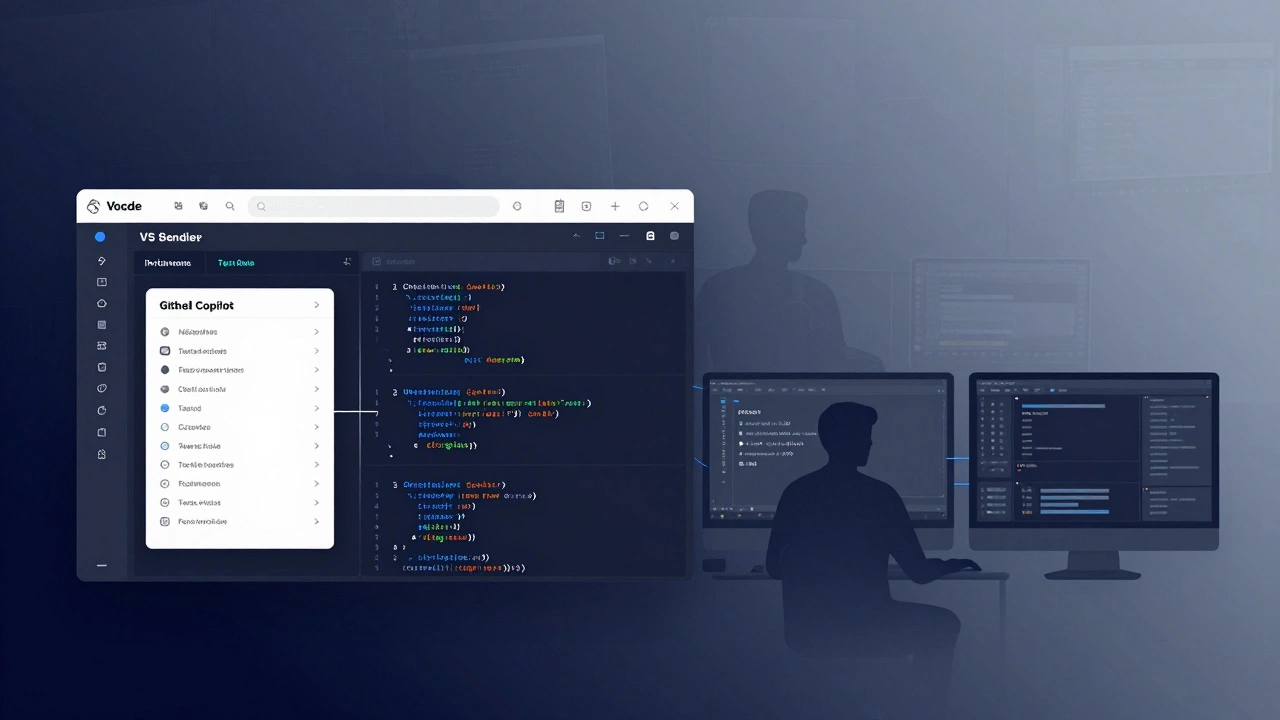
We cannot talk about the future without addressing GitHub Copilotan AI pair-programming tool developed by GitHub. By 2026, this technology is no longer experimental; it is standard infrastructure. The editor integrates suggestions directly into the inline autocomplete menu. It writes boilerplate code, generates regex patterns, and suggests test cases.
This changes the job of a developer. We spend less time typing syntax and more time reviewing logic. While there are debates about security and copyright regarding generated code, the workflow efficiency gains are undeniable. The tight integration means you get AI assistance without needing to open a separate chat interface.
Community and Documentation
Sometimes the best feature is knowing you aren't alone. Millions of active users mean that if you encounter an error, someone has likely solved it on Stack Overflow. The official documentation is concise and updated regularly. Unlike proprietary tools where bug fixes depend on a small internal team, the open-source nature means community contributions improve stability and security rapidly.
Why Developers Choose It
Ultimately, the popularity stems from customization. Every developer is different. Some want minimalism; others want data-rich dashboards. The configuration system allows users to define keybindings, themes, and launch configurations via simple JSON files. These settings port across machines easily through GitHub profiles syncing.
It supports nearly every language out of the box, but truly shines in JavaScripta programming language that enables interactive web pages and related stacks. Because it originated from Microsoft, the support for .NET is strong, but the commitment to open source kept the neutrality required for broader web adoption. It respects privacy, allowing users to opt-out of data sharing if desired, which builds trust in corporate environments.
Frequently Asked Questions
Is VS Code free for commercial use?
Yes, the license is MIT, allowing free usage in commercial projects without hidden fees.
Does it require Internet to work?
Most features work offline, but some extensions like search indexes may require connectivity initially.
Can I use it for Python development?
Absolutely. There is a dedicated Python extension providing linting, debugging, and package management.
What is the difference between Remote SSH and normal mode?
Remote SSH lets you edit and debug files hosted on a remote server as if they were local, essential for cloud workflows.
How does IntelliSense know my code structure?
It analyzes the file's scope, imports, and definitions locally to provide context-aware suggestions instantly.