
Web Dev Learning Path Estimator
Based on the article, select your intended learning route and daily availability to see your estimated journey to becoming a developer.
Estimated Time: --
This is an estimate based on average learning curves and the "Cliff of Confusion".
- 1. HTML5 (Skeleton) Low Diff
- 2. CSS3 (Paint/Decor) Med Diff
- 3. JavaScript (Electricity) High Diff
- 4. Git (Undo Button) Med Diff
The biggest hurdle for the "average person" is the feeling of being an imposter. You might look at a complex site like Airbnb or Spotify and think, "I could never build that." But those sites weren't built in one go. They were built brick by brick, starting with a simple page that probably looked like a 1995 government document. The secret to become a web developer is realizing that every expert was once a complete beginner who didn't give up when their code broke for the tenth time in an hour.
The Reality of the Learning Curve
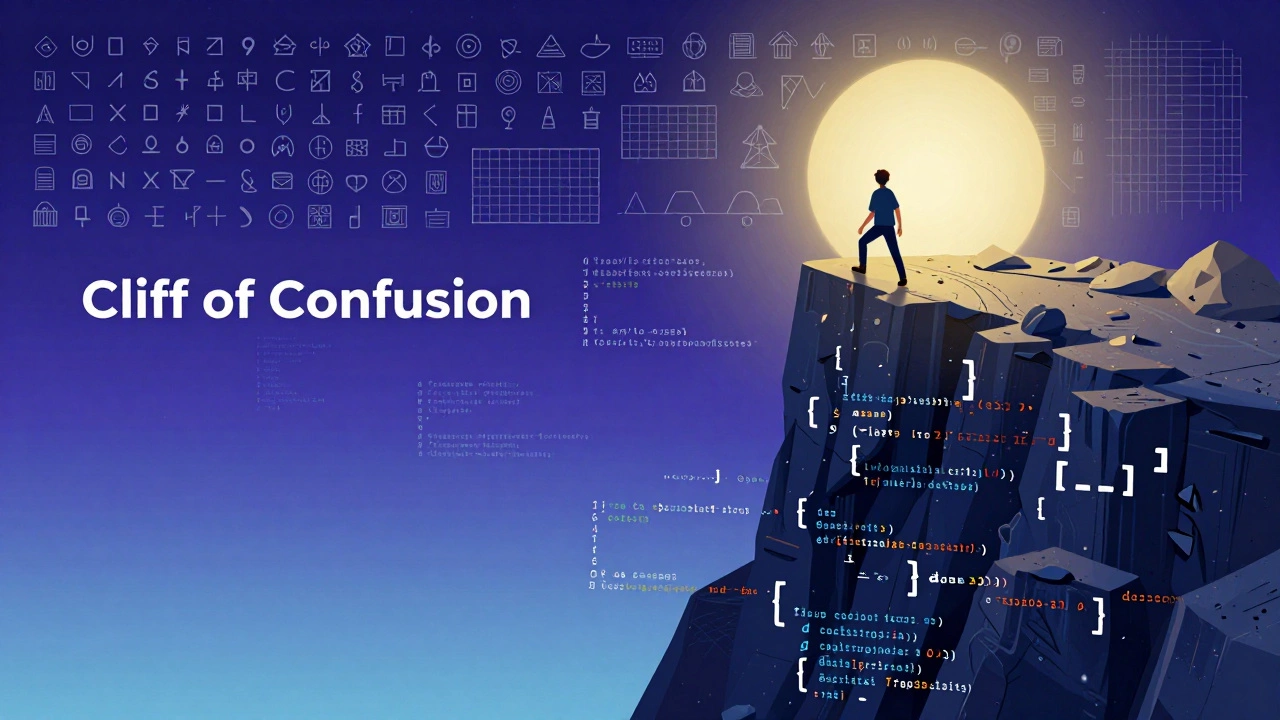
Learning to code isn't like learning history where you memorize dates. It's more like learning a musical instrument. You don't read a book about the piano and then suddenly play Mozart; you play a few notes, mess up, adjust your fingers, and try again. In the beginning, you'll feel like you're hitting a wall. This is called the "Cliff of Confusion." You'll understand the basics, then suddenly hit a concept like asynchronous functions or CSS Grid, and feel like you've forgotten everything. This is a normal part of the process, not a sign that you aren't "cut out' for this."
To navigate this, you need a structured path. Randomly watching YouTube tutorials is a trap. You end up in "tutorial hell," where you can follow along with a video but have no idea how to build something from scratch. You need a curriculum that forces you to struggle. Whether you choose Bootcamps intensive, short-term training programs designed to get students job-ready quickly or a self-paced course, the goal is the same: build projects that break and then fix them.
The Core Toolkit for Beginners
You don't need to learn every language under the sun. The web is built on a few pillars. If you start with these, you're following the same path as almost every professional developer in the industry today.
| Technology | What it does | Difficulty | Analogy |
|---|---|---|---|
| HTML5 | Structures the content | Low | The skeleton of a house |
| CSS3 | Styles the visuals | Medium | The paint and furniture |
| JavaScript | Adds interactivity | Medium/High | The electricity and plumbing |
| Git | Version control/tracking | Medium | An "Undo" button for your whole project |
Start with HTML the standard markup language for creating web pages. It's not even a programming language; it's a way of labeling content. Once you can make a basic page, move to CSS a style sheet language used for describing the presentation of a document written in HTML. This is where you learn how to make things look professional. Only then should you touch JavaScript a high-level, interpreted programming language that enables interactive web pages. If you jump straight into JavaScript, you'll be trying to program logic before you even know where to put the code on the screen.
Choosing the Right Learning Path
There are three main ways people enter the field. None of them are "better" in a vacuum; it depends on how you learn and how much money you have to spend.
- The Self-Taught Route: Using free resources like freeCodeCamp or The Odin Project. This is the cheapest option but requires insane self-discipline. You are your own teacher and your own boss.
- Coding Bootcamps: These are high-pressure, 3-to-6 month programs. They are great for people who need a deadline and a community to keep them accountable. They often have "job guarantees," but be careful-read the fine print.
- Computer Science Degree: This is the long road. You'll learn the deep theory, like algorithms and data structures. While it's a great foundation, many CS graduates find they still don't know how to actually build a modern website because they spent four years studying C++ and assembly language instead of React or Vue.js.
If you're an average person with a full-time job, the hybrid approach usually works best. Spend an hour a day on a structured course, and then spend your weekends building a "garbage project." A garbage project is something you build just for fun-a site that tracks your favorite snacks or a simple calculator. The goal isn't perfection; it's to prove you can solve a problem without a tutorial guiding you.
The "Hidden" Skills You Actually Need
Coding is only about 40% of the job. The rest is what I call "the detective work." You will spend more time reading documentation and searching through Stack Overflow a question-and-answer site for professional and enthusiast programmers than actually writing lines of code. The most successful developers aren't the ones who memorize everything; they are the ones who are the best at searching for the answer to a problem they've never seen before.
You also need to develop a thick skin. Your code will break. You will accidentally delete a whole folder of work. You will write a piece of code that works, but when a senior developer looks at it, they'll tell you it's "inefficient." This is not an attack on your intelligence. In the world of Software Engineering, critique is the only way to grow. If you can handle being wrong and seeing it as a puzzle to solve, you'll thrive.
How to Get Hired Without a Degree
The tech industry is one of the few places where a portfolio can completely replace a diploma. A hiring manager doesn't care if you went to a fancy college if you can show them a live URL of a functioning application. To get noticed, stop building the same projects everyone else does. Don't just make a "To-Do List" or a "Weather App"-every single bootcamp graduate has those in their portfolio.
Instead, find a real-world problem. Maybe your local sports club needs a better way to manage memberships, or your aunt needs a simple site for her bakery. When you build a solution for a real person, you demonstrate two things: that you can write code, and that you understand user needs. That combination is what makes a developer "senior" regardless of their years of experience.
Focus on GitHub a web-based platform used for version control and collaboration. Treat it like your professional social media. Commit code daily, contribute to open-source projects, and document your process. When a recruiter sees a consistent history of commits, it tells them you have the habit of coding, which is more valuable than a certificate from a course.

Common Pitfalls to Avoid
Many beginners fall into the "Shiny Object Syndrome." They hear that Python is great for AI, so they switch from JavaScript to Python. Then they hear Rust is the future of performance, so they switch again. This is the fastest way to ensure you never actually learn anything. Stick to one language until you can build a full project with it. Once you understand the logic of one language, switching to another is easy because the core concepts-loops, variables, and functions-are almost the same everywhere.
Another mistake is neglecting the "soft skills." You might be a genius at writing TypeScript, but if you can't explain your logic to a non-technical client, you'll struggle to move up. Practice explaining your code to a friend or a rubber duck (a real technique called "Rubber Duck Debugging"). If you can't explain it simply, you don't understand it well enough yet.
Do I need to be good at math to be a web developer?
For the vast majority of web development, you only need basic arithmetic (addition, subtraction, multiplication, division). Unless you are building a complex 3D engine or a heavy data-science tool, you won't need calculus or linear algebra. Logic is much more important than math. If you can think through a sequence of events (e.g., "If the user is logged in, show the dashboard; otherwise, show the login page"), you have enough math skill.
How long does it actually take to become job-ready?
It varies wildly, but a realistic timeline for a dedicated beginner is 6 to 18 months. Those in full-time bootcamps might reach a junior level in 4 months, while self-taught learners working part-time often take a year or more. The key isn't the number of months, but the number of hours spent actually writing code. You're ready when you can take a project from a rough idea to a deployed website without following a step-by-step guide.
Is it too late to start learning in 2026?
Not at all. While AI tools like LLMs are now writing a lot of basic code, they aren't replacing developers; they are changing the role. We are moving from "code writers" to "code architects." Companies still need humans who understand how the system works, how to secure data, and how to ensure a great user experience. Learning to code now means you can leverage AI to work ten times faster than developers did five years ago.
Should I focus on Front-end or Back-end first?
Start with the Front-end. It's more rewarding because you see your results instantly. When you change a color in CSS or add a button in HTML, it appears on the screen immediately. This visual feedback loop is crucial for staying motivated. Once you're comfortable with the visual side, you can move into the Back-end (servers, databases, APIs) to understand how data is stored and moved.
What is the best laptop for a beginner developer?
You don't need a $3,000 machine. Any laptop with at least 8GB of RAM (16GB is much better) and a decent SSD will work. Most developers prefer macOS or Linux because they are Unix-based, but Windows with WSL2 (Windows Subsystem for Linux) is now just as capable. Your brain is the most important piece of hardware; the laptop is just a tool to type on.
Next Steps for Your Journey
If you're feeling overwhelmed, stop looking at the mountain and just look at your feet. Your first goal isn't "Get a Job"; your first goal is "Make a red box appear on a white screen." Once you do that, make the box move. Once it moves, make it move when you click a button.
If you have a few hours a week, start with a free course to see if you actually enjoy the process of problem-solving. If you find that you love the feeling of finally fixing a bug after three hours of searching, you've found your calling. If you hate the frustration, that's also a valid answer-it saves you from spending thousands on a bootcamp for a career you'd dislike.