
UI/UX Design Skill Path Finder
Select your target role to see the recommended learning stack and priority levels for each language/tool.
You might think UI UX design is all about picking pretty colors and arranging buttons. But ask a designer what language they speak, and you'll get a mix of answers: "I use Figma," "I write CSS," or "It's just English." The truth is messier-and more interesting-than that. There isn't one single programming language for UI/UX. Instead, it’s a stack of tools, markup languages, and scripting skills that bridge the gap between how something looks and how it works.
If you're trying to break into this field or collaborate with developers, knowing which languages matter can save you months of confusion. Do you need to learn Python? Probably not. Should you understand HTML? Absolutely. Let's clear up the noise and look at exactly what languages and tools drive modern interface design.
The Core Distinction: Design vs. Implementation
First, we have to separate two different worlds that often overlap. User Experience (UX) is about logic, flow, and research. User Interface (UI) is about visuals, layout, and interaction. Neither strictly requires a traditional programming language like Java or C++. However, both require specific digital languages to communicate ideas effectively.
Think of it like architecture. An architect draws blueprints (design), but a builder uses concrete and steel (code). In digital products, the "blueprint" is created in design tools using vector graphics and logic systems. The "concrete" is written in code. As a designer, you don't always pour the concrete, but you better know what materials are available so your blueprint doesn't collapse.
Design Tools: The Visual Languages
When designers talk about their "language," they usually mean the software they use to create interfaces. These aren't coding languages, but they have their own syntax, shortcuts, and logic structures.
| Tool | Primary Use Case | Learning Curve | Industry Standard Status |
|---|---|---|---|
| Figma | Collaborative interface design, prototyping, handoff | Moderate | High (Dominant) |
| Adobe XD | Vector-based UI design, rapid prototyping | Low to Moderate | Medium (Declining) |
| Sketch | Mac-only vector design, plugin ecosystem | Moderate | Medium (Legacy/Mac niche) |
| Protopie | Advanced micro-interactions, no-code logic | Steep | Niche (High-fidelity) |
Figma has become the de facto standard because it runs in the browser. This means teams can edit the same file simultaneously without version control nightmares. If you are starting today, learn Figma. It’s the lingua franca of current design teams. While Adobe XD and Sketch still exist, Figma’s collaborative nature makes it the primary tool for most startups and large enterprises alike.
Markup Languages: HTML and CSS
Here is where actual code enters the picture. You do not need to be a full-stack developer, but understanding HTML (HyperText Markup Language) and CSS (Cascading Style Sheets) gives you superpowers.
HTML defines the structure of a webpage-the skeleton. It tells the browser, "This is a heading, this is a paragraph, this is an image." CSS handles the style-the skin. It dictates colors, fonts, spacing, and layout. Why should a designer care?
- Better Handoffs: When you hand off designs to developers, speaking their language reduces friction. If you say, "Make this a flex container with space-between," instead of "Put these side by side with equal gaps," they will love you.
- Realistic Prototypes: Knowing CSS Grid or Flexbox helps you design layouts that are actually possible to build. You stop designing impossible overlaps or inconsistent spacing.
- Quick Fixes: Sometimes a typo in a production site needs fixing before the next sprint. If you can tweak a CSS class directly in the browser inspector, you solve the problem yourself.
You don’t need to memorize every property. Focus on the box model, flexbox, and basic typography controls. That covers 80% of daily UI tasks.
Scripting: JavaScript for Interaction
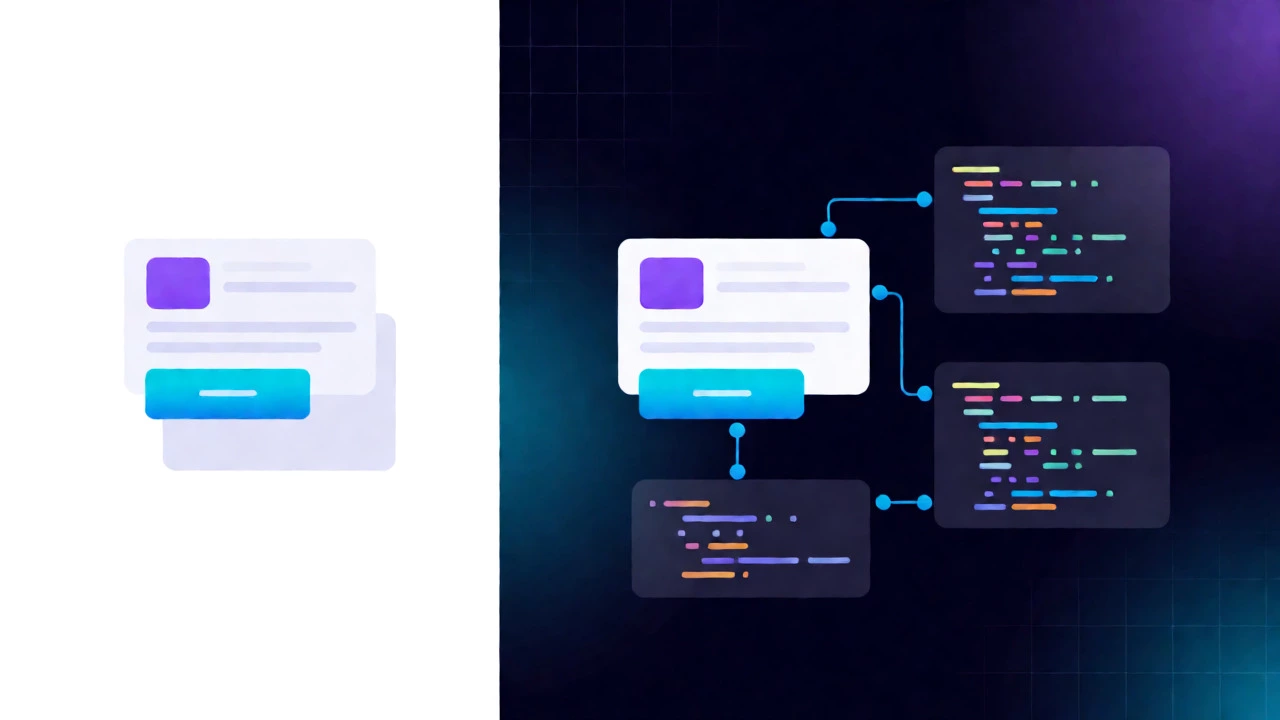
While HTML and CSS handle static pages, JavaScript brings them to life. It handles clicks, animations, form validation, and dynamic content loading. For a UX designer, deep JavaScript knowledge isn't mandatory, but conceptual understanding is crucial.
Consider a modal window. In CSS, you can make it appear. But when does it disappear? What happens if the user clicks outside it? How does it behave on mobile versus desktop? These are behavioral questions answered by JavaScript logic. Understanding concepts like events, states, and asynchronous data fetching helps you design interactions that feel smooth rather than janky.
Some designers go further and use low-code platforms or simple JS snippets to add interactivity to prototypes. Tools like Webflow allow you to drag-and-drop elements while generating clean HTML/CSS/JS in the background. This blurs the line between design and development, allowing designers to publish sites without writing a single line of code manually.
The Human Language: Communication and Research
We often overlook the most important language in UX: English (or your local language). UX is fundamentally about empathy and clarity. You interview users, write copy, document flows, and present findings. If your communication is fuzzy, your design suffers.
Writing good microcopy-button labels, error messages, tooltips-is a core UX skill. A button labeled "Submit" is boring. A button labeled "Get My Free Report" converts better. This is linguistic psychology, not coding. Additionally, documenting user personas and journey maps requires precise, narrative-driven writing. You must explain why a user feels frustrated at step three, not just show a wireframe.

Emerging Technologies: AI and No-Code
The landscape is shifting fast. With the rise of AI-assisted design tools, the barrier to entry is lowering. Some tools now generate UI components from text prompts. Does this mean coding is dead? Not quite. But it changes the required skill set.
Instead of writing complex CSS by hand, you might prompt an AI to "create a responsive card grid with hover effects." You then refine the output. This requires a new kind of literacy: prompt engineering combined with visual critique. You still need to know what good design looks like to judge the AI's output. The language here is descriptive precision.
No-code tools like Bubble or FlutterFlow also allow designers to build functional apps visually. They abstract away the syntax, letting you focus on logic and flow. This empowers designers to ship MVPs (Minimum Viable Products) faster, proving concepts before hiring a dev team.
Which Path Should You Take?
So, what should you actually learn? It depends on your role.
- Pure UX Researchers: Focus on human language, survey design, and analytical thinking. Learn minimal HTML/CSS just enough to read websites.
- Visual/UI Designers: Master Figma deeply. Learn HTML/CSS fundamentals to ensure feasibility. Understand basic JS concepts for interaction logic.
- Design Engineers / Hybrid Roles: Learn HTML, CSS, and JavaScript thoroughly. Consider learning a framework like React or Vue. This role bridges the gap completely, often commanding higher salaries.
Don't try to learn everything at once. Start with Figma. Then, spend a weekend doing a free HTML/CSS tutorial on Codecademy or MDN Web Docs. See how a div behaves. Once you grasp the basics, you’ll never look at a website the same way again.
Do I need to know coding to be a UX designer?
No, you do not need to be a programmer. Most UX roles focus on research, wireframing, and usability testing. However, having a basic understanding of HTML and CSS is highly recommended as it improves collaboration with developers and ensures your designs are technically feasible.
Is Figma better than Adobe XD for UI design?
Currently, Figma is widely considered superior due to its real-time collaboration features, cross-platform compatibility (works on Windows and Mac), and robust plugin ecosystem. Adobe XD is still used but has seen less innovation recently compared to Figma's rapid updates.
What is the difference between UI and UX languages?
There is no distinct "language" for each. Both rely on design tools like Figma. UX leans more heavily on documentation, user research methodologies, and information architecture. UI leans more towards visual composition, typography, color theory, and increasingly, front-end technologies like CSS and JavaScript for implementation details.
Can I use Python in UI/UX design?
Python is rarely used for direct interface creation. It is primarily used in backend systems, data analysis for UX research, or automation scripts within design tools. Some advanced designers use Python libraries like Streamlit or Dash to quickly prototype data-heavy dashboards, but it is not a standard UI language.
How long does it take to learn HTML and CSS for designers?
You can learn the basics of HTML and CSS sufficient for a designer in 2 to 4 weeks of part-time study. You don't need to master advanced JavaScript frameworks. Focus on layout systems like Flexbox and Grid, and understanding the DOM structure. Practice by rebuilding simple sections of existing websites.