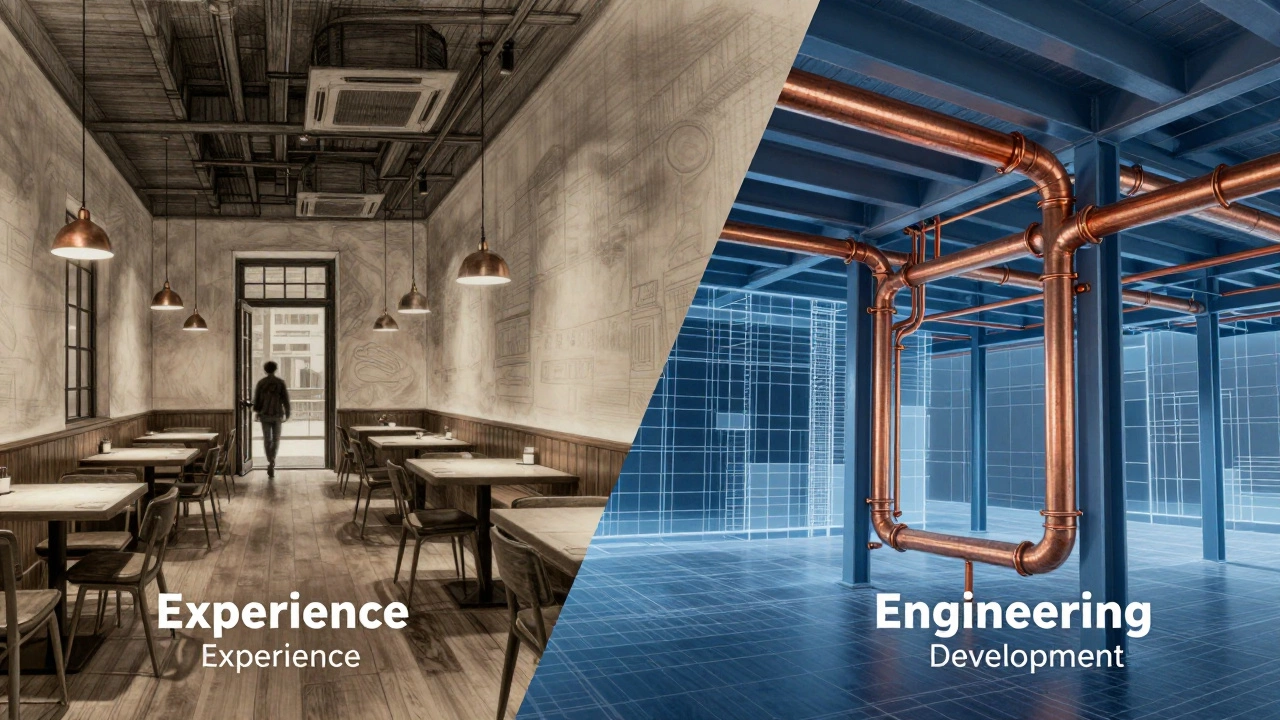
Role Discovery Tool: Design or Development?
Not sure which path is right for you? Answer these three questions by clicking the option that best describes your way of thinking.
Loading...
- UI/UX is about design, psychology, and visual communication, not writing executable code.
- UX focuses on the logic and feel; UI focuses on the look and interactivity.
- Developers build the functional product based on the blueprints created by designers.
- While some people do both (Product Designers), the roles require different mental frameworks.
The Psychology Behind the Screen: What is UX?
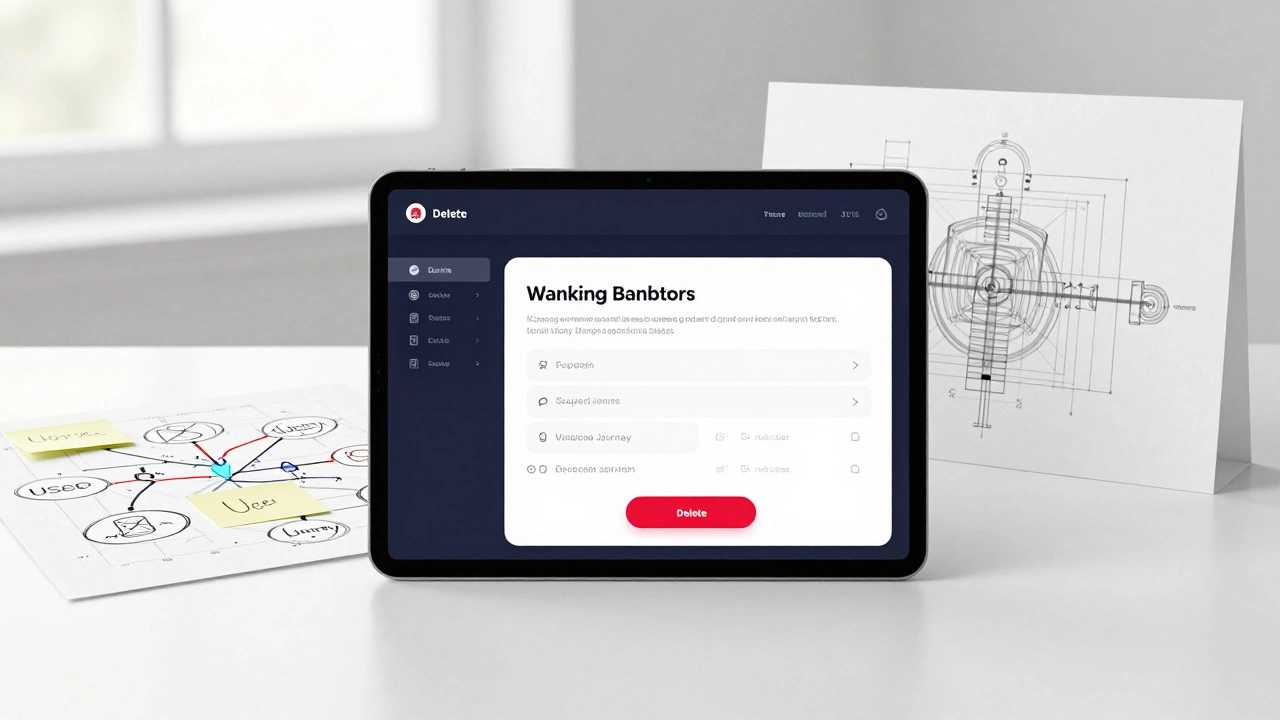
Before we get into the pixels, we have to talk about the brain. UX Design, or User Experience Design, is a problem-solving process that ensures a product is easy to use and meets the user's needs. A UX designer doesn't start by picking colors; they start by asking, "Why does this app exist?" and "Where do people get stuck?" Think about a banking app. A UX designer spends their time mapping out the user journey. They might realize that users hate the five clicks it takes to send money to a friend. Their job is to reduce those five clicks to two. They use User Research, creating personas and conducting interviews to understand behavior. They build Wireframes-which are basically skeletal blueprints of a page-to decide where elements go without worrying about whether the button is blue or green. If the app feels intuitive, the UX designer did their job. If you find yourself staring at a screen wondering "What do I click next?", that's a UX failure.The Visual Layer: The Role of UI
Once the blueprint is ready, the UI Design, or User Interface Design, kicks in. If UX is the skeleton, UI is the skin, the clothes, and the makeup. UI designers focus on the aesthetic and interactive elements of a product. They handle the typography, the color palettes, the spacing, and the animations. But UI isn't just about making things "pretty." It's about visual communication. A UI designer decides that a "Delete" button should be red because red signals danger or a permanent action in human psychology. They ensure that the font size is readable on a small smartphone screen and that buttons look like something you can actually click. They use tools like Figma or Adobe XD to create high-fidelity prototypes. These prototypes look like real apps, but they are essentially "smoke and mirrors"-they don't have a backend, and they don't actually process data. They are visual guides for the people who will actually build the thing: the developers.The Builders: Where Development Actually Starts
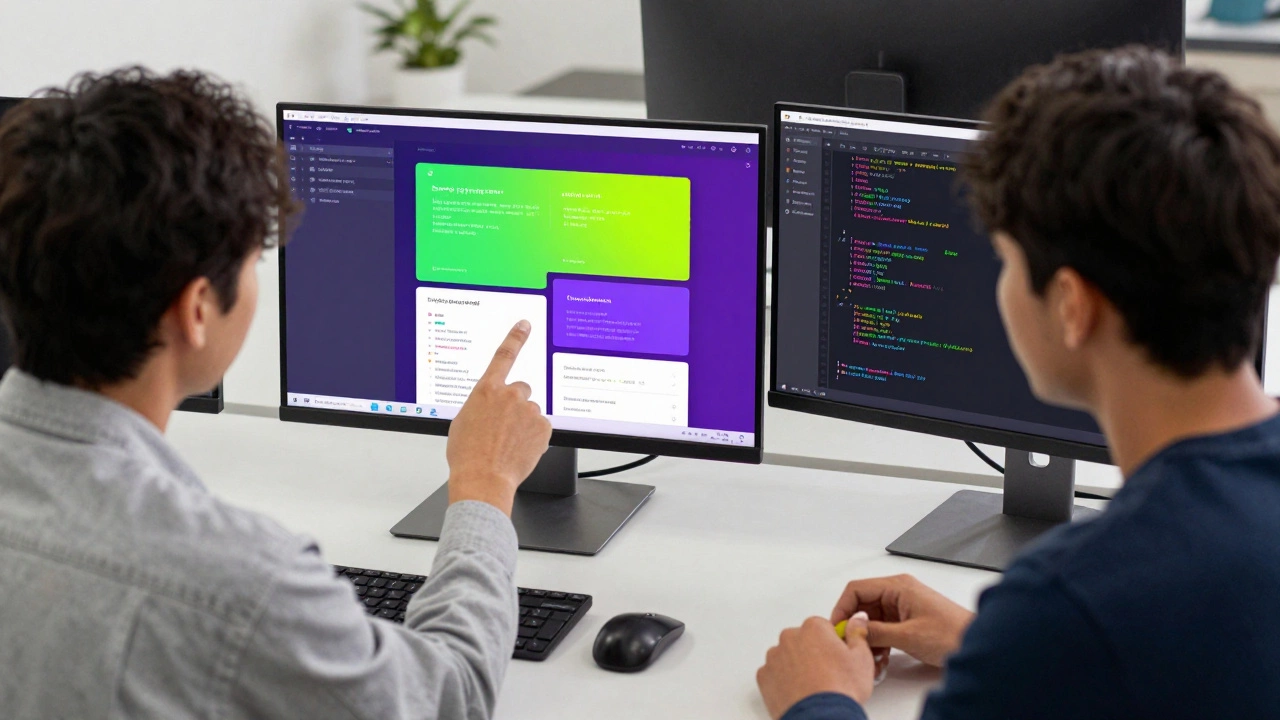
This is where the confusion usually happens. A Frontend Developer is the bridge between the design and the machine. Unlike a designer, a developer writes Code using languages like HTML, CSS, and JavaScript. When a UI designer hands over a Figma file, the developer doesn't just "upload" the image. They have to translate those visual shapes into logical instructions. For example, if a designer creates a beautiful sliding menu, the developer has to write the logic that tells the browser, "When the user clicks this icon, move this div 300 pixels to the left over 0.3 seconds." While a designer thinks in terms of "This should look elegant," a developer thinks in terms of "How will this affect the page load speed?" and "Is this code maintainable?" They deal with the constraints of the browser, the operating system, and the hardware. If the design looks great but the app takes 10 seconds to load, the developer has to find a technical way to optimize it, often by compromising some of the visual flair for the sake of performance.| Feature | UX Designer | UI Designer | Frontend Developer |
|---|---|---|---|
| Primary Goal | Usability & Logic | Aesthetics & Interaction | Functionality & Performance |
| Key Tools | Miro, User Interviews | Figma, Sketch, Adobe XD | VS Code, Git, Chrome DevTools |
| Main Output | User Flows, Wireframes | Mockups, Prototypes | Live Website/App |
| Core Skill | Psychology/Research | Visual Theory/Graphic Design | Programming/Engineering |
The "Hybrid" Role: The Product Designer
In smaller companies or startups, you'll often see one person doing all of the above. This is usually called a Product Designer. A product designer is someone who can handle the UX research, create the UI mockups, and sometimes even write the CSS to get the styling exactly right. However, doing all three is a massive challenge. The mindset required for research (empathy and questioning) is different from the mindset required for UI (precision and artistry) and completely different from the mindset required for development (logic, syntax, and debugging). When one person tries to do everything, you often get "designer-coded" sites-which look great but have messy code-or "developer-designed" sites-which work perfectly but look like they were made in 1998.How They Actually Work Together in a Real Project
To understand why a UI/UX person isn't a developer, look at the lifecycle of a feature. Let's say a company wants to add a "Dark Mode" to their app.- The UX Phase: The UX designer researches whether users actually want dark mode (maybe they use the app at night in bed). They decide that the switch should be in the settings menu for easy access.
- The UI Phase: The UI designer picks the exact shades of charcoal and deep navy. They ensure the contrast ratio is high enough so that white text is readable against the dark background, following WCAG accessibility standards.
- The Development Phase: The developer implements this using CSS variables or a theme provider in a framework like React. They ensure that when the user toggles the switch, the app remembers the preference using local storage or a database.
Common Pitfalls and Misconceptions
One of the biggest myths is that if you know how to use Figma, you can develop. Figma is a drawing tool. It's like using AutoCAD to design a house; just because you can draw the walls doesn't mean you know how to pour the concrete or wire the electricity. Another mistake is assuming that developers don't care about design. In reality, the best developers have a keen eye for UI. They can spot a 2-pixel misalignment from a mile away. This overlap is where the "Design System" comes in. A Design System is a shared library of components (buttons, inputs, colors) that both the designers and developers agree on. It acts as a single source of truth, reducing the friction between the two roles.Can a UI/UX designer become a developer?
Absolutely. Many designers move into frontend development because they already understand the visual end-goal. Learning HTML, CSS, and JavaScript allows them to bring their own designs to life. However, this requires a shift from a visual mindset to a logical, programmatic one.
Do I need to know how to code to be a UI/UX designer?
You don't need to be a pro coder, but you should understand the basics. If you design something that is technically impossible or incredibly expensive to build, you'll create friction with your engineering team. Knowing what CSS can and cannot do makes you a much better designer.
Which one pays more: UI/UX or Development?
Pay varies wildly by region and experience. Generally, specialized software engineers (developers) have a slightly higher ceiling because of the technical complexity. However, senior Product Designers who can bridge the gap between business, design, and tech are equally highly valued and paid.
Is UI and UX the same thing?
No. UX (User Experience) is the overall feel of the experience and the logic of the journey. UI (User Interface) is the specific visual touchpoints-the buttons, icons, and screens. You can have a beautiful UI that has terrible UX (e.g., a stunningly beautiful app that is impossible to navigate).
What tools should a beginner start with?
If you lean toward design, start with Figma-it's the industry standard and free for individuals. If you lean toward development, start with HTML and CSS, then move into JavaScript. If you aren't sure, try a small project where you design one screen in Figma and then try to code it in a browser.