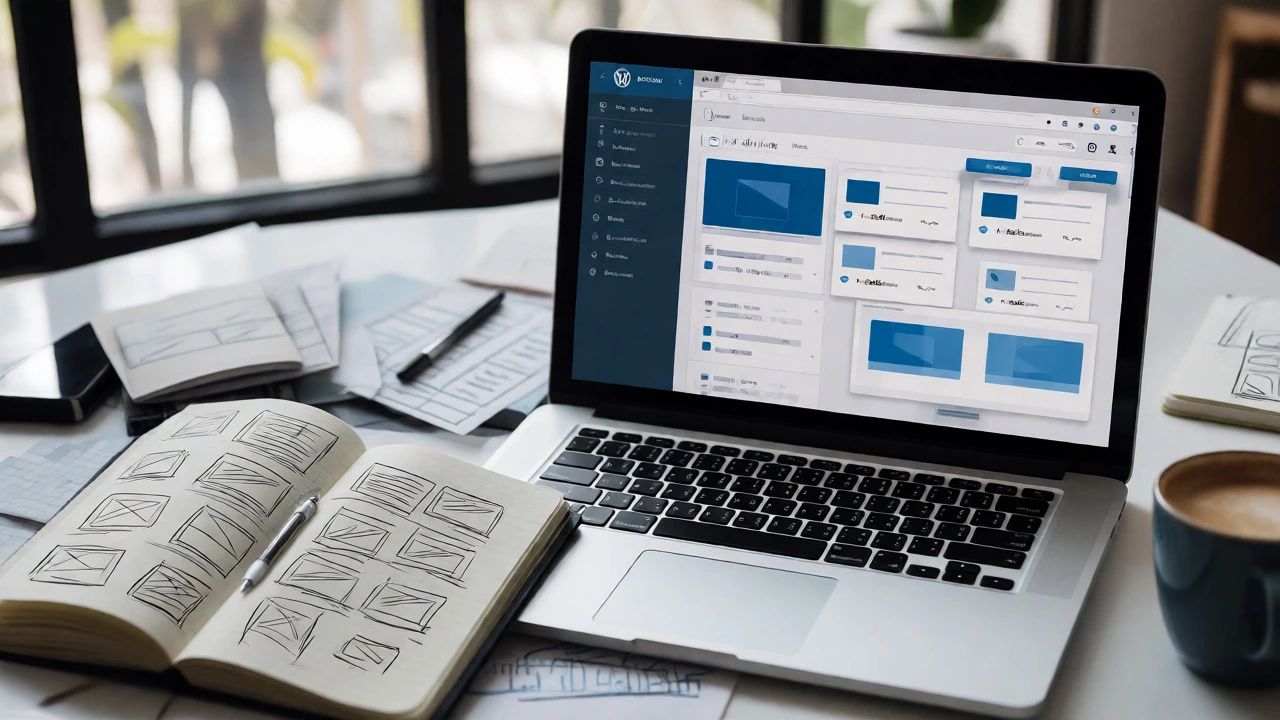
WordPress Developer Path Finder
Not sure where to start with WordPress? Answer these questions to find your optimal learning path and estimated difficulty level.
Your Current Status
Recommended Role
Key Skills to Focus On:
Why this path?
Select your options and click "Analyze My Path" to see your personalized roadmap.
You’ve probably heard the rumor: "WordPress is easy." And then you opened your first WordPress file and saw a wall of code that looked like alien hieroglyphics. Suddenly, the promise of "drag-and-drop" felt like a lie.
Here’s the truth nobody tells you upfront: WordPress isn’t hard, but it isn’t simple either. It depends entirely on what you’re trying to build. Are you tweaking colors in a pre-made theme? That’s about as difficult as changing your Instagram profile picture. Are you building a custom e-commerce platform from scratch with unique checkout logic? That’s software engineering.
The confusion comes from mixing up two different worlds: using WordPress and developing for WordPress. Let’s clear up the fog so you can decide if this path is right for you.
The Two Faces of WordPress Work
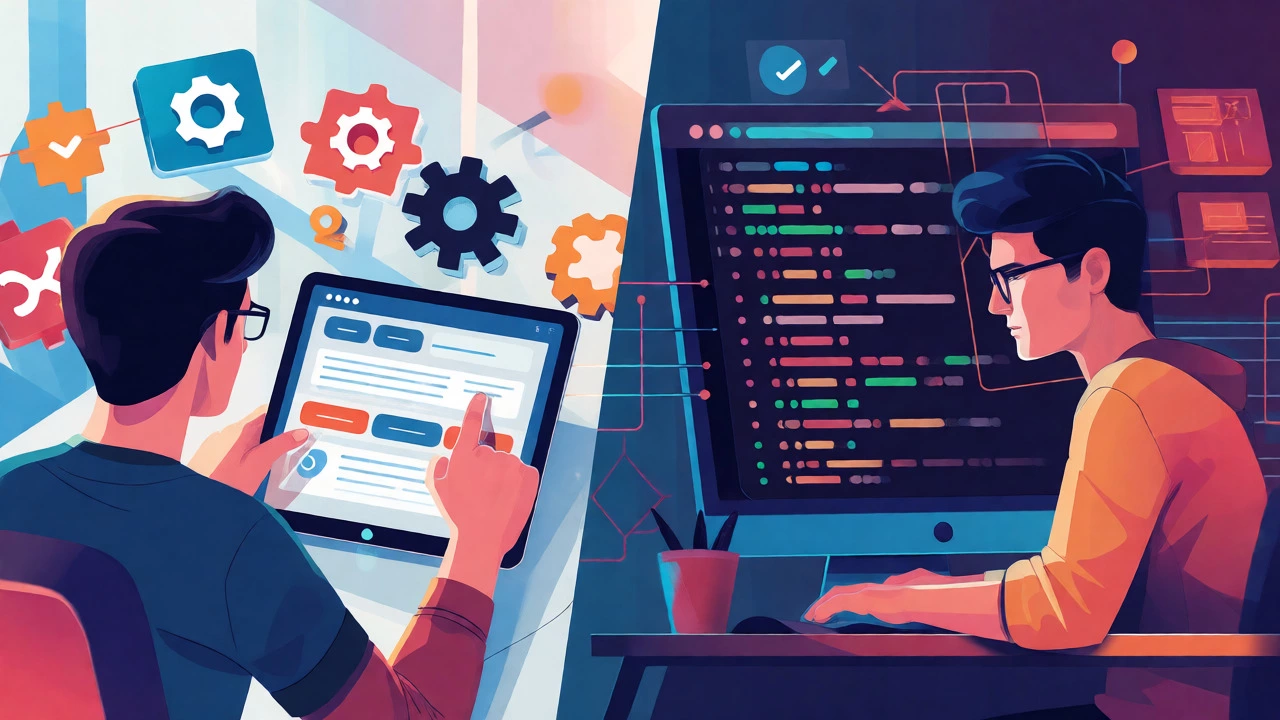
To answer whether it’s hard, we have to split the job description in half. Most people click "WordPress Developer" expecting one thing and get another.
1. The Site Builder (Low Difficulty)
This role involves installing themes, configuring plugins, and adjusting settings via the dashboard. If you can navigate a complex video game menu, you can do this. Tools like Elementor or Divi make visual editing intuitive. You aren’t writing code; you’re clicking buttons. The learning curve here is shallow. You’ll be comfortable within a week.
2. The Code Developer (Medium-High Difficulty)
This is where things get real. Here, you’re writing PHP, JavaScript, CSS, and HTML. You’re creating custom themes, building plugins, or modifying core functionality. This requires understanding how the web works under the hood. If you’ve never touched code before, this will feel steep at first. But unlike learning C++ or Rust, the feedback loop in WordPress is fast and forgiving.
What Skills Do You Actually Need?
You don’t need a computer science degree. But you do need a specific stack of skills. Think of them as tools in a toolbox. You don’t need all of them at once, but you need to know which one solves which problem.
| Skill | Difficulty Level | Why You Need It |
|---|---|---|
| HTML/CSS | Beginner | Structure and style every page. Without this, your site looks broken. |
| PHP | Intermediate | The language WordPress is written in. Needed for themes and plugins. |
| JavaScript | Intermediate | Adds interactivity. Essential for modern block editors and dynamic features. |
| MySQL | Basic | Where your content lives. You rarely write queries, but you must understand data flow. |
| Git | Intermediate | Version control. Saves you when you break your live site. |
Notice that PHP is the heavy lifter. WordPress runs on PHP. When you create a custom post type or modify how comments are displayed, you are writing PHP functions. Many beginners skip PHP because they rely on plugins. Don’t make that mistake. Even basic PHP knowledge separates hobbyists from professionals who can fix bugs without waiting for a plugin update.
The Learning Curve: What to Expect Week by Week
If you start today, here is a realistic timeline based on studying 5-10 hours a week.
- Weeks 1-2: You learn the dashboard. You install a local server (like LocalWP) to practice offline. You learn how themes and plugins interact. You might break your site twice. This is normal.
- Weeks 3-4: You dive into HTML and CSS. You customize a child theme. You change fonts, colors, and layouts manually. You realize why responsive design matters when your site looks terrible on mobile.
- Months 2-3: You tackle PHP. You learn the WordPress Template Hierarchy-this is the map that tells WordPress which file to load for which page. This concept clicks suddenly, like solving a puzzle.
- Months 4-6: You build your first custom plugin. You hook into actions and filters. These are the secret doors in WordPress that let you change behavior without touching core files.
The hardest part isn’t the syntax; it’s the architecture. Understanding *where* to put your code is harder than writing it. For example, should you add a function to `functions.php` or create a custom plugin? Should you use a filter or an action? These decisions take experience.
Common Pitfalls That Make It Seem Harder Than It Is
Many developers quit not because WordPress is impossible, but because they fight against its nature. Here are three traps to avoid.
Ignoring the Child Theme
Never edit a parent theme directly. Updates will wipe your changes. Always create a child theme. It takes five minutes and saves hours of regret.
Plugin Overload
It’s tempting to install a plugin for everything. But each plugin adds database queries and potential conflicts. A good developer writes a small snippet of code instead of installing a 2MB plugin for a single feature. Learn to read other people’s code; it’s faster than debugging a conflict between ten plugins.
Fear of Breaking Things
In production, yes, breaking a site is scary. In development, breaking things is how you learn. Set up a staging environment. If you break it, you restore a backup. Once you realize mistakes are reversible, the fear vanishes, and learning accelerates.
Is It Worth the Effort?
Yes, if you want flexibility and marketability. WordPress powers over 40% of the web. Companies need people who can maintain these sites. Unlike niche frameworks that fade away, WordPress has been dominant since 2003. The ecosystem is massive. There are thousands of jobs, freelance gigs, and community resources.
However, if you hate troubleshooting obscure errors or dealing with legacy code, you might prefer a modern framework like React or Vue.js. WordPress often deals with older codebases. You’ll spend time cleaning up messes left by previous developers. But there’s satisfaction in making a messy site run smoothly again.

How to Start Without Getting Overwhelmed
Don’t try to learn everything at once. Follow this path:
- Master the Basics: Get comfortable with HTML and CSS. Build a static page.
- Install Locally: Use a tool like LocalWP or XAMPP. Never develop on a live server until you’re confident.
- Deconstruct a Theme: Download a free theme. Open the files. Match the template names to what you see on the screen. See how `header.php` loads the top bar.
- Write One Function: Add a simple PHP function to your child theme’s `functions.php`. Maybe change the length of the excerpt. See the result instantly.
- Build a Plugin: Create a tiny plugin that adds a shortcode. This teaches you hooks, the heart of WordPress development.
You don’t need to memorize the entire WordPress Codex. Just learn how to look things up efficiently. Searching for "WordPress hook reference" is a daily habit for even senior developers.
Final Verdict: How Hard Is It Really?
On a scale of 1 to 10, where 1 is turning on a light switch and 10 is building a rocket engine:
- Using WordPress: 2/10
- Customizing Themes: 4/10
- Building Plugins: 6/10
- Enterprise-Level Architecture: 8/10
Most people stay in the 4/10 range, and that’s perfectly fine. You can earn a living doing that. But if you push to 6/10, you become invaluable. The barrier to entry is low, but the ceiling is high. That’s the beauty of it. You can start today, break things tomorrow, and be profitable next month.
Do I need to know PHP to use WordPress?
No. You can build fully functional websites using only the dashboard, themes, and plugins. However, knowing basic PHP allows you to customize beyond what plugins offer and troubleshoot errors effectively.
Is WordPress development dying?
Not at all. With the introduction of the Block Editor (Gutenberg) and Full Site Editing, WordPress is evolving. Developers who adapt to new APIs remain highly relevant. Its market share continues to grow in the CMS sector.
How long does it take to become a WordPress developer?
For basic proficiency, expect 3-6 months of consistent study. To become job-ready with portfolio projects, plan for 6-12 months. Speed depends on your prior coding experience and hours dedicated weekly.
Is WordPress better than Shopify for e-commerce?
It depends. Shopify is easier for non-techies and handles hosting/security automatically. WooCommerce (WordPress) offers more customization and lower long-term costs but requires more technical maintenance. Choose based on your budget and technical comfort level.
Can I learn WordPress development for free?
Yes. Resources like the official WordPress Handbook, YouTube tutorials, and community forums provide comprehensive training. Paid courses offer structure, but the information itself is widely available for free.