Wix vs. Traditional Hosting Decision Tool
Select your primary use case below to see a detailed recommendation comparing Wix's all-in-one ecosystem against traditional hosting solutions like WordPress or Shopify.
Key Factors:
Cost Estimate (Monthly)
Portability Risk
You’ve spent hours designing your site in the editor. You’re ready to hit publish. But then you pause. The question pops up: Is Wix a web host? It’s a fair question because most website builders blur the lines between design tools and infrastructure. If you’re used to traditional web development, where you buy a domain, rent server space, and install software separately, Wix feels different. It feels like one big package.
The short answer is yes. Wix is a web host. But it’s not just a host. It’s an all-in-one platform that bundles hosting, design tools, domains, and apps into a single subscription. This distinction matters because it changes how you manage your site, scale your traffic, and handle technical issues. Let’s break down exactly what Wix does behind the scenes and why it might be the right choice-or the wrong one-for your project.
What Does "Web Hosting" Actually Mean?
To understand if Wix fits the bill, we first need to define what web hosting is. At its core, web hosting is the service that stores your website’s files on a server connected to the internet. When someone types your domain name into their browser, their computer sends a request to that server. The server responds by sending back your HTML, CSS, images, and database content. Without hosting, your website doesn’t exist online.
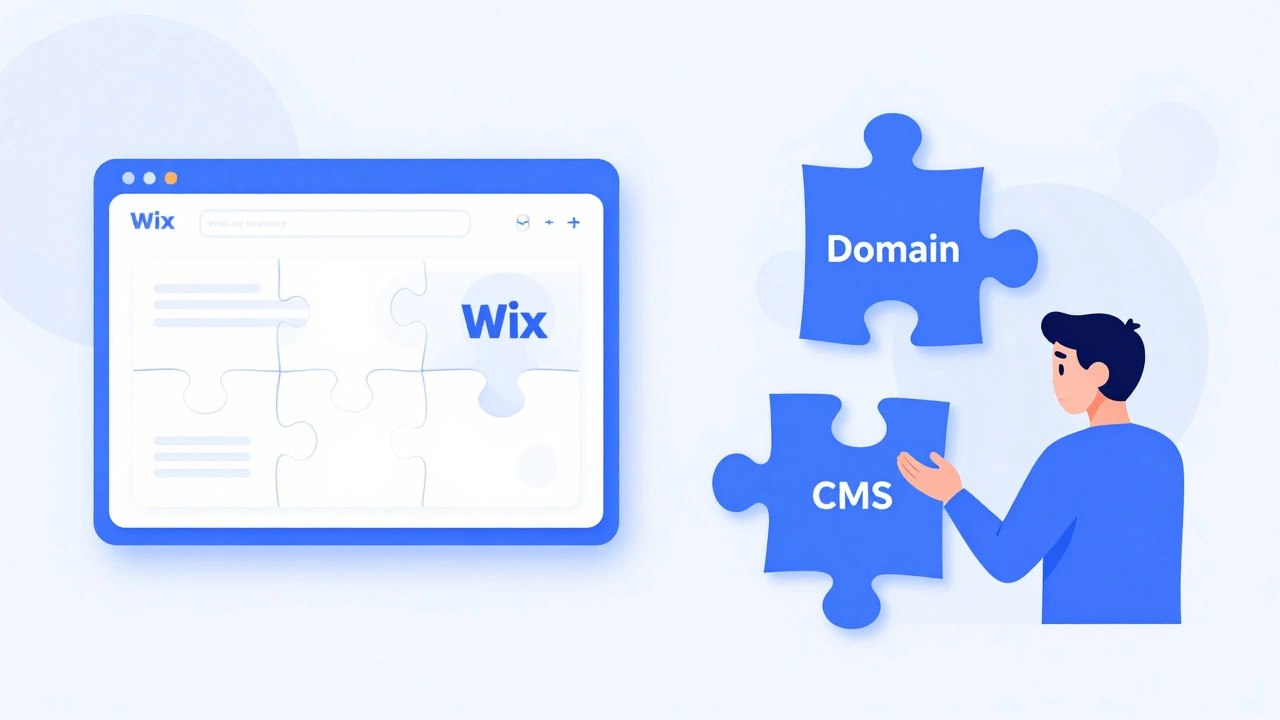
In the traditional model, you usually pick three separate things:
- A domain registrar (like Namecheap or GoDaddy) to buy your URL.
- A web host (like Bluehost, SiteGround, or AWS) to rent server space.
- CMS software (like WordPress) to build and manage your content.
This setup gives you control but also requires maintenance. You have to update plugins, secure your server, and monitor uptime. Wix eliminates this fragmentation. They own the servers, they manage the security, and they provide the interface. You don’t just host on Wix; you live inside their ecosystem.
How Wix Hosting Works Behind the Scenes
When you sign up for Wix, you aren’t renting a slice of a shared server like you would with traditional hosts. Instead, you’re accessing their proprietary cloud infrastructure. Wix uses a global content delivery network (CDN) to cache your site’s static assets across multiple data centers worldwide. This means if a visitor in London accesses your site, they load files from a nearby server rather than traveling all the way to Wix’s primary hub.
This architecture offers several advantages for beginners:
- No server management: You never see command lines, FTP clients, or cPanel interfaces.
- Automatic backups: Wix saves versions of your site automatically. If you break something, you can roll back to a previous state.
- Built-in security: SSL certificates are included by default. Wix handles malware scanning and DDoS protection without requiring you to configure firewalls.
However, this convenience comes with trade-offs. Because Wix controls the entire stack, you cannot access the underlying server files. You can’t install custom PHP scripts, modify the .htaccess file, or choose your preferred database engine. If your site needs specialized backend logic that Wix’s native apps don’t support, you’ll hit a wall.
Wix vs. Traditional Web Hosting: Key Differences
Comparing Wix to traditional hosts like SiteGround or HostGator is like comparing a fully furnished apartment to buying land and building a house. Both give you a place to live, but the level of control and responsibility differs drastically.
| Feature | Wix Hosting | Traditional Hosting (e.g., Shared/VPS) |
|---|---|---|
| Setup Complexity | Zero technical skills required | Requires installing CMS, configuring DNS, managing updates |
| Cost Structure | All-in-one subscription (hosting + builder + features) | Separate costs for hosting, domain, premium themes/plugins |
| Customization | Limited to Wix Editor and App Market | Full access to code, database, and server environment |
| Scalability | Automated scaling handled by Wix | User must upgrade plan or migrate servers manually |
| Portability | Difficult to move away from Wix | Easier to migrate sites between providers |
One major difference is cost transparency. With traditional hosting, you might pay $5/month for hosting, $10/year for a domain, and $60 for a premium theme. That’s roughly $12/month total. With Wix, the cheapest plans start around $17/month, but that includes the builder, hosting, and basic apps. For some users, paying more for simplicity makes sense. For others, the hidden cost of limited flexibility is too high.

Who Should Use Wix as Their Host?
Wix shines when you value speed and ease over granular control. It’s ideal for specific use cases where technical overhead distracts from your main goal.
Small businesses and local services benefit most from Wix. A bakery, consultant, or photographer needs a polished online presence quickly. They don’t need to tweak server configurations; they need to upload photos, list services, and accept bookings. Wix’s drag-and-drop editor and integrated booking systems solve these problems instantly.
Portfolio creators also find Wix useful. Designers, writers, and artists can showcase work without worrying about broken links or slow load times caused by poor optimization. Wix handles image compression and caching automatically.
E-commerce startups with simple catalogs can launch fast. Wix Stores allows you to add products, set shipping rates, and process payments without installing WooCommerce or Shopify apps. However, if you plan to sell thousands of SKUs or run complex marketing automations, you may outgrow Wix’s capabilities.
When You Should Avoid Wix Hosting
Despite its convenience, Wix isn’t suitable for every project. Here are scenarios where traditional hosting or dedicated platforms serve you better.
Developers who need full code access will struggle with Wix. While Wix introduced Velo (formerly Corvid) to allow JavaScript coding, it still runs within Wix’s sandboxed environment. You can’t use Node.js frameworks, React components, or custom APIs freely. If your project relies on modern frontend architectures, stick with hosts that support headless CMS setups or static site generators.
High-traffic blogs or news sites often perform better on optimized WordPress hosts. Platforms like Kinsta or WP Engine specialize in caching strategies tailored for dynamic content. Wix’s generic CDN works well for static pages but may lag under heavy concurrent read loads typical of viral articles.
Users concerned about vendor lock-in should think twice. Moving a Wix site to another platform is notoriously difficult. You can export text and images, but you lose layout, functionality, and SEO structure. Many users end up rebuilding their sites from scratch when switching. Traditional hosts make migration easier since standard HTML/CSS/PHP files transfer seamlessly.

SEO Implications of Using Wix Hosting
A common myth suggests Wix hurts SEO because early versions produced messy code. Today, that’s largely untrue. Wix generates clean, semantic HTML and supports meta tags, alt attributes, and structured data. Your site can rank well on Google if you optimize content properly.
However, Wix lacks advanced SEO controls found in plugins like Yoast SEO or Rank Math. You can’t easily implement schema markup beyond basics, redirect rules are limited, and canonical tag management isn’t as flexible. For competitive niches where every technical detail counts, traditional hosting paired with a robust CMS gives you an edge.
Also consider page speed. Wix sites tend to load slower than lightweight static sites due to heavier JavaScript dependencies. Core Web Vitals matter for rankings. If performance is critical, test your Wix site thoroughly before committing long-term.
Alternatives to Consider Before Choosing Wix
If Wix doesn’t fit your needs, here are viable alternatives based on different priorities.
Squarespace offers similar all-in-one hosting with sleeker designs. It’s great for creatives who prioritize aesthetics but want slightly more professional templates than Wix provides.
WordPress.org with managed hosting gives maximum flexibility. Providers like Bluehost or SiteGround simplify setup while retaining full control. Ideal for bloggers, affiliate marketers, and developers.
Shopify dominates e-commerce. If selling products is your primary goal, Shopify’s dedicated infrastructure outperforms Wix Stores in scalability and third-party integrations.
Webflow bridges the gap between design freedom and developer control. It outputs clean code and allows exporting sites, reducing lock-in risks compared to Wix.
Can I use my own domain with Wix hosting?
Yes. Wix allows you to connect a custom domain purchased elsewhere or buy one directly through them. Free plans require using a wixsite.com subdomain, but paid plans unlock custom domains at no extra charge if registered via Wix.
Does Wix include email hosting?
Not natively. Wix partners with Microsoft 365 for professional email addresses. You’ll need to subscribe separately to get @yourdomain.com emails, which adds to monthly costs.
Is Wix hosting reliable for high-traffic sites?
Wix maintains strong uptime records (99.9%+), but its infrastructure isn’t optimized for extreme traffic spikes like enterprise-grade hosts. For casual blogs or small shops, it’s sufficient. For media outlets or large stores, consider specialized solutions.
Can I move my Wix site to another host later?
Technically yes, but practically very hard. You can export content, but layouts and functionalities won’t transfer. Most users rebuild sites from scratch when leaving Wix, making portability a significant limitation.
What happens to my site if I cancel Wix?
Your site goes offline immediately unless you renew. Wix doesn’t keep archived copies indefinitely. Always back up important content before canceling subscriptions to avoid permanent data loss.