Python Framework Decision Matrix
You open your terminal, type python manage.py runserver, and nothing happens. Instead, you’re staring at a command line that demands python web2py.py -a password. It feels like stepping into a time capsule from 2015. If you’ve been maintaining a legacy application built on web2py is a full-stack Python web framework designed for rapid development with a built-in admin interface and database abstraction layer, you might be asking the same question everyone else is whispering in Slack channels: Is it dead?
The short answer is no. The long answer is complicated. web2py isn’t dead, but it is certainly dormant. It’s not the vibrant, buzzing ecosystem it was a decade ago. However, calling it "dead" ignores the thousands of enterprise applications still running on its stable, if aging, codebase. For new projects, though, the verdict is much harsher.
The Current State of web2py in 2026
To understand where we stand, we need to look at the numbers. In 2024 and 2025, GitHub stars for the main web2py repository grew by less than 1% year-over-year. Compare that to Django is a high-level Python web framework that encourages rapid development and clean, pragmatic design or FastAPI is a modern, fast web framework for building APIs with Python 3.7+ based on standard Python type hints, which saw double-digit growth. Community activity on forums has slowed to a trickle. Most questions asked today are about migration strategies, not new features.
However, "low activity" doesn't mean "broken." The core team, led by Massimo Di Pierro, continues to release security patches. The framework remains compatible with Python 3.10 through 3.12. If your app works today, it will likely work tomorrow. That stability is its only remaining superpower. But for developers looking to hire talent, build modern microservices, or integrate with AI tools, web2py is becoming a liability rather than an asset.
| Feature | web2py | Django | FastAPI | Flask |
|---|---|---|---|---|
| Learning Curve | Low (Built-in IDE) | Medium-High | Medium | Low-Medium |
| Performance (Requests/sec) | Moderate | Moderate | Very High | High |
| Community Size | Small/Niche | Massive | Rapidly Growing | Large |
| Job Market Demand | Declining | High | Very High | High |
| Best For | Legacy Maintenance | Enterprise Apps | Microservices/APIs | Flexible Projects |
Why Developers Are Leaving web2py
It wasn’t a sudden crash. It was a slow bleed. Over the last five years, three major factors pushed developers away from web2py:
- The Rise of Async Python: Modern web development relies heavily on asynchronous programming for handling concurrent connections efficiently. web2py’s synchronous architecture struggles to compete with FastAPI or Sanic is a Python 3.7+ async web server and framework that allows writing non-blocking code using asyncio syntax. When you need to handle thousands of simultaneous WebSocket connections, web2py simply bottlenecks.
- Lack of Modern Tooling: The integrated development environment (IDE) that web2py provides was revolutionary in 2008. In 2026, it feels clunky. Developers expect seamless integration with VS Code, PyCharm, Docker, and Kubernetes. web2py’s monolithic structure makes containerization and CI/CD pipelines more complex than necessary.
- Hiring Difficulties: Try posting a job ad for a "Senior web2py Developer" today. You’ll get maybe two applications, both from people who haven’t touched the code since 2019. Companies are shifting budgets toward Django and FastAPI because they can find talent easily.
When Should You Stick With web2py?
Despite the gloomy outlook, there are specific scenarios where abandoning web2py makes no sense. If you fall into one of these categories, stay put-but plan your exit strategy.
- Internal Enterprise Tools: Many large corporations built internal dashboards, HR portals, and inventory systems on web2py ten years ago. These apps work perfectly. Rewriting them costs hundreds of thousands of dollars and introduces risk. As long as the app meets business needs, keep patching it.
- Academic Projects: Some universities still teach web2py because of its simplicity and all-in-one nature. If you’re a student or professor, it’s a valid learning tool for understanding MVC patterns and ORM basics.
- Low-Traffic Niche Sites: If you have a small business site with minimal traffic and no need for real-time features, web2py’s performance is adequate. The overhead of migrating isn’t worth the benefit.
How to Migrate Away From web2py
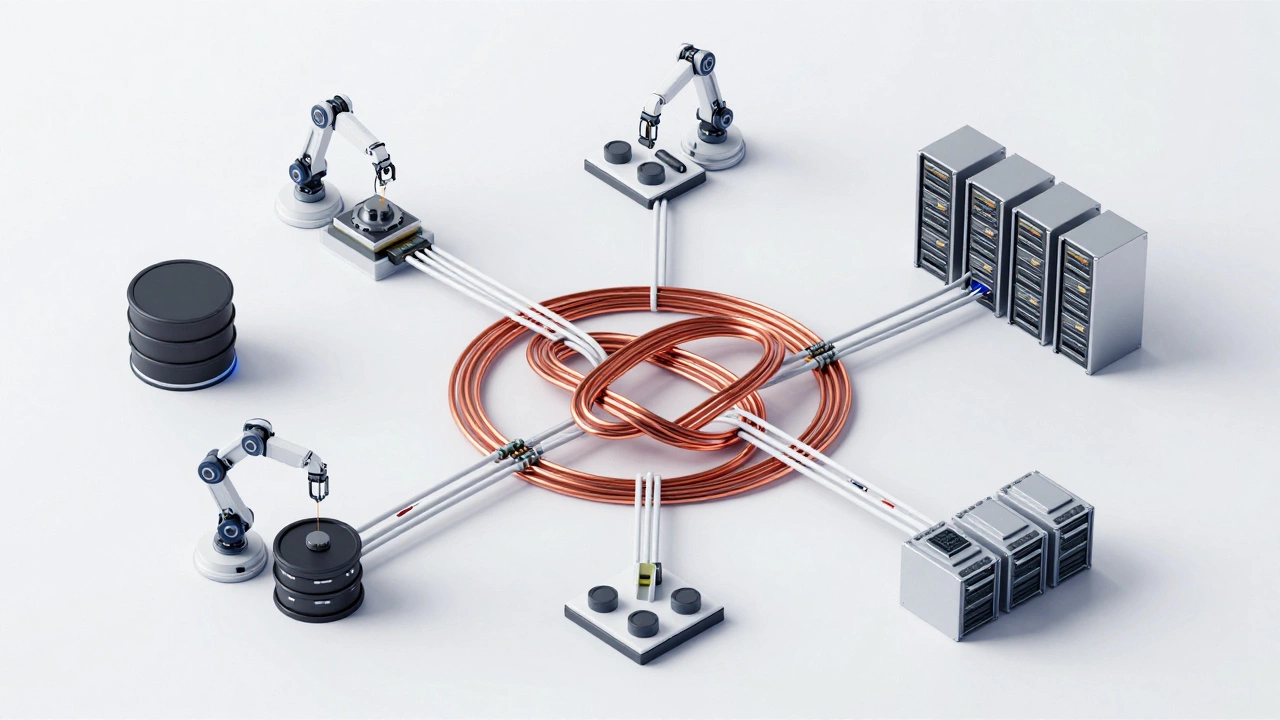
If you’ve decided it’s time to move on, don’t panic. Migration is a process, not an event. Here’s a practical roadmap:
Step 1: Audit Your Dependencies
List every custom module, plugin, and third-party library your app uses. web2py’s proprietary SQL expression language is often the biggest hurdle. You’ll need to map these queries to SQLAlchemy (for Django/Flask) or direct SQL drivers.
Step 2: Choose Your Target Framework
This is the critical decision. Ask yourself:
- Do you need a full-featured admin panel and authentication out of the box? Choose Django.
- Are you building a JSON API for a React/Vue frontend? Choose FastAPI.
- Do you want maximum flexibility and control? Choose Flask is a lightweight WSGI web application framework in Python.
Step 3: Build Parallel Services
Don’t rewrite everything at once. Start by extracting one service-like user authentication or email notifications-into a new microservice using your chosen framework. Use an API gateway to route traffic between the old web2py app and the new service. Gradually shift functionality until the old app is obsolete.
Step 4: Data Migration
Use ETL (Extract, Transform, Load) scripts to move data from web2py’s SQLite/PostgreSQL databases to your new schema. Test thoroughly. Data integrity is non-negotiable.
The Verdict: Not Dead, Just Retired
Think of web2py like a reliable old car. It still runs. It still gets you from point A to point B. But parts are hard to find, mechanics don’t know how to fix it, and it won’t win any races. For new projects in 2026, choosing web2py is like buying a gas-guzzling sedan when electric vehicles offer better performance and lower maintenance. It’s possible, but it’s not smart.
If you’re starting fresh, pick FastAPI for speed and modernity, or Django for robustness. If you’re stuck with web2py, maintain it diligently, but start planning your migration. The window for easy transition is closing. Every day you wait, the gap between your tech stack and industry standards widens.
Is web2py secure in 2026?
Yes, web2py remains relatively secure. The core team continues to issue security patches for vulnerabilities like SQL injection and XSS. However, the lack of community scrutiny means zero-day exploits might take longer to identify compared to larger frameworks like Django. Always keep your installation updated.
Can I use web2py with modern JavaScript frameworks like React?
Technically, yes. web2py can serve JSON APIs that React consumes. However, web2py’s default templating system is tightly coupled with its view engine, making it awkward to decouple. You’ll need to write custom controllers to return pure JSON responses, bypassing the standard HTML rendering pipeline.
What is the best alternative to web2py for beginners?
For beginners, Flask is often recommended due to its simplicity and gentle learning curve. It offers more flexibility than web2py without the steep complexity of Django. Alternatively, Django is great if you want a structured, opinionated framework that handles many decisions for you.
Does web2py support Python 3.12?
As of early 2026, web2py officially supports Python 3.10, 3.11, and 3.12. The core team has done a commendable job keeping up with Python releases, ensuring compatibility with modern language features like pattern matching and improved error messages.
How long does it take to migrate from web2py to Django?
Migration time varies wildly based on app complexity. A simple CRUD application might take 2-4 weeks. A complex enterprise system with custom business logic could take 6-12 months. The biggest time sink is usually refactoring the database models and rewriting the view templates.