Editor vs. Framework Classifier
Select the characteristics that describe the tool you are analyzing to see whether it functions as a Code Editor or a Framework.
(Click multiple options)
Why this classification?
You type "Is VS Code a framework?" into your browser because you've heard the term thrown around in tutorials and job postings. You want to know if Visual Studio Code fits that label so you can understand where it sits in your tech stack. The short answer is no. Visual Studio Code is a lightweight but powerful source code editor developed by Microsoft for Windows, Linux and macOS. It is not a framework.
This confusion happens all the time. Developers mix up tools that help you write code with structures that help you organize it. If you try to use VS Code like a framework, you'll hit a wall fast. Understanding the difference saves you from architectural mistakes before they happen. Let's break down exactly what makes a framework a framework, why VS Code doesn't fit that bill, and how they actually work together.
The Core Difference: Tool vs. Structure
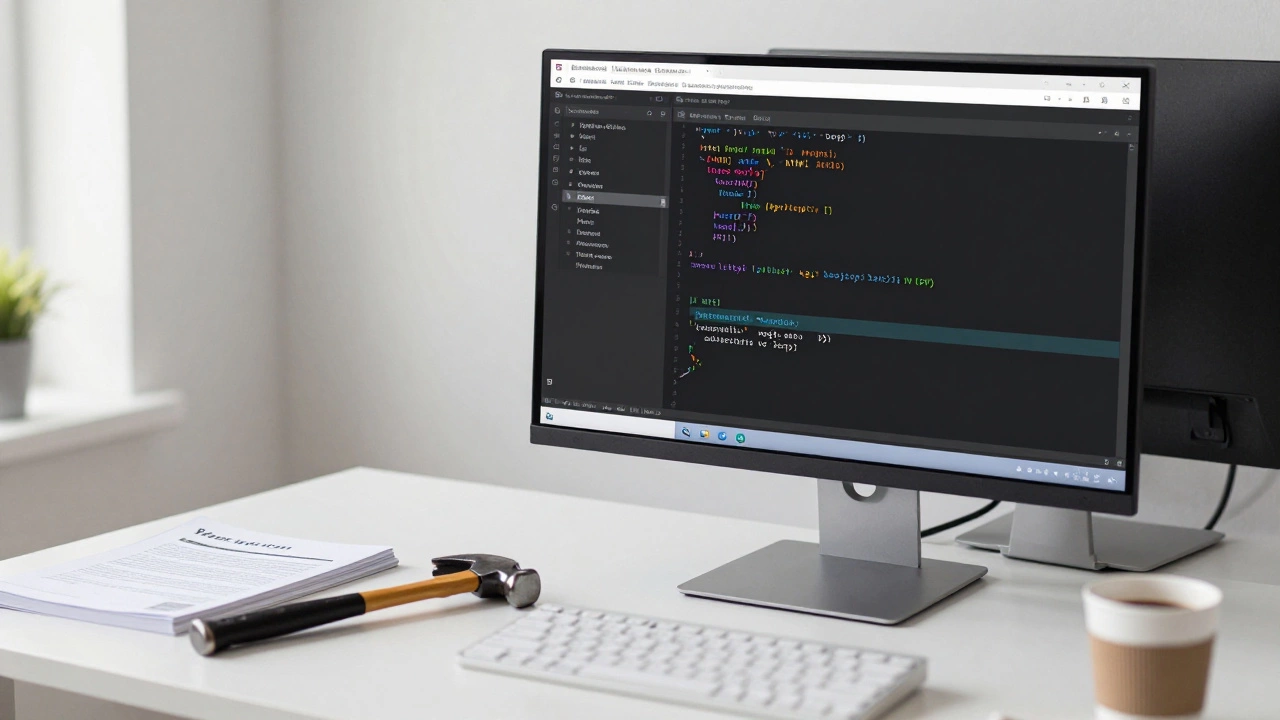
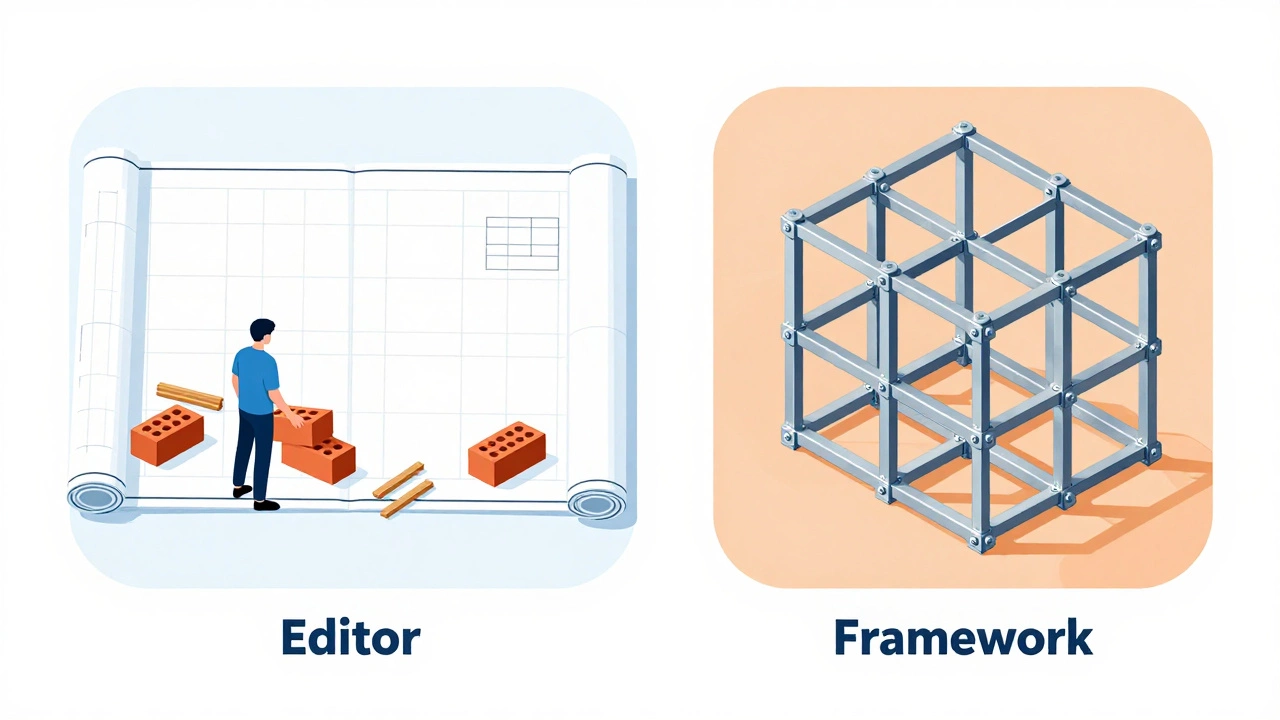
To see why VS Code isn't a framework, you have to look at what each thing does. A code editor is a tool. Think of it like a hammer or a word processor. It provides a space for you to create something. It gives you syntax highlighting, autocomplete, and debugging features. But it doesn't dictate how you build your house. You decide where the walls go.
A framework is different. A framework is a pre-built structure. It dictates how you should organize your code. It forces you to follow certain rules and patterns. When you use a framework, you are filling in the blanks of a template that already exists. This is often called "inversion of control." The framework calls your code, not the other way around.
- Code Editors: Give you freedom. You choose the language, the style, and the architecture.
- Frameworks: Impose constraints. They provide libraries, routing, and data handling models that you must adhere to.
If you open VS Code, you can write plain HTML, raw JavaScript, Python scripts, or Rust binaries. VS Code doesn't care. It just displays the text and helps you find errors. If you open a React project, however, you are bound by React's component model. You can't just write imperative DOM manipulation easily; you have to think in components and state. That constraint is the hallmark of a framework.
What Actually Defines a Web Development Framework?
Let's get specific about what constitutes a framework in web development. A framework provides a foundational layer for building applications. It handles the boring stuff so you can focus on the unique logic of your app. Common characteristics include:
- Pre-defined Architecture: Models like MVC (Model-View-Controller) or MVVM (Model-View-ViewModel) are baked in.
- Routing Systems: Built-in ways to handle URLs and navigation without setting up complex server rules manually.
- Data Handling: ORM (Object-Relational Mapping) systems or standardized API integration methods.
- Security Defaults: Automatic protection against common threats like XSS (Cross-Site Scripting) or CSRF (Cross-Site Request Forgery).
Take React, a JavaScript library for building user interfaces. While technically a library, it acts like a framework in many minds because it enforces a specific way of thinking about UI. Or look at Django, a high-level Python web framework. Django forces you to separate your database models from your views and templates. You cannot ignore this structure. If you try to bypass it, you fight the framework itself.
VS Code has none of these. It has no opinion on whether you use MVC or functional programming. It doesn't manage your database connections. It doesn't secure your API endpoints. It simply helps you write the code that does those things.
Why the Confusion Exists
If VS Code is clearly an editor, why do people call it a framework? There are three main reasons for this mix-up.
1. The Name "Visual Studio"
Microsoft also makes Visual Studio, a comprehensive integrated development environment (IDE). Visual Studio is much heavier and includes more built-in project templates and framework integrations. Because VS Code shares part of the name, beginners often assume they are the same category of software. They are both development environments, but one is a full IDE with deep framework support, and the other is a lean editor.
2. Extensions Mimic Framework Behavior
You can install extensions for VS Code that make it feel like a framework-aware tool. For example, the official Angular Language Service extension understands Angular's template syntax. It highlights errors in your HTML based on TypeScript definitions. It feels like the editor is enforcing rules, but it's just reading the rules defined by the Angular framework. The intelligence comes from the framework's compiler, not the editor itself.
3. Bundled Tools
VS Code comes with a terminal, Git integration, and a debugger. These are essential parts of the development workflow. When you start a new project using a scaffolding tool like Create React App, you might do it inside VS Code. The experience feels seamless. You might think the editor created the structure, but really, you ran a command line tool that generated the files, and VS Code just opened them.
VS Code vs. Other Development Environments
To clarify further, let's compare VS Code to other tools in the ecosystem. This comparison table shows how different tools serve different roles.
| Tool / Concept | Type | Primary Function | Enforces Structure? |
|---|---|---|---|
| Visual Studio Code | Code Editor | Writing and editing code | No |
| React | Library/Framework-like | Building UI components | Yes (Component Model) |
| Django | Backend Framework | Server-side application logic | Yes (MVC/MVT) |
| Node.js | Runtime Environment | Executing JavaScript outside browser | No |
| Webpack | Bundler | Packaging assets for production | Partially (Configuration) |
Notice that Node.js is also not a framework. It's a runtime. You can run any JavaScript code on it. Similarly, VS Code runs any code you write. Neither imposes a structural paradigm on your application logic.
How VS Code Supports Frameworks
Even though VS Code isn't a framework, it is incredibly good at working with them. In fact, its extensibility is why it has become the most popular editor among developers. Here is how it integrates with frameworks like React, Vue, and Angular.
IntelliSense and Autocomplete Debugging Integration Task Runners and Build Scripts Let's address some specific myths that keep this confusion alive. Myth: "If I use VS Code, I don't need a framework." Myth: "VS Code is an IDE, so it must be a framework." Myth: "The VS Code Marketplace sells frameworks." Now that you know VS Code is an editor, you can make better decisions about your tech stack. You pick an editor based on comfort, speed, and extension support. You pick a framework based on your project requirements. If you are building a dynamic single-page application (SPA), you likely need a frontend framework like React, Vue, or Svelte. VS Code is an excellent choice to write this code because of its rich ecosystem of extensions for these specific frameworks. If you are building a backend API, you might choose Node.js with Express, Python with Django, or Go. VS Code works well here too, offering language servers for Python, JavaScript, and Go that provide intelligent suggestions. The key takeaway is separation of concerns. Your editor handles the writing process. Your framework handles the application architecture. Don't expect one to do the job of the other. Yes, absolutely. You can write plain HTML, CSS, and JavaScript files in VS Code without installing any frameworks. Many developers prefer this "vanilla" approach for small projects or learning purposes. VS Code will still provide syntax highlighting and basic error checking. Yes, Visual Studio Code is free and open-source. It is available for Windows, macOS, and Linux. Microsoft offers it at no cost to individuals and companies alike. There is no single "best" framework. It depends on your needs. React, Vue, and Angular have excellent official extensions for VS Code. For backend development, Django (Python) and Express (Node.js) integrate seamlessly. Choose the framework that fits your project goals, not the one that fits the editor best, as VS Code supports almost all of them. Not directly. VS Code can trigger compilation commands (like TypeScript to JavaScript) through task runners, but the actual compilation is done by external tools like the TypeScript compiler (`tsc`) or build bundlers like Webpack. VS Code simply displays the results and errors in its output panel. Confusion arises because modern editors like VS Code are highly integrated with frameworks via extensions. Features like auto-importing components and real-time error checking make the editor feel like it understands the framework's rules. Additionally, naming similarities between products (like Visual Studio and VS Code) contribute to the misunderstanding.
When you type `
You can set breakpoints in VS Code for code running in a browser via Chrome DevTools protocol. You can debug server-side code running on Node.js. This helps you trace issues within your framework's execution flow. For example, you can step through a Redux reducer update to see why state changed unexpectedly. The editor provides the lens; the framework provides the logic.
Most frameworks require a build step. React needs Babel and Webpack. Angular needs its CLI. VS Code allows you to configure tasks to run these commands directly from the interface. You can press a shortcut key to run `npm run build` or `ng serve`. Again, VS Code is just triggering the command. The framework does the heavy lifting of compiling and bundling.
Common Misconceptions About Editors and Frameworks
This is true only for very simple projects. You can write a static website with pure HTML, CSS, and vanilla JavaScript in VS Code. You don't need React or Angular for that. However, as your app grows, managing state and routing becomes chaotic without a framework. VS Code won't save you from spaghetti code. It will just display the spaghetti code nicely.
People often use IDE (Integrated Development Environment) and framework interchangeably. An IDE is a suite of tools: editor, debugger, version control, profiler. VS Code is often called a "lightweight IDE" because of its extensions. But being an IDE doesn't make it a framework. IntelliJ IDEA is a heavy IDE that supports Java frameworks like Spring. IntelliJ doesn't force you to use Spring; it just makes using Spring easier.
The marketplace hosts extensions, themes, and snippets. Some snippets might scaffold out a basic folder structure for a Laravel or Express app. This looks like framework generation, but it's just copying files. The actual framework functionality comes from the packages you install via npm or pip, not from the editor.Choosing the Right Stack: Editor + Framework
Can I use VS Code without any framework?
Is Visual Studio Code free?
What is the best framework to use with VS Code?
Does VS Code compile my code?
Why do some people confuse editors and frameworks?