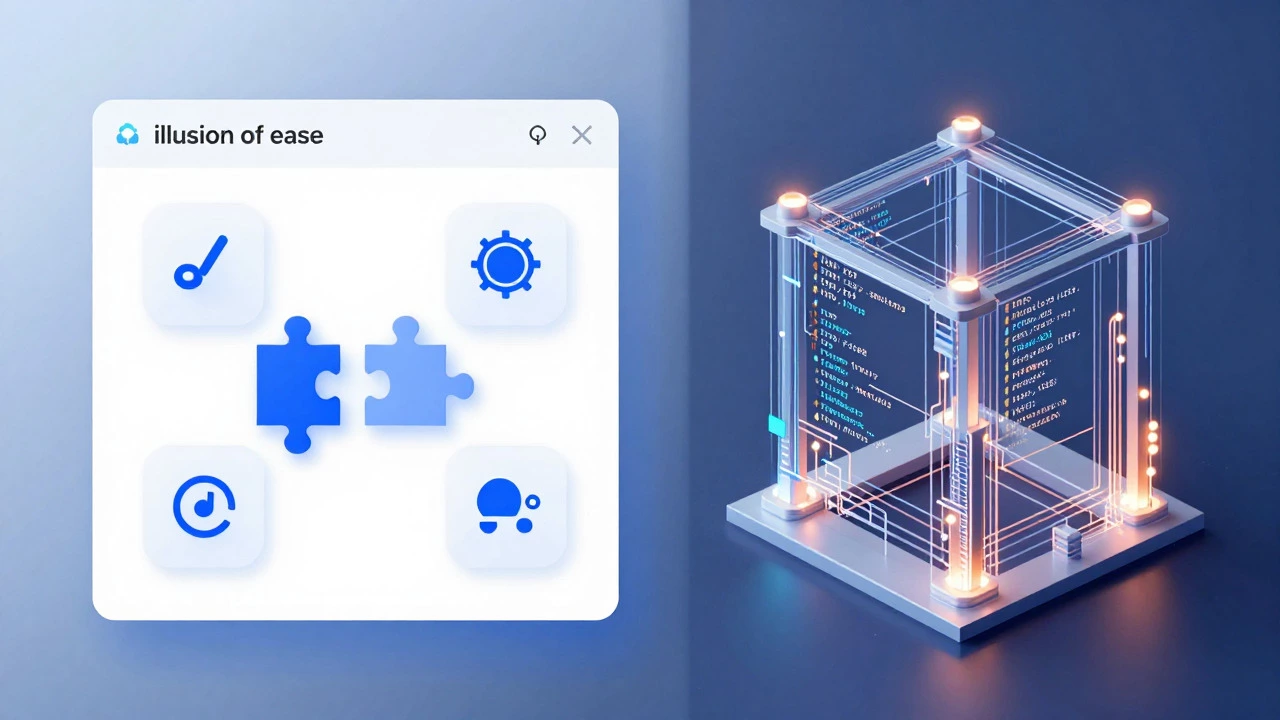
There is a persistent myth in the tech world that WordPress is just for hobbyists or people who don't know how to code. You’ve probably heard it: "If you can drag and drop, you can build a website." This narrative suggests that becoming a WordPress developer is trivial, almost effortless. The reality is far more nuanced. Is it easy? Yes, to start. No, to master. The barrier to entry is incredibly low, but the ceiling for expertise is sky-high.
If you are considering this career path, you need to separate the tool from the craft. Using WordPress as a content management system (CMS) is simple. Building scalable, secure, and high-performance custom solutions with it requires a solid understanding of web fundamentals. Let’s break down what actually makes this role challenging and where the opportunities lie.
The Illusion of Ease: Why Everyone Thinks It's Simple
The perception that WordPress development is easy stems from its market dominance. According to W3Techs, WordPress powers over 40% of all websites on the internet. Because it is so ubiquitous, the community has built a massive ecosystem of plugins and themes that handle complex functionality without writing a single line of code.
You can install a plugin like WooCommerce and have an e-commerce store running in minutes. You can use a page builder like Elementor or Divi to create visually stunning layouts without touching CSS. For a beginner, this feels like magic. It lowers the initial friction significantly compared to frameworks like React or Angular, which require setting up build tools, bundlers, and strict directory structures before you see anything on the screen.
However, relying solely on pre-built solutions creates a fragile foundation. When plugins conflict, when performance tanks due to bloated code, or when security vulnerabilities arise, the "easy" route suddenly becomes a nightmare. This is where the distinction between a "WordPress user" and a "WordPress developer" becomes critical.
The Technical Core: What You Actually Need to Know
To be a competent WordPress developer, you cannot rely on point-and-click interfaces alone. You need a strong grasp of the underlying technologies that power the platform. Here is the realistic skill stack required:
- PHP: WordPress is written in PHP. While modern WordPress allows for JavaScript-heavy interactions, the core logic, theme functions, and most backend operations still rely on PHP. You need to understand object-oriented programming, hooks (actions and filters), and the WordPress API.
- HTML & CSS: These are non-negotiable. You need to structure content semantically and style it responsively. Modern CSS features like Grid and Flexbox are essential for building layouts that work across devices.
- JavaScript: The future of WordPress is heavily tied to JavaScript. With the introduction of the Block Editor (Gutenberg), developers need to know React.js to create custom blocks. Understanding ES6+ syntax, asynchronous programming, and DOM manipulation is crucial.
- SQL & Databases: WordPress stores data in MySQL or MariaDB. While the database abstraction layer handles most queries, optimizing complex queries or debugging slow sites requires direct SQL knowledge.
Learning these languages individually is not easy. Combining them within the context of the WordPress ecosystem adds another layer of complexity. You aren't just learning PHP; you are learning how PHP interacts with the WordPress loop, template hierarchy, and global variables.
| Aspect | WordPress Development | React/Vue/Angular Development |
|---|---|---|
| Initial Setup Time | Minutes (Localhost via LocalWP) | Hours (Node.js, npm, config files) |
| First Visual Result | Immediate (Admin Dashboard) | Delayed (Requires component structure) |
| Language Complexity | Mixed (PHP + JS + HTML/CSS) | Focused (JS/TS + JSX) |
| Job Market Volume | Very High (Small biz to Enterprise) | High (SaaS, Startups, Tech Giants) |
| Performance Optimization | Complex (Plugin bloat, caching) | Standard (Bundle size, hydration) |
The Learning Curve: From Beginner to Pro
The journey to becoming a WordPress developer is not linear. It typically follows three distinct phases, each with its own challenges.
Phase 1: The Theme Customizer. In the beginning, you modify existing themes. You change colors, fonts, and layout options. You might write small snippets of CSS to tweak a button or hide an element. This phase is easy and rewarding because you see immediate results. However, it teaches you very little about how WordPress actually works under the hood.
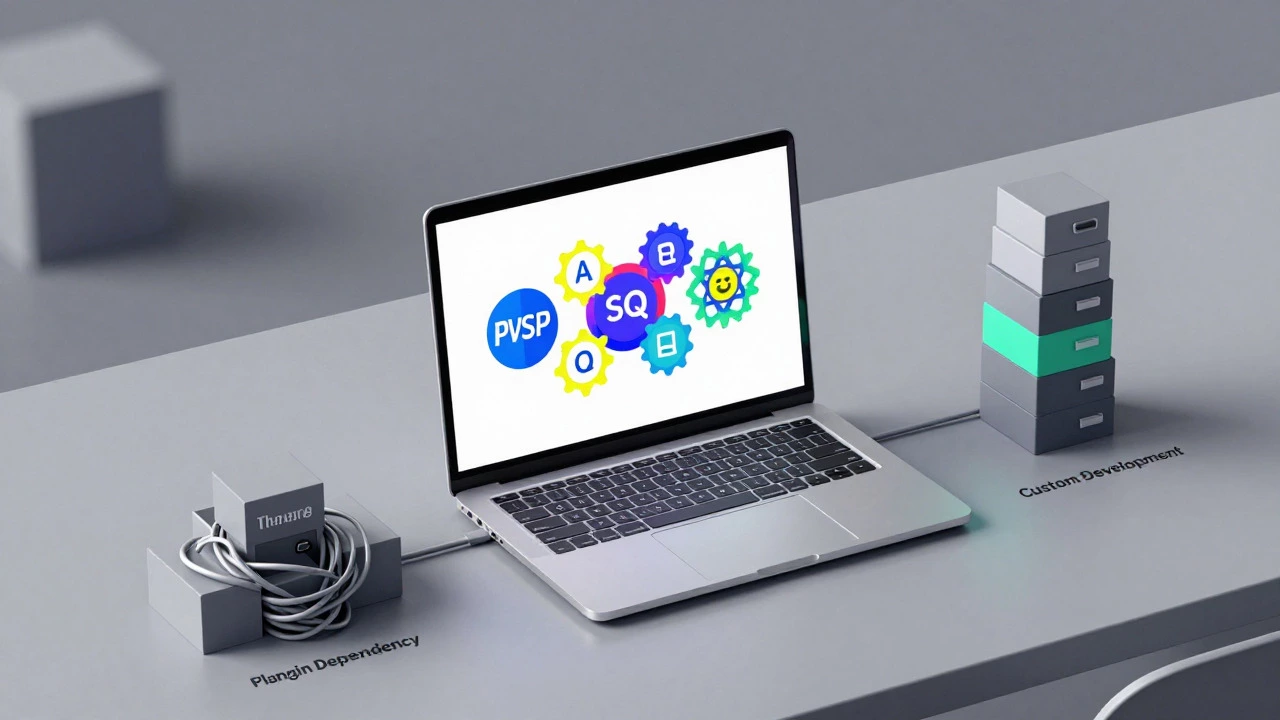
Phase 2: The Plugin Dependency Trap. As your projects grow, you realize that basic customization isn't enough. You start installing plugins for every feature: contact forms, sliders, SEO, security. This is where many developers get stuck. They become "plugin managers" rather than developers. The challenge here is learning when to use a plugin and when to code a custom solution. Over-reliance on plugins leads to slow sites and security risks.
Phase 3: Custom Development. This is the professional tier. You start building custom themes from scratch using starter themes like Underscores or Sage. You write custom PHP functions to register post types, taxonomies, and meta fields. You learn to use the REST API to decouple the frontend from the backend. This phase requires discipline, continuous learning, and a willingness to read documentation. It is not easy, but it is highly lucrative.
Why the Job Market Remains Strong
Despite the rise of headless CMS platforms and no-code builders, the demand for skilled WordPress developers remains robust. Why? Because businesses love WordPress. It gives them control over their content without needing to hire a developer for every text change. This hybrid model-where developers build the structure and clients manage the content-is unique to WordPress.
In 2026, the market is shifting towards specialized roles. Generalist WordPress developers are facing more competition. However, developers who specialize in Headless WordPress architectures, WooCommerce customization, or performance optimization are in short supply. Companies are willing to pay premium rates for developers who can ensure their site loads in under two seconds and converts visitors into customers.
Freelance opportunities are also abundant. Small businesses, local agencies, and non-profits constantly need help maintaining and updating their sites. If you can communicate well and deliver reliable work, finding clients is often easier than in other niches of web development.
Common Pitfalls That Make It Hard
Even though the tools are accessible, several factors make WordPress development difficult for newcomers:
- Legacy Code: Many older WordPress sites are built with outdated coding standards. Refactoring this code while keeping the site live is a significant challenge.
- Security Concerns: Due to its popularity, WordPress is a frequent target for hackers. Developers must stay updated on security best practices, including sanitization, escaping, and nonce verification.
- Performance Issues: Poorly coded plugins and themes can severely impact site speed. Diagnosing and fixing these issues requires deep technical knowledge.
- Constant Updates: WordPress releases major updates regularly. Features like Full Site Editing (FSE) are changing how themes are built. Developers must continuously adapt to new standards.
How to Succeed as a WordPress Developer
If you decide to pursue this path, focus on building a strong foundation rather than chasing quick fixes. Here are actionable steps to accelerate your growth:
- Learn PHP Properly: Don't just copy-paste code. Understand how variables, loops, and functions work. Read the official WordPress Coding Standards.
- Master the Command Line: Learn to use WP-CLI for managing installations, updates, and debugging. It saves hours of manual work.
- Build a Portfolio: Create real-world projects. Volunteer for non-profits or rebuild existing sites to demonstrate your skills. Show before-and-after comparisons of performance improvements.
- Engage with the Community: Attend WordCamps, join Slack communities, and contribute to open-source plugins. Networking is crucial for finding mentorship and job opportunities.
- Specialize Early: Choose a niche such as e-commerce, membership sites, or enterprise-level customizations. Specialization allows you to charge higher rates and stand out from generalists.
Conclusion: Is It Worth It?
Being a WordPress developer is not "easy" in the sense that it requires minimal effort. It demands continuous learning, problem-solving skills, and attention to detail. However, it is one of the most accessible paths into professional web development. The resources are abundant, the community is supportive, and the job market is vast.
If you are willing to dig deeper than the surface level, move beyond plugins, and embrace the underlying technologies, WordPress development offers a stable and rewarding career. It is not about whether it is easy; it is about whether you are committed to mastering the craft.
Do I need to know PHP to be a WordPress developer?
Yes, PHP is essential for serious WordPress development. While you can manage content without it, creating custom themes, plugins, and modifying core functionality requires a solid understanding of PHP. Basic knowledge allows you to customize templates, while advanced knowledge enables you to build complex applications.
How long does it take to become a proficient WordPress developer?
It typically takes 6 to 12 months of consistent practice to become job-ready. This includes learning HTML, CSS, JavaScript, and PHP, along with specific WordPress APIs. Mastery, however, is a continuous process that evolves with new updates and technologies.
Is WordPress development dying in 2026?
No, WordPress is not dying. It continues to power over 40% of the web. While headless CMS trends are growing, WordPress remains the dominant choice for small to medium-sized businesses due to its ease of use and extensive ecosystem. The role is evolving, not disappearing.
Can I earn a good salary as a WordPress developer?
Yes, salaries vary by region and expertise. Entry-level positions may start modestly, but specialized developers focusing on performance, security, or custom plugin development can command high salaries. Freelancers often earn more by leveraging their niche skills.
What is the difference between a WordPress developer and a web developer?
A web developer is a broad term covering anyone who builds websites using various technologies. A WordPress developer specializes specifically in the WordPress ecosystem, including its themes, plugins, and APIs. All WordPress developers are web developers, but not all web developers specialize in WordPress.