
Front-End vs Back-End Path Finder
Unsure where to start your web development journey? Answer these three questions based on the article's advice to find your ideal learning path.
Quick Summary
- Start with Front-End: Visual feedback keeps you motivated. You build things you can see immediately.
- Backend is Harder Initially: Dealing with databases and servers lacks visual cues, making it frustrating for beginners.
- The "Full Stack" Myth: Don't try to learn both at once. Master one side before touching the other.
- Career Reality: Most junior roles are specialized. Pick a lane based on whether you like design (Front-End) or logic/data (Back-End).
- 2026 Context: AI tools handle boilerplate code now. Understanding the architecture matters more than memorizing syntax.
You’re staring at a blank screen, cursor blinking, wondering where to start. Do you learn how to make buttons look pretty and pages scroll smoothly? Or do you dive into the dark depths of servers, databases, and API endpoints? This is the classic dilemma for anyone starting their journey in web development.
I’ve been building websites since the days when Flash was still relevant, and I’ve seen thousands of students get stuck in this exact loop. They buy three different courses, watch five hours of tutorials, and then quit because they don’t know which piece of the puzzle fits where. The truth is, there is no single "right" answer, but there is a much smarter way to approach it based on how your brain works and what kind of job you want.
In this guide, we’ll break down the pros and cons of starting with front-end versus back-end development. We’ll look at the learning curve, the job market in 2026, and help you decide which path actually makes sense for you. No fluff, just practical advice from someone who has made every mistake possible along the way.
What Actually Happens When You Click a Button?
Before picking a side, you need to understand the relationship between the two. Think of a restaurant. The Front-End is the dining room. It’s the decor, the menu layout, the waiter taking your order, and the presentation of the food. It’s everything the customer sees and interacts with. If the chair is uncomfortable or the menu is confusing, the customer leaves, even if the food is great.
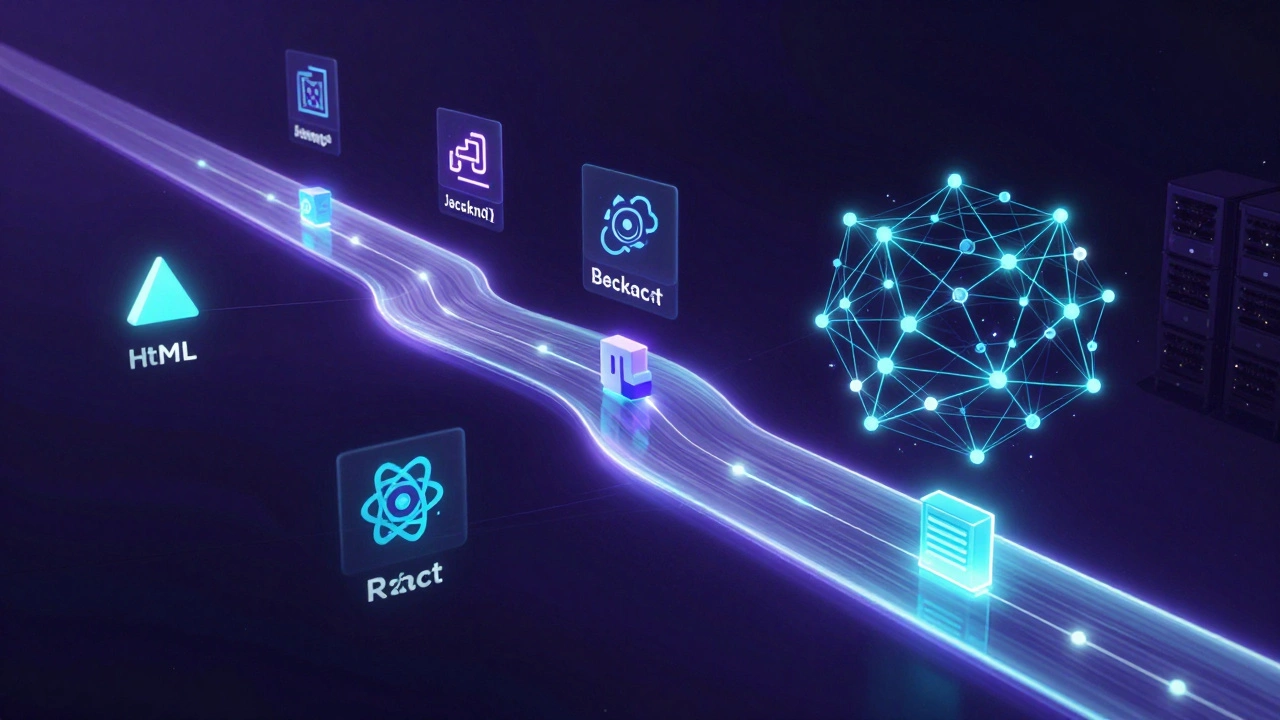
The Back-End is the kitchen. It’s where the chefs cook, the inventory is managed, and the orders are processed. Customers never see it, but if the kitchen catches fire or runs out of ingredients, the whole restaurant shuts down. The front-end sends an order (request) to the back-end, and the back-end sends back the meal (response).
When you click "Sign Up" on a website, here is the flow: 1. Your browser (Front-End) captures your email and password. 2. It sends that data securely to a server (Back-End). 3. The server checks if the email already exists in the database. 4. If it doesn’t, the server saves it and sends a "Success!" message back. 5. Your browser displays a confirmation page.
Understanding this handshake is crucial. You don’t need to be an expert in both to start, but you need to respect how they talk to each other.
The Case for Starting with Front-End Development
Most people recommend starting with front-end, and for good reason. It offers immediate gratification. In the world of software engineering, instant feedback is a powerful teacher.
Visual Results Keep You Motivated When you write HTML and CSS, you change something on the screen instantly. You type `color: red;` and the text turns red. You adjust a margin, and the box moves. This loop of action-and-reward keeps you engaged. Back-end development often involves writing code for hours only to see a terminal window return a cryptic error message or... nothing at all. For a beginner, that silence can feel like failure.
Easier Entry Point You don’t need to set up complex server environments to start learning front-end. You just need a text editor and a browser. Tools like VS Code have live preview features that make debugging intuitive. You can build a portfolio site within a week. That psychological win is huge.
High Demand for UI Skills Even in 2026, companies care deeply about user experience. With AI generating basic layouts, the value has shifted to creating polished, accessible, and interactive interfaces using frameworks like React or Vue.js. Knowing how to make a website feel "good" is a skill that stands out.
The Downside: Front-end can become shallow quickly. Many developers stop at "making it look nice" and struggle when asked to connect their app to real data. If you only know front-end, you’re limited in what you can build independently.
The Case for Starting with Back-End Development
Starting with the back-end is less common, but it’s not without merit. It appeals to a different type of thinker-someone who loves logic, structure, and problem-solving over aesthetics.
Stronger Foundation in Computer Science Back-end development forces you to think about data structures, algorithms, and security. You learn how computers actually work under the hood. Concepts like memory management, concurrency, and database indexing are harder to grasp through front-end work alone. If you come from a math or science background, this might feel more natural.
Less Volatile Technology Stack Front-end trends change rapidly. One year it’s Angular, the next it’s Svelte. Back-end languages like Python, Java, or C# have been around for decades. Their core principles remain stable. Learning Python today will still be relevant ten years from now. This stability can reduce "tutorial hell" fatigue.
Higher Barrier to Entry = Less Competition Because back-end is harder to visualize, fewer beginners stick with it. This means there’s often less competition for junior back-end roles compared to front-end positions, which attract everyone from designers to marketers.
The Downside: The setup is painful. You’ll spend your first month installing Node.js, configuring PostgreSQL, dealing with environment variables, and fixing dependency conflicts. There is no visual reward until the very end. Many beginners quit here because they feel like they’re setting up plumbing instead of building houses.
Comparison: Front-End vs. Back-End for Beginners
| Feature | Front-End First | Back-End First |
|---|---|---|
| Initial Motivation | High (Visual feedback) | Low (Abstract concepts) |
| Learning Curve | Gentle start, steep middle | Steep start, gradual mastery |
| Primary Languages | HTML, CSS, JavaScript | Python, Java, C#, Go |
| Tools Required | Browser, Text Editor | Server, Database, Terminal |
| Job Market (2026) | High volume, high competition | Moderate volume, lower competition |
| AI Impact | High (UI generation) | Moderate (Logic verification) |
How to Decide: A Quick Self-Assessment
If you’re still torn, ask yourself these three questions:
- Do you care about design? If you find yourself tweaking fonts, colors, and spacing in your personal documents, front-end is likely your sweet spot. If you hate design and just want things to "work," skip to the back-end.
- Are you patient with setup? If the idea of configuring a local server environment sounds exhausting, start with front-end. If you enjoy tinkering with system settings and command lines, back-end might suit you.
- What kind of problems do you like solving? Do you prefer solving puzzles related to user behavior and interface flow (Front-End)? Or do you prefer optimizing processes, securing data, and managing resources (Back-End)?
My recommendation? Start with Front-End. Why? Because it teaches you the language of the web (JavaScript) in a forgiving environment. Once you understand how the browser renders content, moving to the back-end becomes easier. You’ll already know what data needs to be sent and received. Trying to go the other way-learning server logic before understanding the client-is like trying to write a letter before learning how to hold a pen.
The Modern Reality: Full-Stack Isn’t Day One
A lot of bootcamps promise to make you "Full-Stack" in 12 weeks. Let’s be honest: that’s marketing speak. In 2026, the tech stack is too vast to master completely in such a short time. True full-stack developers are usually specialists in one area who have expanded their skills over years.
Your goal shouldn’t be to know everything. It should be to know enough to build a complete project. Here is a realistic roadmap:
- Months 1-3: Master HTML, CSS, and vanilla JavaScript. Build static sites. Learn how the DOM works.
- Months 4-6: Pick a framework (React is the safest bet for jobs). Learn component-based architecture.
- Months 7-9: Introduce back-end basics. Learn Node.js or Python. Connect your front-end to a simple API.
- Months 10+: Dive deeper into whichever side excites you more. Specialize.
This phased approach prevents burnout. You stay engaged by seeing results early, then gradually add complexity as your confidence grows.
Common Pitfalls to Avoid
As you start, keep these traps in mind:
1. Tutorial Hell Watching videos isn’t learning. Building is learning. After every tutorial, close the video and try to rebuild the project from scratch without looking. If you get stuck, that’s where the real learning happens.
2. Ignoring Fundamentals Don’t jump into React or Django before understanding plain JavaScript or SQL. Frameworks change; fundamentals don’t. A developer who understands closures and promises in vanilla JS will adapt to any new tool. A developer who only knows React hooks will struggle when the next big thing arrives.
3. Overthinking the Choice The best way to learn is to build. Pick one path, commit to it for three months, and then reassess. You can always switch later. The skills transfer. JavaScript knowledge helps in back-end Node.js. Database knowledge helps in front-end state management.
Final Thoughts
There is no wrong choice, only delayed choices. The biggest mistake beginners make is spending months researching which path to take instead of just picking one and starting. Code something today. Break it. Fix it. Repeat.
If you want quick wins and love visuals, start with front-end. If you love logic and don’t mind abstract thinking, start with back-end. But remember: the line between them is blurring. Modern frameworks like Next.js blur the distinction, allowing you to write code that runs on both the client and the server. By starting with one, you’re laying the foundation for eventually mastering both.
Is it better to learn front-end or back-end for getting a job in 2026?
For most beginners, front-end offers more entry-level opportunities because the barrier to entry is lower and the demand for UI polish remains high. However, back-end roles often pay slightly higher salaries due to the specialized nature of the work. In 2026, many companies are looking for "T-shaped" developers-people who specialize in one area but understand the other. Starting with front-end allows you to demonstrate tangible work samples (portfolios) more easily during interviews.
Can I learn both front-end and back-end at the same time?
Technically yes, but it’s highly discouraged for beginners. Trying to learn JavaScript frameworks, CSS styling, server configuration, and database management simultaneously leads to cognitive overload. It’s better to achieve competence in one domain first. Once you understand how data flows from the server to the browser, learning the second half becomes significantly easier and faster.
Which programming language should I learn first?
JavaScript is the universal language of the web. It runs in the browser (front-end) and on the server via Node.js (back-end). Learning JavaScript first gives you the flexibility to explore either path without switching languages. If you prefer back-end specifically, Python is also an excellent choice due to its readability and massive ecosystem of libraries.
Do I need a computer science degree to choose back-end?
No. While a CS degree provides a strong theoretical foundation, it is not a requirement for most back-end roles. Practical experience with databases, APIs, and server-side languages is often valued more highly by employers. Many successful back-end developers are self-taught or bootcamp graduates who focused heavily on building robust, scalable applications.
How long does it take to become proficient in front-end development?
To reach a job-ready level in front-end development typically takes 6 to 12 months of consistent, dedicated study (15-20 hours per week). This includes mastering HTML/CSS, becoming comfortable with JavaScript, and learning a major framework like React. Proficiency continues to grow on the job, as the front-end landscape evolves constantly.