GoDaddy Free Hosting Calculator
Calculate the true cost of GoDaddy hosting versus free alternatives and budget-friendly options based on your usage needs.
You’ve heard the rumor: GoDaddy gives away free hosting. It sounds too good to be true, doesn’t it? A giant in the industry, offering a place on the internet for zero dollars. But before you rush to sign up expecting a blank check from the provider, we need to clear up a massive misconception. The short answer is no. GoDaddy does not offer traditional, unlimited free web hosting like some smaller, niche providers might.
However, the reality is a bit more nuanced. While they don’t give you a raw server space for free, they do offer a few "free" entry points that can confuse first-time users. Understanding exactly what you get-and what you definitely don’t-is crucial if you want to avoid surprise bills or a website that looks like it was built in 1995.
The Myth of "Free" at GoDaddy
When people ask if GoDaddy provides free hosting, they are usually thinking of one of two things: a free domain name or a free website builder. Let’s break down why these aren’t the same as free hosting.
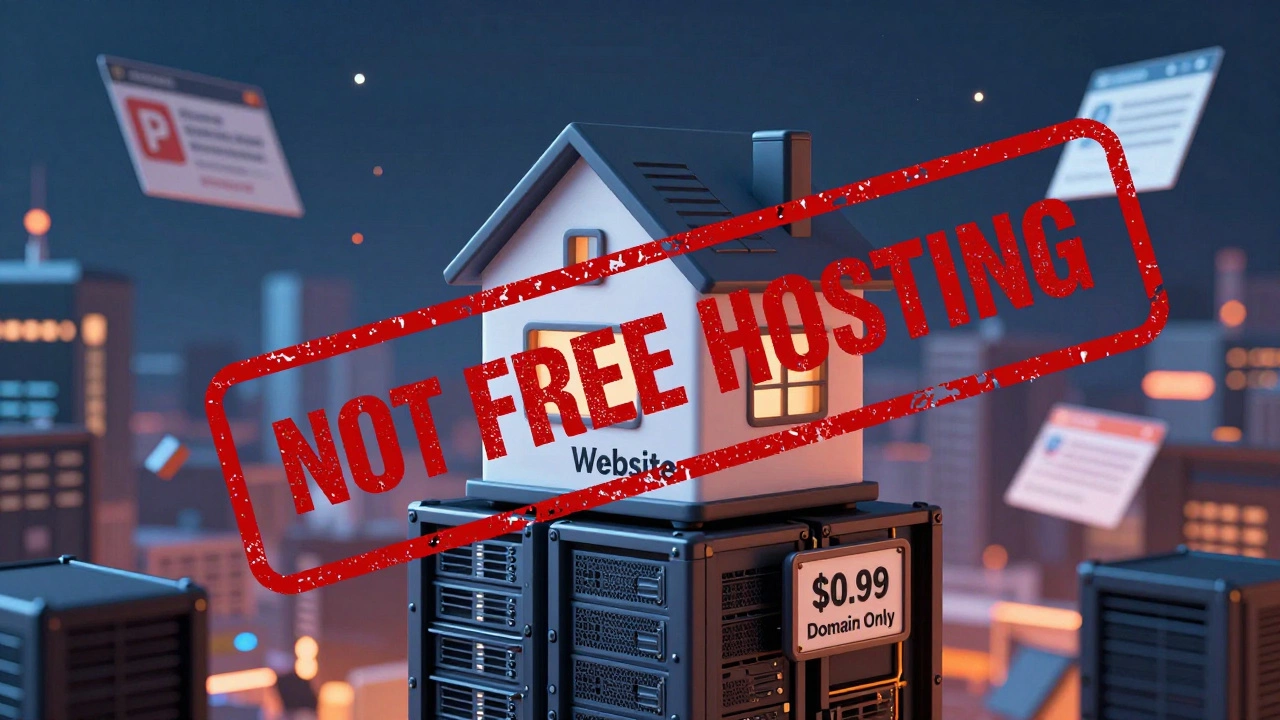
First, there is the famous "$0.99 first year" domain promotion. This is often mistaken for free hosting because it appears prominently in ads. You buy a domain (like yourname.com) for less than a dollar, but that is just the address. It is not the house. You still need a place to put your files. If you only buy the domain, your site will show a generic "parking page" with ads. That isn’t hosting; that’s a placeholder.
Second, there is the GoDaddy Website Builder. This tool allows you to create a simple site without coding. They sometimes offer a limited trial or a very basic plan that feels free because it has no monthly fee upfront-but here is the catch. On the truly free tier of their builder, your URL will look like `yourname.godaddysites.com`. You cannot connect your own custom domain (like `yourname.com`) unless you upgrade to a paid plan. So, while the software is accessible for free, the professional result requires payment.
| Feature | GoDaddy Website Builder (Free Tier) | GoDaddy Basic Web Hosting (Paid) | True Free Hosts (e.g., InfinityFree) |
|---|---|---|---|
| Custom Domain | No (Subdomain only) | Yes (Often included first year) | Yes (If you bring your own) |
| Ads Displayed | Yes (GoDaddy branding) | No | Varies (Often forced) |
| Email Accounts | No | Yes (Usually 1 account) | No |
| WordPress Support | No | Yes (Auto-installer) | Yes (Manual install) |
| Customer Support | Limited/None | 24/7 Chat & Phone | Community Forums Only |
What You Actually Get: The Entry-Level Tiers
If you are looking for a legitimate place to host a WordPress site or a custom HTML project, GoDaddy pushes its "Basic Web Hosting" plan. In 2026, this plan typically starts around $6.99 per month when billed annually. It is not free, but it is affordable for beginners. Here is what that money buys you:
- Storage: You get about 100GB of SSD storage. This is plenty for a small business site, a blog, or even a modest portfolio.
- Bandwidth: Unlimited data transfer. This means if your site gets a sudden spike in traffic, you won’t be cut off immediately.
- Security: Basic SSL certificates are included. This gives you the little padlock icon in the browser bar, which is essential for trust and SEO.
- Backups: Daily backups are automated. If you break your site, you can restore it with one click.
The key takeaway here is reliability. Free hosts often shut down your site if you use too much CPU or memory. GoDaddy’s paid plans guarantee resources. You pay for peace of mind.
Why "Free" Hosting Is Usually a Bad Idea
I know, I know. You want to save every penny. But let me tell you why chasing "free" hosting can cost you more in the long run. I’ve seen too many developers waste weeks trying to fix issues on free platforms.
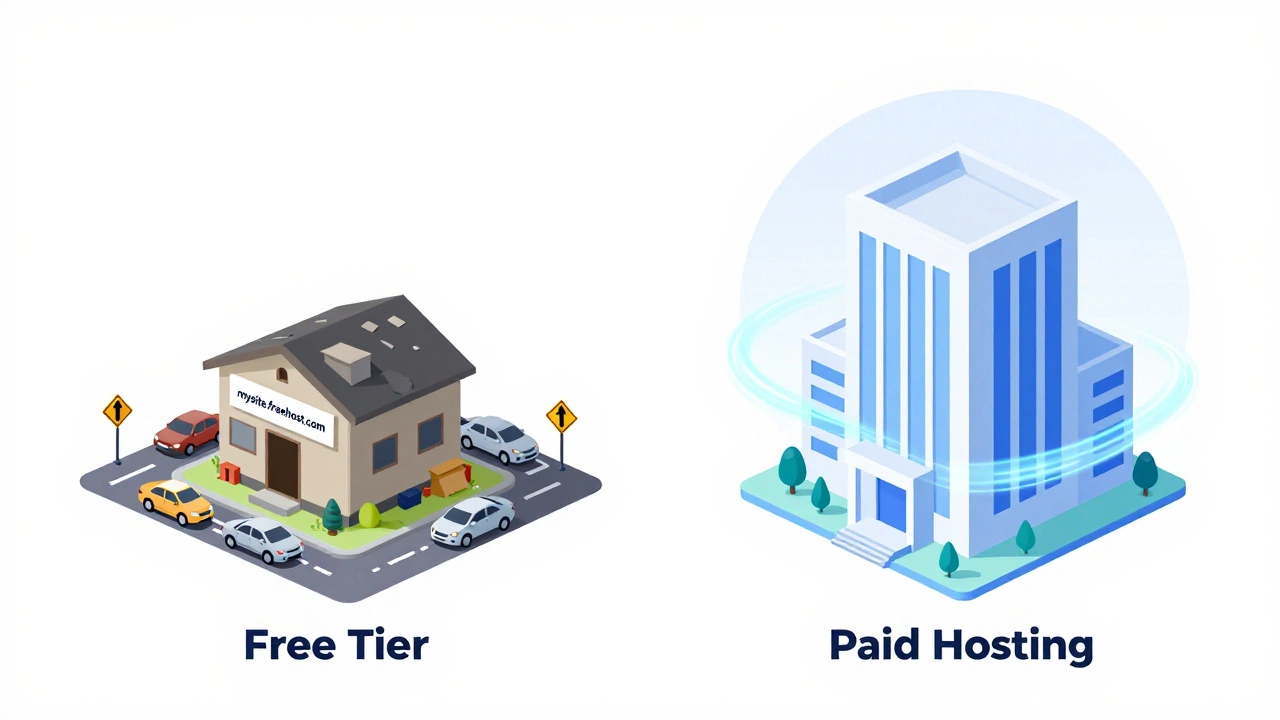
First, there is the issue of speed. Free servers are overcrowded. Imagine trying to drive on a highway where everyone is giving away free rides. Traffic jams are inevitable. Your site will load slowly, and Google penalizes slow sites. If your site takes more than three seconds to load, you lose half your visitors.
Second, security is an afterthought. Free providers rarely invest in firewalls or malware scanning. If your site gets hacked, you are on your own. There is no support team to call. No one to help you clean up the mess. For a personal hobby project, maybe that’s fine. For a business? It’s a disaster waiting to happen.
Third, there is the credibility factor. Having a URL like `mysite.freehosting.net` tells visitors that you are either broke or inexperienced. Neither inspires confidence. A custom domain on a reputable host signals professionalism.
Better Alternatives to GoDaddy for Budget-Conscious Users
If GoDaddy’s prices feel steep, or if you absolutely need a free option for learning purposes, there are better paths than hoping GoDaddy changes its model.
GitHub Pages is fantastic for static sites. If you are building a portfolio using HTML, CSS, and JavaScript, you can host it for free on GitHub. It is fast, secure, and connects easily with custom domains. However, it does not support server-side languages like PHP or databases, so it won’t work for WordPress.
Netlify is another excellent choice for modern web apps. They offer a generous free tier that includes continuous deployment, SSL, and global CDN. It is perfect for React, Vue, or other frontend frameworks. Again, no database support, but for most front-end projects, it is unbeatable.
If you specifically need WordPress, look into Bluehost or SiteGround. While not free, they often have introductory rates lower than GoDaddy’s standard pricing, and they include better customer support and performance optimizations for WordPress out of the box.
Hidden Costs to Watch Out For
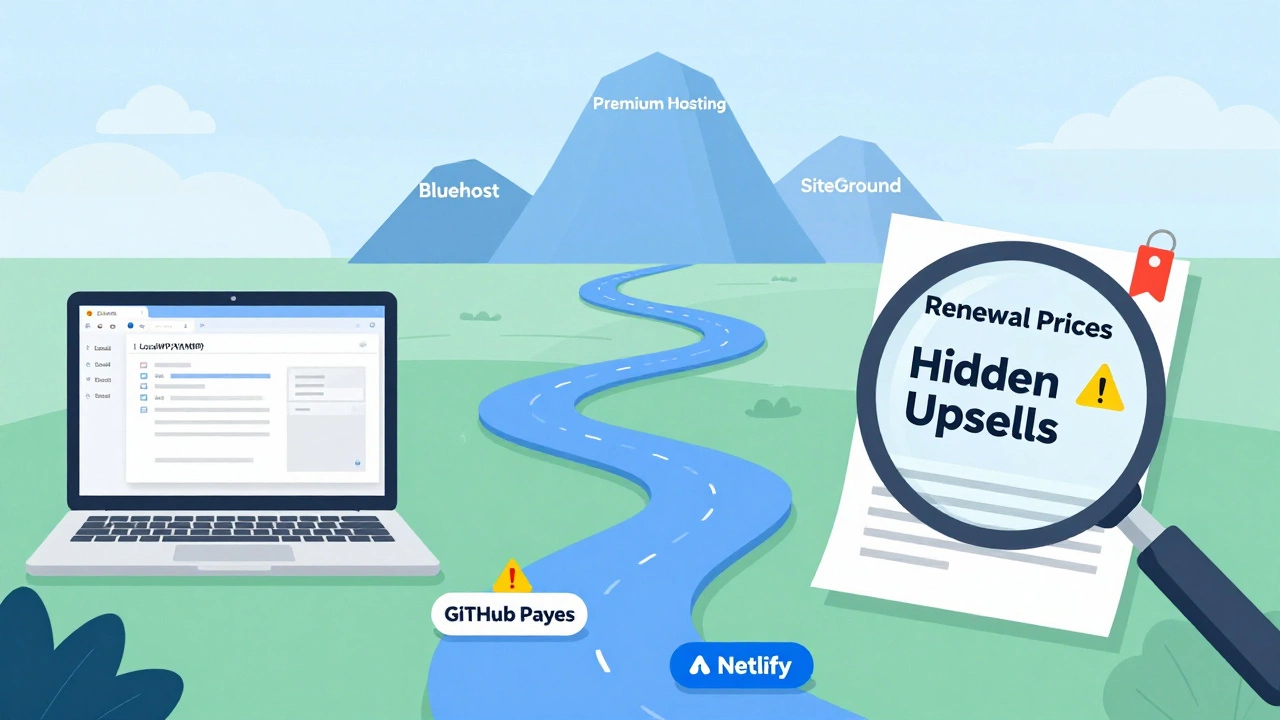
Even when you choose a paid plan, watch out for upsells. During checkout, GoDaddy will try to sell you email marketing, premium themes, and enhanced security packages. These are optional. Do not feel pressured to add them. You can always add them later if you need them.
Also, check the renewal price. Many hosts advertise a low first-year rate (like $2.99/month) but renew at a much higher rate (like $10.99/month). Always look at the "regular price" before you commit. Set a calendar reminder for 11 months from now to decide whether to renew or migrate elsewhere.
How to Start Your Site Without Breaking the Bank
If you are just starting out and budget is tight, here is a practical step-by-step approach:
- Build locally first. Use tools like LocalWP or XAMPP to build your site on your own computer. It is completely free and lets you test everything without worrying about hosting.
- Use a free staging environment. Once you are ready to go live, use Netlify or GitHub Pages if your site is static. It costs nothing and teaches you valuable deployment skills.
- Upgrade when you monetize. Only move to a paid host like GoDaddy, Bluehost, or SiteGround when you start making money or need specific features like PHP and MySQL.
- Buy your domain separately. Consider buying your domain from a registrar like Namecheap or Cloudflare. They often have lower renewal rates than GoDaddy, and you keep control of your address regardless of where you host.
Remember, the goal is not to find the cheapest option. The goal is to find the most reliable option for your current stage. As your site grows, your hosting needs will change. Don’t lock yourself into a bad contract early on.
Is GoDaddy really free for the first month?
No, GoDaddy does not offer a completely free first month for web hosting. They often promote a $0.99 domain name or a discounted first year for hosting plans, but you must pay for the hosting service itself. Any claim of "free hosting" usually refers to a limited trial of their website builder, which restricts custom domains and adds ads.
Can I host a WordPress site for free on GoDaddy?
You cannot host a full WordPress site for free on GoDaddy. Their Website Builder is separate from WordPress. To run WordPress, you need a paid web hosting plan that supports PHP and MySQL. GoDaddy’s cheapest WordPress hosting plans start at a low introductory rate but require annual payment.
What happens if I stop paying for GoDaddy hosting?
If you stop paying, GoDaddy will take your website offline. Your files and databases may be suspended for a grace period (usually 15-30 days), after which they could be deleted. Importantly, if you bought your domain through GoDaddy, ensure you renew it separately or transfer it to another registrar, or you will lose your domain name entirely.
Are there any truly free web hosts available in 2026?
Yes, services like InfinityFree, 000webhost, and GitHub Pages offer free hosting. However, they come with significant limitations such as forced ads, limited storage, no customer support, and slower performance. They are best suited for learning, testing, or very low-traffic personal projects, not for serious businesses.
Is GoDaddy good for beginners?
GoDaddy is user-friendly for beginners due to its intuitive dashboard and 24/7 customer support. However, it can be expensive upon renewal. Beginners should carefully read the terms, avoid unnecessary upsells during checkout, and consider transferring their domain to a cheaper registrar after the first year to save money long-term.