PHP isn’t dead - but some versions of it are. If you’re still running PHP 5.6, 7.0, or even 7.4 on a live site, you’re not just behind the curve. You’re sitting on a ticking time bomb. Outdated PHP versions don’t just slow your site down. They leave it open to hacks, crashes, and compliance failures. And if you’re using WordPress, WooCommerce, or any modern CMS, your plugins and themes might stop working entirely - because they’ve already moved on.
What Does ‘Outdated PHP’ Actually Mean?
When we say PHP is outdated, we mean it’s no longer supported by the official PHP team. That means no more security patches, no bug fixes, and no updates for compatibility with modern libraries. The PHP project releases new versions every year, and each version gets only two years of active support - followed by one more year of security fixes. After that, it’s dead.
For example, PHP 7.4 reached end-of-life on November 28, 2022. That’s over two years ago. If your server still runs it, any new vulnerability discovered in PHP 7.4 won’t be patched. Hackers know this. They scan for servers running unsupported PHP versions because they’re easy targets.
Outdated PHP doesn’t just mean old code. It means your site is unprotected, slower, and incompatible with modern tools. And if you’re paying for hosting, you’re paying for a system that’s already broken.
Which PHP Versions Are Officially Outdated?
As of December 2025, here are the PHP versions that are no longer supported:
- PHP 5.6 - EOL since December 31, 2018
- PHP 7.0 - EOL since December 3, 2018
- PHP 7.1 - EOL since December 1, 2019
- PHP 7.2 - EOL since November 30, 2020
- PHP 7.3 - EOL since December 6, 2021
- PHP 7.4 - EOL since November 28, 2022
- PHP 8.0 - EOL since November 26, 2023
- PHP 8.1 - EOL on November 25, 2024
That leaves only PHP 8.2 and PHP 8.3 as supported versions. PHP 8.4 is expected to launch in late 2025, which will make 8.2 the next version to drop off support.
Here’s the hard truth: if your site runs on PHP 8.1 or lower, you’re already on an unsupported version. No exceptions. No excuses.
Why You Should Never Run Outdated PHP
Security isn’t the only reason to upgrade. Outdated PHP versions hurt performance, break modern code, and make maintenance a nightmare.
Security risks: Every unsupported version has known vulnerabilities. In 2023, over 60% of compromised WordPress sites were running PHP 7.4 or older. These weren’t complex attacks - they were automated bots scanning for outdated PHP and exploiting simple flaws like remote code execution and file upload bugs.
Performance loss: PHP 8.0 introduced the JIT compiler, which made PHP 30-50% faster than PHP 7.4 in many cases. PHP 8.2 and 8.3 added further optimizations. Sites on older PHP versions load slower, use more server resources, and cost more to host.
Compatibility issues: Modern frameworks like Laravel 10+, Symfony 6+, and even WordPress 6.5+ require PHP 8.0 or higher. Many plugins and themes now explicitly block installation on PHP 7.4 or lower. You can’t update your site because your PHP version won’t let you.
Hosting restrictions: Most reputable hosting providers (like SiteGround, DigitalOcean, or Kinsta) no longer offer PHP 7.4 or older on new servers. If you’re on shared hosting with outdated PHP, you’re likely on a legacy plan that’s being phased out. Your host might shut you down without warning.
How to Check Your PHP Version
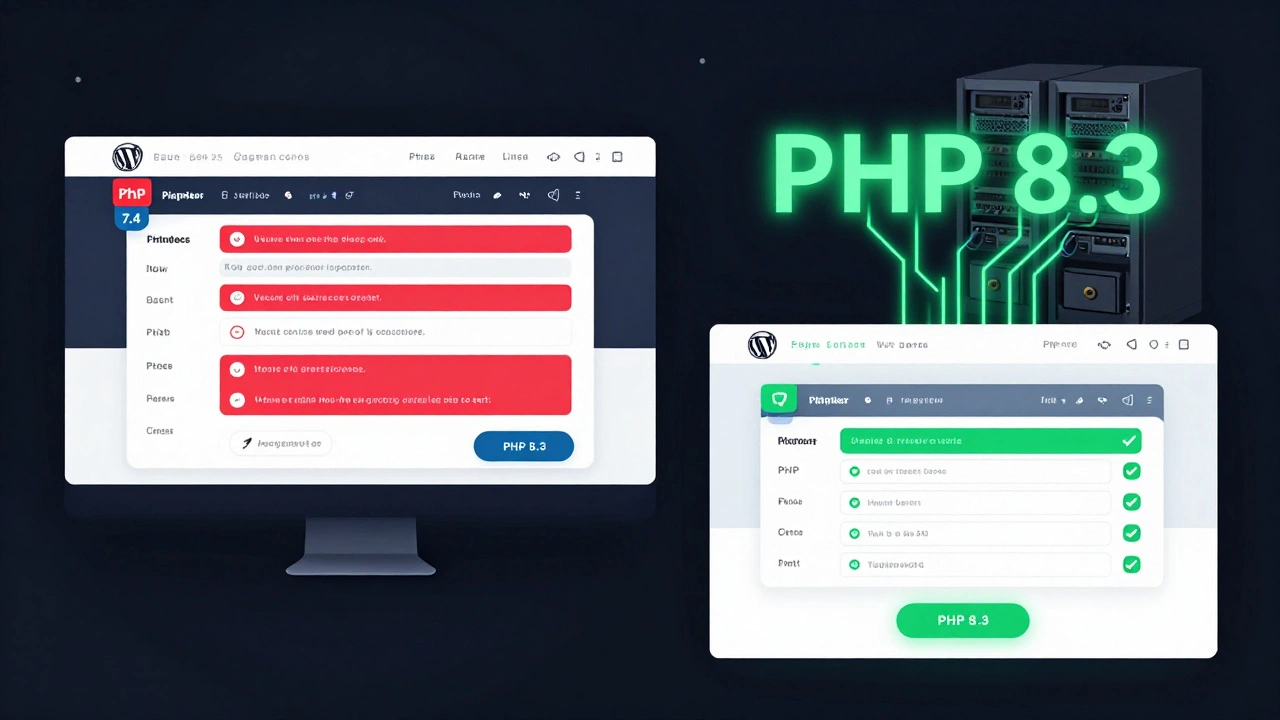
You don’t need to be a developer to check what PHP version you’re running. Here are three easy ways:
- Through your hosting control panel: Log into cPanel, Plesk, or your host’s dashboard. Look for a section called ‘PHP Selector’, ‘PHP Version’, or ‘Software’. Most hosts let you switch versions with a single click.
- Create a PHP info file: In your website’s root folder (usually public_html or www), create a file called
info.php. Add this line:<?php phpinfo(); ?>. Visityourdomain.com/info.phpin your browser. Look for ‘PHP Version’ at the top. Delete the file after checking - it’s a security risk if left online. - Use WP-CLI (for WordPress): If you have SSH access, run
wp cli infoin your WordPress folder. It will show your PHP version along with other system details.
If you see anything below 8.2, you need to act.
What to Do If You’re on Outdated PHP
Upgrading PHP isn’t as scary as it sounds - if you do it right. Here’s how:
- Backup everything: Use your host’s backup tool or a plugin like UpdraftPlus. Save your database and all files. You can’t undo a bad upgrade.
- Test in a staging environment: Most hosts offer a staging site. Clone your live site there and switch the PHP version to 8.2 or 8.3. Check for errors, broken layouts, or plugins that fail to load.
- Update plugins and themes: Go to your WordPress dashboard or CMS and update everything. Outdated plugins are the #1 cause of PHP upgrade failures. If a plugin hasn’t been updated in two years, consider replacing it.
- Switch PHP version: Once your staging site works, switch your live site. Most hosts let you do this with a toggle. Don’t rush - monitor your site for 24 hours after the change.
- Monitor and fix: Use tools like Google Search Console or New Relic to check for errors. If something breaks, roll back to your backup and investigate the cause.
Pro tip: If you’re on shared hosting and can’t upgrade PHP yourself, contact support. Ask them to move you to a server that supports PHP 8.2 or higher. If they can’t or won’t, it’s time to switch hosts.
What’s the Best PHP Version to Use Today?
As of December 2025, PHP 8.3 is the best choice for most websites. It’s stable, fast, and supported until November 2026. It includes improvements like:
- Enhanced type system with union types and readonly classes
- Improved memory usage and faster execution
- Better error messages and debugging tools
- Native support for JSON5 and improved timezone handling
PHP 8.2 is also fine - it’s still supported until December 2025. But if you’re upgrading now, go straight to 8.3. There’s no reason to stop at 8.2 unless you’re stuck with legacy code that hasn’t been tested on 8.3 yet.
Don’t wait for PHP 8.4. It’s not out yet, and even when it is, you’ll need time to test. Get on 8.3 now - it’s the safest, most future-proof choice.
What Happens If You Don’t Upgrade?
Ignoring outdated PHP doesn’t make it go away. It makes things worse.
Your site will:
- Get flagged as insecure by browsers (Chrome and Firefox show warnings)
- Fail PCI compliance if you handle payments
- Be blocked by Google’s search algorithms for security risks
- Stop working when your host disables old PHP versions (they’re doing this now)
- Cost you more in downtime, lost sales, and emergency fixes
One client I worked with in Dublin had a WooCommerce store stuck on PHP 7.4. They ignored warnings for 18 months. Then, their host auto-updated their server - and the site crashed. No backups. No support. Lost $14,000 in sales over 72 hours. They’re still recovering.
This isn’t hypothetical. It’s happening every day.
Final Checklist: Is Your PHP Still Outdated?
Run through this quick checklist right now:
- ✅ What PHP version is my site running? (Check using phpinfo())
- ✅ Is it below 8.2? If yes, upgrade within 7 days.
- ✅ Have I tested the upgrade on a staging site?
- ✅ Are all plugins and themes updated to versions that support PHP 8.2+?
- ✅ Do I have a working backup?
- ✅ Have I contacted my host about PHP support?
If you answered ‘no’ to any of these, your site is at risk. Don’t wait for a hack or a crash. Fix it now.
Is PHP 7.4 still safe to use in 2025?
No. PHP 7.4 reached end-of-life on November 28, 2022. It no longer receives security updates. Running it exposes your site to known vulnerabilities that hackers actively exploit. Any site on PHP 7.4 is considered insecure by modern standards.
Will my WordPress site break if I upgrade PHP?
It might - but only if you’re using outdated plugins or themes. Most modern WordPress installations (version 6.0+) work perfectly on PHP 8.2 or 8.3. The biggest cause of breakage is plugins that haven’t been updated in years. Always test on a staging site first, and update all plugins before upgrading PHP.
Can I downgrade PHP if something breaks after upgrading?
Yes - if you made a backup before upgrading. Most hosting panels let you switch PHP versions back and forth. But downgrading is only a temporary fix. The real solution is fixing the incompatible plugin or theme. Keeping old PHP versions long-term is risky and unsustainable.
How often should I update PHP?
Upgrade PHP every 1-2 years, right after a new stable version is released. PHP 8.0 came out in 2020, 8.1 in 2021, 8.2 in 2022, and 8.3 in 2023. Plan to upgrade within 6 months of a new version’s release to stay ahead of end-of-life dates.
Does PHP 8.3 work with all hosting providers?
Most reputable hosts (SiteGround, Kinsta, Cloudways, DigitalOcean, A2 Hosting) support PHP 8.3. If your current host doesn’t offer it, they’re falling behind. Switching to a modern host is often easier than trying to force old software to work.