
WordPress SQL Command Generator
Generate SQL Command
SQL Command Result
This command will:
Ever wondered how WordPress keeps your posts, comments, and settings alive-even after you shut down your browser? It’s not magic. It’s not cloud fairy dust. It’s SQL. But here’s the twist: you don’t need to write a single line of SQL to run a WordPress site. That’s the beauty of it. But if you’re diving into development, customization, or troubleshooting, knowing what’s under the hood changes everything.
What Actually Powers WordPress?
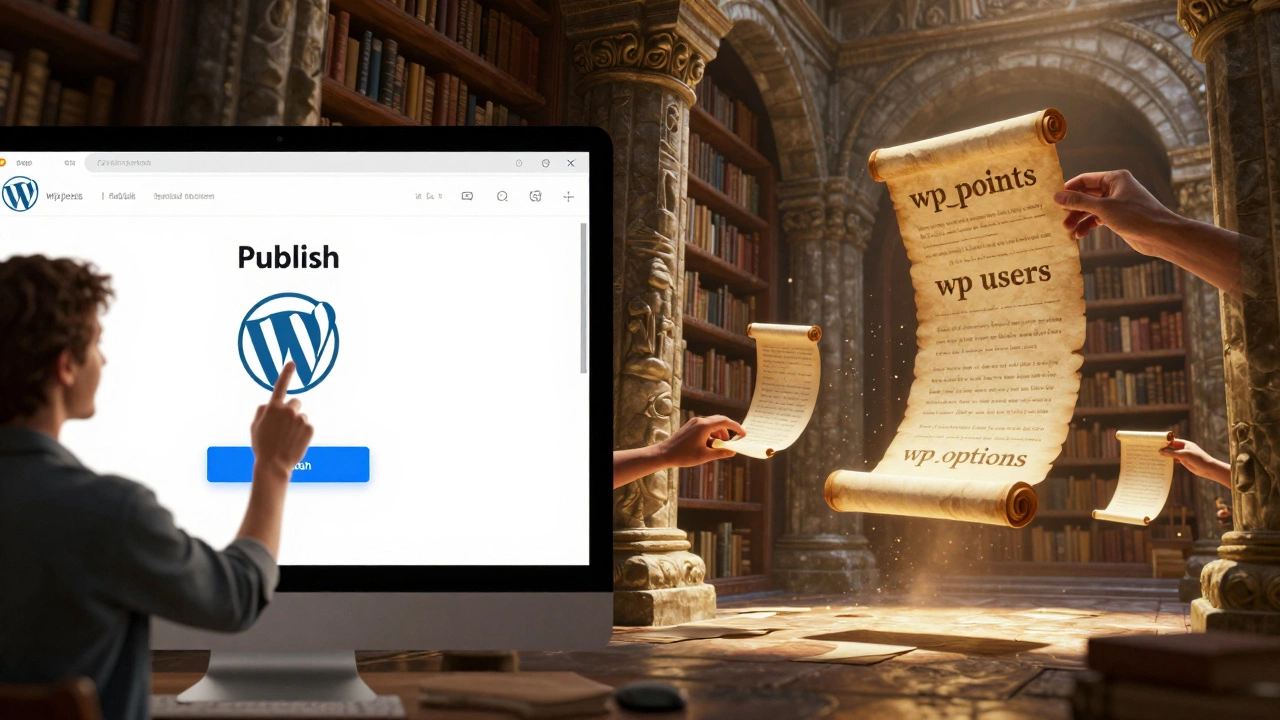
WordPress doesn’t store your content in plain text files or JSON blobs. It uses a relational database. Specifically, it relies on MySQL or MariaDB-both of which speak SQL. That means every blog post, every user profile, every plugin setting, and every comment lives inside tables with rows and columns. You can’t see them unless you look under the hood, but they’re there, ticking away.When you hit "Publish," WordPress doesn’t just save your draft. It sends structured data to the database using PHP. The PHP code talks to the database using SQL commands behind the scenes. You don’t write SQL, but WordPress does-thousands of times a day.
Why SQL? Why Not Something Else?
You might ask: why not use a NoSQL database like MongoDB? Or store everything in files? The answer is simple: WordPress was built in 2003, when relational databases were the gold standard for web apps. MySQL was free, fast, reliable, and widely supported. It still is.Here’s the math: WordPress handles over 43% of all websites on the internet. That’s more than 1.5 billion sites. That kind of scale needs structure. SQL gives you relationships: one user has many posts, one post has many comments, one comment belongs to one user. File-based systems can’t handle that cleanly. NoSQL databases lack the rigid structure WordPress needs for consistent querying.
Plus, MySQL has been around long enough that every shared hosting provider supports it. If WordPress switched to something exotic, half the web would break.
What Tables Does WordPress Actually Use?
If you ever log into your database via phpMyAdmin or Adminer, you’ll see a list of tables. Here are the core ones:- wp_posts - Stores all your posts, pages, and custom post types.
- wp_users - User accounts, usernames, passwords (hashed), and email addresses.
- wp_usermeta - Extra user data like profile pictures, nickname, or custom fields.
- wp_options - Site settings: title, theme, plugins, permalinks, and more.
- wp_comments - All comments, including replies and status.
- wp_term_relationships - Links posts to categories and tags.
- wp_terms - The actual names of categories and tags.
That’s just the start. Plugins and themes add their own tables. WooCommerce? It adds 10+ more. Elementor? A few more. But they all follow the same pattern: SQL tables with defined columns and relationships.
Do You Need to Know SQL to Use WordPress?
No. Not even a little. If you’re just writing posts, uploading images, and clicking "Update," you’ll never see SQL. WordPress hides it all behind a clean admin interface. You change a setting? WordPress runs the right SQL query silently. You delete a comment? It fires a DELETE command without you knowing.Think of it like driving a car. You don’t need to know how the engine works to get from point A to point B. But if you want to fix a leak, upgrade the transmission, or tune performance-you’ll need to get under the hood.

When Do You Actually Need SQL?
Here are real situations where SQL becomes unavoidable:- You accidentally deleted all your posts and need to restore them from a backup.
- Your site is hacked, and spam comments are flooding in-you need to clean them out fast.
- You’re migrating from one domain to another and need to update URLs in the database.
- A plugin is breaking, and the settings are stuck in the wp_options table.
- You’re building a custom dashboard and need to pull data directly from the database.
For example: if you want to delete 500 spam comments at once, you could sit there clicking "Trash" for 10 minutes. Or you could run one SQL command:
DELETE FROM wp_comments WHERE comment_approved = 'spam';That’s it. Done. Faster. Safer. Cleaner.
Or imagine you moved your site from oldsite.com to newsite.com. WordPress stores full URLs in the database. You can’t just change the site address in settings-you’ll break internal links. You need to run a search-and-replace on the database:
UPDATE wp_posts SET post_content = REPLACE(post_content, 'http://oldsite.com', 'http://newsite.com');
UPDATE wp_options SET option_value = REPLACE(option_value, 'http://oldsite.com', 'http://newsite.com');
That’s not a plugin feature. That’s SQL.
What Happens If You Don’t Use SQL?
You can’t avoid it. WordPress can’t run without a SQL-compatible database. If you try to install WordPress on a server without MySQL or MariaDB, the installer will stop and say: "Your server doesn’t meet the requirements." No exceptions.Even if you use a managed WordPress host like WP Engine or Kinsta, they’re still running MySQL under the hood. You just don’t see it. Same with cloud platforms like Pantheon or Flywheel. SQL is non-negotiable.
Can You Replace MySQL with Another Database?
Technically, yes-but not easily. There are plugins like WordPress on PostgreSQL or WP SQLite that attempt to swap out MySQL. But they’re experimental. Most themes and plugins assume MySQL exists. They use MySQL-specific functions, syntax, or optimizations.For example, WordPress uses LIKE queries with wildcards, full-text search, and JOINs-all optimized for MySQL. Switch to SQLite? You might break search, menus, or custom post type filters. Switch to PostgreSQL? You’ll likely need to rewrite parts of core WordPress functions.
Bottom line: unless you’re a developer building a custom CMS from scratch, stick with MySQL or MariaDB. It’s the standard for a reason.
How to Access WordPress’s SQL Database
If you need to run SQL commands, here’s how:- Log into your hosting control panel (cPanel, Plesk, etc.).
- Find "phpMyAdmin" or "Adminer" (some hosts call it "Database Manager").
- Select your WordPress database (usually named something like
yourname_wp). - Click the "SQL" tab.
- Type your query and hit "Go".
Always backup first. One typo in SQL can wipe out your entire site. Use plugins like UpdraftPlus or All-in-One WP Migration to create backups before you touch the database.
SQL Isn’t the Enemy-Ignorance Is
A lot of people fear SQL because they think it’s complicated. It’s not. Basic SQL is just English with structure:SELECT= "Get me this data."INSERT= "Add this record."UPDATE= "Change this value."DELETE= "Remove this item."
You don’t need to memorize 50 commands. Learn 5. Practice them on a test site. That’s all it takes to handle 90% of WordPress database issues.
And if you’re not ready to write SQL yet? Use plugins. Plugins like Better Search Replace or WP CLI can handle common tasks without touching the database directly. But knowing SQL means you can do it faster, safer, and without waiting for a plugin update.
Final Answer: Does WordPress Require SQL?
Yes. Absolutely. Without SQL, WordPress can’t function. It’s the foundation. But you don’t need to know it to use WordPress. Just like you don’t need to know how a car’s fuel injection system works to drive to work.But if you’re a developer, site owner, or anyone who cares about control, speed, or fixing problems-SQL isn’t optional. It’s power. And once you understand it, you’ll never look at WordPress the same way again.
Do I need to learn SQL to use WordPress?
No. You don’t need to learn SQL to write posts, upload images, or customize themes using the WordPress dashboard. WordPress handles all database interactions automatically. You only need SQL if you’re troubleshooting, migrating, cleaning spam, or building custom features that require direct database access.
Can WordPress run without MySQL?
Not officially. WordPress requires a MySQL or MariaDB database to install and run. While experimental plugins exist to use SQLite or PostgreSQL, they’re unstable and break many themes and plugins. For reliable performance, stick with MySQL or MariaDB.
Is SQL the same as PHP in WordPress?
No. PHP is the programming language that powers WordPress’s logic-like handling form submissions or loading templates. SQL is the language used to talk to the database. PHP writes SQL queries behind the scenes. Think of PHP as the chef and SQL as the recipe book.
What happens if I delete the WordPress database?
Your entire site disappears-posts, pages, users, comments, settings. Everything stored in the database is gone. You’ll see a white screen or a database connection error. Recovery is only possible if you have a backup. Always backup before making changes to your database.
Can I use SQLite instead of MySQL for WordPress?
Technically, yes-with plugins like "WP SQLite" or "WP on SQLite," but it’s not recommended for production sites. Many plugins and themes rely on MySQL-specific features like full-text search or complex JOINs. SQLite lacks those, so your site may break in unexpected ways. Stick with MySQL unless you’re testing locally.