
JavaScript Knowledge Check
Loading question...
You’ve probably heard the mixed signals. Some developers swear that JavaScript is the most frustrating language ever created, while others claim it’s the easiest way to start a career in tech. So, is JavaScript actually hard to learn? The short answer is: it depends on what you’re trying to do with it.
If your goal is to make a button change color when clicked or build a simple landing page, JavaScript is incredibly accessible. You can see results in minutes. But if you want to build complex applications like Spotify or Airbnb, the learning curve gets steep fast. This guide cuts through the noise to give you a realistic look at the challenges, the tools, and the roadmap you need to follow in 2026.
The "Easy Start" Trap
One of the biggest misconceptions about JavaScript is that because it runs in your browser, it must be simple. When you first open your code editor and type `console.log('Hello World')`, it feels magical. You hit refresh, and there it is. This immediate feedback loop is why many people say JavaScript is easy to pick up.
However, this ease is deceptive. JavaScript was designed to be quick to write, not necessarily robust or strictly logical. Unlike languages like Java or C#, which force you to define types and structures upfront, JavaScript lets you get away with sloppy habits early on. It allows variables to change from numbers to strings without warning. While this flexibility is powerful, it creates hidden bugs that are notoriously difficult to track down later.
This phenomenon is often called the "easy to learn, hard to master" paradox. You might spend two weeks feeling like a genius because you built a to-do list app. Then, three months later, you’ll stare at a piece of code involving asynchronous data fetching and feel completely lost. Understanding this gap between beginner success and intermediate struggle is crucial for managing your expectations.
Core Concepts That Actually Trip People Up
To understand where the difficulty lies, we need to look at specific concepts. These aren't just abstract ideas; they are the hurdles every developer faces.
- Asynchronous Programming: In traditional programming, line 1 happens, then line 2, then line 3. In JavaScript, especially when dealing with servers or user inputs, things happen out of order. You send a request to a database, but you don't know when the answer will come back. Managing this flow using Promises and async/await is one of the hardest mental shifts for beginners.
- The 'this' Keyword: In many languages, `this` refers to the current object. In JavaScript, `this` changes depending on how a function is called. It can refer to the global window, an element, or nothing at all. This inconsistency leads to some of the most common errors for new coders.
- Scope and Closures: Understanding where a variable lives and dies in your code (scope) and how functions remember their birthplace (closures) requires a deep understanding of the execution context. It’s not intuitive until you’ve debugged enough issues to internalize it.
These concepts aren't impossible, but they require unlearning the linear thinking patterns we use in daily life. You have to start thinking in terms of states, events, and callbacks rather than just step-by-step instructions.

The Ecosystem Overload
Learning the language itself is only half the battle. The real challenge in 2026 isn't just JavaScript syntax; it's the surrounding ecosystem. If you search for "how to build a website," you won't just find HTML and CSS. You’ll be bombarded with frameworks, libraries, and tools that seem mandatory.
| Layer | Difficulty Level | Key Tools | Purpose |
|---|---|---|---|
| Vanilla JS | Medium | Browser Console, VS Code | Core logic and DOM manipulation |
| Frameworks | High | React, Vue, Angular | Building scalable UI components |
| Build Tools | Very High | Vite, Webpack, Node.js | Bundling, compiling, and server-side runtime |
| Type Systems | Medium-High | TypeScript | Adding strict structure to JavaScript |
In 2026, TypeScript is a superset of JavaScript that adds static typing has become the industry standard for professional development. Most job postings don't just ask for JavaScript; they demand TypeScript. This means you aren't just learning one language; you're learning JavaScript, then learning how to constrain it with TypeScript rules. On top of that, you need to understand how to set up a project using tools like Vite or Next.js.
This "tool fatigue" is where most beginners quit. They haven't failed at coding; they've been overwhelmed by configuration files, package managers like npm, and terminal commands that look like alien hieroglyphics. Remember: these tools exist to help you, but they add friction to the learning process.
Why JavaScript Is Still Worth It
Despite the complexity, JavaScript remains the undisputed king of web development. Here’s why you should push through the initial frustration:
- Ubiquity: Every major website uses JavaScript. From Netflix to GitHub, the interactivity you rely on is powered by it. There is no other language with this level of universal support across browsers and devices.
- Full-Stack Potential: With Node.js is a runtime environment that executes JavaScript outside the browser, you can use the same language for both the front end (what users see) and the back end (server logic). This reduces context switching and allows you to build complete applications alone.
- Job Market Demand: Even in 2026, entry-level positions requiring JavaScript skills outnumber those for almost any other language. Companies are constantly looking for developers who can maintain and expand their digital products.
- Community Support: Because so many people learn JavaScript, the community is massive. If you encounter an error, someone else has likely posted the solution on Stack Overflow or GitHub within the last hour.
The barrier to entry is low, but the ceiling is high. You can start building simple projects today and still be learning advanced architectural patterns five years from now. This longevity makes it a safe investment of your time.
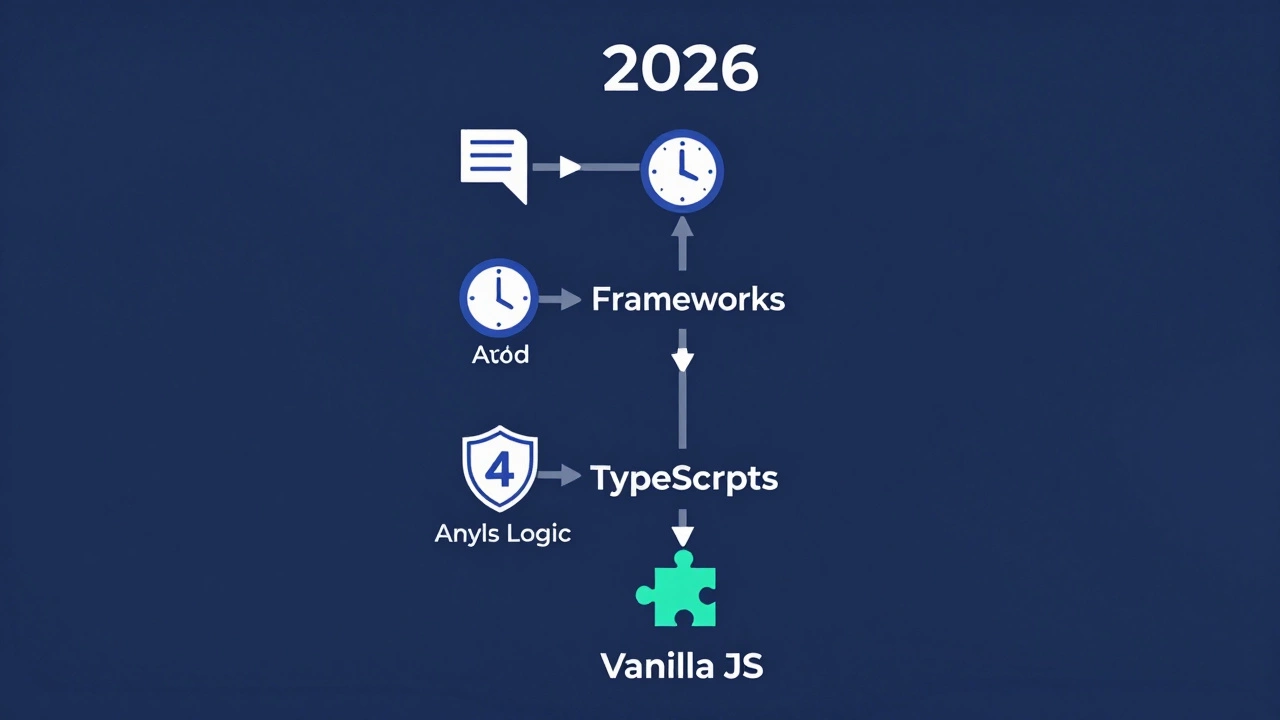
A Realistic Roadmap for 2026
To avoid burnout, structure your learning in phases. Don't try to learn React before you understand how a variable works. Follow this sequence:
Phase 1: The Basics (Weeks 1-4)
Focus purely on vanilla JavaScript. Ignore frameworks. Learn variables, data types, loops, functions, and basic DOM manipulation. Build small scripts that respond to clicks or input changes. Use resources like freeCodeCamp or MDN Web Docs, which provide clear, unbiased documentation.
Phase 2: Asynchronous Logic (Weeks 5-8)
Dive into APIs. Learn how to fetch data from a server and display it on your page. Understand Promises and async/await. This phase is critical because modern web apps are essentially data displays. If you can’t handle data asynchronously, you can’t build modern apps.
Phase 3: Modern Tooling & TypeScript (Months 3-4)
Introduce TypeScript. Start by adding types to your existing JavaScript projects. Learn why interfaces matter and how they prevent bugs. Simultaneously, learn how to set up a project with Vite. Understand what bundling does and why you need a package manager like npm.
Phase 4: Frameworks (Month 5+)
Now pick one framework. React is the most popular, but Vue or Svelte are also excellent choices. Stick to one. Don't jump between them. Build a few substantial projects-a weather app, a task manager, a simple e-commerce store-to solidify your knowledge.
Common Pitfalls to Avoid
Many learners stall because they fall into predictable traps. Watch out for these:
- Tutorial Hell: Watching video after video without typing code yourself. You might feel like you’re learning, but you’re just consuming information. Build something broken, then fix it. That’s where real learning happens.
- Skipping Fundamentals: Jumping straight into React because it looks cool. Without a strong grasp of core JavaScript, framework concepts will confuse you. You’ll memorize syntax instead of understanding logic.
- Perfectionism: Trying to write perfect code on the first try. Good code comes from refactoring. Write ugly code that works, then clean it up. Iteration is key.
Remember, every expert was once a beginner who didn't quit. The difficulty of JavaScript is real, but it’s manageable if you break it down into digestible chunks and focus on practical application over theoretical perfection.
How long does it take to learn JavaScript?
It takes about 3-6 months of consistent practice (10-15 hours per week) to reach a junior developer level. However, mastery is a continuous process. You can build simple projects in a few weeks, but understanding advanced concepts like closures and asynchronous patterns may take several months.
Is JavaScript harder than Python?
Python is generally considered easier for beginners due to its clean syntax and strict indentation rules. JavaScript has more quirks and inconsistencies, especially with asynchronous programming and the 'this' keyword. However, JavaScript offers more immediate visual feedback in web development, which can be motivating for some learners.
Do I need to learn TypeScript?
Yes, especially if you want to work professionally in 2026. Most large-scale applications use TypeScript to catch errors early and improve code maintainability. It builds directly on JavaScript, so learning it after mastering the basics is a natural next step.
Can I learn JavaScript without knowing HTML and CSS?
Technically yes, but it’s not recommended. JavaScript manipulates the Document Object Model (DOM), which is built from HTML and styled with CSS. Without understanding these foundations, JavaScript concepts like event listeners and DOM selection will make little sense.
What is the best resource to start learning JavaScript?
MDN Web Docs (Mozilla Developer Network) is widely regarded as the most accurate and comprehensive reference. For interactive learning, freeCodeCamp and Codecademy offer structured paths. For deeper conceptual understanding, books like "Eloquent JavaScript" or courses by Wes Bos are highly recommended.