Website Hosting Cost Calculator
Choose Your Website Type
Hosting Options
Shared Hosting
Best for personal blogs, portfolios, and small business sites.
Cost: $2-$5/month
Includes: Basic setup, 99.9% uptime guarantee, 24/7 support
Managed WordPress
Optimized for WordPress sites with automatic updates and security.
Cost: $10-$20/month
Includes: WordPress-specific optimization, automatic backups
Shopify or WooCommerce
For e-commerce sites with product management features.
Cost: $25-$50/month
Includes: Payment processing, product management
Cloud or VPS
For high-traffic sites needing scalability and resources.
Cost: $50-$200+/month
Includes: Custom resource allocation, high performance
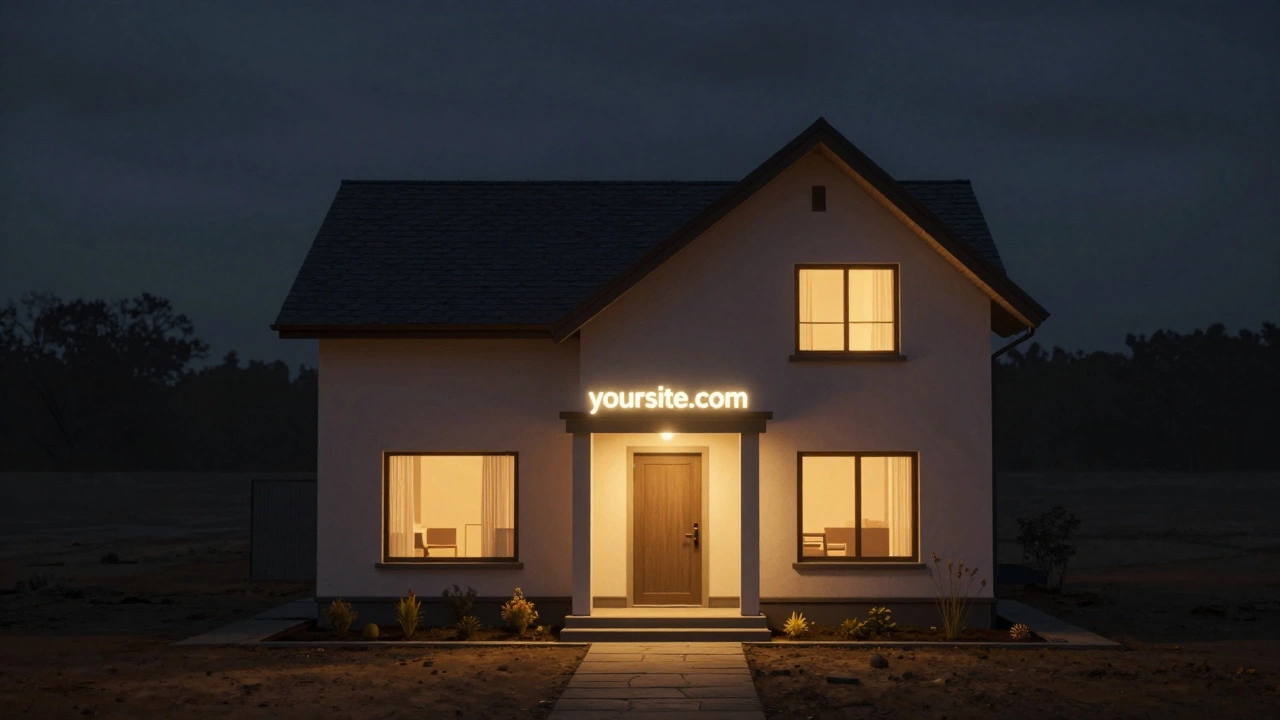
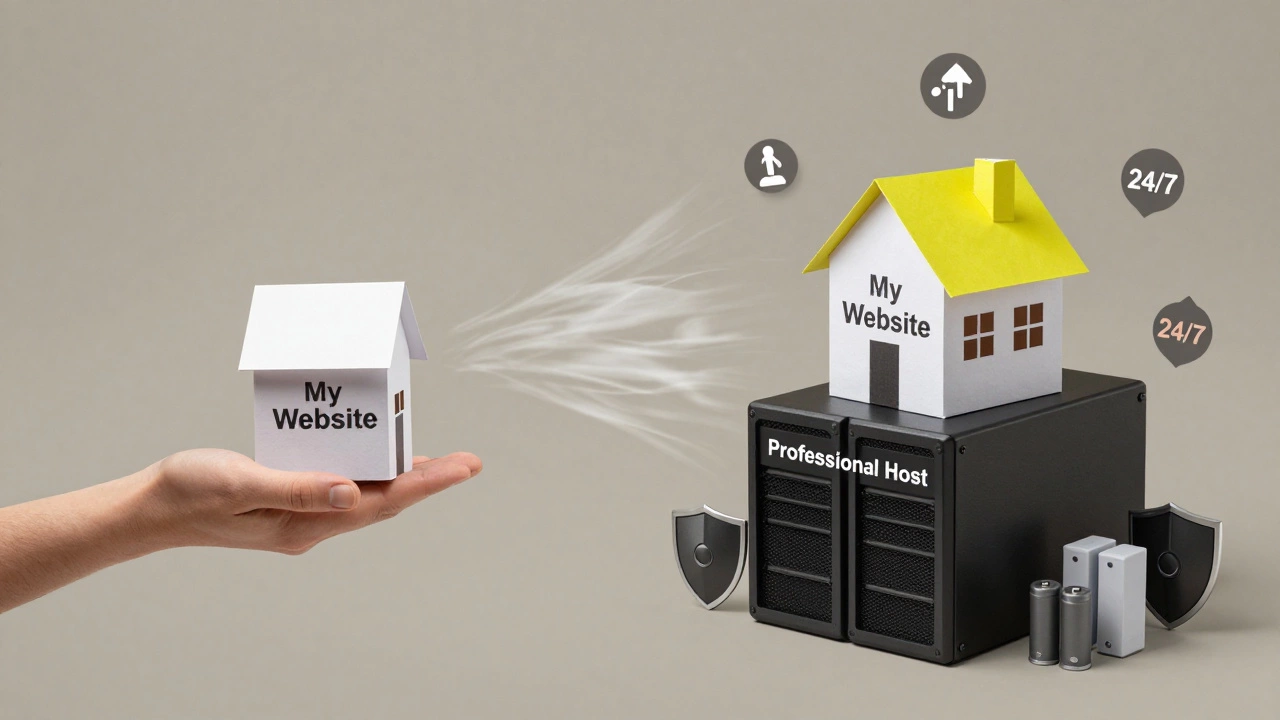
Think of your website like a house. You can design it, build it, and fill it with everything you want-but if you don’t put it on land, no one can visit. That land? That’s your web host. If you’re asking, Do I need a host for my website?, the answer isn’t complicated: yes, you do. Unless you’re running your site from your own computer in your basement (and even then, it’s not practical), you need a host.
What Exactly Is a Web Host?
A web host is a company that owns powerful computers called servers. These servers store your website’s files-HTML, images, videos, code-and serve them to people when they type your website address into their browser. Without a server, your website has nowhere to live. It’s like writing a letter and never putting it in an envelope or mailing it. No one will ever read it.
Most people don’t realize that when you buy a domain name-like yoursite.com-you’re only paying for the address. Think of it like a street name. The host is the actual house at that address. You need both. One without the other is useless.
Can’t I Just Use My Own Computer?
You technically can. You can install web server software like Apache or Nginx on your home PC, point your domain to your home IP address, and call it a day. But here’s what happens next:
- Your site goes offline every time your computer shuts down or loses power.
- Your internet connection isn’t built for 24/7 traffic. If your neighbor starts streaming 4K videos, your site slows to a crawl-or crashes.
- Your home IP address changes often. Most ISPs don’t give you a static IP, so your site’s address keeps changing.
- You’re vulnerable. Home networks aren’t secured like professional data centers. One bad download, and your site gets hacked.
Professional hosts use enterprise-grade hardware, backup power systems, cooling, and security monitoring. They guarantee 99.9% uptime. Your home router? Not even close.
What Happens If I Don’t Get a Host?
If you skip hosting, your website doesn’t exist on the internet. Period.
You might think you can use free platforms like GitHub Pages or Netlify to avoid hosting. But those are still hosting-they’re just managed for you. GitHub Pages gives you free server space. Netlify does too. You’re still using a host; you just didn’t pay for it directly.
Even if you build a website in WordPress.com’s free plan, you’re still on their servers. You’re not avoiding hosting-you’re just letting someone else manage it for you.

How Do I Choose a Host?
You don’t need to be a tech expert to pick a good host. Here’s what actually matters:
- Uptime: Look for 99.9% or higher. Anything less means your site goes down too often.
- Speed: Fast servers mean faster load times. Slow sites lose visitors and hurt SEO.
- Support: Can you call or chat with someone at 2 a.m. when your site crashes? Good hosts offer 24/7 support.
- Scalability: Will your host grow with you? If your traffic jumps from 1,000 to 100,000 visitors a month, can they handle it?
- Price: You don’t need the most expensive plan. Shared hosting starts at under $3/month. That’s cheaper than your monthly coffee habit.
Popular options like Bluehost, SiteGround, and Hostinger are reliable for beginners. If you’re running an online store, consider Shopify or WooCommerce on a managed WordPress host like Kinsta or WP Engine. They handle security, updates, and speed automatically.
Do I Need a Special Host for WordPress?
You can run WordPress on any host. But not all hosts are created equal for WordPress.
General hosts might let you install WordPress, but if their server isn’t optimized for it, your site will be slow. WordPress needs PHP, MySQL, and specific memory settings. A WordPress-optimized host pre-configures all that. They also offer one-click updates, automatic backups, and malware scanning built in.
For example, if you use a regular shared host and your WordPress plugin breaks, you’re on your own to fix it. A managed WordPress host will fix it for you-or roll back to a working version automatically.
What About Free Hosting?
Free hosting sounds tempting. But here’s the catch:
- You get a subdomain like yoursite.freehost.com-not your own domain.
- They slap ads on your site. You don’t control them.
- You can’t use custom email addresses like [email protected].
- Your site can be shut down anytime with no warning.
- SEO suffers. Search engines don’t trust free-hosted sites as much.
Free hosting is fine for a personal blog you’ll delete in six months. If you want to build something serious-business, portfolio, online store-skip it. It costs more in lost credibility and traffic than it saves in dollars.
How Much Does Hosting Actually Cost?
Let’s be clear: hosting is one of the cheapest parts of running a website.
Here’s what you’ll pay in 2025:
| Website Type | Hosting Plan | Monthly Cost |
|---|---|---|
| Personal blog or portfolio | Shared Hosting | $2-$5 |
| Small business site | Managed WordPress | $10-$20 |
| Online store (under 1,000 products) | Shopify or WooCommerce on Kinsta | $25-$50 |
| High-traffic site (100K+ visits/month) | Cloud or VPS Hosting | $50-$200+ |
Compare that to hiring a designer ($500-$5,000) or running Facebook ads ($100+/month). Hosting is a tiny, predictable cost that keeps your site alive.
What If I Already Have a Website? Do I Still Need a Host?
If your site is live and people can visit it, then yes-you already have a host. You just might not know it.
Check your domain registrar (like GoDaddy or Namecheap). Look at your DNS settings. If your nameservers point to something like ns1.bluehost.com or ns2.siteground.com, that’s your host. You’re already paying for it. The question isn’t whether you need one-it’s whether you’re using a good one.
If your site is slow, crashes often, or you can’t get help when it breaks, it’s time to switch. Don’t wait for a disaster. Move to a better host before you lose visitors.
Bottom Line: You Absolutely Need a Host
There’s no way around it. No host = no website. Not even a fake one. Even the most basic website needs a server to exist on the internet.
Choosing the right host doesn’t require a degree in computer science. It just requires knowing what you need: reliability, speed, and support. Start with shared hosting if you’re new. Upgrade later when you grow.
Don’t let the idea of hosting scare you. It’s not magic. It’s just a computer in a climate-controlled room, running 24/7 so your website never sleeps.
Get a host. Pick one that fits your budget. Set it up. And finally-your website can be seen by the world.
Do I need a host if I use WordPress.com?
Yes. WordPress.com is a hosted platform. They provide the server space, so you don’t have to manage it yourself. But you’re still using a host-you’re just letting WordPress handle it. Free plans on WordPress.com come with limitations like ads and subdomains. Paid plans give you more control and your own domain.
Can I host my website for free?
Technically, yes-but it’s not recommended for anything serious. Free hosts like GitHub Pages, Netlify, or Wix’s free tier give you limited storage, no custom domain (or charge extra for it), and often include ads. Your site may disappear without notice, and search engines rank free-hosted sites lower. For a business or professional site, the risks outweigh the savings.
What’s the difference between a domain and a host?
Your domain is your website’s address-like 123 Main Street. Your host is the actual building at that address. You buy the domain from a registrar like Namecheap. You rent server space from a host like SiteGround. Both are required. Without the domain, people can’t find your site. Without the host, your site has nowhere to live.
Do I need a host for a static website?
Yes. Even if your site is just HTML, CSS, and images-a static site-it still needs to be stored on a server that can send those files to visitors. You can use free services like Netlify or Vercel, or pay a few dollars a month for shared hosting. Static sites are cheaper and faster to host, but they still need a host.
How do I know if my current host is good?
Check three things: uptime (use a tool like UptimeRobot), page speed (try PageSpeed Insights), and customer support (test them with a simple question). If your site crashes often, loads slowly, or support takes days to reply, it’s time to switch. Good hosts respond in minutes, not hours. They also offer automatic backups and security updates.
If you’ve been putting off getting a host because it seems complicated, stop. It’s not. Most hosts have setup wizards that walk you through everything. You can have a live website up in under 15 minutes. The real question isn’t whether you need a host-it’s why you’re still waiting.